

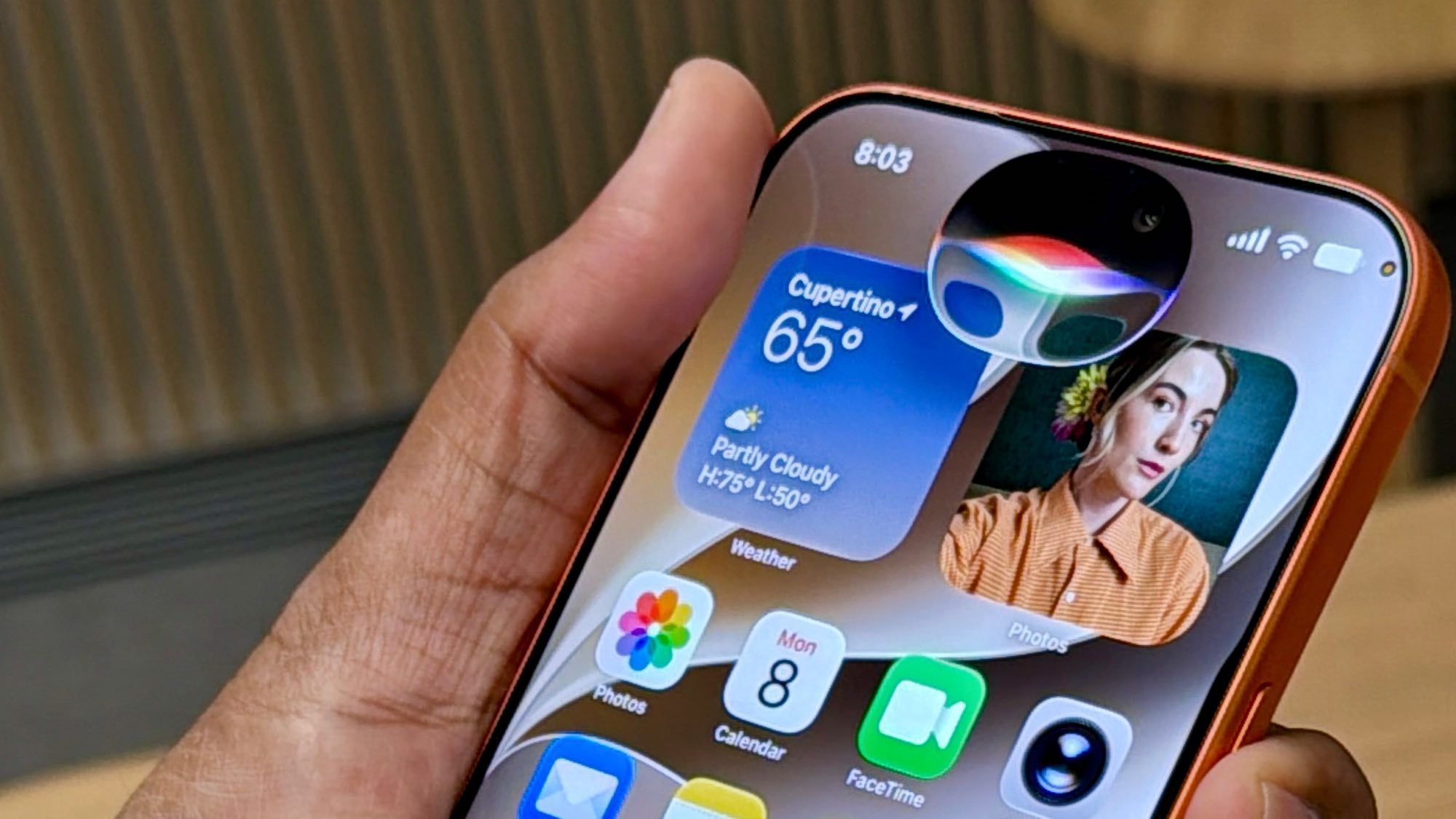
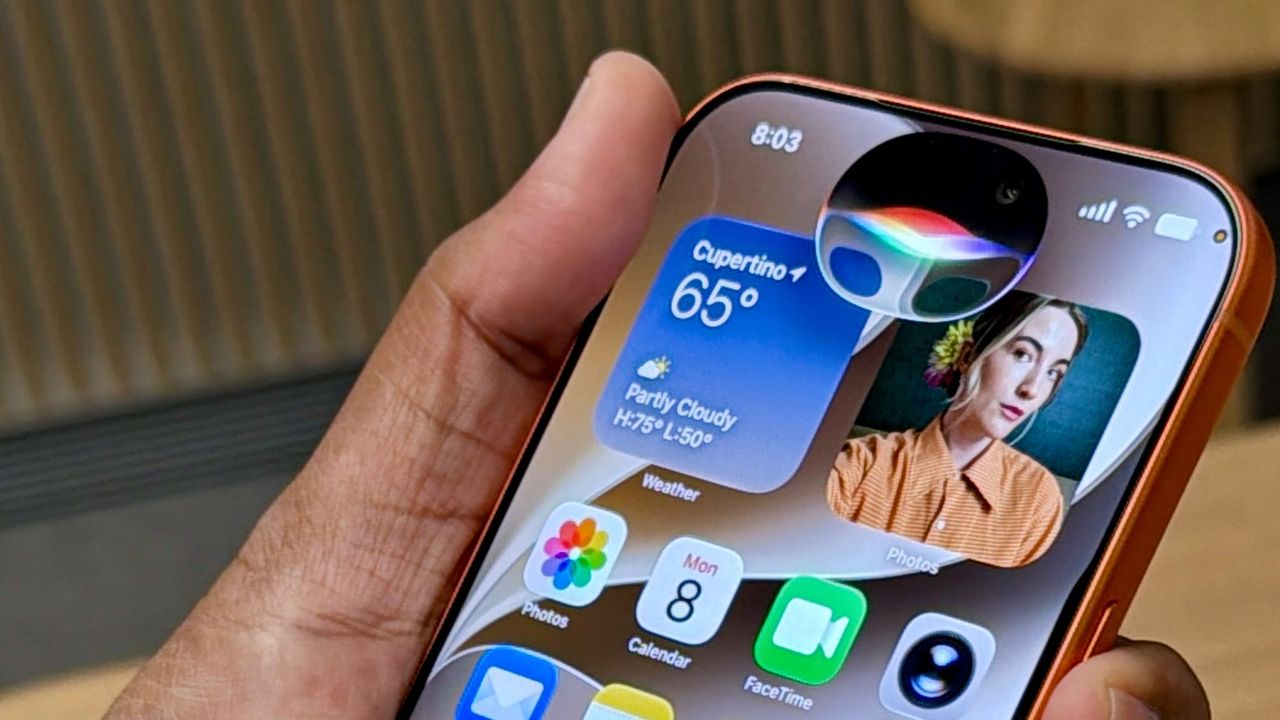
Even before ChatGPT went mainstream Siri has been the butt of jokes for not being very smart. And it’s been justified. Trying anything beyond the basics — playing music, getting the weather, setting timers — has been an exercise in futility. That (hopefully) changes with Siri AI, which is coming to iPhones, iPads and Macs with iOS 27.
I had a chance to see some in-person demos of the new Siri AI in action, and while these were very much rehearsed, there’s real potential here to save you time and make your life easier. Here’s what I like so far, and what needs work.
Siri AI on iPhone
(Image credit: Future)
The first thing you should know about Siri AI is that it understands personal context. So you can ask questions about pretty much anything on your device, and the assistant is smart enough to dig through apps for you to surface the right info.
Latest Videos From
During one demo, an Apple rep asked “Which podcast did my sister recommend recently.” And Siri AI then pulled up the answer from a text message. Even better, you can just say “Play it” and Siri will fire up Apple Music and help you dive right in. (Apple will open up this capability to other developers in case you have another favorite music or podcast app.)
Siri can also get stuff done on your behalf across multiple apps, including performing multiple tasks with a single prompt.
You may like
(Image credit: Future)
The second demo started with just a couple of items on a camping list, but an email from a friend had a lot more recommendations. You can just say “add this stuff to my camping gear list and remind me to pack for my trip when I get home.”
Siri then got to work, updating the list in the Notes app and then setting a location-based reminder. However, it did take a while to complete these tasks. Hopefully, the final Siri will be faster.
I was pretty impressed by the improved Visual Intelligence experience, too. You can now access it via a dedicated Siri mode within the camera app, so you don’t have to use the Camera Control button shortcut. I think that’s huge for ease of use and discoverability.
(Image credit: Future)
During the demo, an iPhone captured an image of two books. You could then ask which book you should read first if you really liked Hyperion and Siri gave its recommendation. The Apple rep then asked which of these books had been turned into a movie and Wool had been adapted into the ‘Silo’ TV series. Cool, yes, but yeah I told you it was canned.
What’s not clear is whether this works with live video and I’m following up on that.
What to read next
Siri AI on Mac
(Image credit: Future)
Accessing Siri AI on Mac is as easy as just pulling up Spotlight or typing command + Shift + Space. When you start typing Spotlight will know what sorts of queries should go to Siri versus say just launching apps.
Let’s say you’re looking for vacation spot and type “What’s the best Hawaiian Island for a young family.” Siri will get to work and pull up recommendations in a new window, which you can then expand and park on either side of the screen.
You can then ask follow-up questions like “Which is best for sea turtles” to narrow your selections. From there you can hit a button in the top right corner to bring you into the dedicated Siri app.
(Image credit: Future)
The dual-pane app will have your chat in the right window and your history of all Siri chats in the left window. It’s pretty easy to navigate.
To help you save time on productivity tasks, you can use Siri AI wherever you can use a cursor. The demo showed how you can be looking at a messy note with a bunch of info and then use a secondary click to bring up the Ask Siri menu.
After typing “Draft an email that summarizes this and include the action items,” Siri did just that. It’s definitely a timesaver. I just wish it worked with Gmail as well Apple Mail. Google would have to plug into Siri AI’s framework.
My favorite Siri AI on Mac demo came when a mock summer schedule appeared on screen with dates, times and locations for the matches. You can use Command + Shift + Space and then click the Add to Calendar button that automatically appears.
From there Siri AI will let you add all of the games to your calendar. Or you could tell Siri to only add the home games to your calendar if you wanted. Where was this when my kids were playing sports?
Siri on iPad
(Image credit: Future)
Last but not least, Siri AI on iPad works in much the same that it does on the iPhone, but having a larger canvas has its benefits.
You can access Siri AI at any time just by swiping down from the top middle of the display. As you begin to type “Who are the top golfers in the PGA right now,” the text “Ask Siri” appears right after it because Apple’s assistant knows that it can help.
Siri AI will then tap into Apple’s Broad World Knowledge and bring back answers, complete with citations you can click on.
Apple’s Siri AI can also help you plan a trip and you make the query pretty specific, like “What are the best national parks to visit in the US in July with my family? Recommend something that’s not too hot or crowded.”
Siri AI recommended where to go, including North Cascades National Park in Washington. You can then pop into the full Siri app if you like to ask follow-up questions, or use the Slide Over feature to keep the Siri conversation just a swipe away.
Siri AI outlook
(Image credit: Future)
Overall, Siri AI isn’t just a rebranding for Apple. It’s a much more capable and personal assistant that’s more deeply integrated into the apps you use.
I’m especially impressed by Siri AI’s use of personal context, and the ability to complete multiple actions at once. And while Visual Intelligence doesn’t seem quite as robust as Gemini Live in terms of having a real-time conversation about whatever’s in your camera view or on your screen, it’s certainly much improved.
In addition to a bit more speed, I just want to see what happens when developers get their hands on Siri AI so that you’re not just locked into Apple’s own apps.
Follow Tom’s Guide on Google News and add us as a preferred source to get our up-to-date news, analysis, and reviews in your feeds. Alternatively, you can read our content on the Tom’s Guide app available now for iOS and Android. Subscribe to Tom’s Guide on YouTube and follow us on TikTok. Finally, you can visit our dedicated Tom’s Guide Savings Squad hub for expert help on getting the best products for less.
