


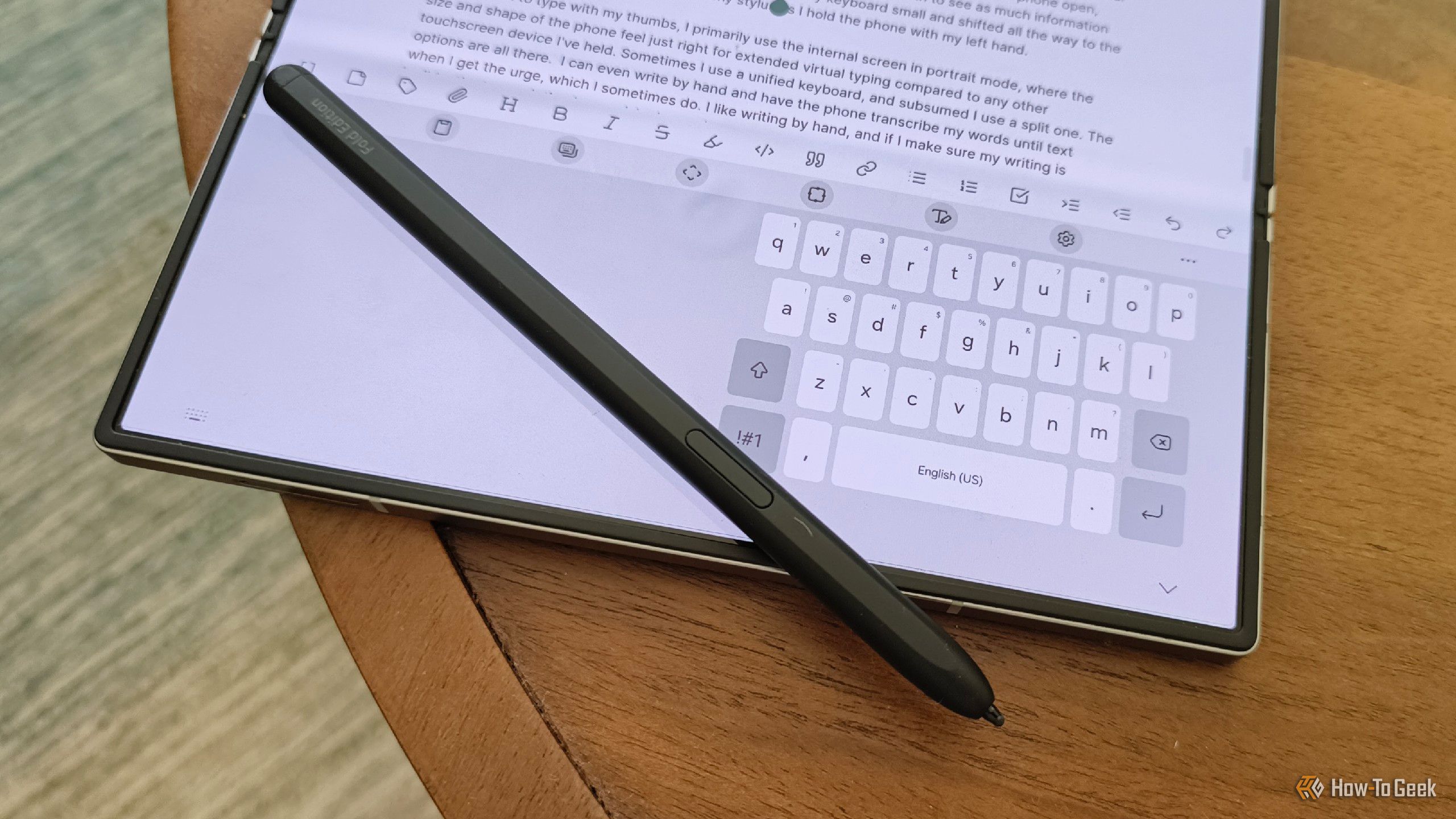
For a long time, I treated my smartphone like, well, a phone with just a few extra features. Sure, I could browse the internet and work on documents, but I largely relegated my mobile device to being nothing more than a phone.
Then I discovered the hobby of tinkering with Android and doing experiments in my makeshift home lab. After that, I saw the phone as an extension of my computer or something to use for making things.
I rounded up a few of my favorite “hidden” or lesser-known features that I think are worth checking out once you know how to find them (and if you have a Samsung Galaxy device, of course).
I’m using a Samsung Galaxy Z Fold 5 running One UI 8.5 for these features. Most Samsung Galaxy phones will likely have similar features, but your results may vary.
Related
I’m Still Waiting for a Worthy Samsung Galaxy Z Fold Competitor
There are other foldables, but none quite like this.
DeX, the Desktop Extension feature
The evolution of a desktop experience
Credit: David J. Buck/How-To Geek
Samsung offers a unique mode called DeX Although it’s easy to access, it’s probably not something you’ve thought about much from day to day. If you’re lucky enough to have a Samsung phone that offers it, DeX can be a game-changer for productivity. It’s compatible with Bluetooth keyboards and mice, too, so it acts as a way to conveniently use your phone as more of a “desktop experience.”
On my phone, it was accessible straight from the top menu. Wireless DeX is available on devices made after 2018. Fortunately, my device fell into that category. That doesn’t mean DeX is dead. It just means that the classic DeX layout has been overhauled to align better with multi-window use. It’s a positive evolution for a useful feature that makes it even easier to simulate a desktop experience with your phone.
You can also use an adapter cable to connect your phone to any HDMI display, should you prefer to go that route. DeX on PC allows you to hook your phone up to a PC to use DeX with a USB cable.
Compatibility can be an issue, so check your device on this handy list of compatible devices straight from Samsung.
Experimental features that transform your device into more than a mere phone
Samsung Galaxy phones often include a somewhat hidden feature called Labs. They are, just as the name implies, experimental features specific to different Galaxy phones. According to Samsung itself, some of the apps may not work correctly. To find and enable Labs, just navigate to settings > search > labs. From there, you’ll be able to see what’s available on your phone.
My Labs menu only showed dark mode, Multi-window for all apps, and Landscape view for portrait apps, but when you click into Multi-Window, it offers other useful Labs features like Swipe for split screen (which is incredibly handy in unfolded mode) and Swipe for pop-up view (which I find significantly less handy and don’t really use).
I use my Samsung for hobby projects, composing, some light coding, budgeting, and work-related tasks, so multi-window is one of my most frequently used features. I accidentally discovered that if you take a screenshot in multi-window mode with this feature on, it lets you either keep the image of both apps open together, or you can grab a screenshot from only one of the apps.
I also recommend enabling Landscape view for portrait apps. If you’re like me and you use landscape mode frequently, then this is a fantastic feature for both folded and unfolded modes. I don’t really need to talk about dark mode, but it is available, and I use it on basically everything.
On non-foldable phones, Labs will offer different features depending on make and model.
Flex mode converts your phone into a tiny laptop
Touch features and a tiny display
Credit: David J. Buck/How-To Geek
Have you ever wanted a tiny laptop? Of course, you have! Flex mode provides something like that. So, this is technically an advanced feature (found under settings > advanced features > Flex mode panel) that can be enabled the same way as the other features I mentioned before. The idea here is that you put the phone at an angle, so the top screen is essentially perpendicular to the bottom screen.
It has some unexpected features, like a touchpad on the bottom screen that gives you a mouse pointer so you can navigate your phone as if it were a computer (there’s no mouse button; you have to tap the screen to act as a ‘click’). You can also bring down the overlay, take a screenshot, or open a different app on the bottom screen with just a simple tap.
It works for me because I write a lot, have to take a variety of screenshots, or just like to mess around with experimental features on my phone. I like this mode almost as much as multi-window.
Related
I Didn’t Start Buying Samsung Phones Until They Got Boring
This is the most excited I’ve ever been to buy Samsung phones.
Samsung phones are powerful computers
Credit: David J. Buck/How-To Geek
Experimental features truly made a difference for my phone, but they’re only the beginning of what can be done with Android. In the past, I’ve turned old Android devices into dedicated music players, converted one to an on-the-go laptop surrogate, and set up an old Motorola as an Android TV hub.
Hidden and experimental features are half of the fun of owning a powerful computer that you carry in your pocket. Sometimes, it makes the world feel a lot more like Star Trek every day (I’m a Next Generation and Titan fan, myself).
Brand
Samsung
SoC
Qualcomm Snapdragon 8 Gen2 Mobile Platform for Galaxy
