


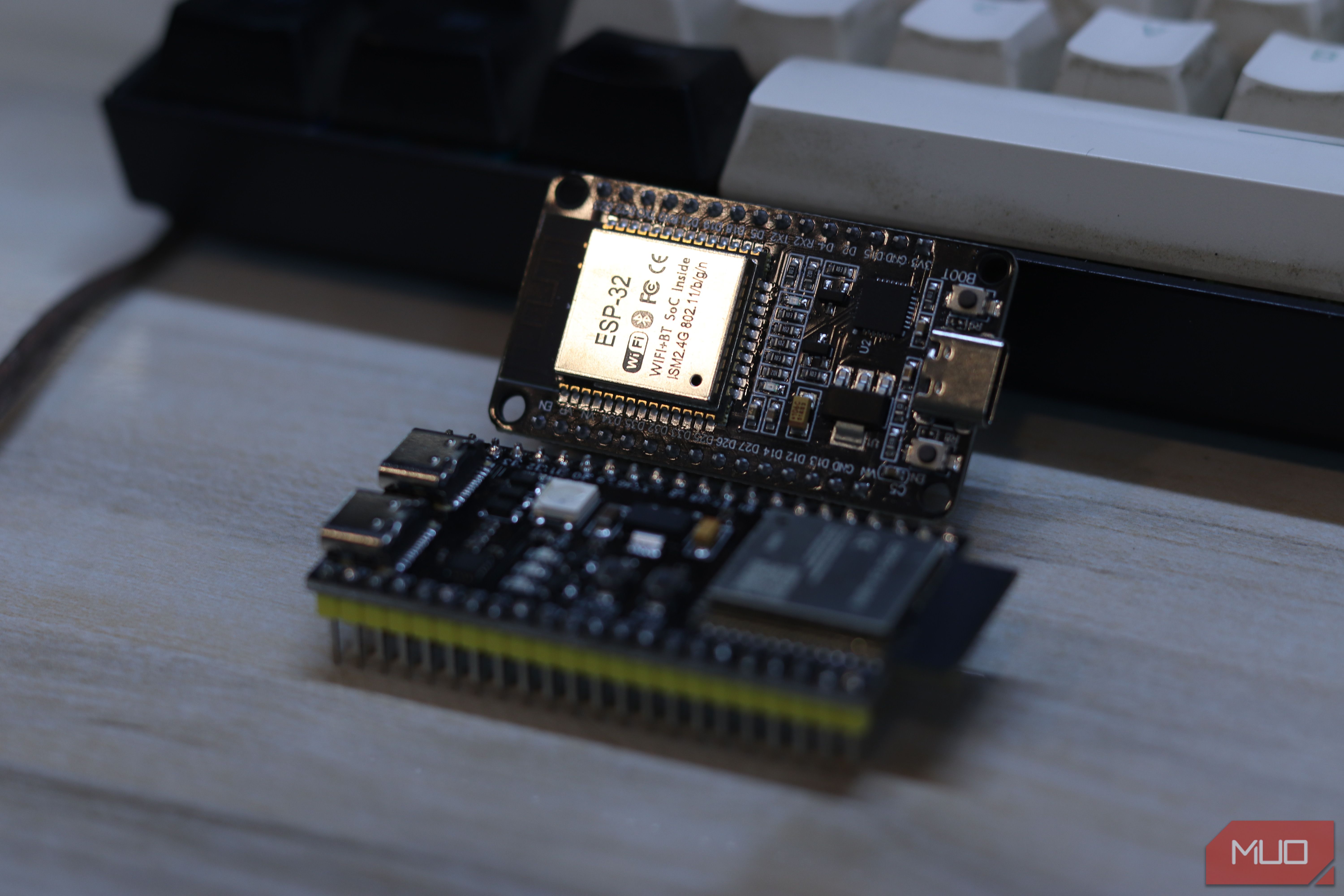
Your traditional lamp is much easier to turn into a smart lamp. Just swap out your old bulb for a smart one and call it a day. But for a lot of USB lamps with an in-line controller and permanently attached LEDs, this upgrade path isn’t possible. And that’s where a cheap ESP32 board comes in handy.
After finally making my Home Assistant dashboard as smart as my home, I was rounding up the last few things I needed to turn smart, and that includes a USB desk lamp that lights up my hardware workstation and 3D printing desk. Not because I desperately needed to turn a lamp on from my phone, but because every other lamp and desk light in my office runs on a schedule, and this one was among the most important.
Related
I never have to ask “is it me or the internet?” thanks to this $10 build
My ISP can’t gaslight me anymore.
Most lamps are already halfway there
Why a simple switch and a cheap microcontroller are all you really need
Photo by Yadullah Abidi | No Attribution Required.
My first instinct was to slap a MOSFET on the 5V line and call it a smart lamp. I can then flip the power with a GPIO pin on the ESP32, use ESPHome’s monochromatic light platform, and be done in 10 minutes. The problem with this approach was that the lamp wasn’t as dumb as I thought.
It has an inline controller with an LED driver IC with its own memory. It cycles through color temperature and brightness states based on button presses. If you just cut and restore the power, you’re not controlling anything; you’re just flipping a switch.
Some quick prying with my tweezers later, I could inspect the controller IC. Turns out the button lines were sitting at roughly five volts, meaning a direct connection to the ESP32 would fry the board as it works on a 3.3V logic. Now, the ESP32 isn’t an expensive board, but it wouldn’t be wise to kill one in such a manner.
I also found three output wires coming out of the lamp — red, black, and white. After some measuring with a multimeter, I found a common anode topology. Red is a shared 5V positive rail, while black and white are independently controlled ground returns for the warm and cool LED arrays, respectively. Weirdly, the brightness isn’t controlled by changing the supply voltage; it’s controlled by raising the ground return voltage. The lamp is doing more under the hood than it looks, but since the IC on the board doesn’t include any identifiers, I was forced to work with what I have.
The hardware is simpler than it looks
The circuit that safely gives your lamp smart controls
I wanted to replace the inline controller entirely, but since it’s running a no-name IC, I don’t know what logic is running behind the scenes. Additionally, I only had BC547 transistors on hand, and they’re massively underpowered for the 12W lamp that I’m working with, meaning I would have to order a MOSFET like the IRLZ44N. But I didn’t want to wait on shipping and took a different approach.
Instead of replacing the inline controller, I decided to simulate button presses with the BC547 transistors I had on hand. This would let me control the lamp from Home Assistant, while also retaining the physical buttons from the inline controller.
For the circuit, the collector goes to the lamp’s button terminal, the emitter goes to ground, and the base connects to an ESP32 GPIO through a 10kΩ resistor. When the ESP32 pulls a pin high, the transistor saturates and shorts the button contacts — exactly what a button press would do. One transistor per button, four buttons total, four GPIOs neatly mapped.
The power button on the inline controller was wired differently than the rest, so I spent a few hours chasing why power wasn’t working, but everything else was. I was able to resolve it in the end by connecting the emitter and collector pins of the transistors to the two button pairs that would short on a press.
The circuit is quite simple if you’re familiar with basic electronics. You’re not replacing the lamp’s built-in intelligence; you’re just giving the ESP32 a way to interact with the same buttons you would.
Brand
Espressif
Connectivity Features
Wi-Fi, Bluetooth
ESP32 is a low-cost microcontroller with built-in Wi-Fi and Bluetooth, widely used for IoT projects and DIY electronics.
Software does the heavy lifting
Flashing firmware, connecting Wi-Fi, and integrating with your smart home
Screenshot by Yadullah Abidi | No Attribution Required.
I use ESPHome for all my ESP32 smart home deployments. The YAML config defines four template switches, each mapped to a GPIO that controls one of the transistors. A quick 100ms pulse is enough to register as a button tap without confusing the lamp’s driver into thinking it’s a long press. From Home Assistant’s perspective, the lmap shows up as a controllable entity almost immediately after flashing, courtesy of ESPHome’s native API.
The only problem, however, is state tracking. The lamp’s driver IC doesn’t broadcast its state; it just responds to button presses. The ESP32 has no idea what state the lamp is in if you change the brightness or color temperature using the inline controller. This can be fixed by adding logic so that the firmware can have its own internal record of where the lamp is in its cycle and calculate how many button presses are needed to reach a target state. It’s not perfect, but it works and lets me create the automations I want. The tiny ESP32 is already one of the cheapest network upgrades I’ve gotten in a while, and it keeps doing so much more.
Five dollars later, I had a smart lamp
The costs, compromises, and whether I’d do it again
To me, this is absolutely worth it. Blowing up a small circuit onto a much larger breadboard while you have a perfectly functional way of controlling a lamp might not make sense to all, but when you’ve got all your workspace lamps on the same schedule, that cohesiveness is well worth the effort.
Related
5 useful things a $5 ESP32 can do for your home network
This tiny chip is doing too much.
The build itself was practically free for me. But even if you set out to buy the parts yourself, you’d barely spend more than $5, including the ESP32 board and the extras required. The lamp itself is unchanged, and it fits into the same ecosystem without any fancy smart bulb or proprietary app.
