

Samsung’s software is a kitchen sink of features, but if you look closely, there are a handful of really useful tools that can impact how your phone runs on a daily basis (be sure to set up modes and routines to automate your phone but disable these unnecessary features and turn off always on display, you don’t need it).
I’ve identified a few things you can set up on your Samsung Galaxy that will specifically run while you sleep, which will have you waking up to a faster phone with more battery, while being updated automatically with the latest security patches. Here’s what to do.
Set up auto-reboot every night
Makes a pretty big difference
Credit: Brandon Miniman / MakeUseOf
As is the case with a PC, rebooting your phone occasionally helps to reload and repair core operating system files; it flushes out the memory; it terminates background processes; it clears temporary cache files, and it also re-establishes all network connections.
Samsung devices have a hidden setting that can reboot your phone every night while you sleep and while it’s charging, and after setting this up, I have to say that my phone feels faster every day (and I’m using an old Galaxy S22+).
Setting this up is simple: go to Settings -> Device Care -> Auto optimization -> Auto restart -> Restart on schedule –> Set it up to reboot daily in the middle of the night.
Turn off battery protection
Charge to a full 100%
Credit: Brandon Miniman / MakeUseOf
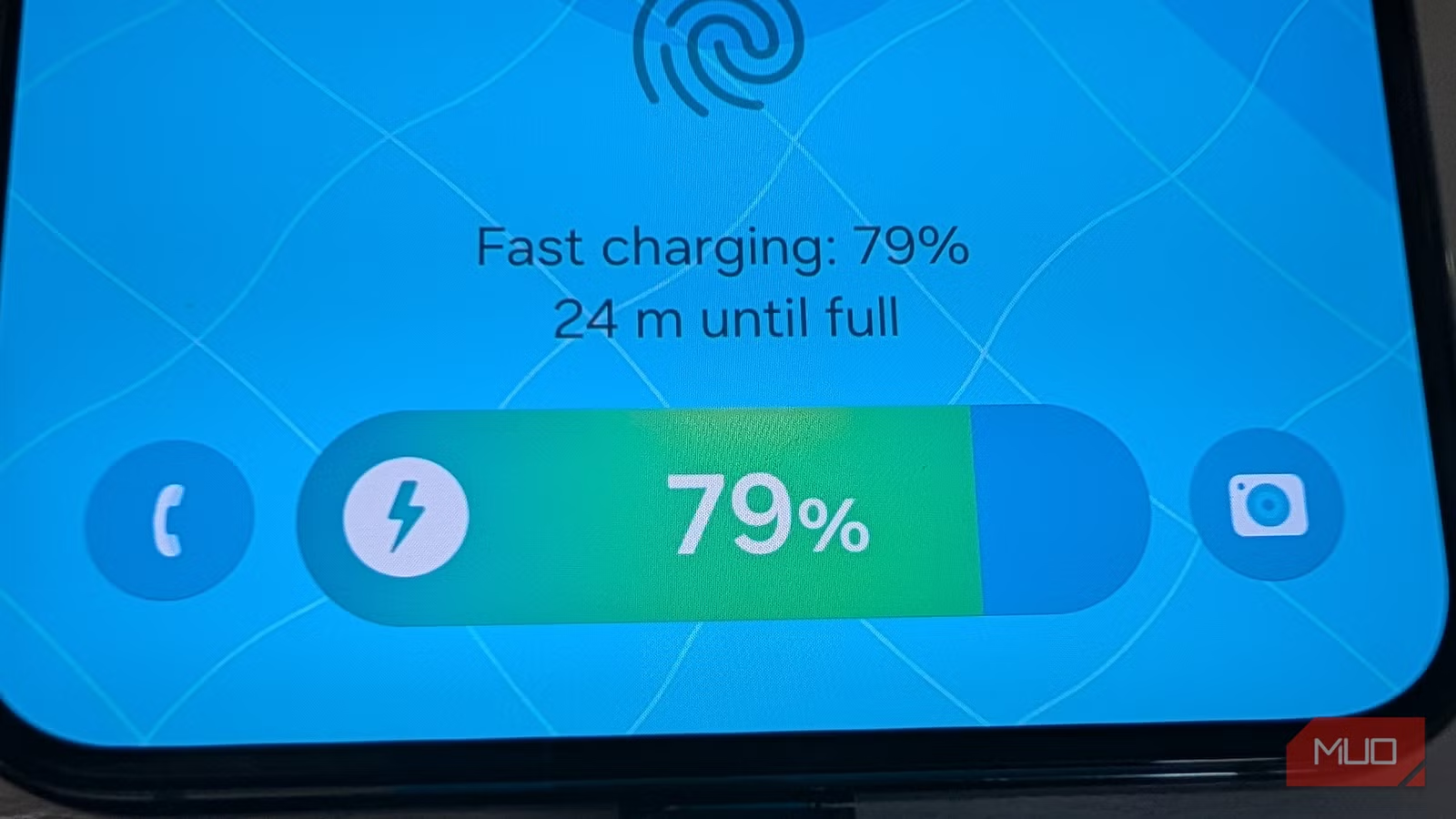
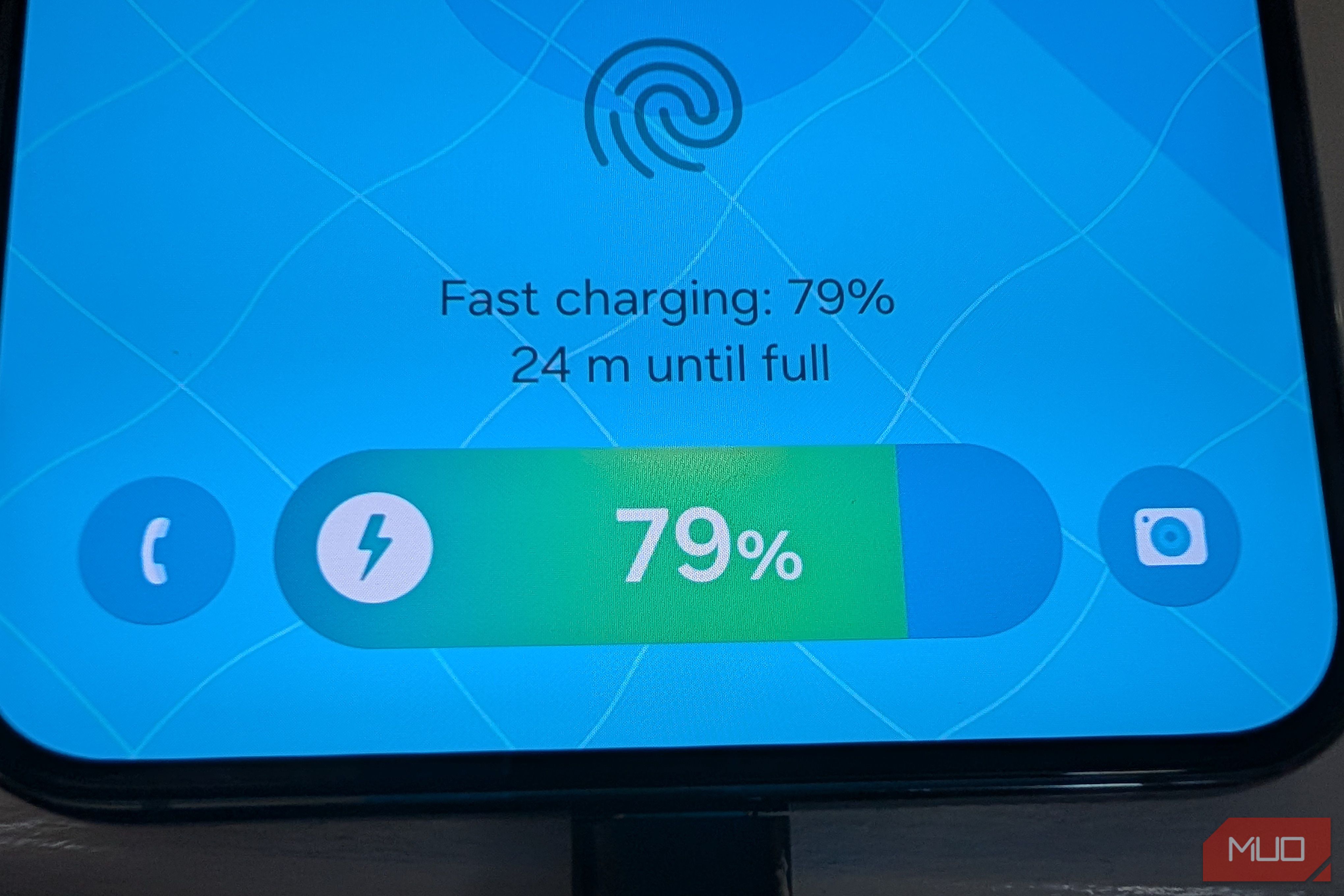
Lately, phones have an annoying feature called Battery Optimization or Battery Protection that tries to learn your charging habits such that the phone doesn’t get to 100% until it anticipates you’ll take it off the charger. This is because modern batteries wear down fastest when charged fully, so the idea is that you only charge to full when needed. This might mean that if you take your phone off the charger at an unanticipated time, you might only have charged to 80% despite the phone being on the charger for many hours.
To turn off this ridiculous feature and reclaim your 100% battery, go to Settings –> Battery Protection -> Turn off.
In theory, this could slightly reduce the lifespan of your battery if you plan to keep your phone for more than two years. Since I tend to upgrade my phone yearly, I prefer having more battery life even at the expense of battery longevity, since I’ll be trading in my phone in a year anyway.
SoC
Snapdragon 8 Elite Gen 5
Display
6.3-inch Dynamic AMOLED 2x
Keep auto-update turned on
Samsung pushes software updates often
Credit: Brandon Miniman / MakeUseOf
Samsung does a wonderful job at pushing out software updates, often with up to seven years of updates for most devices. Even my Galaxy S22+ from 2022 is running the latest One UI 8.5 software on Android 16. One way to ensure you get the latest updates is to turn on auto-update so you don’t have to think about it.
To turn on auto-update, go to Settings -> Device Care –> Software Update –> Auto download –> Turn on.
Turn on background usage limits
Add social media apps to keep them dormant
Credit: Brandon Miniman / MakeUseOf
By far one of the biggest culprits of battery drain is overzealous social media apps that update in the background even when you’re not using them. Samsung has a great tool that lets you limit background usage of key apps. You can set this to auto, but I much prefer to manually add apps I know will be trying to update constantly in the background, like Instagram and LinkedIn.
To set this up, head to Settings -> Battery -> Background usage limits -> Sleeping Apps -> Add social media apps here. This setting will cause the apps to run the background only occasionally.
There is an even more extreme measure you can take for apps that you never want to update in the background and will cause them to only update if you manually open the app and update it. That’s in the Deep sleeping apps menu under Settings -> Battery -> Background usage limits. If you use Facebook, one of the biggest culprits of having battery-killing background activity, I’d absolutely add that to the deep sleeping apps list. But otherwise, you can use the less extreme regular “sleeping apps” menu mentioned above to keep most social media apps from slowing down your phone and using your battery.
You just need to use them
Credit: Brandon Miniman / MakeUseOf
It’s easy to discount the sheer number of features and tools you get on a Samsung Galaxy. But if you spend the time digging, like by having your phone auto-reboot while you’re sleeping and turning off annoying battery optimizations that rob you of a full battery in exchange for a little bit of battery longevity, you can truly have a phone that does a little bit of work while you sleep, so that when you wake up you always have a full battery and a phone that runs at peak performance.
