

There’s a Pixel 4a sitting on my shelf right now, plugged into a random USB port, doing nothing. It doesn’t take calls, send messages, and there’s no SIM card in it. All that phone does is sit on a shelf and host my music library, using a tool that’s likely the perfect self-hosted music server.
It happens to be the best music server I’ve used, and it cost me nothing except some time during setup. Most of us have old phones like that. Too good to recycle, not good enough to use daily, but still perfectly functional. So, if you are looking for a new way to use that old phone, or want a music server that doesn’t put a hole in your wallet, hosting a music server on your old Android can be the answer.
Why your old phone beats a real music server
It’s already paid for, always on, and surprisingly capable
The usual suspects for self-hosting a music server would be a NAS, an old or spare PC or laptop you might have lying around, or even a cheap Raspberry Pi or similar board. These are all great options, but they come with some friction.
A desktop or laptop would honestly be wasted holding only a music server. A NAS is a proper hardware commitment. And while single-board computers are neat, you still need to source the board, storage, a power adapter, and probably a case for good measure before setting up the board itself.
A phone, on the other hand, sidesteps all that. It already has Wi-Fi, storage, a battery that doubles up as a basic UPS, and a form factor that makes it fit anywhere. It’s designed to run around the clock with no fans, and in the case of my old Pixel 4a, it still has enough processing power to host a music server or even my own self-hosted Google Drive alternative.
The only challenge is to convince Android to let a long-running process live in the background, and to do some basic setup.
How I turned stock Android into a music server
No root, no hacks—just a few smart tools
The easy part is that you do not have to unlock the bootloader or flash another OS. Termux and Navidrom are all the tools you need. You could flash your phone to something like PostmarketOS or LineageOS for better control, but you don’t need to in case you still want Android on the phone.
First, you need Termux. It’s best if you download it from F-Droid or the official GitHub repository to get the latest version. After installing, fire it up, and run the following command to update everything:
pkg update && pkg upgrade
You’ll also need Vim and ffmpeg, along with some more essentials, so you can build the Navidrome binary locally on your device.
pkg install golang git build-essential vim ffmpeg
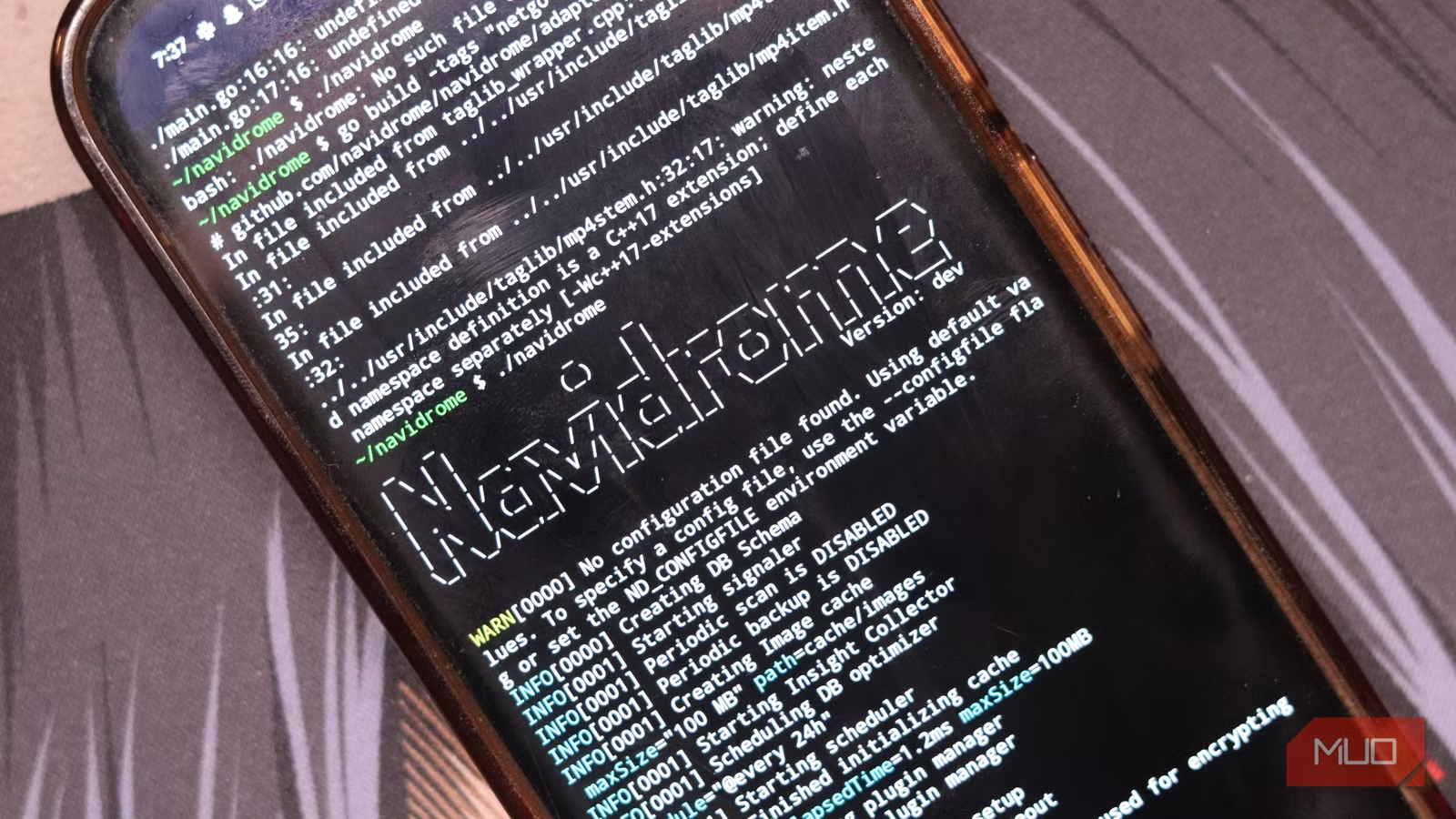
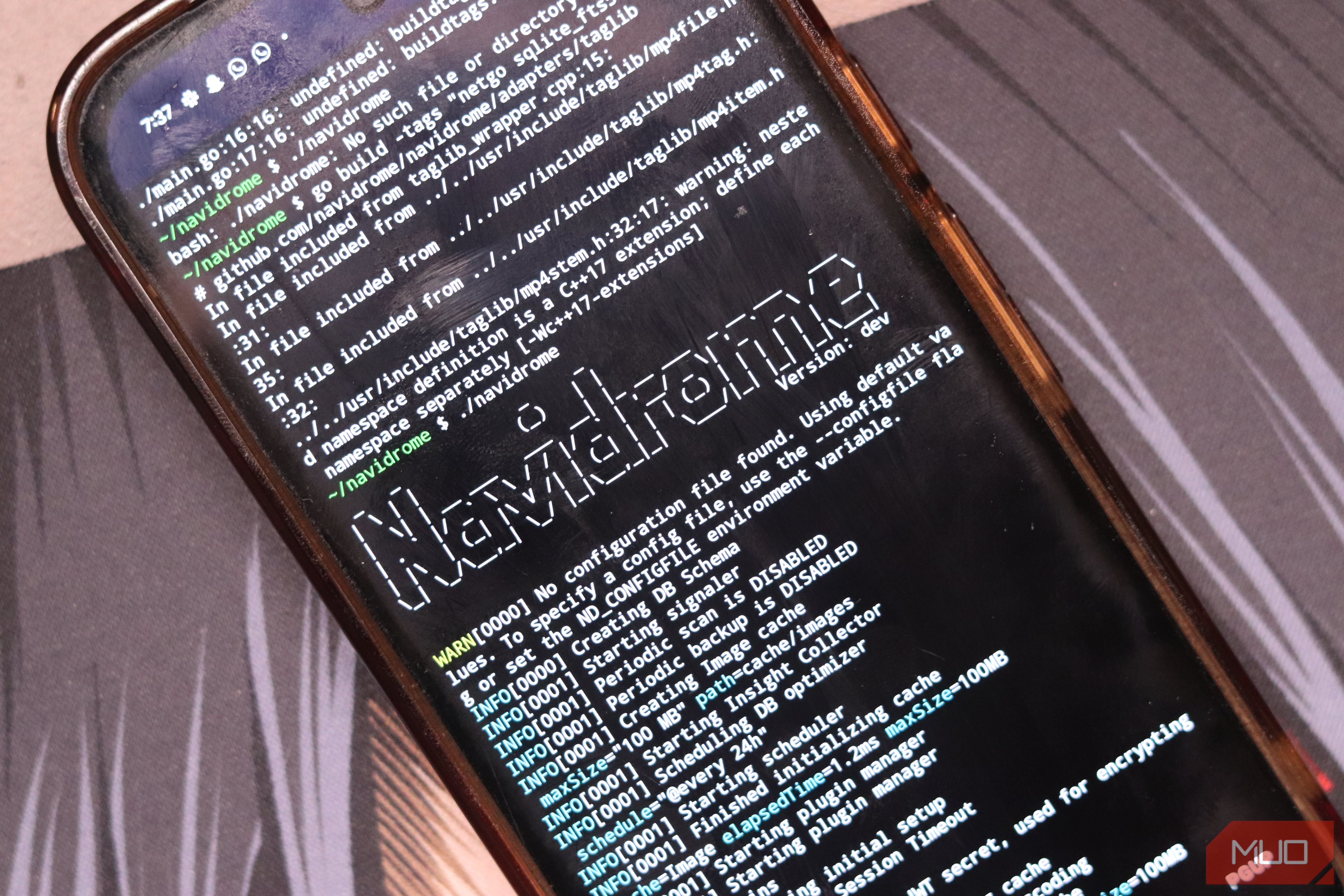
Termux can’t just run arbitrary Linux binaries, even if they’re built for ARM. This means building Navidrome yourself is the reliable option. It takes a bit more effort, but the guide is cleanly laid out in the official documentation. Just make sure you change the commands to function according to Termux, which means replacing the package manager (apt in the official documentation) with pkg. Run the following commands one at a time, and you should get a functional Navidrome server in no time:
git clone https://github.com/navidrome/navidrome.git
cd navidrome
go build-tags“netgo sqlite_fts5
./navidrome
On very low-RAM devices, the UI build can run out of memory. You should be fine on relatively modern Android phones, however.
When the build finishes, you’ll have a single Navidrome binary that Termux can run. Then, you create a simple navidrome.toml configuration file in your Termux home directory to tell it where your music is, where to store its database, and which port and base URL to use. On Android, you’d want to put your music library somewhere Termux can read it or on attached USB storage if you’ve got a particularly large library.
Yadullah Abidi / MakeUseOf
You can also make this setup behave like a real server using Termux’s service framework. You can use the services add-on to keep the Navidrome process running in the background. If you’re keen, a small run script can control how to start Navidrome, which configuration file to use, and where to log data. You can then move that script to the services directory to start the server with a single command and have it start automatically when Termux initializes after a reboot.
Another setting to keep in mind is to disable battery optimization for Termux on Android. You might have to disable Android’s phantom process killer. This option is available in Android developer settings, generally as a Disable child process restrictions toggle. Once you’ve enabled it, restart your phone, and you’re good to go.
OS
Android
Price model
Free, Open-source
Termux is an Android app that brings a full Linux terminal environment to your phone, letting you run command-line tools and packages natively.
Pointing Navidrome at your library (the easy way)
One config tweak and your entire collection just shows up
Once the Navidrome service is in place, drop your music into the folder you defined in the configuration file. I have a relatively modest library with fewer than 100 songs, so the phone’s internal storage works fine. But if you have an offline-first music library, using an external USB storage solution might be the better choice.
Once Navidrome starts, it scans the folder, builds its database, and exposes a web interface on your local network. You can access it by typing in the shown IP and host into a browser on another device on the same local network. From there, you create an admin account, tweak some basic settings, and you’re off to the races.
OS
Windows, Linux, macOS
Developer
Deluan Alves
Price model
Free, Open-source
Navidrome is a lightweight, self-hosted music streaming server that lets you stream your personal music library from any device.
Living with a phone-powered music server is shockingly good
Tiny, silent, cheap—and it just works
Once the service is up and running, you never need to touch the phone again. All interactions will happen on clients, as you can point most music-playing apps to a local server and have them fetch your library.
There are still trade-offs you need to be aware of. Keeping your phone permanently on charge isn’t ideal, although that much wear is acceptable for a shelf device. Android can also be eager to impose background restrictions, so you will perhaps need to check if Termux and Navidrome are still running, especially on lower-powered phones.
For a normal household library where there are only one or two listeners at a time, it works quite well, though. The hardware cost is effectively zero, the power draw is tiny compared to a desktop or NAS, the software stack is open-source, private, and easy to move to another device if you need to. Very soon, that forgotten phone in your drawer stops being e-waste and starts being quite useful.
