

Your keyboard is probably the app you use the most. Your search queries, messages, emails, notes, and everything else goes through the keyboard app. Still, when it comes to doing a privacy audit of your Android phone, it almost always gets overlooked.
The problem is that most popular keyboard apps tend to collect a lot of user data. And no, it’s not just to show relevant suggestions and improve your typing experience. Thankfully, you’re not stuck. It’s possible to reduce how much data your keyboard collects and protect your privacy.
Related
I disabled one Android system app and got 6GB back with zero downsides
Not all system apps are important.
Your keyboard knows more about you than you think
No wonder every tech giant has its own keyboard app
Credit: Keval Shukla / MUO
Every time you fire off a text, type in your address, search for something, enter your password, or even browse in incognito mode, you use your phone’s keyboard. It sees everything you type, which also makes it a huge privacy risk. Granted, you don’t need to be cynical about companies like Google, Samsung, or Microsoft stealing your passwords or home addresses. Still, it’s also not something you should totally ignore.
Most Android keyboard apps tend to collect at least some user data by default. For instance, most of them log your typing patterns and corrections to improve predictions. We’re talking about learned words, phrases, typos, and other patterns built from everything you’ve typed since you installed the app.
And that’s not all. Gboard also collects your in-app search history, the list of apps on your phone, and voice typing snippets. Most importantly, none of this is for your benefit — mostly the other way around. And this differs from app to app. SwiftKey collects most of the data Gboard collects, and even requests your location data. It does this so it can quickly insert your address and location details using autofill, but it also means it can ping your location at any time.
And this is on top of the usual tracking, like your device ID, email address, app interactions, and diagnostics data. Even if you’re not a privacy freak, there’s almost no reason to give all of this sensitive data away.
Most keyboard tracking is optional — you just have to turn it off
It’s all there, just tucked away
To be fair, most keyboard apps are fairly transparent about all the data they collect. If you head to the Data safety section of your keyboard app’s Play Store listing, you’ll see a full breakdown of everything the app collects. It’ll even mention if the data is shared with a third-party and which collection is optional.
Gboard’s listing, for instance, flags that it collects app interactions, in-app search history, installed apps, and other user-generated content. It doesn’t get into the specifics of what exactly is being logged, but it’s enough to give you an idea of what you’re signing up for.
The problem is that most people skip past these details. They’re even easier to miss if you’re using the keyboard app that came pre-installed on your phone. Either way, the good news is that you can disable most of this data collection.
If you’re using Gboard, head to Settings > Privacy and turn off all the toggles. You can even go to its app permissions page and turn off access to the camera, contacts, accounts, photos, and videos. The same goes for most other keyboard apps. There’s usually an opt-out option buried somewhere in the settings.
Or, switch to a privacy-focused keyboard app
The easy option
Pankil Shah / MakeUseOf
You can disable personalization, turn off cloud sync, and revoke as many permissions as Android allows, but the truth is, there’s only so much you can do. As long as a keyboard app has internet access and its features rely on cloud services, some data collection is usually unavoidable.
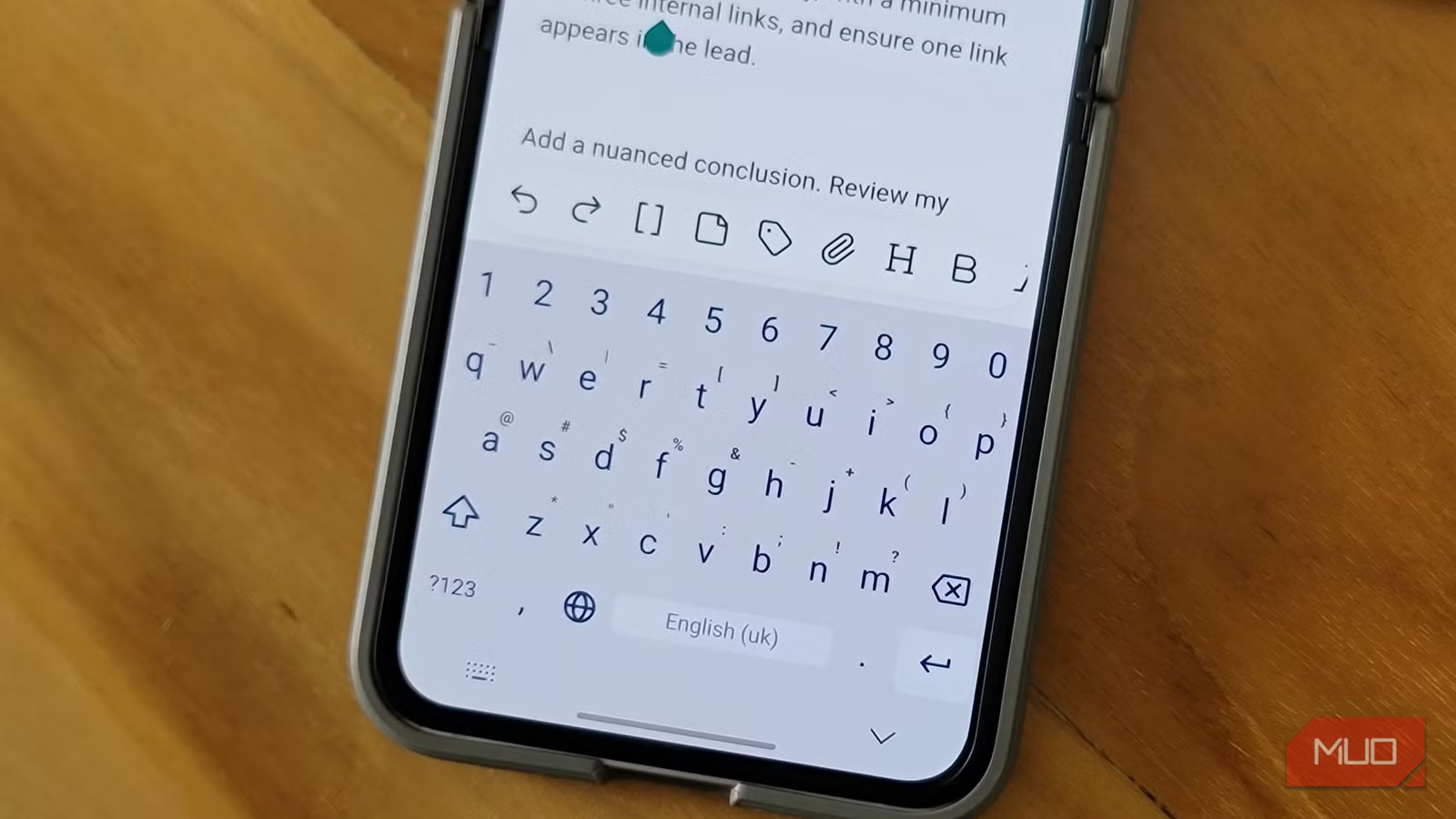
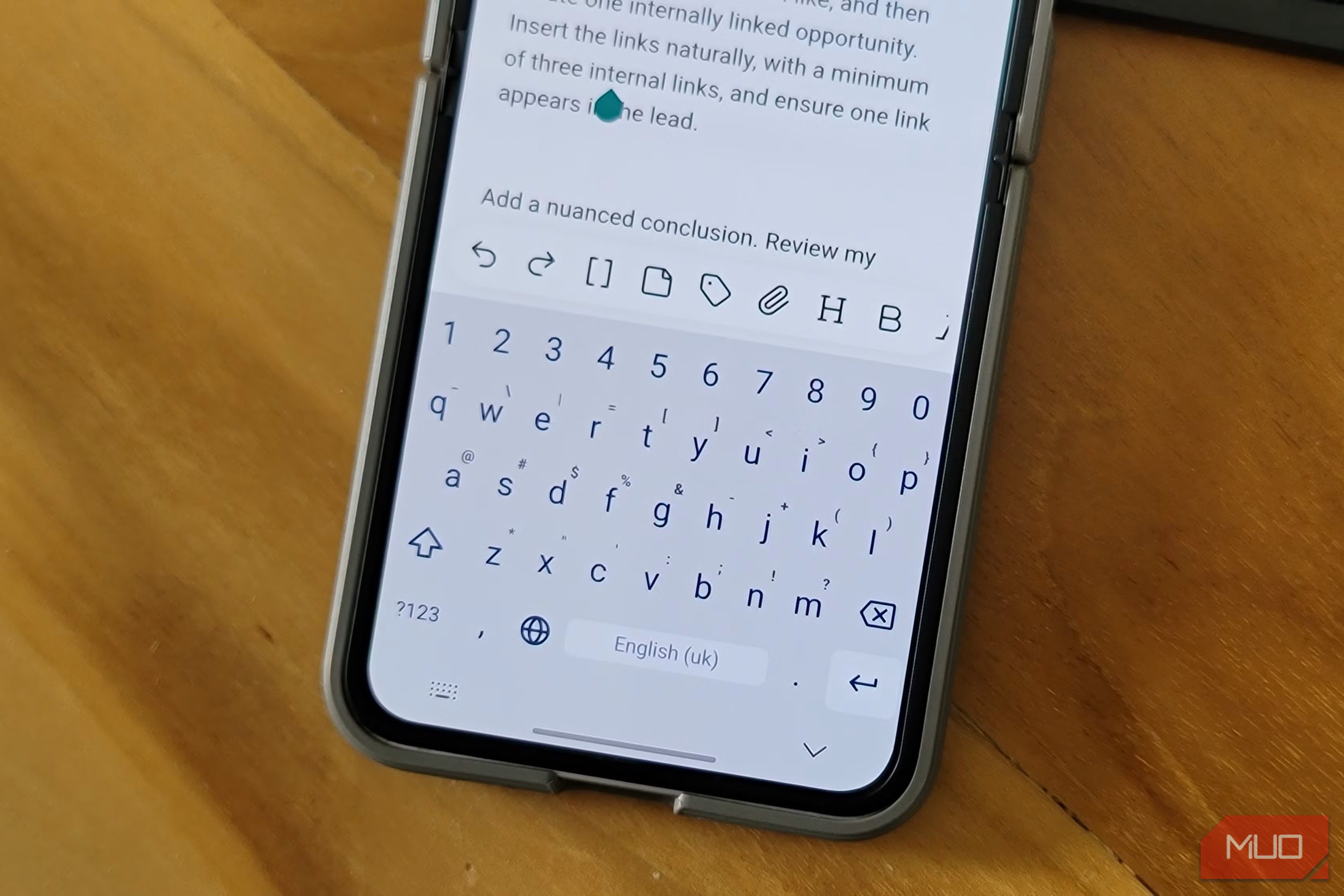
If you don’t want that, the better solution is to switch to a keyboard app that respects privacy. There are plenty of good ones out there, but HeliBoard is my favorite. It’s a free, open-source keyboard app that doesn’t connect to the internet at all, so it doesn’t communicate with remote servers or require an account. It still has almost all the necessary features, including autocorrect, swipe typing, themes, clipboard history, and voice typing.
OS
Android
Price model
Free
FUTO Keyboard is similar but a bit better-looking. It also works offline, and if you pull up its Data safety section on the Play Store, it states “No data collected” instead of a wall of disclosure. The same goes for keyboard apps like OpenBoard, AnySoftKeyboard, Simple Keyboard, and Florisboard.
OS
Android
Developer(s)
FUTO
Price model
Free
Yes, getting used to a new keyboard app can take some time, but if privacy matters to you, it’s more than worth it. The only catch is that most privacy-focused keyboards don’t rely on cloud services, so you won’t be able to sync things like your dictionary or clipboard history across your devices. The good thing, though, is that most of them do let you export data manually, which can be handy when you’re upgrading to a new phone.
