


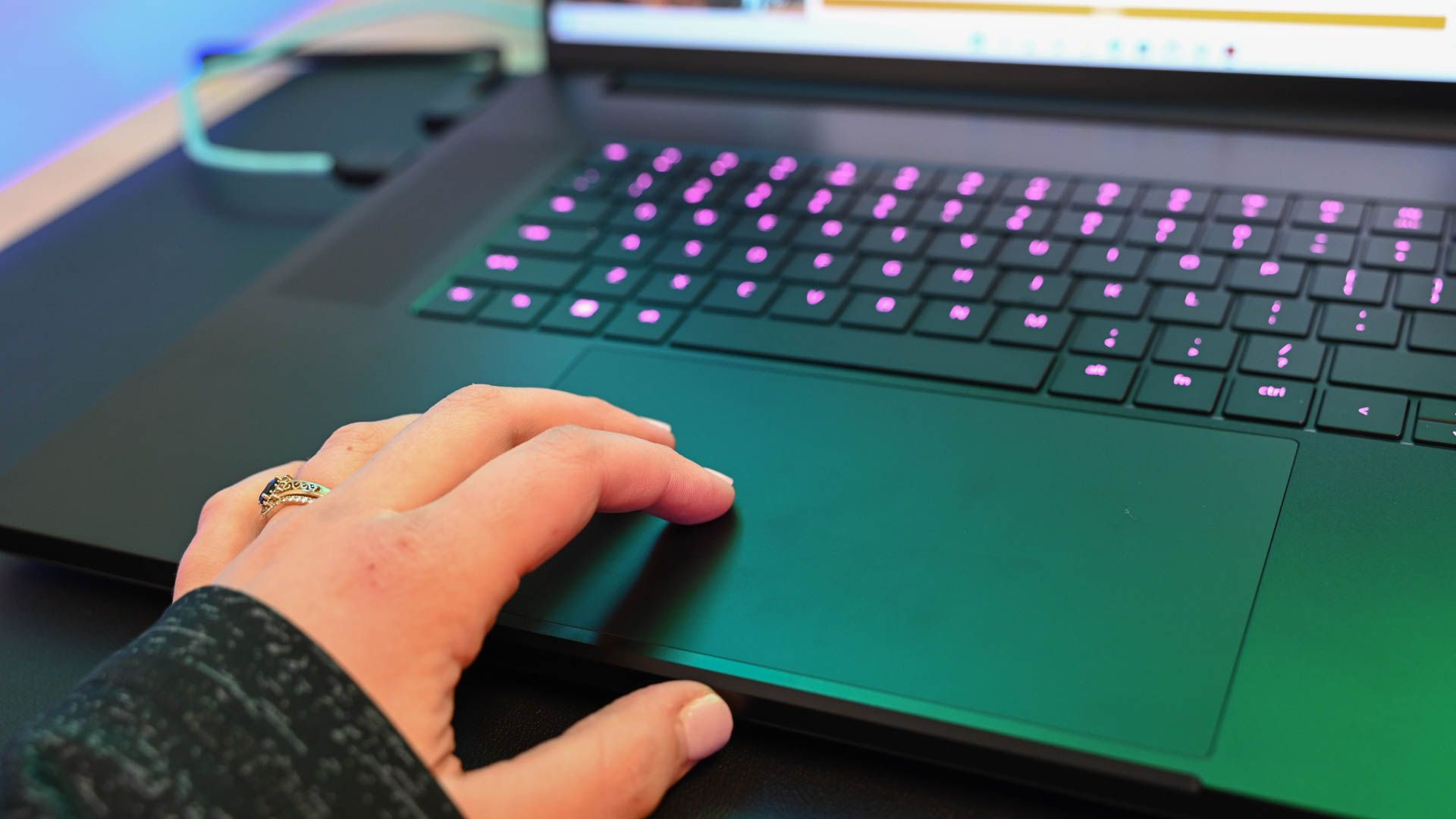
Windows 11’s latest update has finally introduced ‘Haptic Signals’, a feature that enhances the UI experience of the operating system. Haptic feedback in a laptop trackpad is not a pioneering feat, since Apple brought it to its MacBooks all the way back in 2015. Ever since, Apple has been tweaking and improving the feature.
Apple’s implementation of haptic feedback is tied to its Force Click trackpad. When you try to use Force Click, the haptic feedback confirms that the action is recognized, and it becomes part of the experience, rather than just being a passive vibration feature. In all fairness, it’s a feature that adds slight utility, but it goes a long way in improving the user experience. The UI feels richer, and it adds immersion even when you’re doing the simplest of tasks in macOS.
Now, all it took was close to a decade, but Microsoft has finally added native haptic feedback support in its operating system with the latest update. This decision adds to the commitment shown by Microsoft to finally start improving the design and feel of Windows 11. The operating system has been receiving several design-focused updates since then, and now we have haptic feedback for laptop trackpads and mice.
What is Haptic Signals?
And how is feedback helping this new feature evolve?
Microsoft Windows 11’s ‘Haptic Signals’ would provide haptic feedback based on certain user interactions, including window resizing, window snapping, and aligning objects in PowerPoint. When the preview build was first released for Windows Insiders, the haptic feedback also existed for hovering over the Close (X) button on any folder or window.
However, the haptic feedback is no longer there for the Close button, reports Windows Central. Marcus Ash, Leading Design and Research for Windows, said, “This was a deliberate change based on early input. We are being cautious with the close button as it might feel too noisy.”
“We’re starting with a smaller set of high value interactions, like window layout, drag and drop, and alignment, where haptics clearly reinforce intent. The goal is to build a strong foundation and expand thoughtfully over time as devices release and we get more signal,” added Ash.
It’s an understandable decision as well, as the haptic feedback getting triggered each time you hover over the X icon to close a window might actually start to get annoying. As long as haptic feedback plays its role in meaningful actions, it has a better chance of enhancing the experience instead of becoming a gimmick that users would want to turn off in settings.
These instances continue to reflect Microsoft’s new approach for Windows 11, where they’re actively listening to feedback to improve the UI. While that’s positive, there are a handful of other factors that are currently stopping this feature from being widely used by the community.
Current limitations
Lack of supported hardware
For starters, accessibility and support are the most obvious concerns. Even though the feature is fairly new, it’s currently supported on a very limited number of devices. A lot of laptops, especially gaming laptops, do not come with haptic-feedback-enabled trackpads. As such, many users would not be able to try this feature.
Traditional laptop trackpads use a physical hinge mechanism to register a click. So if your laptop has a mechanical click trackpad, there is no software workaround to bring haptic feedback to it. Trackpads that have an actuator instead of a physical hinge can stimulate the sensation of a click using haptic feedback, and it allows the haptic to be programmed, adjusted, and tied to certain actions.
While there’s unfortunately no way to bring haptic feedback to your current laptop’s trackpad if it’s not supported, you can still make use of Windows’ new feature using a supported mouse. Speaking of which, Logitech MX Master 4 is Logitech’s “first mouse with native haptic feedback”, thanks to a new firmware update that is now live. The mouse natively supports Windows 11’s new advanced haptics.
The lack of hardware support in general, though, is part of the reason why there’s hardly any chatter about a feature that adds richness to the Windows 11 experience. It might take a while before OEMs begin to roll out trackpads in their future laptops that support this feature. As for Microsoft itself, the new Surface Laptop 8 offers haptic feedback right out of the box.
How to enable Advanced Haptics on Windows 11
If your device supports it
Credit: Windows Central
If you do have a compatible device from the list of very few supported devices, here’s how you can turn on the feature:
1. Go to ‘Settings ‘, then ‘Bluetooth & devices’.
2. Choose Mouse, Touchpad, or Pen, depending on your device.
3. Toggle Haptic signals ‘On’.
You can also adjust the haptic intensity, as there are four different increasing levels of intensity to choose from.
Given that Windows has just introduced this, it’ll take a while before it’s widely present in other devices. At the same time, it shouldn’t stop Windows from continuing to improve it.
Apple’s haptic feedback has evolved over a decade, so one can understand why it feels indispensable to the macOS experience today. Microsoft has a good chance to lay a solid foundation for its own advanced haptics. If there are more unique actions that can be tied to haptic feedback, there’s a real potential here that it goes from something Windows users don’t have a clue about, to a feature many users wouldn’t ever want to part ways with.
