


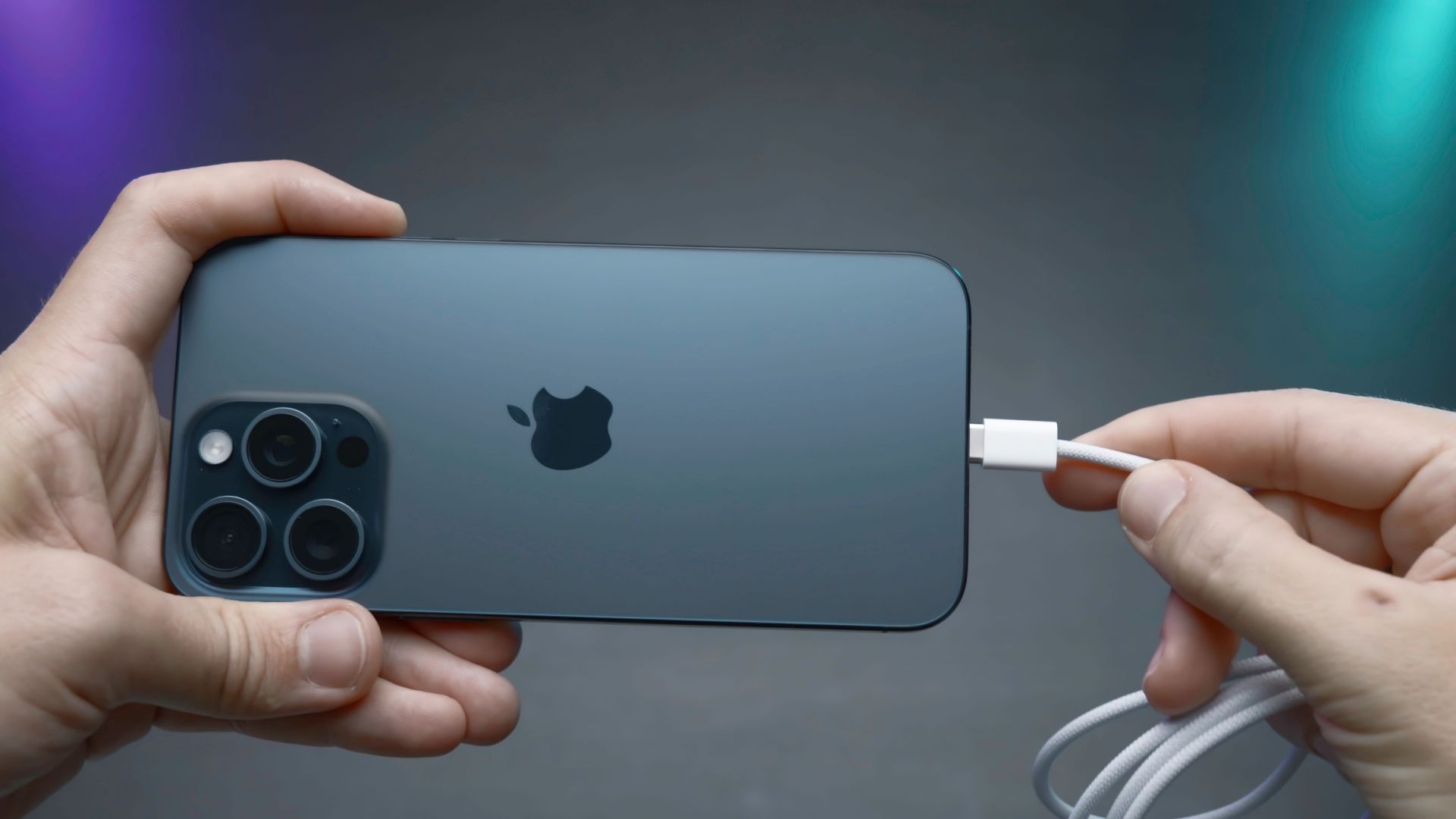
Unlike Android phones, Apple hasn’t qute embraced the ridiculous charging speeds that are possible with modern chargers and batteries, but that doesn’t mean you can’t get into a situation where your iPhone isn’t charging as fast as it should.
This has become even more of an issue now that Apple doesn’t include a charger in the box with its phones. If your new (or old) iPhone is taking an age to top up, it might be down to a few key reasons.
Why your iPhone might not be charging as fast as it should
First, lets clear up how fast an iPhone can charge in principle. As of this writing, the latest iPhone generation is the iPhone 17, with the iPhone 17 Pro Max topping out at 40W when it comes to charging speeds. That’s the fastest for any iPhone model I’m aware of, and as you go back to older generations that speed goes down as well.
Realistically, “fast” charging on an iPhone means something closer to 20W, and that’s exactly what the official Apple USB-C power adapter offers.
In general there are three reasons that your iPhone might not reach its full charging speed:
- Charger specs: The charger can’t put out as many watts as the phone can handle.
- Cable quality: The cable can’t handle the wattage, or it doesn’t have the right components to negotiate the right power level.
- Battery state: Something about the current condition of your iPhone’s battery is limiting how fast it can charge, if at all.
I’ll unpack each of these broad issues next.
Your charger or cable isn’t delivering the power your iPhone expects
Credit: Dontree_M/Shutterstock.com
If the charger you’re using doesn’t have enough power to match what your iPhone can handle, then it stands to reason you won’t get fast charging. That’s just physics. However, in some cases even though a charger is rated for the wattage you need or more, things aren’t working. First, if you’re using a new USB-C iPhone, the charger has to support a suitable USB-C PD (Power Delivery) profile.
If you’re using an iPhone (like mine) which is still stuck on the Lightning standard, then you need to ensure you’re using an MFi-certified cable and charger. If you use any type of USB-A charger, you’re likely going to get the fallback 7.5W mode too.
The cable also need to be in good physical condition. If it’s kinked, worn, or otherwise has higher electrical resistance than it should because of damage the charging system will fall back to the safest slow-charging minimum.
Your iPhone is regulating speed to protect the battery
Even if you’re using the right cable and charger, the power management system on your iPhone can still choose to charge more slowly.
For example, if you have “Optimized Charging” turned on then your iPhone will time its charging rate so that the phone is fully charged at the point you usually take it off the charger. This is meant to improve the lifespan of your battery by reducing how much time it spends at full charge. When it works, it works great, but if your routine changes you might find your phone is only 80% charged when you pick it up. You might mistake that for slow charging, but things are working as designed.
Then there are situations where the phone will slow down or even stop charging because the phone is too hot. For example, if your phone is doing background tasks while on charge it can heat up the system leaving less thermal headroom for charging. Likewise, if you’re using the phone while plugged in, the combination of heat from the processors and from charging can limit the total amount of charge and is offset against increased power drain.
Environmental or usage conditions are getting in the way
The environment your phone is charging in also has an effect. For example, if it’s charging in a car and baking in the sun, then fast charging isn’t going to be an option. If the phone is running a GPS app or streaming music, then the same rule applies as when you’re using the phone while plugged in for anything else.
How to restore full-speed charging (or get as close as possible)
Whether your iPhone charges at its maximum speed isn’t always within your control, and honestly most people don’t actually need their phones to charge that quickly. However, if you want to maximize the chances that your phone will go from empty to full as quickly as possible, do the following:
- Use the correct certified cable and charger for your iPhone model.
- Keep the phone cool. Personally, I’ve had success with using vent-mounted phone holders in the past, but at the very least make sure the phone isn’t in direct sunlight or near some other heat source.
- Don’t use the phone while charging.
That’s about the extent of what you can do on iPhone, but you may also want to check your battery health just to make sure that there’s nothing funny in the battery diagnostics.
