

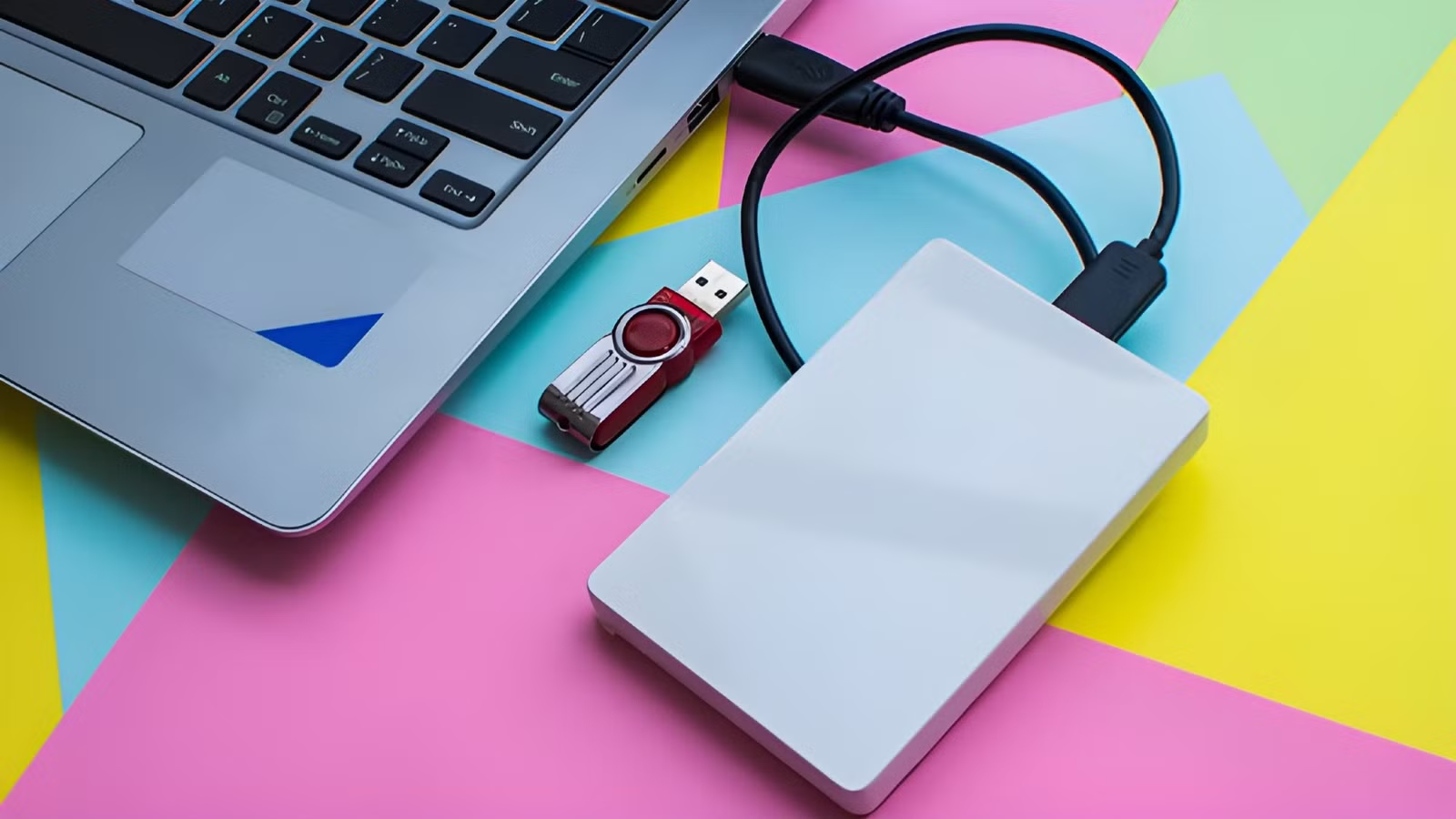

Computer architects have always struggled with the problem of keeping processors fed with data. If a CPU is waiting for data, it’s wasting performance. But the high-speed memory (RAM) that can keep it fed is expensive and limited in size, while secondary storage is large and cheap, but orders of magnitude slower.
To solve this problem, Microsoft came up with the novel idea of ReadyBoost, where plugging a USB thumb drive into your computer could make it perform better. Yes, really.
What was ReadyBoost exactly?
An easy solution using the tools you already have
ReadyBoost was introduced with Windows Vista, and the pitch sounded pretty much too good to be true. Just plug in a flash drive and get a speed boost? However, the thinking behind ReadyBoost is pretty smart.
To understand the thinking, you have to remember that computers at the time were using slow mechanical hard drives as the main system drive. RAM sizes were also quite low. Windows Vista had a minimum RAM requirement of 512MB, with 1GB being the recommended amount. Compare that with Windows 11, where the official minimum is 4GB!
ReadyBoost used the flash memory of the thumb drive as a cache that sat between the slow hard drive and RAM, potentially helping the computer be more snappy or reducing incidents where the CPU is just waiting for data from RAM.
Quiz
8 Questions · Test Your Knowledge
USB standards & connectors
Trivia Challenge
From clunky Type-A plugs to lightning-fast USB4 — test your knowledge of the universal serial bus revolution.
HistoryConnectorsSpeedsStandardsHardware
Begin
In what year was the original USB 1.0 specification officially released?
A1993B1998C1996D2000
Correct! USB 1.0 was released in January 1996 by a consortium led by Intel, Compaq, Microsoft, and others. It aimed to replace the chaotic mix of serial ports, parallel ports, and PS/2 connectors that plagued early PCs.
Not quite — USB 1.0 launched in January 1996. It was developed by a consortium including Intel and Microsoft to simplify the frustrating tangle of legacy ports on personal computers at the time.
Continue
What is the maximum data transfer rate of USB 2.0, also known as ‘Hi-Speed’ USB?
A12 MbpsB480 MbpsC960 MbpsD5 Gbps
Correct! USB 2.0 tops out at 480 Mbps, which is why it earned the ‘Hi-Speed’ label when it launched in 2000. That was a massive leap over USB 1.1’s 12 Mbps Full Speed ceiling, making it practical for external hard drives and cameras.
Not quite — the correct answer is 480 Mbps. USB 2.0 is branded ‘Hi-Speed’ and launched in 2000, offering a 40x improvement over USB 1.1’s Full Speed 12 Mbps mode, which made external storage far more viable.
Continue
Which USB connector type was specifically designed for use with mobile phones and cameras, featuring a distinctive 5-pin trapezoidal shape?
AUSB Type-BBUSB Micro-BCUSB Mini-BDUSB Type-C
Correct! USB Mini-B was the go-to connector for early digital cameras and mobile phones before being largely replaced. It features a recognizable five-pin trapezoidal design and was formally specified in USB 2.0, though it has since been superseded by Micro-B and USB-C.
The correct answer is USB Mini-B. It was the standard connector for early digital cameras and many mobile phones, featuring a 5-pin trapezoidal shape. It was eventually displaced by the slimmer Micro-B connector, which allowed for thinner device designs.
Continue
USB 3.0 was later rebranded by the USB Implementers Forum. What is its current official name?
AUSB 3.1 Gen 2BUSB 3.2 Gen 2×2CUSB 3.2 Gen 1DUSB 3.1 Gen 1
Correct! The USB-IF rebranded USB 3.0 as USB 3.2 Gen 1 to fit into a unified naming scheme. It still delivers the same 5 Gbps ‘SuperSpeed’ transfer rate — the confusing renaming was meant to streamline the standard’s versioning but arguably made it more complicated.
Not quite — USB 3.0 is now officially called USB 3.2 Gen 1. The USB Implementers Forum rebranded the entire USB 3.x family to create a unified naming structure, though the 5 Gbps SuperSpeed performance of the original USB 3.0 remains unchanged.
Continue
What key physical feature makes USB Type-C different from all previous USB connector types?
AIt uses gold-plated contacts for better conductivityBIt is fully reversible and can be inserted either way upCIt is the smallest USB connector ever madeDIt supports only digital audio signals
Correct! USB Type-C’s most celebrated feature is its symmetrical, reversible design — you can plug it in either way without fumbling. Introduced in 2014, it also supports far higher power delivery and data speeds than older connectors, making it a true universal solution.
The standout feature is its fully reversible design — you can insert a USB-C plug either way up, ending the frustration of guessing the correct orientation. Introduced in 2014, USB-C also supports higher power delivery and data speeds than its predecessors.
Continue
Which organization is responsible for developing and publishing the USB specification?
AIEEE (Institute of Electrical and Electronics Engineers)BISO (International Organization for Standardization)CUSB-IF (USB Implementers Forum)DANSI (American National Standards Institute)
Correct! The USB Implementers Forum (USB-IF) is the non-profit organization formed by the original USB developers to maintain and promote the USB specification. Founded in 1995, it certifies compliant products and grants the right to use the official USB logo.
The correct answer is the USB-IF, or USB Implementers Forum. This non-profit was founded in 1995 by the companies that originally developed USB, including Intel and Microsoft. It maintains the specification, runs compliance programs, and certifies products to carry the USB logo.
Continue
What maximum power output did USB Power Delivery 3.1 introduce, enabling charging of high-performance laptops?
A60 wattsB100 wattsC140 wattsD240 watts
Correct! USB Power Delivery 3.1, released in 2021, dramatically raised the ceiling to 240 watts using Extended Power Range (EPR) mode. This is enough to charge even power-hungry gaming laptops and workstations over a single USB-C cable, replacing bulky proprietary chargers.
The answer is 240 watts. USB Power Delivery 3.1, introduced in 2021, added an Extended Power Range (EPR) mode that maxes out at 240W over a USB-C cable. Earlier PD versions were capped at 100W, which was insufficient for many high-performance laptops.
Continue
USB4, released in 2019, is based on which company’s proprietary technology that was donated to the USB-IF?
AApple’s Lightning protocolBIntel’s Thunderbolt 3 protocolCGoogle’s USB-C Audio standardDAMD’s SuperSpeed architecture
Correct! Intel donated the Thunderbolt 3 specification to the USB-IF, which became the foundation for USB4. This means USB4 at its fastest tier (40 Gbps) is technically compatible with Thunderbolt 3 devices, blurring the line between the two standards significantly.
The correct answer is Intel’s Thunderbolt 3. Intel donated its Thunderbolt 3 spec to the USB Implementers Forum, and it became the basis for USB4. The top USB4 speed tier of 40 Gbps mirrors Thunderbolt 3, and the two standards share a high degree of compatibility.
See My Score
Challenge Complete
Your Score
/ 8
Thanks for playing!
Try Again
The minimum requirement for ReadyBoost was USB 2.0, which has a theoretical maximum speed of 480Mbps. This is actually slower than a typical hard drive from the time when it came to sequential read speeds. However, even at USB 2.0 speeds, the flash memory would be much, much faster than a hard drive at random access. There’s no seek time to speak of, where a hard drive needs to physically move parts around to find the data you need. It’s this latency that ReadyBoost tries to defeat by caching data you’re likely to need on flash memory.
Capacity
128GB
Speed
400MB/s
Connection
USB-A
The Samsung FIT Plus Flash Drive is a tiny device with 128 GB of storage, 400 MB/s transfer speeds, and USB 3.1 compatibility.
ReadyBoost worked hand-in-hand with Windows SuperFetch, which is the same technology today that predicts what data you’ll need and loads it into free RAM. Which is why your RAM always seems full, even though that cached data can be dumped in an instant.
Why it sometimes worked—and often didn’t
Context is everything
Credit: Joe Robinson / How-To Geek
ReadyBoost indisputably worked, but it really did depend on your specific computer. If you had the absolute minimum amount of RAM and a very slow HDD, then a flash drive could have a big impact. However, as RAM became cheaper (remember that?) and capacities rose, the need for something like ReadyBoost goes down.
So it was mainly suboptimal computers that benefited, and don’t forget that not all flash drives are created equal. For ReadyBoost to work as intended the seek times and throughput had to be good enough. ReadyBoost tested drives to see if they would work, but even some that pass the test might have issues due to a bad controller or cheap flash memory.
Flash memory also wears down when it’s written to, and thumb drives were not designed to be scratch drives used for a system cache, which means your ReadyBoost drive could fail from overuse. Especially if it used cheap, low-quality flash memory.
7/10
Storage capacity
1TB, 2TB, 4TB, 8TB
The Samsung 9100 PRO NVMe SSD offers read speeds of up to 14.7GB/s and write speeds of up to 13.4GB/s, and it hits the mark. As the fastest SSD available as of March 2025, the 9100 PRO is made with professionals in mind. Designed to enhance AI workflows, as well as boost the speed of video and photo editing and exports, this SSD is purpose-built to help improve your efficiency.
The rise of SSDs made the idea obsolete
Like a flash drive, but much better
Today, the idea of using a mechanical hard drive as your system drive, or to run software from is effectively dead. SSDs are much faster than a traditional thumb drive, more robust since they are designed as system drives, and cheap enough that even entry-level computers have them.
There was even a transitional period where we had hybrid drives with a built-in SSD cache (SSHDs) which shows that Microsoft had the right idea, it was just a little too loosey-goosey to work broadly. There’s just too much variability in thumb drive performance and quality, and, of course, the software has to predict what data to cache correctly.
Even today, PC users debate whether to disable Superfetch, which can actually slow your computer down in some cases. So it’s still not perfect.
ReadyBoost today: A relic of a transitional era
Interestingly, ReadyBoost never fully disappeared. You can still find traces of it in modern versions of Windows 11, quietly sitting there as a leftover from a very different era of computing.
Today, it’s effectively obsolete. Modern PCs either have enough RAM to not need it, or their SSDs are so fast that it makes up for any gap that might have been there to fill. You have to respect that lateral thinking though!
