


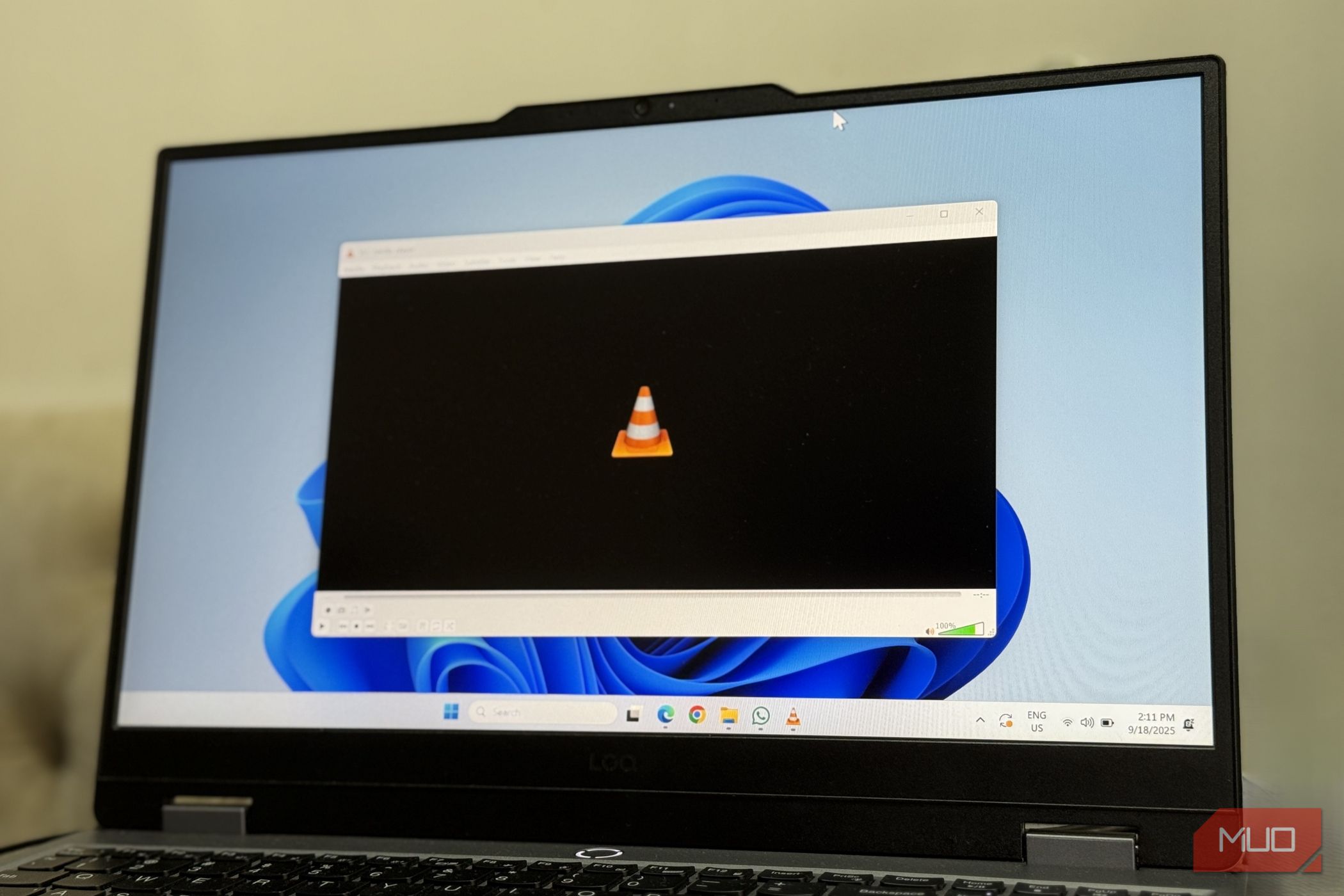
VLC media player is a name synonymous with most PC users — after all, it is the best free media player without ads or unnecessary clutter. You get support for practically every media format there is with an easy-to-use interface. VLC doesn’t look like it does anything over-the-top; it just packs every functionality you’d want from a media player.
However, VLC is much more than a media player, and for the past decade or so, I had only been scratching the surface. In fact, it is a full-fledged media kit, and ever since I found out, all my media work is done with a single program, so I no longer need a barrage of other applications.
Related
I ditched VLC and finally got high-quality HDR playback without any lag
HDR finally works — no thanks to VLC.
VLC lets you stream online videos without ever opening a browser
Chrome has been open less and less lately
Shaheer Khan/MUO
Streaming over the browser sucks — the ads and high CPU resource usage with the browser overhead can ruin a nice cozy experience. Fortunately, I can just replace the browser with VLC, and all I need is a single link to play an online video in a familiar environment, improving my viewing experience. Once you try this, going back to a browser to stream videos seems like a downgrade.
To do so, copy the URL of the video you want to play in VLC. Then open the application, go to Media -> Open Network Stream, paste your video URL, and start streaming. The most common use case for this would be YouTube, since streaming from services like Disney+ and Netflix won’t work due to the DRM restrictions. However, do keep in mind that you’ll need the latest version of VLC to stream YouTube videos, since YouTube support in VLC depends on a Lua script that is frequently out of date.
The file converter you already have installed
Handbrake hasn’t seen a click in months
Now, this usage came as a shock to me. I am well aware of VLC’s ability to play nearly all file formats, and it can also serve as a file converter or compressor. There are often formats that aren’t widely supported, and if you want to play them on other devices, such as your smartphone or your TV, you’ll have to convert their file format first. You could try using VLC on other devices for streaming, too, but VLC isn’t my go-to choice all the time. I’d rather use the native player on my smart TV or mobile phone. Sometimes, older TVs won’t even support VLC, and the 10-year-old Samsung TV in my room would explode if I installed a new application on it.
Anyhow, converting files would require another app, and programs like Handbrake are often overkill for most people. Fortunately, VLC allows you to do that without needing to download a separate app, and the option has been around for ages — I guess I never really bothered to check because the player has a no-frills presence, and, like most use cases on this list, I really didn’t expect this.
To do so:
- Open VLC -> Media.
- Choose Convert/Save.
- Browse the file you want to convert.
- Select the file type and the destination where you want to save the file.
VLC is now my main webcam
Windows’ camera app is now uninstalled for good
Shaheer Khan/MUO
VLC media player can double as a camera app, and although that might seem pointless to many, hear me out first. On macOS, Photo Booth works perfectly fine, but the Camera app on Windows 11 is glitchy and, more often than not, refuses to work at the worst possible time, which is the last thing I need before a meeting starts.
Fortunately, VLC lets you show your webcam feed, and I use this feature as more of a safety net than a complete replacement. Still, I have stopped using Windows’ Camera entirely and uninstalled it because of how unstable the app is, and instead now rely on VLC’s webcam feed.
For webcam recording, VLC has a compounding advantage since it lets you save the recording in various formats. To check your webcam feed in VLC, go to Media -> Open Capture Device -> DirectShow/AVFoundation, depending on whether you are on Windows or Mac, respectively.
VLC has a full audio and video effects suite — I just never bothered to look
I never needed a separate equalizer app until I discovered it in VLC itself
VLC equalizerCredit: Shaheer Khan/MUO
I’ve said it enough in this article already, but it was terribly wrong of me to think of VLC as just a video player — instead, the application works for audio just as well. Beyond just playing them, you can control the output and further enhance your viewing/listening experience with settings that might seem daunting at first — but they’re really simple.
Under Tools -> Effects and Filters, you can find a wide variety of customization options for both audio and video. In the Audio Effects tab, you can adjust the Graphic Equalizer, Compressor, and Spatialize to enhance your listening experience and adjust the bass or reduce harsh highs.
Under the Video Effects tab, VLC allows for basic image adjustments that can include gamma, brightness, shadows, and color tuning, and advanced filters for blurring the image or reducing noise. The next time I’m watching a David Fincher movie, I am most definitely utilizing the video effects tab to get a brighter image.
VLC rips CDs too, making my disc collection portable has never been this easy
Ripping CDs has never been easier — Windows Media Player can finally go for good now
Brady Snyder / MakeUseOf
I know it’s 2026, and physical media may be outdated for most, but not for me. I still keep disc drives close to my heart, and nostalgia plays a big role, but at least I know that a tangible thing won’t ever fail me. I have an entire collection of music and classical movies that I’m not ready to let go of.
The era of discs is nearly ended, and still, for those holding on to it, what good is a disc if you don’t have a drive to read it with? Well, you can rip CDs to create a master copy of your media and make them portable, and fortunately, you won’t even need to download a separate program to do so, which itself is a hassle (I miss the times when ripping a disc was easy, and even built-in apps like Windows Media Player provide an unpleasant experience — thankfully, VLC fixes that). To do so, insert your disc and follow these steps:
- Select the Media tab, click Convert/Save.
- In the open window, select the Disc tab.
- Choose Audio CD and select your disc drive from the dropdown.
- Click Convert/Save.
- Press the Start button.
You can also choose to save in the file type you want in the Convert window. For songs, FLAC keeps the audio lossless, but MP3 is a better choice for compatibility across devices, whether you want to import the song to a car, TV, or your phone. During the conversion, clicking the wrench icon also lets you tweak bitrate and CODEC settings.
VLC has been your full media toolkit all along — you probably just didn’t know
There’s a reason VLC is so famous as a core third-party program that has been almost irreplaceable. The thing is, VLC media player is still hailed even as a simple media player, and most people are unaware of the other use cases I’ve laid out in this article.
OS
Android, iOS, Windows
Price model
Free, open-source
VLC can read every format ever invented, from modern files to the digital relics on old drives. It opens whatever you throw at it, turning your device into a centralized hub for all your scattered media.
