

Ubuntu has done a lot for the Linux desktop, including making installation less frightening, pushing Linux into normal laptop conversations, and giving many people their first working desktop. The problem is that Ubuntu’s GNOME no longer feels like GNOME with a distro underneath it. It is a negotiated settlement between GNOME’s design, Canonical’s old Unity instincts, Snap integration and an entire set of defaults designed to make the transition from other desktops less awkward.
That sounds friendly at first, especially for someone arriving from Windows or macOS, but after a while, the comfort starts to feel heavy. GNOME has its own rhythm, and Ubuntu keeps interrupting it.
Ubuntu keeps trying to make GNOME familiar
The dock changes the whole desktop
GNOME’s default workflow is built around the Activities overview. You press the Super key, search, switch, launch, and move on. The dash is there when you enter the overview, and then it gets out of the way. Ubuntu changes that bargain by keeping a dock on screen.
Related
Love GNOME? These 5 Linux Distros Use It as Their Default Desktops
Discover which GNOME based distro matches your style.
It looks harmless because docks are familiar, but a permanent dock changes the feel of GNOME more than a wallpaper, theme, or icon set ever could. It pulls the desktop back toward an older model where running apps need a visible strip, launchers need a permanent home, and the screen edge becomes a small shrine to multitasking anxiety.
This is not really about one extension, but the kind of desktop Ubuntu thinks people want. GNOME’s whole deal is that the workspace is the center of the experience, but Ubuntu makes the dock always visible by default (it can be changed) because users may miss it. The result is a desktop that borrows GNOME’s shell but refuses to trust GNOME’s habits.
Extensions should be choices, not the base system
Defaults become maintenance baggage
A GNOME extension is fine when the user installs it knowingly. Dash to Dock, AppIndicator support, clipboard tools, tiling helpers, blur effects, and my favorite Caffeine all have their place. The trouble begins when extensions become part of the default session and start behaving like they are part of the infrastructure.
Ubuntu’s approach makes extensions feel invisible until they break, lag behind GNOME changes, or behave differently after an upgrade. Then the user discovers that part of the “desktop” was not really GNOME in the first place. It was a layer placed on top of GNOME to preserve an expectation from another era of desktop computing.
Related
These 8 GNOME extensions transform a minimal desktop into a powerhouse
They’re easy to install and use, so check out these upgrades for a powered-up experience.
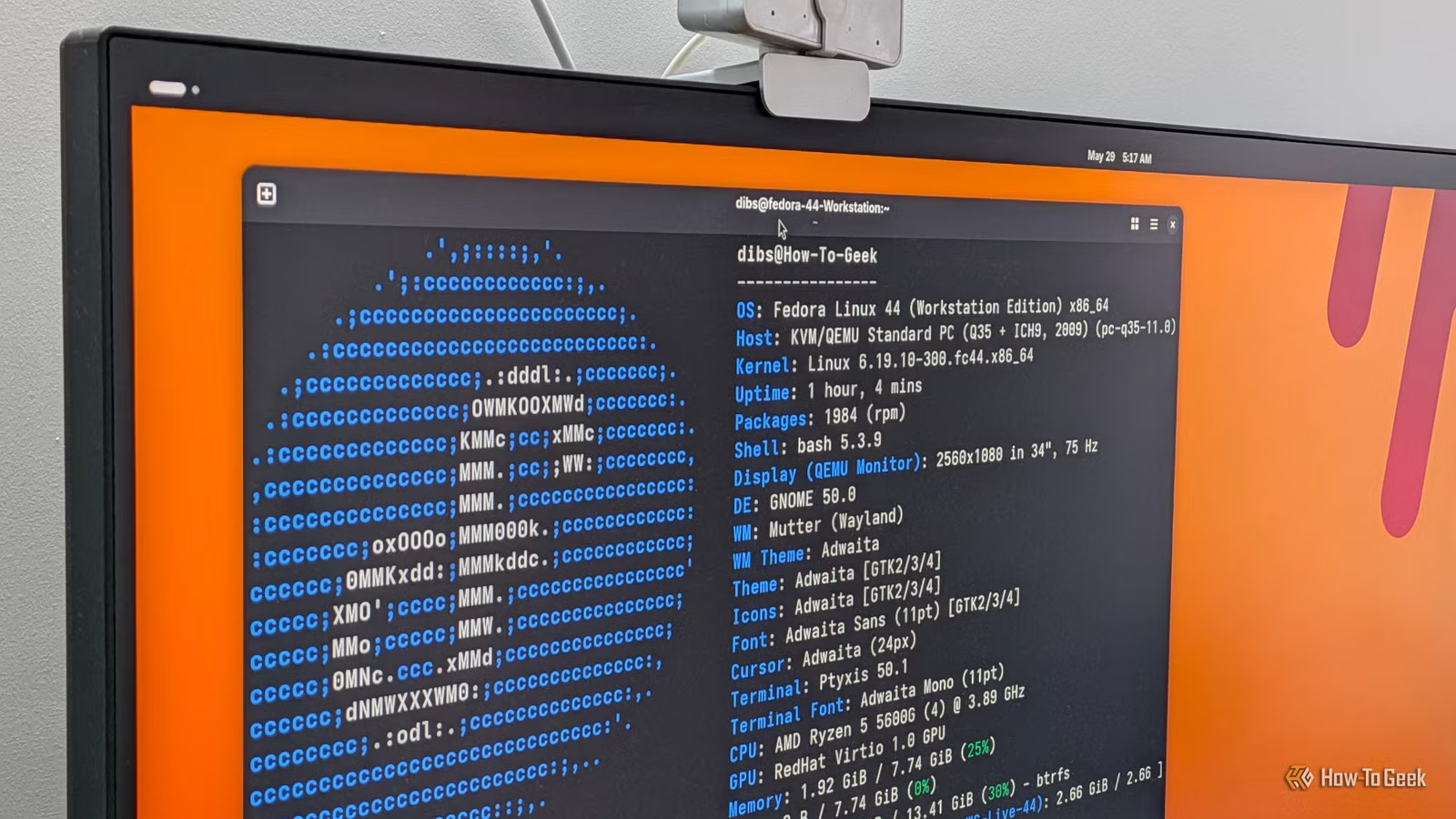
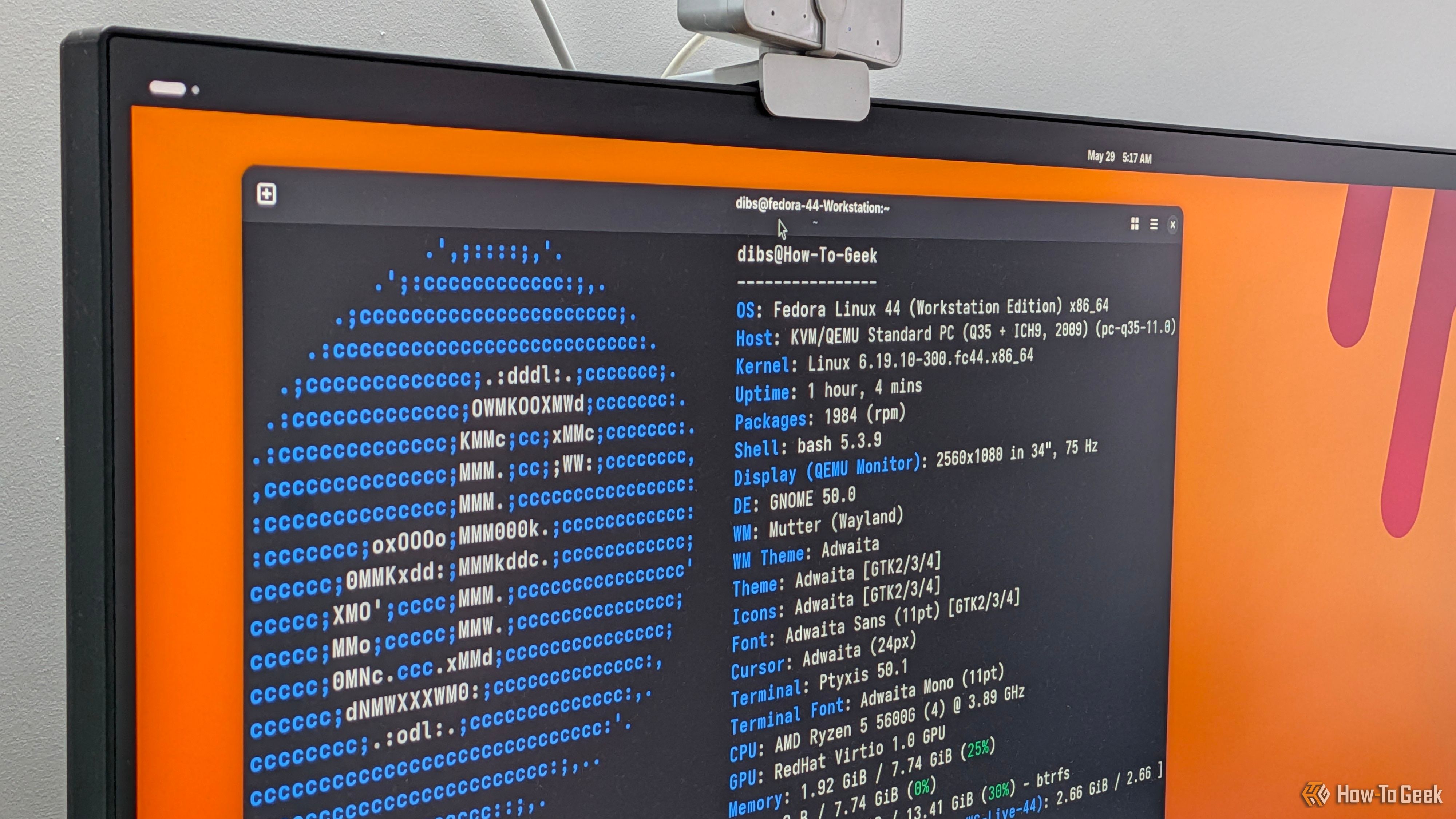
Fedora’s Workstation edition avoids much of this confusion by shipping a cleaner GNOME session. You get GNOME closer to the way GNOME is developed, tested, and documented. That does not mean you are forbidden from changing it. You can install whatever your workflow requires. The difference is that Fedora does not begin by pretending those additions are neutral.
Fedora feels lighter because it trusts the upstream design
The desktop has fewer arguments with itself
A lean desktop is not only about RAM usage. It is about how many ideas are fighting for control of the same screen. Ubuntu’s GNOME often feels like several design decisions stacked on top of each other: GNOME wants overview-first navigation, Ubuntu wants a visible dock, old desktop habits want icons, traditional applications want tray indicators, and Snap wants to sit at the center of software management.
Brand
Framework
Price
Starting at $799
Fedora Workstation feels a lot more clean because it lets GNOME be GNOME. There is less visual noise before you open anything, and there are fewer distro-specific assumptions sitting between the user and the desktop. This matters more on laptops than people admit. GNOME is at its best when it becomes muscle memory: Super key, type two letters, Enter; Super key, move to another workspace; three-finger gesture, glance, return. Fedora makes that flow easier to learn because it does not keep offering an escape route back to the old desktop habits that you probably borrowed from Windows.
Ubuntu’s convenience often comes with a second agenda
Defaults are also branding
Ubuntu’s defaults are not chosen in a vacuum. Take for example, the orange accents, the dock placement, the software store, Snap promotion, desktop icons, and the general “Ubuntu feel” are part of a recognizable product. That is understandable because, at the end of the day, Canonical is not just shipping a pile of packages. It is shipping Ubuntu and Ubuntu Pro and a lot of commercial stuff … tch tch.
Still, we should be honest about what they are getting. Ubuntu’s GNOME is not simply GNOME with apt and a friendly installer. It is a branded GNOME session, shaped to preserve Ubuntu’s identity after Unity disappeared. Some people like that. For them, Ubuntu’s defaults are useful because they soften GNOME’s sharper edges.
Related
5 Reasons Ubuntu Is Not the Best Windows Replacement
Just because something is popular, that doesn’t mean it’s the best.
For others, that same softening becomes clutter as it adds opinions they did not ask for and then makes those opinions feel like normal GNOME behavior. A new user may think GNOME has a permanent dock because Ubuntu has one. Another may think desktop icons are a GNOME feature rather than an add-on kept alive for familiarity. To be honest, that confusion is not fatal, but it does blur the line between the desktop project and the distro’s mods.
Fedora is not minimalism for show
Fedora leaves room for your own mess
Many complaints about GNOME are really complaints about modified GNOME sessions. People bounce between distros, collect impressions from heavily patched desktops, and then blame GNOME for behavior introduced by extensions or downstream defaults. But when you use Fedora Workstation, you are much closer to judging GNOME on its own terms.
I think this is a significant thing because GNOME is opinionated enough already. It does not need a distro adding another layer of half-compatible opinions on top. You may still dislike GNOME after using Fedora and may decide KDE Plasma suits you better, or Cinnamon feels saner, or Xfce respects your hardware more. That is fine because, at least, the judgment is cleaner.
Related
GNOME vs. KDE Plasma: Top Linux Desktops Compared
Which desktop environment would you pick?
Fedora also benefits from being close to the pace of GNOME development. New GNOME releases arrive without the feeling that the desktop has to be pulled through a tunnel of distro-specific changes first. The experience may still have bugs, because software is software, but there is less sense that the shell is wearing a costume.
The better desktop depends on what you want from GNOME
Ubuntu remains the safer recommendation for many people. It has name recognition, long support windows, a huge amount of documentation, and enough defaults to make the first login feel familiar but if the question is which distribution gives GNOME the cleaner stage, Fedora is the better answer.
It is less eager to decorate the experience before you use it. It gives you GNOME, leaves space around it, and trusts you to decide what belongs there. For anyone tired of GNOME being padded, branded, and softened before it even reaches the user, Fedora Workstation is the desktop that finally lets the shell breathe.
