

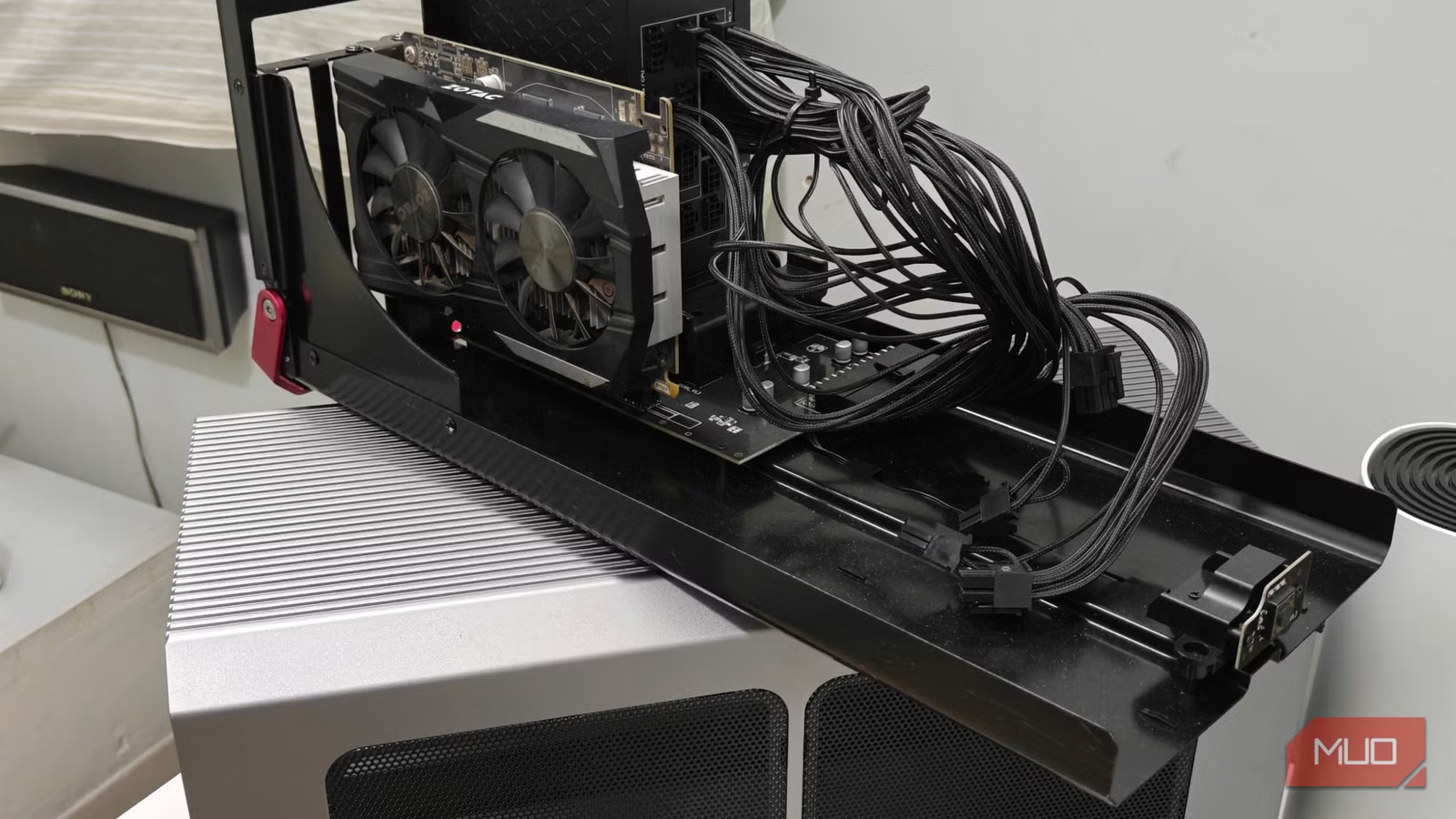
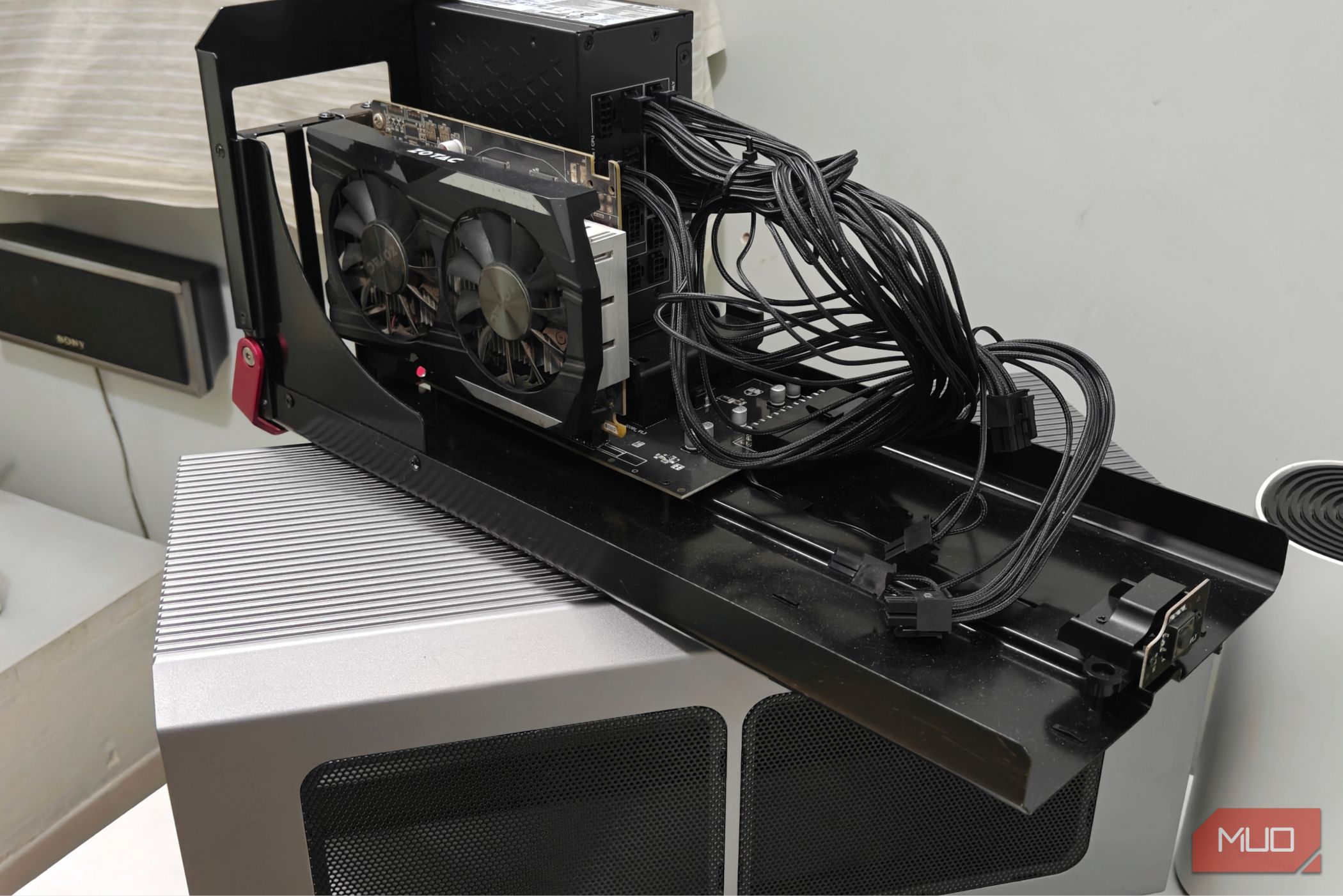
eGPUs have always suffered from bandwidth limitations, and those four PCIe lanes just aren’t enough. Compared to a desktop, there is some very noticeable loss in performance, something not even Oculink can fix.
The release of Thunderbolt 5 could change all that. It quite literally offers a next-generation jump, with double the bandwidth of Thunderbolt 4. That being said, there’s also the elephant in the room that hasn’t been conveniently addressed yet — the absurdly high admission price.
Related
External GPUs in 2026 are still a hot mess
Too expensive, and far too obtuse.
Thunderbolt 5 is a huge step forward
Closer to Oculink without its lack of hot plugging
Compared to Thunderbolt 4, Thunderbolt 5 offers more than double its 40 Gbps theoretical cap.
There are two modes here: a normal “symmetric” mode that offers up to 80 Gbps bidirectional bandwidth, and a “boost” mode.
Also known as the “asymmetric” mode, it offers 120 Gbps transmission and 40 Gbps reception, rather than the symmetrical output. This “boost” is what should push it over the edge for Oculink, which has a maximum speed of 64 Gbps (in other words, PCIe 4.0×4) — in theory, that is.
In practice, the 120 Gbps boost does not apply to eGPUs (or any external device, really). The internal controller is restricted to 64 Gbps, which is the same as that of Oculink — and is kind of a shame, really.
Still, there is one key advantage Thunderbolt 5 has over Oculink: its hotplugging capabilities. Oculink has essentially zero hotplug support, and a TB5 connection is the only way to achieve a truly portable setup.
Either way, it’s an exciting new standard, and one that could solve the bandwidth bottleneck plaguing Thunderbolt 4 and Thunderbolt 3 docks.
USB4 v2 is an existing alternative
For AMD systems
Credit: Razer
Thunderbolt has always been associated with Intel, and for good reason; for a while, there simply was no way for AMD devices to work with it. The arrival of USB4 improved things and brought non-Intel devices to a standard compatible with both Thunderbolt 4 and 3.
USB4 v2 is a step-up from the standard USB4 formula and is slowly starting to make its way into mainstream devices.
Thunderbolt 5 and USB4 v2 are both analogous to each other. In other words, they are (mostly) the same, offering both 80 Gbps and 120 Gbps transmission modes. Thunderbolt 5 is essentially just USB4 v2, just with a few stricter “regulations” from Intel.
Jumping into the “ecosystem” is too big an investment
Both devices need to be compatible
Image by Jayric Maning –no attributions requiredCredit: Jayric Maning / MakeUseOf
The biggest drawback to eGPUs (other than their underwhelming performance) is their generally poor value. Like it or not, eGPUs are a niche, and very few people use them, largely because of the high costs involved.
An eGPU dock can set you back hundreds, and it usually does not come with a power supply. While there are a few compact Thunderbolt 5 eGPU solutions (such as the Aorus 5060 Ti AI Box), they aren’t designed to be upgradable. A traditional eGPU dock is better, in this case, since you can fit in any desktop GPU.
That’s not all, though. You’d also need a USB4 v2- or Thunderbolt 5-compatible device to actually make use of the bandwidth boost. Thunderbolt 5 isn’t exactly mainstream just yet, and so these devices are a bit hard to come by.
This would explain their often absurdly high prices, even when last-gen eGPU solutions are taken into account. Thunderbolt 4 and USB4 docks are still much cheaper than Thunderbolt 5 docks and, for most folks, should provide a “good enough” performance boost.
As a desktop replacement, though, it might be wise to wait this one out.
Best to wait it out for now
Truth is, eGPUs have always been an expensive and often overengineered solution to an age-old problem — being able to dock a portable device (such as a laptop) to a TV and turn it into a gaming beast.
This should, in theory, allow a single device to serve as your work-and-play machine, but reality is often disappointing. It is far cheaper to build a secondary PC (or a streaming box) than it is to invest in an eGPU ecosystem.
It’s really that expensive and has its fair share of quirks. Not to mention, in most cases, you’d have to pay for the GPU as well.
For now, I’d only recommend sticking to USB4 and Thunderbolt 4 enclosures. Thunderbolt 5 is exciting, but it is not affordable at the moment. Over time, it will become much more mainstream, and we should start seeing it appear more often in laptops and gaming handhelds.
Hopefully, by then, dock prices will also plummet by a fair margin. Until then, Thunderbolt 4 is just fine for your average gamer.
Brand
Razer
GPU Included
No
GPU Max Power
Up to 600W
GPU Max Size
Up to ~360mm length
External Power Required
Yes
Ports
1x Thunderbolt 5 (USB-C)
The Razer Core X V2 is a Thunderbolt 5 external GPU enclosure that brings desktop gaming power to compatible laptops. It supports massive 4-slot graphics cards and standard ATX power supplies. Delivering up to 80 Gbps bandwidth and 140W laptop charging, it eliminates performance bottlenecks over a single cable.
