


The biggest challenge of switching to Linux isn’t using a different OS; it’s dealing with the program incompatibility issue. Some apps make the switch to Linux painless, but chances are you’ll have to leave some programs you’ve been using for a while for a Linux-based alternative.
You’ve got options like running virtual machines or using programs like Wine or PlayOnLinux. These can be finicky and often come with performance issues, but there’s a new free program on the market stealing the spotlight.
What is WinBoat?
Run Windows apps on Linux like native
Yadullah Abidi / MakeUseOfCredit: Yadullah Abidi / MakeUseOf
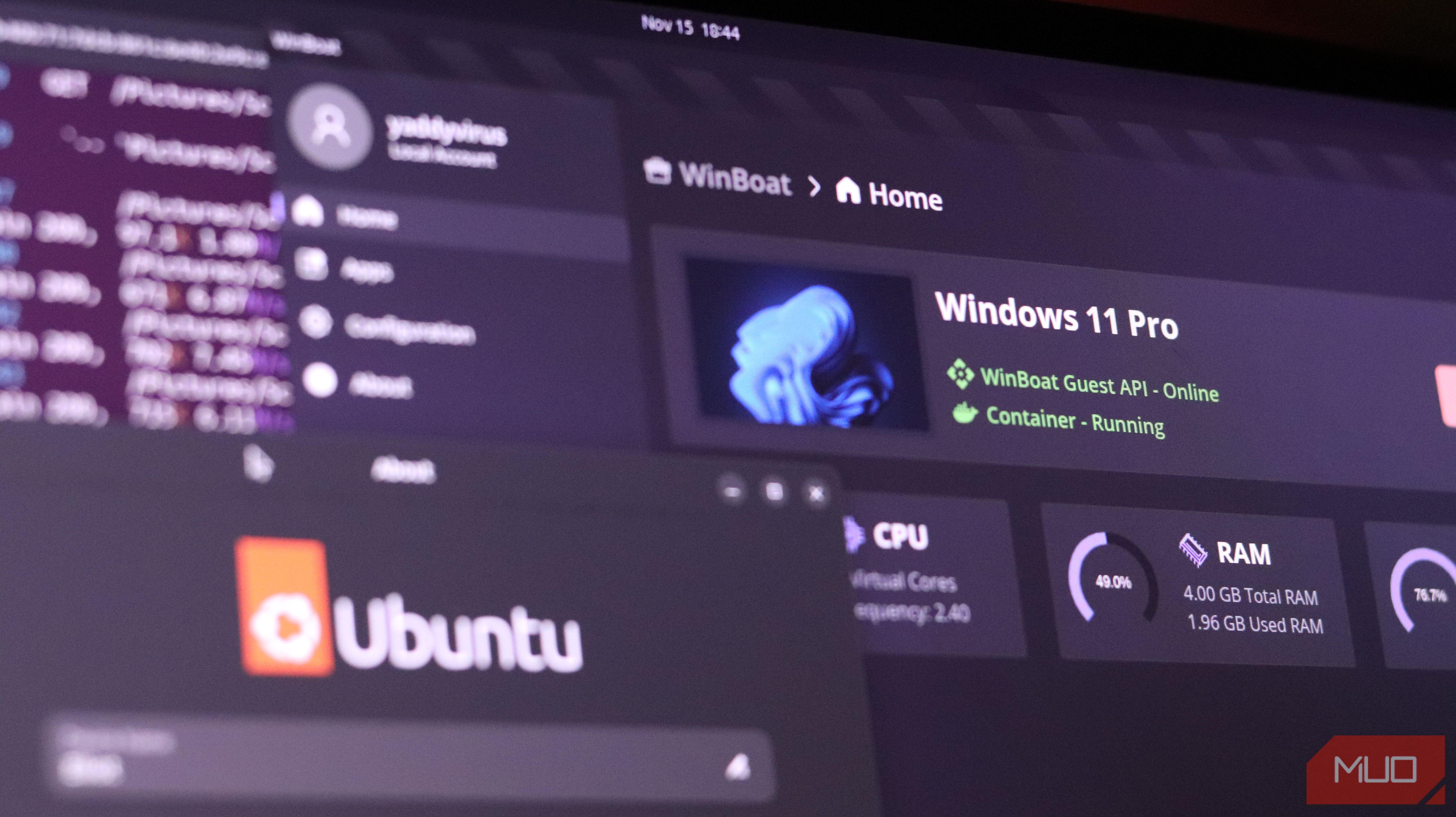
WinBoat is a free, open source application for Linux that lets you run Windows apps and even a full-blown Windows desktop session on Linux. It’s an Electron app that allows running Windows apps on Linux using a “containerized approach,” according to the official GitHub repository.
WinBoat is currently in beta and is under active development. The project is currently under a feature freeze, focusing on stability as it prepares for a version 0.9.0 release. The latest version at the time of writing is 0.8.7.
What it means is that the program runs Windows apps on a virtual machine inside a Docker container. It uses its own WinBoat Guest Server to retrieve data it needs from the Windows VM and shows GUI applications using FreeRDP on the Linux end and Windows’ RemoteApp protocol on the virtual machine.
WinBoat is focused on making Windows feel like a native experience on Linux. The interface is extremely easy to use and well laid out, and once set up, you can launch individual Windows applications without having to deal with a virtual machine or the Windows desktop. You can access the Windows desktop if you want, but it’s just not a requirement for running individual apps.
You’ll also find your Linux home directory mounted in Windows, making file sharing easy. It also has features like smartcard passthrough, resource monitoring, and more being added as development continues.
Setting up should be easy, but isn’t
It’s easy as long as you meet the requirements
WinBoat claims simple installs once set up, but installing the program itself can be a bit of a challenge if you’re not already familiar with Docker. In any case, WinBoat requires you to have:
- At least 4GB of RAM
- At least 2 CPU cores
- Virtualization (KVM) enabled in BIOS
- Docker
- Docker Compose v2
- Linux user added to the Docker group
- Docker daemon running in the background
- FreeDRP version 3 or higher installed
If you’ve never installed Docker on your Linux machine and are setting up everything for the first time, WinBoat’s provided instructions should work well. However, there can be surprises along the way, and most of them will come with your Docker installation and setup.
It really isn’t all that difficult, but for some reason, it took a whole week of tinkering and an entirely new Ubuntu installation for me to meet WinBoat’s installation requirements. The problem was my existing Docker installation. No matter what I did, I could not get WinBoat to detect that the Docker daemon was running and that I had added my Linux user account to the Docker group.
I don’t think this was a WinBoat issue as much as a Docker issue. Regardless, the setup doesn’t tell you exactly what’s wrong other than a simple indication of whether you’re meeting the requirements. Be prepared to go on a troubleshooting spree if something doesn’t work as expected.
Yadullah Abidi / MakeUseOfCredit: Yadullah Abidi / MakeUseOf
Apart from meeting the requirements, the rest of the setup is actually quite simple. WinBoat installs your Windows version of choice automatically, and you can monitor its progress in a browser tab. Once the installation is complete, you can access your Windows programs via the Apps tab on the virtual machine page, which also includes an option to access the Windows desktop if required.
Performance is just about right
If you don’t need a GPU, WinBoat works great
I set up my Windows installation with 4 GB of RAM, 4 CPU cores, and 40GB storage space on a host machine running Ubuntu with an Intel Core i5 9300H, 4GB GTX 1650Ti GPU, and 16GB RAM. These specs are modest for Windows 11, but these are all I have to spare on my primary Linux machine.
Screenshot by Yadullah Abidi | No Attribution Required.
WinBoat’s performance didn’t blow my mind, and it certainly didn’t feel like the Windows programs I tested were running natively. Some programs will work better than others, but for the most part, you will experience occasional performance hiccups unless you have a powerful PC. There’s also no way to run programs in windowed mode—the window just keeps scaling to full screen.
Photoshop ran fine for the most part, which was quite surprising to me. Getting Adobe programs to run on Linux has been one of my major challenges towards fully adopting Linux, and it was nice to see these programs working with usable performance despite the low system specs.
However, this is also where I ran into the biggest issue with WinBoat. It doesn’t support GPU passthrough, which means the GTX 1650 Ti that my Ubuntu installation detected flawlessly wasn’t showing up in the virtual machine. Photoshop gave a warning saying the GPU wasn’t supported, but ran fine; other programs like Premiere Pro or Lightroom refused to launch in the first place. Even audio support is an experimental feature at the moment.
Yadullah Abidi / MakeUseOfCredit: Yadullah Abidi / MakeUseOf
The same problem carries over if you’re looking to play games. I was able to get Steam and even the Xbox app installed and running, but since the dedicated GPU is nowhere to be found, none of the games I tested even started. Most games threw a DirectX error on account of my integrated GPU being way too old for modern games.
Is using WinBoat the right call?
There are better ways to get your Windows fix on Linux
WinBoat is still under active development, and I do see potential for it to become an incredibly handy way to run Windows programs on Linux with a near-native experience in the future. However, at the time of writing, I just can’t recommend it.
You’ll have a much better time using Wine for regular Windows programs. Valve has also put in a lot of work in its Proton compatibility layer for Linux, meaning you can choose a gaming-focused Linux distro and get much better performance than WinBoat.
WinBoat might become the favored way of running Windows apps on Linux thanks to its supposedly easy setup and interface. If the team behind can work out performance quirks, I see myself using it quite often. Until then, I’ll stick to either Wine or just using Windows to run the programs I need.
