


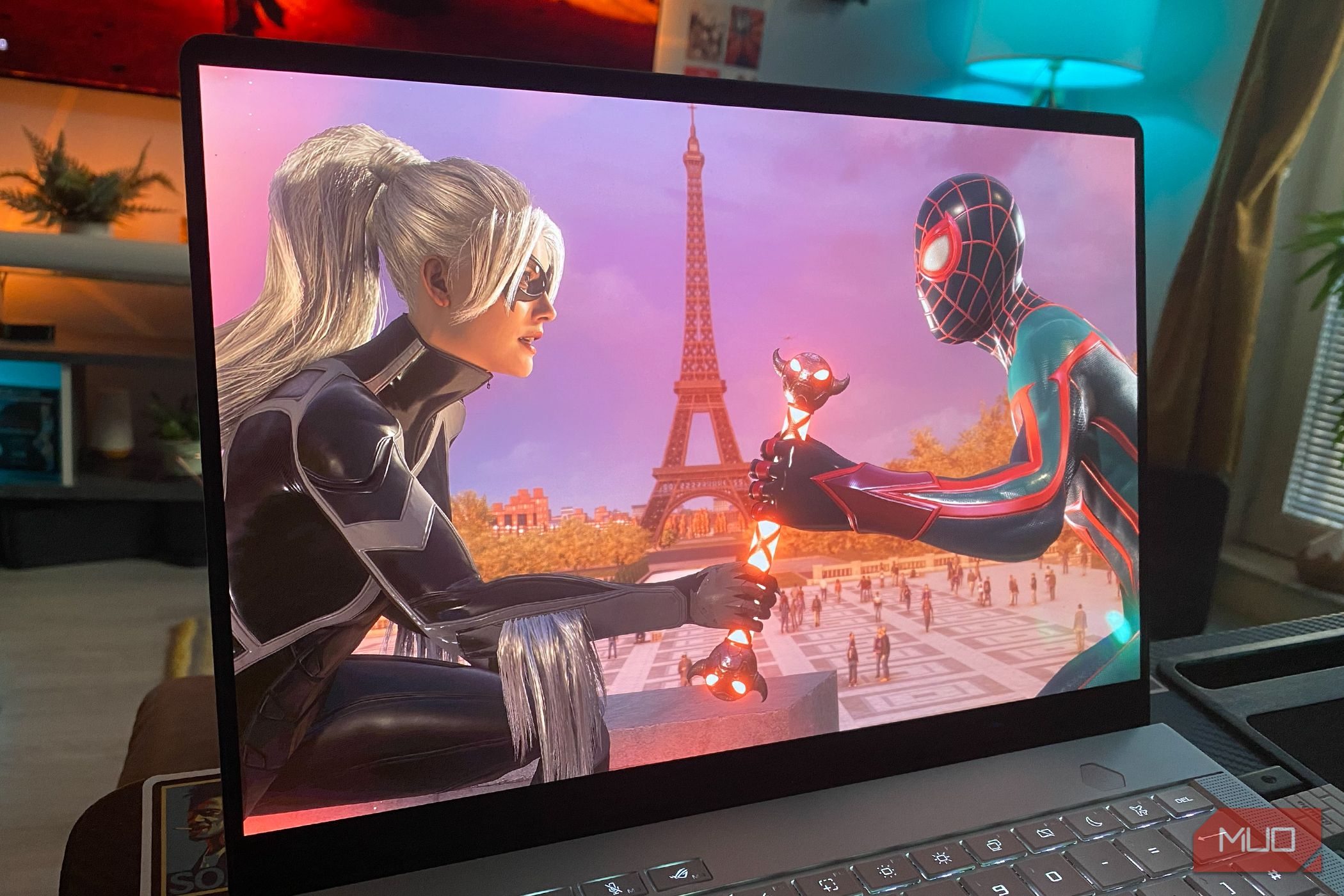
Achieving consistent frame rates is quite difficult, even on the highest-end PCs, because performance tuning goes beyond just hardware alone. Software optimization is an integral part of getting the most out of your build.
I have a decent gaming setup, and even though it meets the system requirements for most games, I couldn’t get rid of the occasional stuttering that ruined my gameplay experience. Everything checked out — system performance, temperatures, and drivers, that is, until I came across this one Steam feature that helped me get rid of the hiccups even before I started the game.
Related
I ditched Windows for SteamOS on my PC, and gaming is way better now
SteamOS is ol’ reliable when I want a Linux-gaming experience at this point.
The real culprit behind the mid-game stutters
The CPU is burdened with millions of shaders
Hannah Stryker / MakeUseOf
The scope of video games is expanding tremendously, and modern titles come loaded with tons of shaders. For every frame type, there are several different frames to be used for different effects. These shaders are written in different languages, such as HLSL or GLSL, depending on whether they’re written for DirectX or Vulkan.
Since there are millions of effects, your CPU needs to compile them in real time, which is why your game may briefly pause for a moment when a new effect appears on-screen, e.g., an explosion or a new area on the map. The way it works is that the CPU compiles the shaders, and the driver translates them into instructions for the GPU; the GPU can’t run them directly and needs the CPU to convert them into machine language.
The delay in the CPU converting shaders into machine language every time a new scene appears causes the stutters and hiccups. This is why you may notice that replaying the same level or going through the same effect twice doesn’t cause a stutter anymore, since those shaders have already been compiled during the first playthrough.
Pre-compiling shader fixes that, but it takes too long
Some games can take up to an hour
Most of the time, modern video games force pre-compiling shaders before you’re even allowed to play the game. This lengthy process involves compiling every possible shader before even launching the game, then storing it locally.
For every desktop computer, there is a different configuration, and no unified setup that uses the same memory, graphics card, or processor; otherwise, shaders would already come pre-compiled with games. This is also why consoles don’t have this issue, as developers are already familiar with the specification and ship pre-compiled shaders for the game.
Pre-compiling shaders is a necessary evil and is hated by the entire PC gaming community because, in some cases, this process can take up to an hour, i.e., The Last of Us Part 1 remake on PC. Also, Unreal Engine 5 titles in general are susceptible to shader issues due to a greater number of shader variants, and they’re hardly ever optimized for desktop, which is the reason why the engine has gained such a notorious reputation in the gaming community, disapproved of by most.
This one Steam feature does the heavy lifting for you
Steam’s pre-cache downloads your shaders instead of manually compiling them
Steam has a hidden feature called Pre-cache that speeds up shader compilation. It downloads prebuilt shader data from Valve’s servers containing common shaders used by other users. Rather than building the shaders from scratch, the work is done in the background, before you even have to launch the game.
The best part is that your hardware doesn’t have to do the heavy lifting — you just download shaders from the server. Steam also collects shader usage data in the background, so Valve’s servers know precisely what to fetch for the next run.
To enable Steam pre-cache, open Steam -> Settings -> Downloads -> Shader Pre-caching -> Enable Shader Pre-caching.
There’s also an option to enable background Vulkan processing, which I highly recommend. Unlike DirectX, where drivers handle shader caching, Vulkan places that responsibility on the application. Steam’s pre-cache is built entirely around Fossilize, a Vulkan-specific library, which is why Vulkan games benefit more than DirectX.
In games that require shader pre-compilation, Steam cannot control that — they will still continue to compile shaders locally.
Pre-caching is a head start — not a silver bullet
Steam’s pre-cache works wonders, saving me those annoying waiting times every time I install a new game and have to spend up to an hour waiting for the shaders to compile. However, pipeline caching isn’t the only thing that will magically make stuttering go away — you have to ensure that your setup meets the game’s hardware requirements and, above all, that your GPU drivers are up to date.
Brand
Valve
Operating System
Windows, Mac, Linux
Steam is a digital video game storefront and program developed by Valve that allows gamers to purchase, play, and mod their titles all through one convenient program.
