

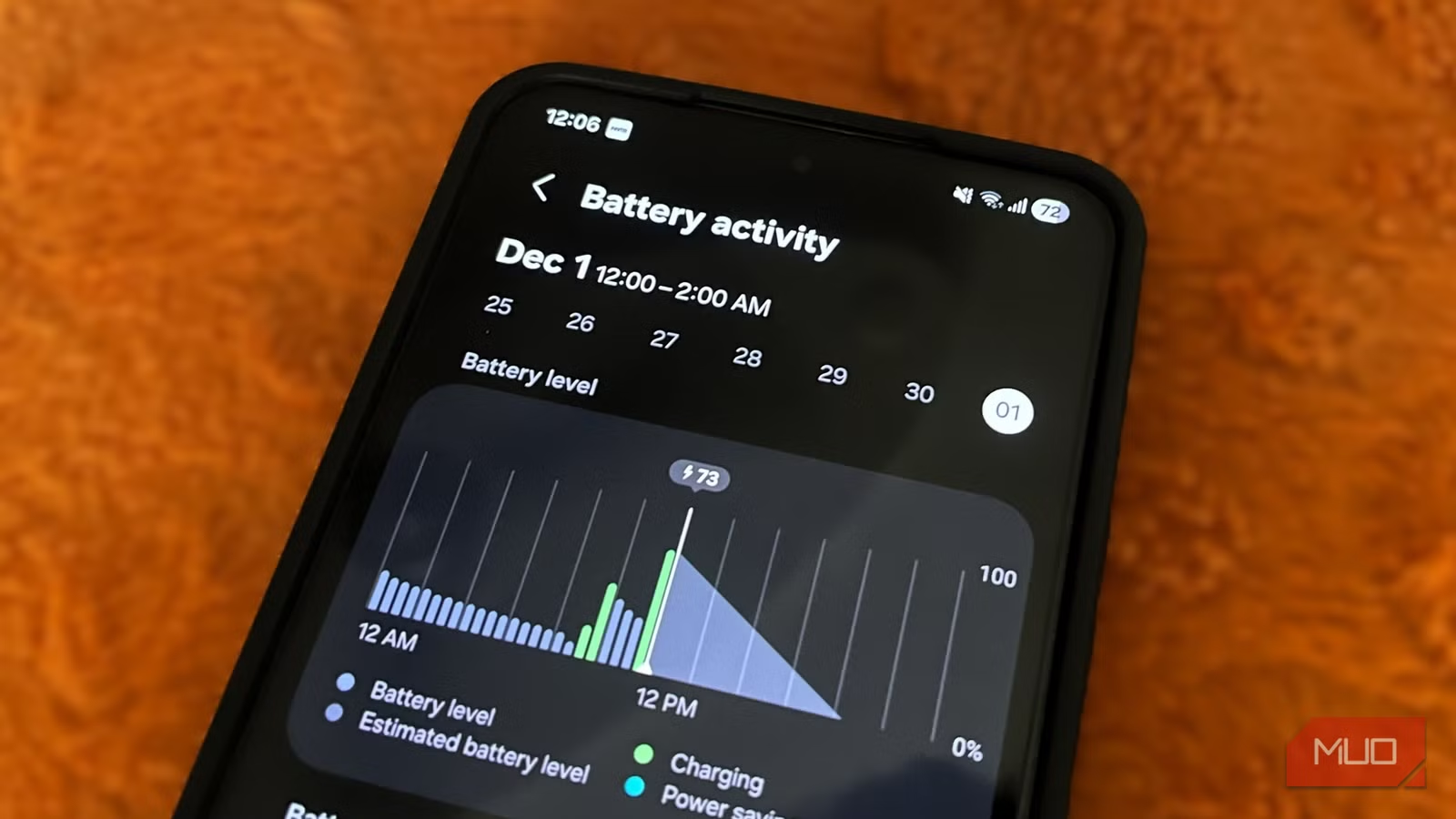
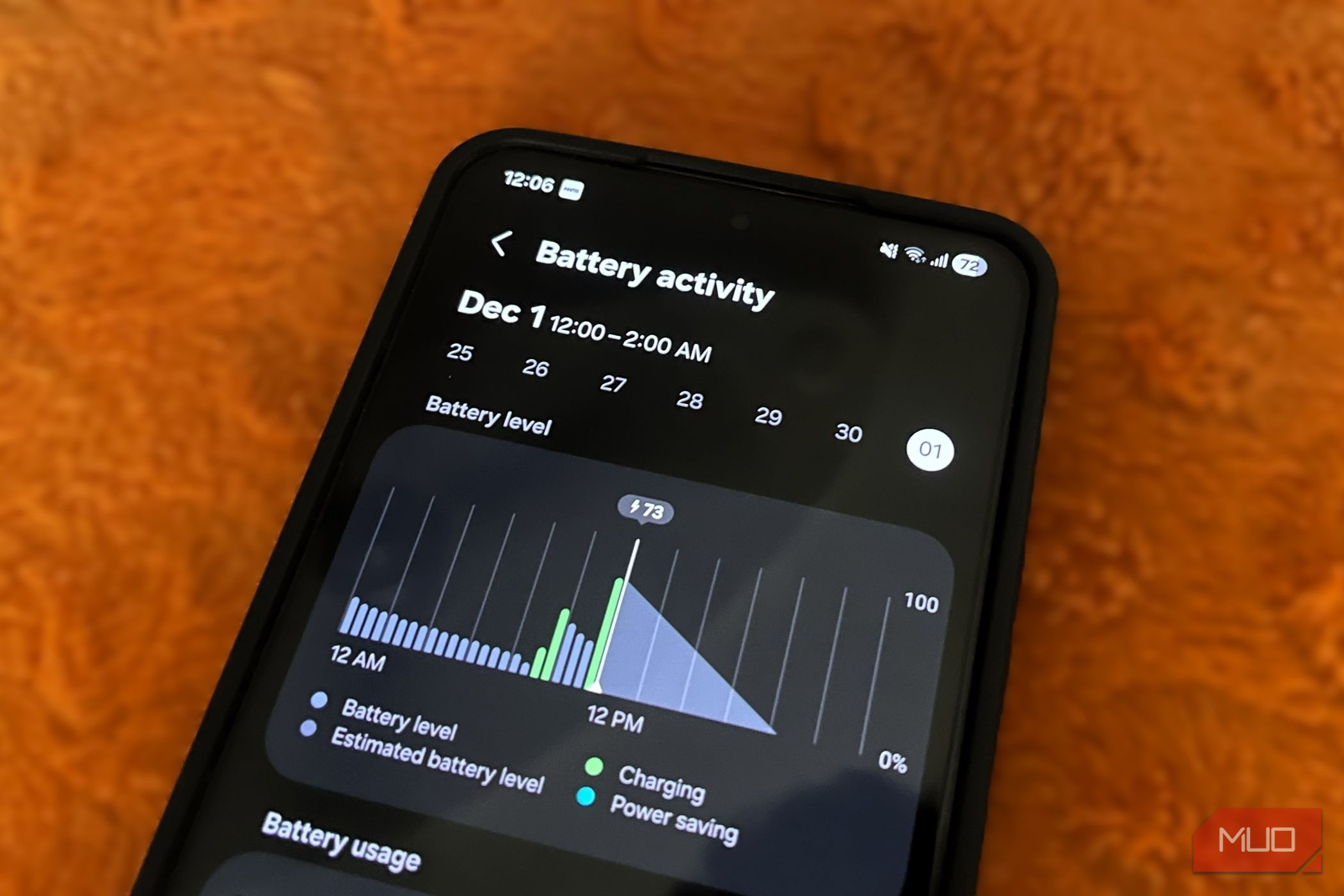
I recently upgraded to the Galaxy S26, and while I love it with all my heart, the thing that constantly bothers me is its relatively smaller, 4300mAh battery. Because of that, I’ve been looking for ways to stretch the battery life as much as possible without, of course, compromising the performance. And that search led me to Samsung’s default performance profile.
By default, all Galaxy phones are configured to prioritize performance so everything always feels fast and responsive. And while that makes sense, it’s not exactly ideal for the battery life. Thankfully, One UI includes a more efficient mode hidden inside the settings that improves battery life while keeping the overall experience almost identical.
Related
8 Settings That Actually Make Your Samsung Phone Run Faster
Make your high-end phone actually feel high-end.
The default performance profile isn’t ideal for battery life
It’s overkill for everyday use
Credit: Shimul Sood / MakeUseOf
Out of the box, all Galaxy phones are set to the “Standard” performance profile. This basically promises a balance between processing speed, battery life, and cooling efficiency. And to be fair, this mode is great for anyone who spends most of their day using apps in split screen or running AI features locally on their phone. For these things, the Standard profile on Galaxy phones absolutely makes sense as it allows the hardware to perform at its peak.
But the thing is, most people usually don’t push their phones that hard, especially not all day. For everyday tasks like replying to messages, scrolling through Instagram, watching videos, and checking maps, the Standard profile is often overkill. That’s because none of these things really need the full muscle of your phone’s processor.
Of course, the more processing power your phone uses, the more battery it drains. And this is one of the main reasons why your Samsung phone fails to last all day.
The “Light” mode barely affects everyday use
More battery, barely any downside
The good news is that you’re not stuck with the Standard performance profile on your Galaxy phone. There’s also a “Light” mode, in which your phone prioritizes battery life and cooling efficiency over processing speed. It does this by slightly lowering performance in favor of better efficiency. This might sound like a dramatic compromise, but honestly, it really isn’t. The Light mode doesn’t exactly make your flagship phone behave like a mid-range device.
I recently switched to Light performance profile on my S26 and completely forgot I had it enabled for a day or two. Everything from opening apps and scrolling web pages to everyday tasks felt exactly the same in this mode. In fact, Samsung itself says the Light profile is enough for things like browsing, texting, and watching videos. More importantly, this change doesn’t affect gaming at all. When you launch a game, your Galaxy phone ramps up the performance, regardless of which profile you’ve set.
To change the performance profile on your Galaxy phone, head to Settings > Device care > Performance profile, and choose Light. Even better, you can add the Performance profile shortcut in the Quick Settings panel. That way, you can switch between Standard and Light modes in seconds depending on what you’re doing.
The gains in battery-life are quite real
It’s totally worth it
Digvijay Kumar / MakeUseOfCredit: Digvijay Kumar / MakeUseOf
Battery-saving modes usually come with a catch. Either your phone becomes frustratingly slow, or you’re sacrificing important features like the always-on display. Samsung’s Light performance profile avoids both problems.
In my experience of using the Galaxy S26 with Light mode enabled, the phone consistently lasted longer. On average, I saw roughly an extra hour of screen-on time compared to Samsung’s default Standard profile. Also, the performance tradeoff is almost non-existent.
Other tweaks that can stretch battery life further
Don’t stop at Light mode
Pankil Shah / MakeUseOfCredit: Pankil Shah / MakeUseOf
Switching to Light mode is a great start, but it’s not the only way to improve battery life. There are several other things you can do to make your phone’s battery last longer. One of the easiest wins is dark mode. Since your Galaxy phone has an AMOLED display, black pixels consume far more power than bright white ones. If you spend hours scrolling through apps at night, switching to dark mode can reduce battery drain while also being easier on the eyes.
Another thing you can do is shorten the screen timeout duration to 30 seconds. That way, your phone’s screen doesn’t stay awake longer than necessary after you stop using it. Samsung’s sleeping apps feature is also incredibly useful because it prevents unused apps from running in the background.
And finally, there’s Samsung’s built-in optimization tool. Inside Device Care, you can manually optimize your phone, clear unnecessary background activity, and identify apps that are draining unusual amounts of power. Even better, you can set up your Samsung phone to optimize by itself overnight from the same menu.
We often blame poor battery life on demanding apps, bad signal strength, and an aging battery. And while those absolutely play a role, they’re not the only reasons your phone dies faster than expected. And Samsung’s default performance profile is proof of that. Of course, since this feature is related to processing power, the results can vary from one Galaxy model to another. But overall, it’s definitely something worth trying.
