

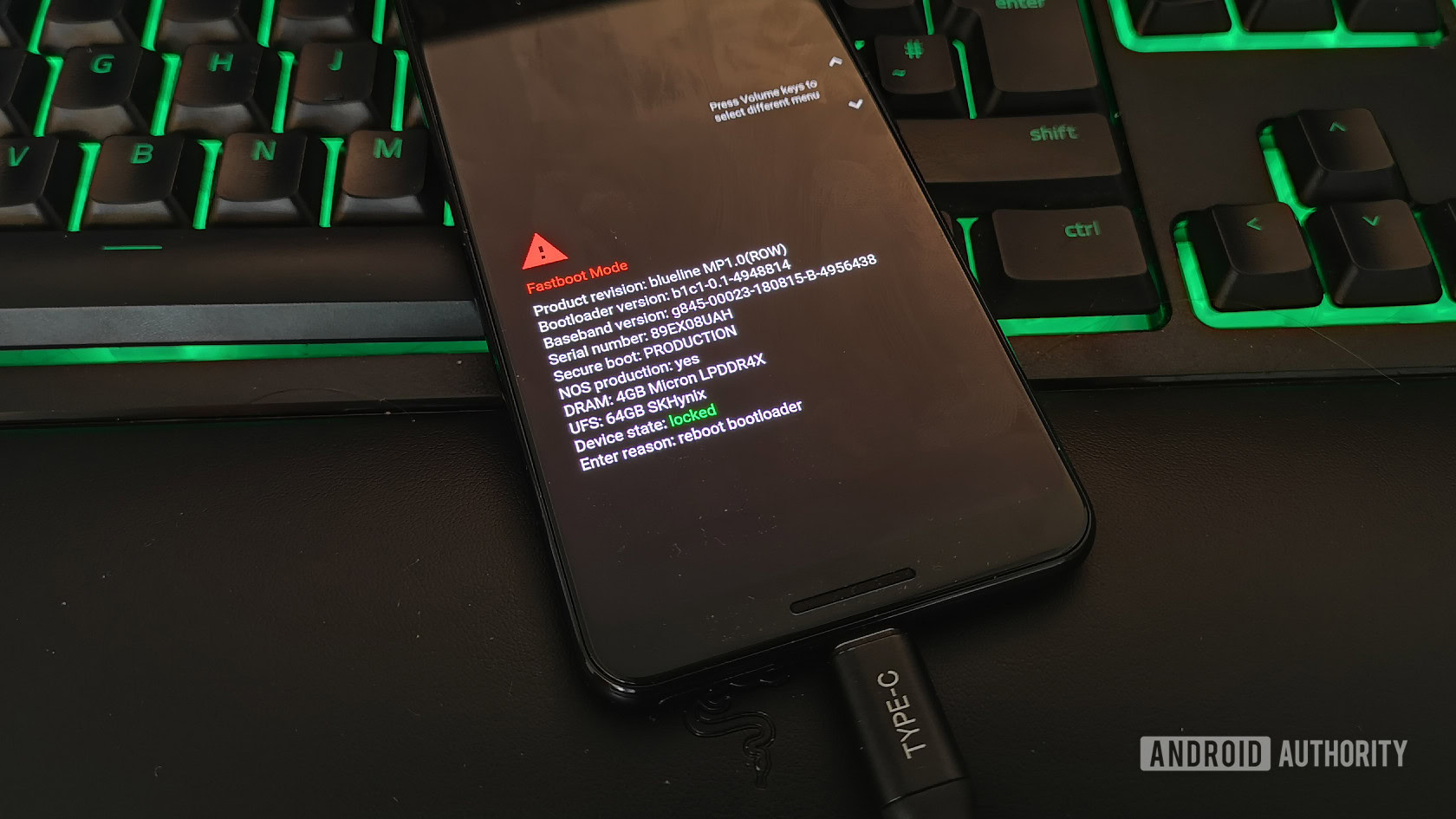
One of my everlasting fears when I join a new Android beta is the risk of bricking my phone by applying a corrupt update from Google. We’ve seen so many bootlooping Pixels over the years, with some updates or beta versions being pulled or delayed while Google fixes the issues and re-releases a proper version.
But a bootlooping Pixel is not the end of the world. There are two official online tools that can help you save your bricked Pixel — the Android Flash Tool and a lesser-known Pixel Update and Software Repair Tool.
Here’s when and how you can use these tools.
The Android Flash Tool
Rita El Khoury / Android Authority
If you’ve ever flashed a Pixel from scratch, you’re probably familiar with the ADB method, or you might have used the Android Flash Tool. This official website saves you from setting up ADB and using a terminal interface (if, like me, you’re not comfortable with it) and democratizes the flashing process.
Google walks you through the entire process, explaining how to install the required Google USB Driver (only on Windows — Mac, Linux, and Chrome OS work out of the box), unlock your bootloader, connect your phone to the computer, and once it detects it, it lets you pick the exact build you want to flash and applies it.
It’s essentially as straightforward as that, but you need to keep a few requirements in mind. You might have to put your Pixel in Fastboot (turn it off, then turn it back on while pressing the volume down button) to help the Flash Tool detect it properly, especially if it’s bootlooping. You could also run into connectivity issues with USB hubs and cables; the best thing is to avoid all hubs and intermediaries and connect your phone directly to your computer. Try different cables if the site doesn’t detect your phone.
But this is the most important limitation: because this tool flashes a complete Android factory image, it will erase all data and requires your phone’s bootloader to be unlocked. If your Pixel just started bootlooping and you didn’t unlock the bootloader in Developer Options beforehand, you won’t be able to do much. It won’t work if your phone is carrier-locked and the operator greys out bootloader unlocking, either. In those cases, the second website is your friend.
Google Pixel Update and Software Repair
Rita El Khoury / Android Authority
The Pixel Repair website is, in short, another excellent tool for Pixel 3 or newer owners. It’s a bit of a safety net for Pixel owners that Google released to help users recover their phones after a bad update.
The site also uses WebUSB and requires the Google USB Driver for Windows users (Mac, Linux, and Chrome OS users don’t need it). It walks you through the entire process of backing up your data (though the risk of losing it here is lower), powering down your Pixel, and then entering Fastboot by turning it on again while pressing the volume down button, and finally going into Rescue Mode. Once that’s done, connect the phone to your computer, and you’ll get the over-the-air update Google deems most appropriate for your Pixel.
And herein lies the big difference between this and the Android Flash Tool. There’s no downgrading or flashing of specific software releases — you’re limited to applying the latest update again or accepting an upgrade. But because it doesn’t flash an entire Android factory image from scratch, you can use this on a locked bootloader.
It’s perfect for repairing interrupted writes that might occur during an update, for clearing system-level cache and re-indexing apps, and for avoiding partition corruption on your phone’s A/B partitions.
When to use each tool
Joe Maring / Android Authority
If you’re confused about both tools and wondering when to use each and which situations they’re best suited for, here are the cliff notes. Personally, though, I’d try the Pixel Repair site first because it has fewer requirements and shouldn’t cause data loss. If that fails, the Android Flash Tool would be my second resort.
You should use Android Flash Tool when:
- Your phone’s bootloader is already unlocked, or you can boot the phone long enough to get to Developer Options to do it.
- You need to downgrade your phone’s software and flash specific older builds.
- You want to get out of the beta program right away.
- You don’t mind losing all your data and starting with a fresh install.
- Your system (or one of the partitions) is deeply corrupted, and the Pixel Repair tool couldn’t fix that.
You should use the Pixel Repair site when:
- Your phone’s bootloader is locked, and there’s no way for you to unlock it, such as when the phone is already bootlooping, or you have a carrier-locked phone.
- You want to install the same software version or to upgrade to a newer one (downgrades are not possible).
- You don’t want to lose your data.
- Something went wrong while applying the latest update, and you think a quick re-install will fix it.
Thank you for being part of our community. Read our Comment Policy before posting.
