


Are you ready to buy your first NAS? Before you click purchase, there’s one major thing you need to think of first—do you have the right hard drives for a NAS? Not all hard drives are created equal, and you need to make sure your NAS has storage that’s up to the task.
Wait, aren’t all hard drives created equal?
There’s a big difference between a desktop-grade and server-grade HDD
Credit: Jordan Gloor / How-To Geek
You might think a hard drive is a hard drive, right? You’re mostly right, but also somewhat wrong. While all hard drives work as hard drives, they’re not all designed to work in every application.
Let’s take one of the most well-known desktop hard drives as an example, with the WD Blue. Western Digital’s Blue hard drive comes in multiple speeds and a handful of sizes. The problem is, this drive is designed for use in a desktop, not a NAS.
Hard drives designed for desktops are built with normal desktop usage in mind—being on most of the day, light-duty data transfers, and relatively decent airflow and temperature regulation. Chances are, you’re not going to be moving tens or hundreds of terabytes of data per day (or even year) with a normal desktop, and drives like the WD Blue are built with that in mind.
However, drives like the WD Red are designed differently. With enumerated workload ratings, hard drive manufacturers let you know how much work you can expect a NAS HDD to stand up to per year. On top of that, NAS-focused drives also typically have better quality parts, longer warranties, and special firmware designed for RAID usage. Conversely, desktop drives often use Shingled Magnetic Recording (SMR) technology, which can crash a RAID rebuild.
There are also specialty drives, like the WD Purple, which are built for 24×7 video surveillance. While a NAS might have times of heavy reads and writes, video surveillance systems are writing all day, every day, nonstop.
Related
What Is a “Surveillance” or “NAS” Hard Drive?
Curious what “Surveillance” and “NAS” hard drives are? Do you need one? Let’s find out!
Most non-NAS HDD warranties don’t cover being used in a NAS
Not only will your HDD die faster, but you won’t get to cash in on the warranty
Your hard drive comes with a warranty when you purchase it. These warranties are designed to cover manufacturer defects and early breakdowns of the drive within the coverage period.
Drives like the WD Blue are covered for two years, while the WD Red Plus is covered for three years and the WD Red Pro is covered for five years. The coverage length isn’t the only difference, however. Since Western Digital (and other hard drive manufacturers) are expecting you to use desktop hard drives in desktops, there’s a chance that they could deny warranty coverage if it’s discovered you’re using the drive in a NAS.
Why would a company deny coverage if you use the drive in a NAS? Well, network attached storage servers put a much heavier workload on a drive than a desktop. Since desktop-class hard drives are only designed for a desktop workload, putting them under the extra stress of a NAS could fall under “improper use” or “misuse,” though it will be up to the manufacturer to decide that.
NAS HDDs are designed to withstand 24/7/365 runtimes
In other words, they last a long time
Credit: Patrick Campanale / How-To Geek
Since a NAS hard drive is built specifically for use in a NAS, they’re designed to take much more abuse.
While desktop hard drives aren’t given any type of workload or endurance rating, the WD Red Plus has a defined 180TB/year endurance rating. The higher-end WD Red Pro is rated for a massive 550TB/year workload. These workload ratings are designed to give you an idea of how much data the drive can withstand moving in a given time (how many terabytes of data transfer per year).
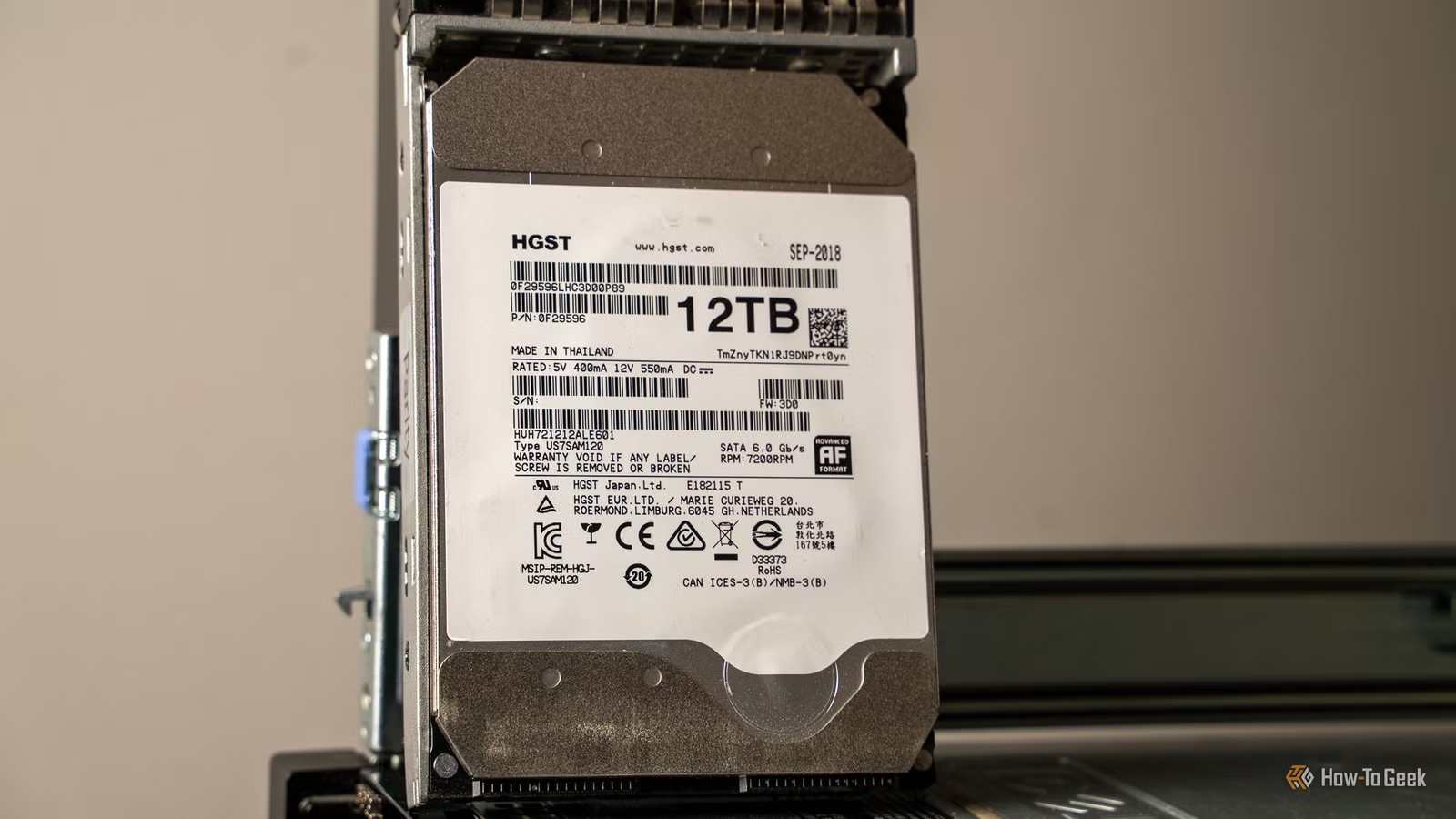
Not only are NAS-designed hard drives built for high-endurance applications, they’re also built to withstand the harsher environment of a NAS. While you might only have two or four drives in your NAS, hard drive manufacturers build these drives to withstand hotter temperatures and much more vibration than a traditional hard drive. For example, my NAS is actually a retired rack-mount server with 12 drive bays—and temperatures can definitely get toasty in it in the summer.
NAS hard drives are also designed to be powered on and used 24 hours a day, 7 days a week, 365 days a year. My NAS right now has an uptime of three months since its last reboot, but, at my peak, I had an uptime of over a year without ever rebooting or powering down. Having a drive constantly on all day, every day, for many days in a row is pretty taxing on the platters and other hardware.
Add to that how often these drives are accessed (I run a media server, homelab services, photo backup server, and much more on my NAS), and you have a recipe for hard drive abuse—and your drive better be rated for it if you want any type of solid uptime.
So, if you’re looking to purchase a NAS, make sure your hard drives are rated for the task at hand. Do your research ahead of time, and you’ll thank yourself later.
Storage Capacity
8TB
Compatible Devices
SATA
The WD Red Plus hard drive line is designed specifically for NAS usage. This means the drive is build to withstand 24/7/365 usage, with up to a 180 TB per year workload rate. You’ll also get a 3-year warranty with the purchase of WD’s Red Plus drive lineup.
Invest in good HDDs, you won’t regret it
If you’re not quite ready to drop brand-new hard drive money for your NAS builds, don’t panic. There are ways to save some cash while building out your storage server. I’m personally a big fan of recertified hard drives. Almost all the drives in my NAS are recertified or refurbished, and I’ll continue to go that route to save money on storage upgrades.
Also, don’t think you have to buy a brand-new NAS, either. As I mentioned, I bought an old rack-mount server to use as my NAS, but there are plenty of other devices that you can build a NAS with. Whether shopping new or looking on the used market, here’s everything that you’ll need to build your own NAS.
