

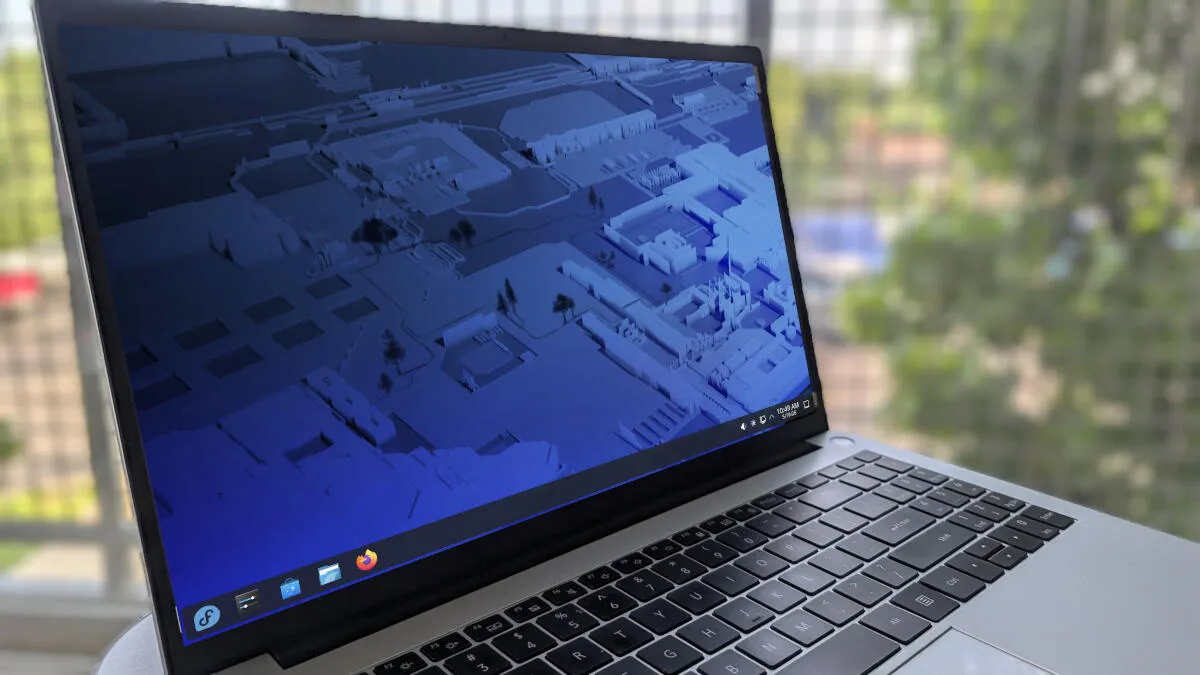
Jack Wallen/ZDNET
Follow ZDNET: Add us as a preferred source on Google.
ZDNET’s key takeaways
- Both Kubuntu and Fedora KDE use the KDE Plasma desktop.
- Each distribution takes a different approach to the desktop.
- One of these may have an edge for new users.
KDE Plasma has won me over. It’s gorgeous, smooth, fast, and as stable as any desktop on the market. On top of all that, it has features that other desktops only dream of, including KDE Activities, KRunner, Window Rules, and KDE Connect.
But when you go to try KDE Plasma, you’ll find several distributions that offer the open-source desktop. Which one should you try?
Also: Microsoft surprises with its first server Linux distribution: Azure Linux 4.0
In my opinion, two distributions stand out for newcomers to KDE Plasma or Linux: Kubuntu and Fedora KDE. Considering that both distributions default to the KDE Plasma desktop, you’d expect them to be, for the most part, the same. They are not. And I’m here to help you choose.
Kubuntu is on the left and Fedora KDE is on the right.
Screenshot by Jack Wallen/ZDNET
Kubuntu: What is it and who is it for?
The Kubuntu desktop isn’t quite as modern as I would prefer.
Screenshot by Jack Wallen/ZDNET
Kubuntu is essentially Ubuntu with the KDE Plasma desktop. What that means is you’re getting all of the user-friendliness of Ubuntu (such as the APT package manager, Snap packages, and the massive default repositories), but instead of the Ubuntu-tweaked GNOME desktop, you get KDE Plasma.
Simple, right? Sort of.
Kubuntu delivers KDE Plasma in a way that makes clear who it’s for: new (or new-ish) Linux users. Even on first boot, you get two desktop launchers: one labeled How-To Guides and the other Kubuntu Websites. (These launchers open the default browser (Firefox) to those respective sites.)
Also: Fedora Kinoite vs. Silverblue: My verdict after testing both immutable Linux distros
Kubuntu’s look and feel leans into the past a bit; it’s sort of Windows 7-ish, with a bottom panel that extends from side to side, a fairly traditional desktop menu, and a default theme that is a mixture of dark and light. To my eye, Kubuntu’s look isn’t quite as modern as you might expect from KDE Plasma, but I suspect that’s intentional, to avoid scaring new users off.
And that’s the heart and soul of Kubuntu: it’s about bringing new users into the fold. This spin understands that the default Ubuntu desktop doesn’t appeal to the average user, whereas KDE Plasma does.
Kubuntu does its best to hold your hand through every step of the process, from getting the OS installed to using it.
Kubuntu’s preinstalled apps
Kubuntu ships with the usual collection of preinstalled apps. You’ll find Firefox, LibreOffice, Thunderbird, KDE Connect, Remmina (for remote desktop connections), Elisa (music player), Haruna (multimedia player), and the usual KDE utilities (such as the Kate text editor).
Also: Your KDE Plasma desktop is about to get a huge upgrade with 6.6 – what’s inside
Kubuntu not only includes the KDE Discover app store, but also ships with the Synaptic package manager and a menu entry labeled Manage Software. Click that entry (it’s in the System menu), and a pop-up appears asking whether you’d like to open KDE Discover or Synaptic. If you’re new to Linux and KDE Plasma, ignore Synaptic; KDE Discover is by far the more user-friendly option.
There’s also a quick launch icon for this on the KDE Panel.
Screenshot by Jack Wallen/ZDNET
To my surprise, Snap is not enabled by default in KDE Discover. Snap is installed, but out of the box, you’d have to use it from the command line. When I went to enable it in KDE Discover > Settings > Snap, I discovered that (for some reason) it refused. Because of this, I opted to enable Flatpak. To do that, I went to KDE Discover > Settings > Discover – “Flatpak backend” and clicked Install.
Once the Flatpak backend was installed, I restarted the system and could then enable Flathub and install apps using the universal package manager.
Who is Kubuntu for?
As you’ve surmised, Kubuntu is ideal for those new to Linux and/or KDE Plasma. This Ubuntu spin goes out of its way to make using the KDE Plasma desktop far easier than you might expect.
Also: GNOME 50 is a brilliant release – but I had to look twice to see why
On the other hand, if you’re looking for a modern, out-of-the-box experience, Kubuntu is not for you. I found the look and feel of Kubuntu to be a bit off-putting. The good news is, it’s KDE Plasma, so it doesn’t take long to customize it to better suit your taste.
Fedora KDE: What is it and who is it for?
Fedora KDE takes a more modern approach to the desktop.
Screenshot by Jack Wallen/ZDNET
Fedora KDE takes a different approach to the desktop. It goes all-in with a sleek, elegant desktop that assumes you know what you’re doing.
And because this is based on Fedora, you’re getting more up-to-date software and more frequent upgrades. After installing Fedora KDE, I had to run the upgrade process (which requires rebooting) four times. After the fourth upgrade/reboot, it finally decided it was up to date (for now), so I went to work.
Also: Fedora 44 made me forget I was using Linux – in the best way
The look and feel of Fedora KDE is much more modern than Kubuntu, and I’m all for it. Fedora KDE looks more like what KDE Plasma should, right down to the floating panel.
Fedora’s preinstalled software
Similar to Kubuntu, Fedora KDE gives you everything you need out of the box. You’ll find Firefox, LibreOffice, KMail, KDE Connect, Dragon Player (videos), Elisa (music), Kamoso (webcam), KolourPaint, and the usual KDE utilities.
Open KDE Discover, and you’ll find that Flatpak is enabled by default, but that the Flathub repo is not. If you want to install proprietary apps like Slack and Spotify, you’ll need to enable Flathub by going to Discover > Settings > Add Flathub. Once you’ve added Flathub, you’ll find considerably more apps to install.
Adding Flathub to KDE Discover is simple.
Screenshot by Jack Wallen/ZDNET
Both Kubuntu and Fedora KDE ship with KDE Plasma 6.6.4, but Fedora KDE has the edge because it also ships with KDE Frameworks 6.25, whereas Kubuntu ships with 6.24. KDE Frameworks is a collection of libraries and software frameworks that allow developers to create applications. It’s not a big deal for standard users, but developers will appreciate the differences between versions.
My guess is that Fedora KDE will also receive the next big version of the desktop (6.7) before Kubuntu does.
Who is Fedora KDE for?
Fedora KDE is for those who want a more modern, elegant take on the KDE Plasma desktop, without spending much time customizing it (though you can). It’s also for those who want more recent software releases. However, there is one odd exception here. While Kubuntu ships with LibreOffice version 26.2.2.2, Fedora KDE ships with version 26.2.1.2. That took me by surprise, because Fedora is considered a “leading edge” distribution, which means it typically receives software updates faster than others.
Here’s one surprise: a Fedora KDE installation is much easier (and more modern) than a Kubuntu one. That’s not to say the Kubuntu installation is challenging (it’s not), but if you want an easier path to installing Linux, Fedora KDE is the way to go.
Which distro is right for you?
The answer to this question is a bit more challenging than usual because of the mixed bag of new versus old. With Fedora KDE having an easier installation, you’d think I would be inclined to recommend it over Kubuntu for new users. But seeing as how the Kubuntu installation is still easy and the entire distribution feels geared toward new users, I would have to say that if you’re new to Linux (and thus KDE Plasma), then Kubuntu is, hands down, the way to go.
Also: This is my favorite Linux distro of all time – and I’ve tried them all
If, on the other hand, you want a leading-edge distribution that ships with a more modern-looking desktop, then Fedora KDE is for you.
The truth is, either one of these desktop distributions would be a great option for you, regardless of how much Linux knowledge you possess.
