


I’ve been using Brave for a while now, and it does exactly what it promises. The privacy defaults are solid, the ad blocking works, and the Chromium foundation means it runs right. However, I found myself curious whether something even leaner existed, a browser that covered the same privacy ground without accumulating quite so many features around it.
Brave has grown into a fairly full-featured platform, which is great if you want that, but I wanted to find out what the experience felt like closer to the essentials. That curiosity eventually led me to Helium, an open-source browser built by a two-person team with a clear and almost stubborn philosophy: do less, but do it right. I wasn’t expecting it to hold up for more than a few days of testing. A few weeks later, it’s still my main browser.
Related
Switch to These Lightweight Browsers That Don’t Slow Down Your PC Like Chrome
Discover the lightweight browser that uses 46% less memory than Chrome.
It wastes no time telling you exactly what it is
Minimalism, but make it intentional
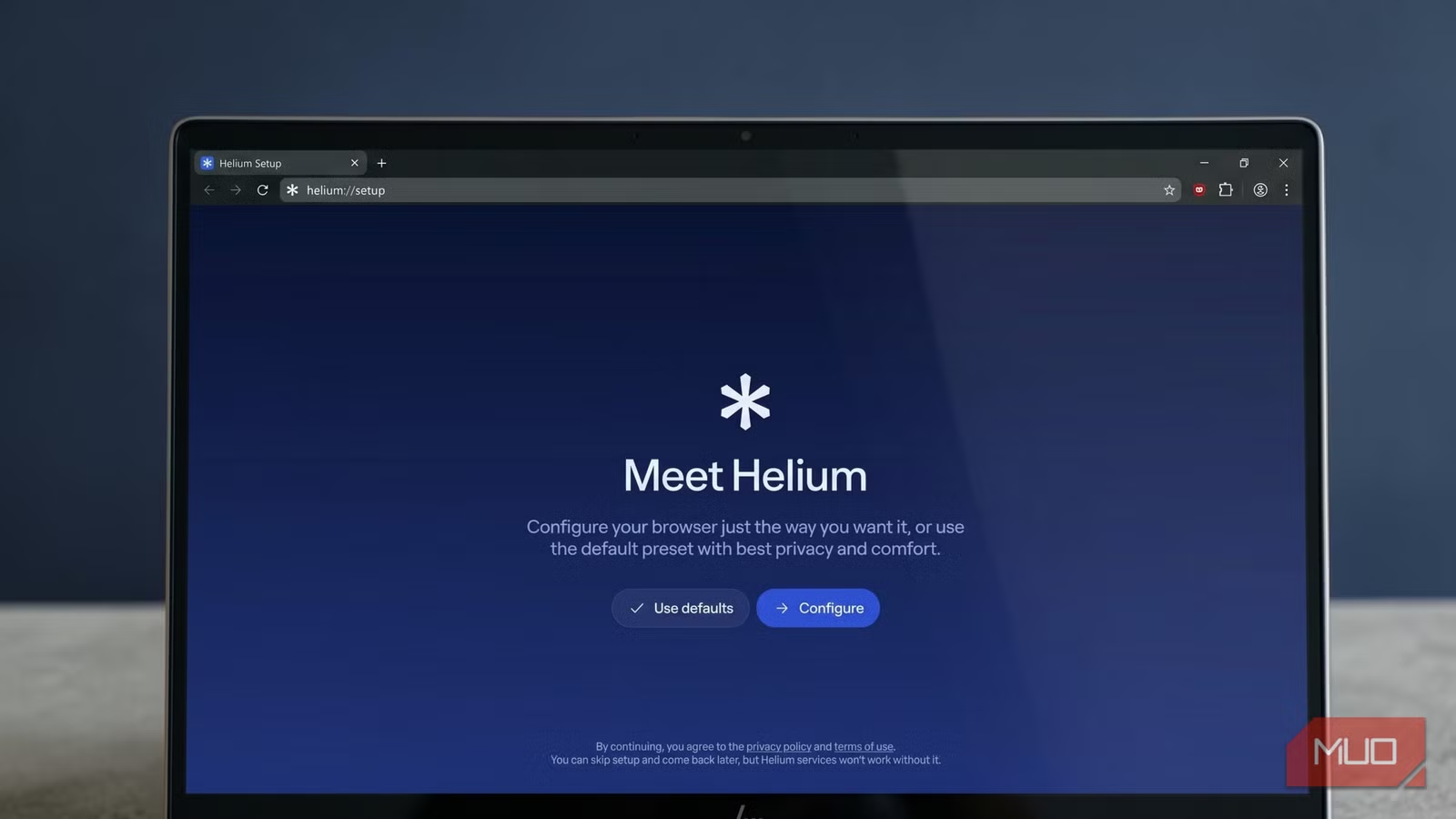
The moment Helium’s setup screen appears, you know it’s different. It’s a clean, unhurried wizard that walks you through choosing a default search engine (DuckDuckGo out of the box, but Startpage, Brave Search, and Google are all options), importing your bookmarks and extensions from another browser, and toggling a handful of privacy features on or off.
Once you’re done with that, you’ll find that the new tab page is essentially a blank canvas with a single “Add shortcut” button sitting in the middle. It’s a deliberately minimal starting point, and once you settle into it, that simplicity becomes one of the more comfortable parts of the experience. Shortcuts populate automatically as you visit sites, or you can add them manually. The toolbar follows the same logic: only the ad blocker, extensions, and profile icons are visible by default, but you can head into Settings, Appearance, and Toolbar to surface whatever else you want, including the split-view toggle, which is hidden by default.
That split-view feature is worth finding. Enabling it lets you open two websites side by side inside a single window, which is really useful when you’re researching something and want your notes and your sources on the same screen at once. You activate it by right-clicking any link and selecting “Open in Split View,” or by enabling the toolbar button first. It’s not flashy, but it solves a real problem without requiring a separate app or a second window.
Under all of this sits Ungoogled Chromium, a version of Chromium that has been methodically stripped of Google’s background services and data-sharing hooks. That means every extension you already use from the Chrome Web Store works here without any fiddling, and Helium proxies those extension requests through its own servers so Google can’t log what you’re installing. It also ships with uBlock Origin preinstalled and active, which matters a lot right now given that Google’s Manifest V3 transition has driven many to ditch Chrome by degrading uBlock’s effectiveness in standard environments.
The features that do the heavy lifting
It gets interesting under the hood
Everything that touches your data is surfaced in Settings, where you’ll find a dedicated Helium Services section — alongside standard Privacy and Security controls — that lays out each protection individually. You can tighten any of these further, or, if you’re particularly skeptical of the developers themselves, self-host Helium’s proxy services (used for anonymizing extension updates and filter downloads) using the open-source code on GitHub.
One design choice that raised my eyebrows at first is the deliberate absence of a built-in password manager. Helium’s reasoning is straightforward: your passwords shouldn’t live inside your browser, because that makes them only as secure as your browser session. It’s a fair point that most browsers ignore. If you use a good password manager like Bitwarden or KeePassXC, the transition is painless since both are extensions. If you’ve been relying on Chrome’s or Brave’s native password storage, you’ll need to export and migrate your passwords before switching, but it’s worth doing so regardless of which browser you land on.
The bangs feature is another differentiator. Borrowed from DuckDuckGo but implemented locally so nothing gets sent anywhere, bangs let you jump directly to any site by typing a shortcut in the address bar. If you type “!w banana,” you land on Wikipedia’s banana page. If you type “!gh,” you’re at GitHub. If you type “!chatgpt” followed by your question, Helium opens a fresh ChatGPT session with your query ready to go, without routing your prompt through any Helium server first. There are over 10,000 bangs available, and the full, searchable list is at Helium.computer/bangs.
A few honest caveats before you commit
A work in progress worth watching
Helium is still in beta, and it shows in a couple of specific places. Digital Rights Management (DRM) support is not yet built in, which means Netflix, Amazon Prime Video, and similar streaming services won’t play content inside the browser. The team has flagged this as something coming in a future update, but for now, you’ll need to keep another browser around if streaming is part of your daily routine. Automatic updates are also only available on macOS at the moment; if you’re on Windows or Linux, you’ll need to grab new releases manually from GitHub. That isn’t a deal breaker, but it does require you to remember to check.
There’s also no native sync between devices. Bookmarks, history, and settings live only locally, which is philosophically consistent with everything else Helium does, but can be inconvenient if you regularly move between a desktop and a laptop. Third-party solutions like Nextcloud or a synced folder can fill the gap for bookmarks, but it takes a bit of setup.
It’s worth the detour
None of this is a reason to dismiss it. Helium is one of the most focused browsers I’ve used. For anyone whose frustration with Brave, Chrome, or Edge is rooted in the feeling that the browser wants something from you, it offers a rare alternative: a tool that browses the web, and well, asks nothing in return.
OS
macOS, Windows, Linux
Price model
Free
Helium Browser is a privacy-focused, open-source web browser designed for people who value a clutter-free experience. It features unbiased ad-blocking, no bloat, and a user-friendly, noise-free interface.
