

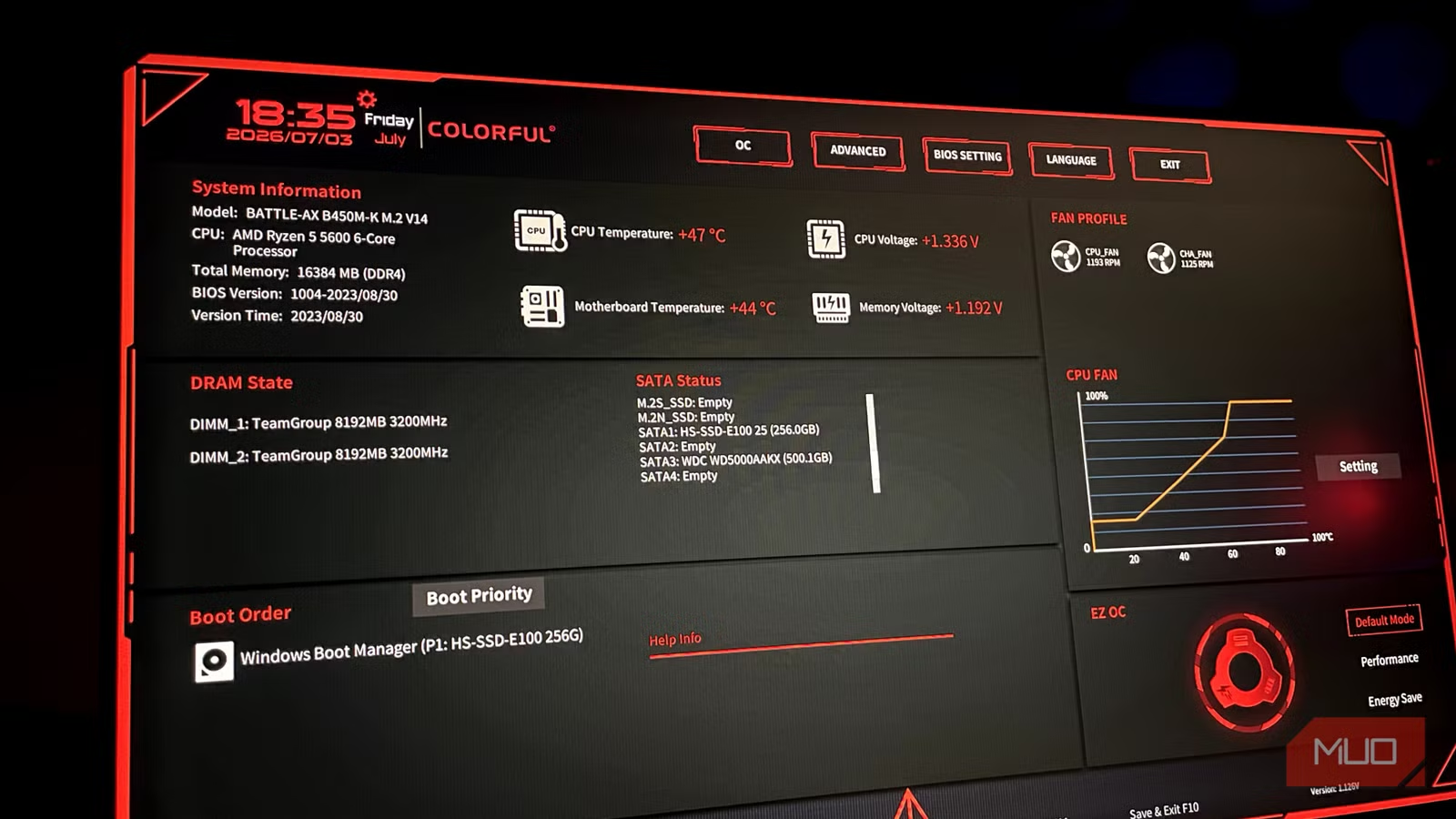
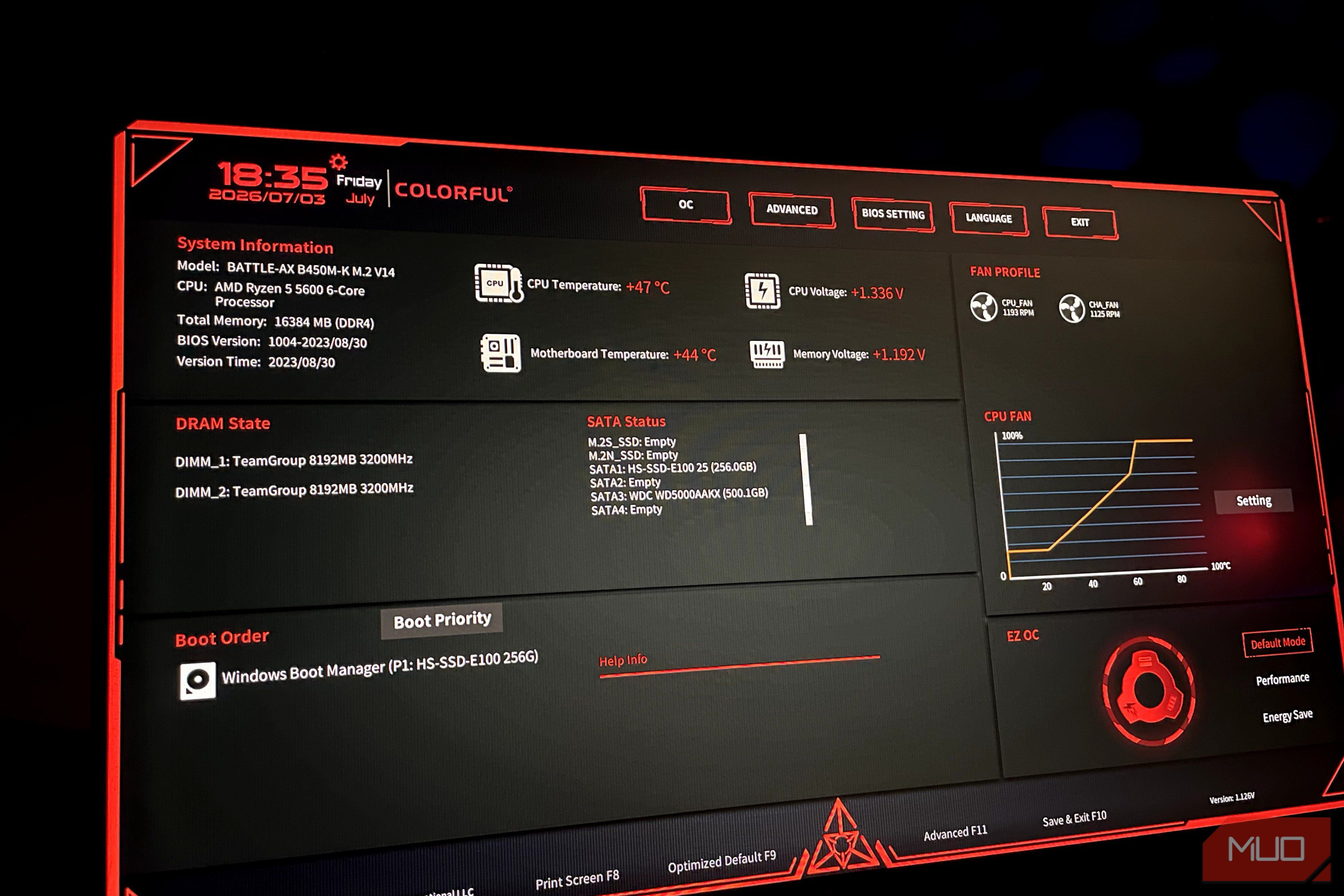
When it comes to PC upgrades, most people rush to buy new hardware, hoping to improve their performance and make their setups more capable. However, most overlook hidden software-based configuration settings that can help them unlock their hardware’s true capabilities.
Take BIOS updates as an example; they used to be considered optional, but that’s no longer the case. In fact, a BIOS update is the easiest, zero-cost upgrade that will deliver more performance from your hardware.
Related
6 BIOS settings I always change on a new PC — most people skip all of them
Want the most out of your new PC? Make sure you’ve enabled these BIOS settings.
BIOS updates unlock hidden performance
Why firmware refinements help with performance
As the foundational firmware controlling your PC, the BIOS is the first thing to run when your PC starts and helps communicate with all the components onboard. This also means that it dictates how well they communicate with each other, and if you’ve left your BIOS the way it came with the motherboard, you’re missing out on tons of performance.
That is because manufacturers continue to refine it to suit newer components. For instance, the AGESA 1.2.0.2 firmware improved performance by up to 10% for the Ryzen 9000 processors through a new 105W TDP mode, while also fixing the core-to-core latency issue, which benefited heavily threaded games. Another notable instance is the underwhelming launch of the Intel Core Ultra 200S. It wasn’t until the release of BIOS updates with microcode 0x114 and newer that it unlocked its boost performance, helping deliver single-digit performance gains (via Intel).
Moreover, some BIOS updates can introduce new features such as AI overclocking profiles, enhanced CPU boost settings, an overhauled BIOS menu for easier navigation, and enhanced PBO (Precision Boost Overdrive) capabilities on some AMD motherboards.
New CPUs and RAM won’t work without a firmware update
A quick BIOS update bridges any compatibility gaps there might be
When upgrading, a motherboard BIOS update becomes compulsory because newer components won’t work out of the box on these boards. For instance, B650 motherboards launched for the Ryzen 7000 CPUs were built for Zen 4 chips, but they can work with Zen 5 chips as well, though that requires newer firmware. Similarly, on the Intel side, 600-series motherboards (e.g., Z690, H670) need firmware updates to support newer 14th-gen processors released after 2023.
RAM compatibility is also a perk of a newer BIOS update. XMP/EXPO profiles in the early stages of a platform are likely to be unstable, leading to crashes or BSODs. In such a case, a BIOS flash can help resolve these issues and stabilize your XMP/EXPO speeds.
Newer BIOS versions also help improve GPU performance, although not in the traditional sense. Resizable BAR is a new feature that lets your CPU access all of your VRAM at once, whereas before it could only access it in chunks of 256MB.
Security updates alone are a reason why BIOS updates are non-negotiable
Real exploits that BIOS updates have shut down
Credit: Shaun Cichacki/MUO
Beyond performance, security updates are an equally critical reason to update your BIOS. Updates can fix BIOS vulnerabilities that could allow hackers to dig into your system.
TPM 2.0 is a hardware security module that helps protect sensitive data such as passwords, certificates, and more, while Secure Boot is a UEFI protocol that only allows the initialization of software and OS approved by manufacturers, blocking unauthorized services from running. BIOS updates can further refine these protocols and hardware, including the CPU, by updating the microcode to improve security and fix any bugs.
Throughout the 6th-11th generations of Intel CPUs, researchers found a massive security flaw that Intel dubbed Downfall/GDS (Gather Data Sampling). Through the exploit, hackers were able to access sensitive information such as passwords, encryption keys, and more via the AVX-512 and AVX2 Gather instructions. Intel later fixed this exploit through several BIOS updates, which also brought new CPU microcode releases.
How to safely flash your BIOS
Check these three boxes before you do so
By now, you may have been convinced to update your BIOS, but before doing so, it’s important to check your manufacturer’s support page to see what the update actually offers. Updating the BIOS is scary, and I don’t recommend updating unless the new version brings tangible fixes, features, or performance improvements.
However, if they do, there are necessary precautions you should take before updating the BIOS. First, ensure you have stable power and an internet connection, so the update process goes smoothly and doesn’t brick your motherboard. Back up any existing settings first, since a BIOS flash erases all custom configurations.
When to actually update your BIOS
If you’re running a motherboard two years or older, checking for a BIOS update may be worthwhile. Even if your motherboard is new, a recent update could unlock more boost clock speeds for your CPU or fix stability problems you might have. These performance enhancements and newer features will help you easily pump out a few more FPS, making it the most effective free upgrade available.
Brand
MSI
Memory Slots
2
Memory Type
DDR5
The MSI PRO A620AM-B EVO is an entry-level Micro-ATX motherboard designed for AMD AM5 processors. It features dual-channel DDR5 memory support, a reinforced PCIe 4.0 x16 slot for graphics cards, fast 2.5G LAN, and a high-speed Lightning Gen4 M.2 slot for NVMe SSD storage. It provides essential performance for budget-focused builds.
