




Smartphones evolved from having big bezels all around with a thicker chin to a borderless design, thanks to the incorporation of selfie cameras inside the notch. On Android, it is called a hole-punch cutout, while iPhones have a notch. The Android hole-punch isn’t really that useful, as it only houses the camera. On the other hand, Apple’s notch — which they call the Dynamic Island — is quite interesting and uses software trickery to include a lot of cool features. Thanks to some developers, Apple’s features can now also be enjoyed on Android.
And recently, with this app called Smart Action Notch, which transforms the dead space on your Android phone into the most productive part of your screen. Let us know more about it.
Related
I Missed This iPhone Feature on My Android Phones: Here’s How I Added It
Scroll to the top with just one gesture.
Modern phone, awesome solution
Transforms the camera cutout into a productive button
Credit: Sagar Naresh/MUO
Screen sizes on smartphones are ever-growing. Now, 7- to 8-inch phones are quite common, since companies can reduce the size of the bezels around the display. However, as flagship screens get larger, reaching the top edge to pull down notifications or access the Quick Settings panel is a problem.
You have to adjust your phone position in your hand and perform finger gymnastics just to accomplish some basic tasks. Meanwhile, the notch, which sits right at the top center of your phone’s display, does absolutely nothing.
But after installing Smart Action Notch, it added a bunch of features to the cutout. Although I was worried that a background gesture app would drain my phone’s battery, that was not the case with the Smart Action Notch app. I mapped the flashlight to a quick double-tap on the camera cutout, and everything felt native. The cutout was now acting like a hardware button I never knew existed.
The beauty of this tool is that you can integrate a variety of actions into the punch-hole that would usually require multiple clicks and finger stretches to accomplish.
- Single or double taps: You can assign actions such as taking a screenshot, starting a screen recording, or locking the screen.
- Long presses: You can use them to assign the most used application or access the power menu.
- Directional swipes: You can swipe left, right, up, or down on the camera cutout to adjust your screen brightness, control media, or access the notifications shade.
It doesn’t hog resources and uses minimal battery. Also, it automatically pauses when you receive a phone call or when your phone is locked. I have also used this app to set the swipe-up gesture for the next track and the swipe-down gesture for the previous track for YouTube Music, which is so convenient.
Related
9 Useful Android Apps That’ll Make Your Phone Smarter
Want a smarter phone? Replace your default camera, SMS, gallery, and other apps with these smarter alternatives.
Setting up Smart Action Notch is easy
Just grant a few permissions, map your actions, and you’re set
Smart Action Notch is not a complicated app. The interface and setting it up are easy. It is available for free on the Google Play Store. Here’s how you can set up Smart Action Notch:
- Head over to the Google Play Store and download the Smart Action Notch app.
- Launch the app and grant it the Accessibility permissions.
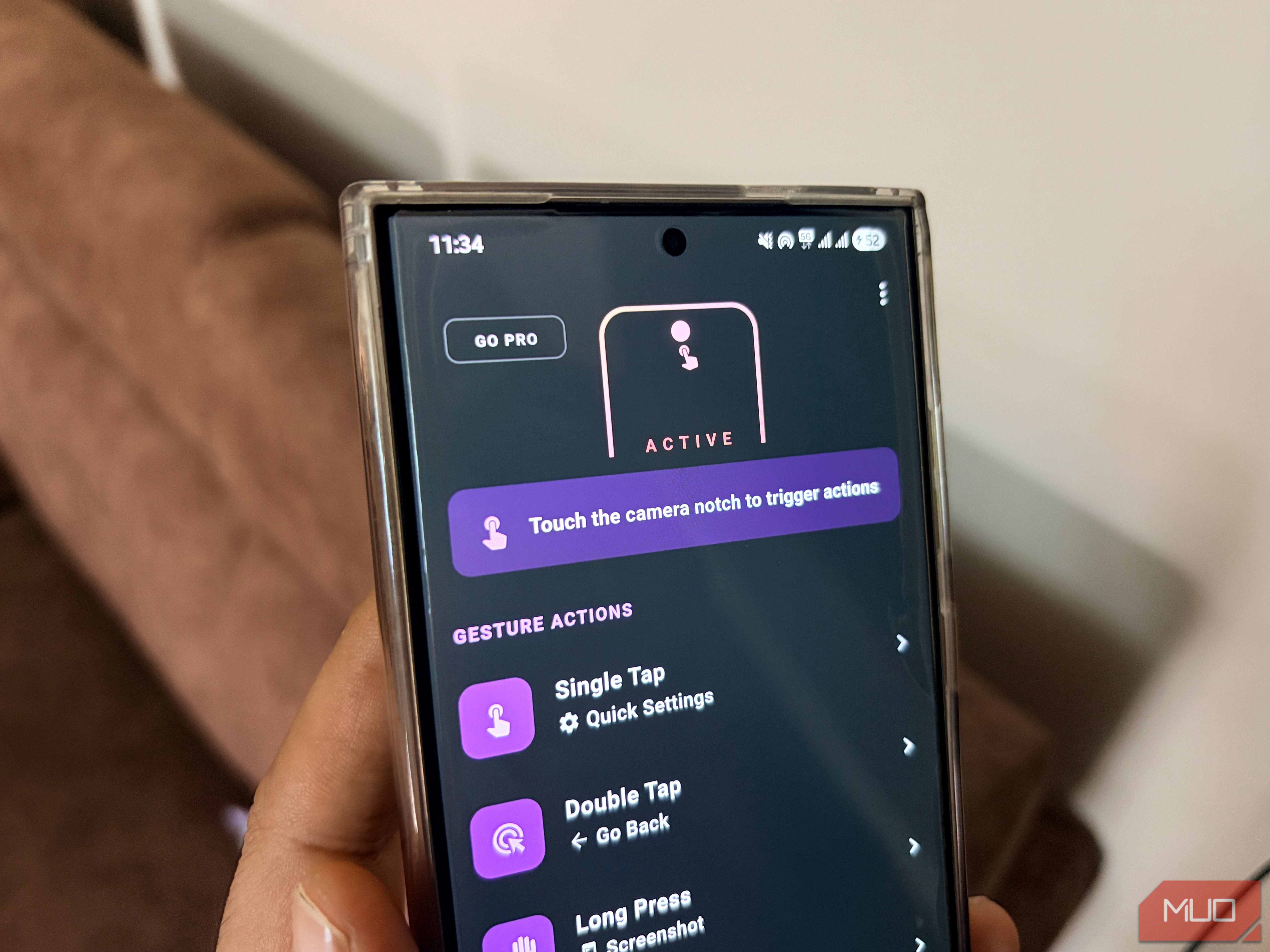
- You will see different actions on the home page of the Smart Action Notch app. However, do note that certain actions, such as swipe down, swipe left and hold, and swipe right and hold, are locked behind a paywall.
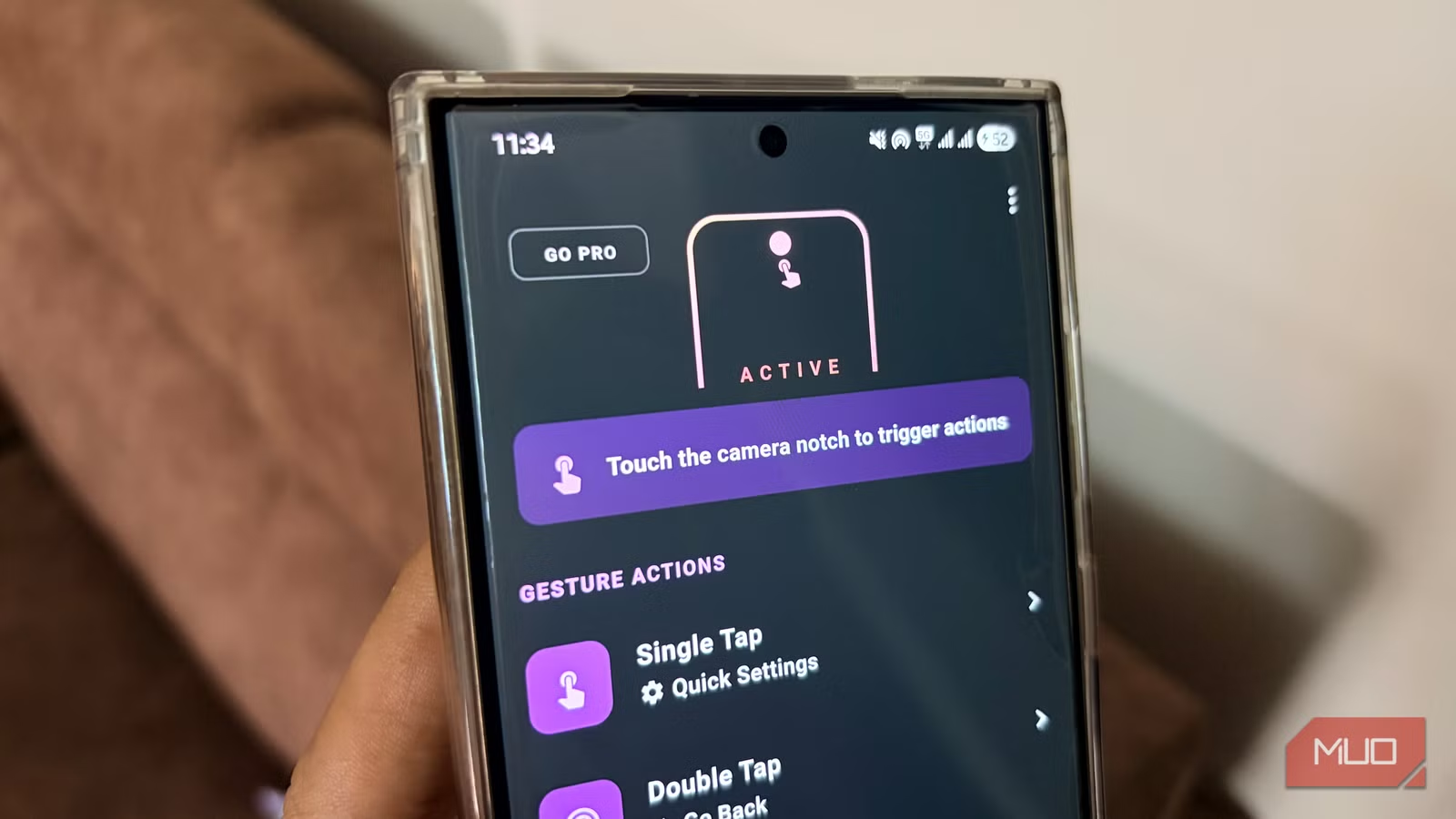
- To set up an action, for instance, Single Tap, tap on the option and select the action that you wish to accomplish. I have set it to Quick Settings. Now, whenever you single-tap on the camera cutout, the Quick Settings panel will open up.
Similarly, you can assign any action to all the different gestures on the camera cutout using the Smart Action Notch app. If you want to try out the locked features, you can do that by watching an ad. But the action will be available only for three hours.
A small change but massive impact
By taking a few minutes, the Smart Action Notch app converts the punch-hole cutout space into a meaningful area that can be used for actions. You can use that black dot to open your most used apps, turn on the flashlight, and much more, and start navigating your device with a lot of speed. If you are tired of the black dot on your screen eating up your device’s screen real estate, then you should definitely give this app a try. Once you start using the Smart Action Notch app, you will never look at the camera cutout the same way again.


