

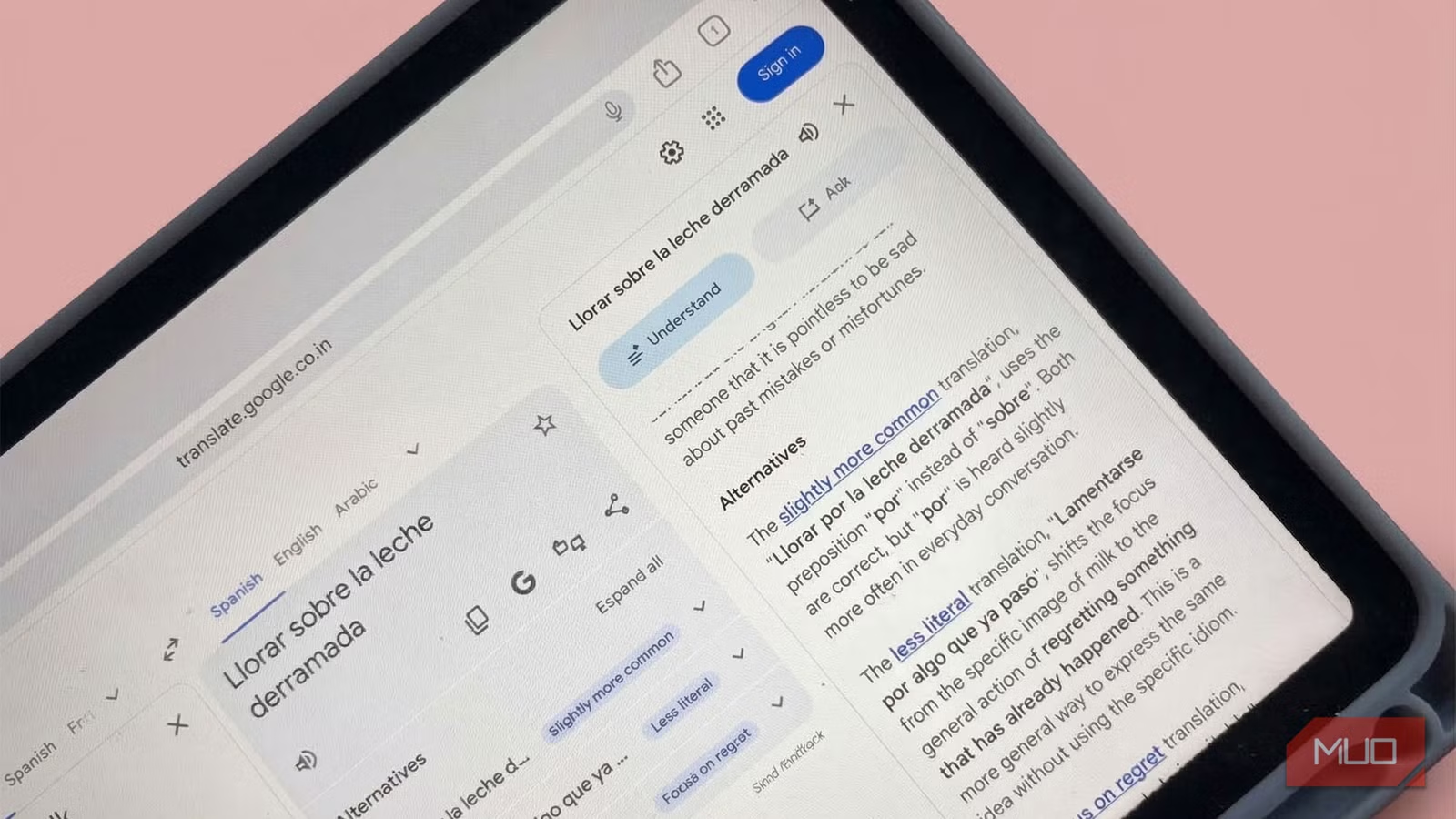
I always viewed Google Translate as a quick fix for reading menus in a foreign language (think about the poshness of French cuisine) or deciphering a strange word in a novel. However, the baking in of Gemini in Google Translate is turning it into a powerful microlearning tool for language learners. Instead of just spitting out literal phrases, the app now explains idioms and offers contextual alternatives.
If you want to explore apps that help you learn a new language, you no longer have to rely solely on the likes of Duolingo or dedicated flashcards. By tapping into these deep learning features, I’m turning fleeting searches into a daily study habit.
Google Translate can now explain the meaning behind a translation
Learn how words adapt to different situations
Saikat Basu/MakeUseOfSaikat Basu/MakeUseOfSaikat Basu/MakeUseOf
Google Translate offers multiple ways to translate anything. Now, it also gives you two features which offer multiple translations based on the context of your sentence. You can finally see the difference between ordering a “light” meal and turning on a “light” switch, which immediately helps to make yourself understood. This makes it especially useful for idioms or expressions that don’t translate literally.
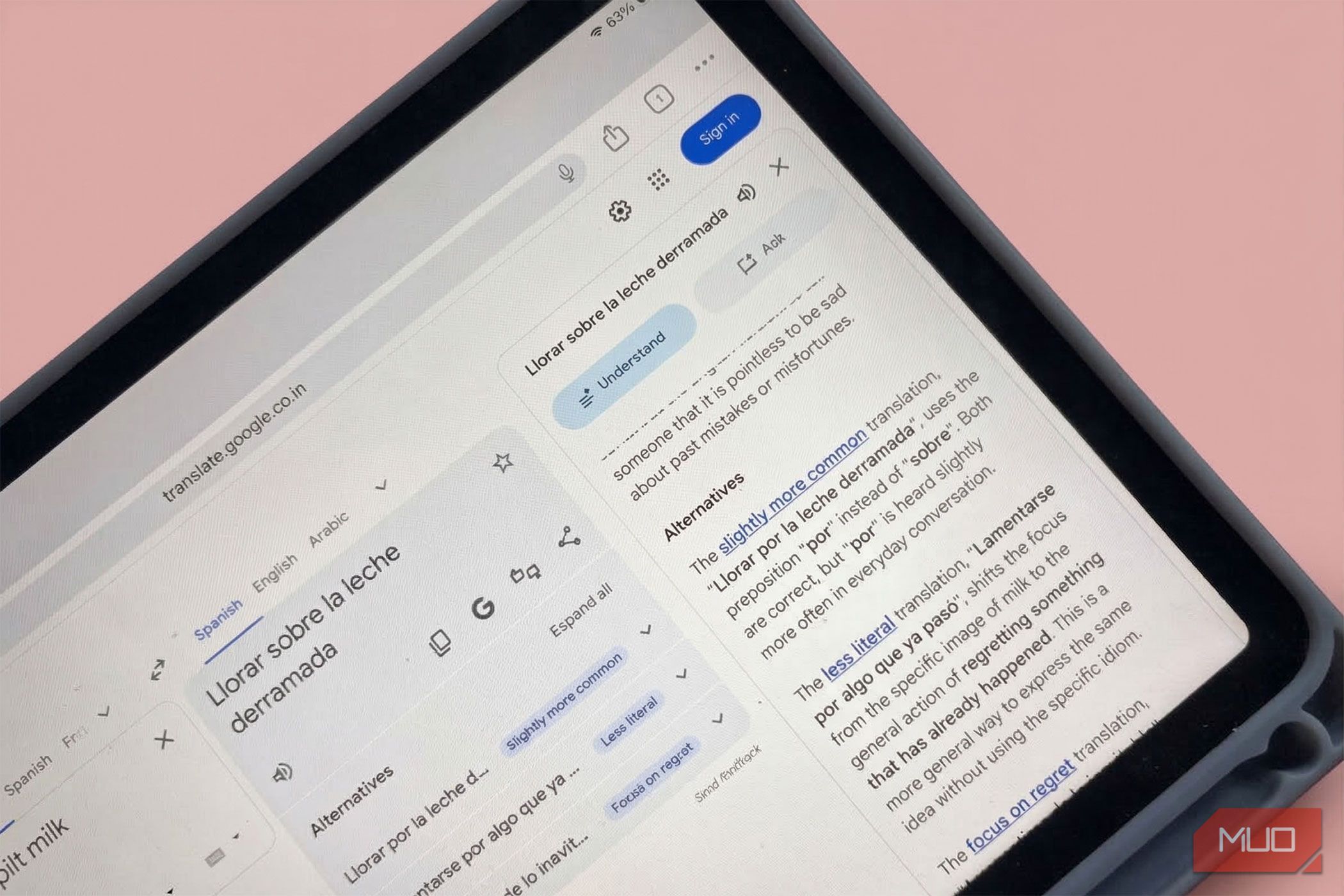
Understand: This feature breaks down the meaning of a translation, giving you context, different ways to say things, and tips on idioms and slang. For example, it can explain expressions like “it’s raining cats and dogs” and offer more natural alternatives in the language you’re translating to.
Ask: Then, you can interact with the translation. You can ask for more info about a particular word or request that the translation be reworded to fit different situations, like a formal work environment.
Both features are visible on the translation screen. Open the Google Translate app on Android or iOS. Enter your text, tap Understand for context and grammar details, and use Ask to request tone or style changes.
You can break down idioms and slang instantly
Dig into the real meaning of colloquial phrases
Saikat Basu/MakeUseOfSaikat Basu/MakeUseOfSaikat Basu/MakeUseOf
The Understand and Ask tool acts like a built-in tutor that breaks down the grammar and cultural significance of a phrase. Idioms and slang have always been tricky for translation tools. A phrase like “break the ice” or “spill the beans” often loses its meaning when translated literally. With the new AI explanations, Google Translate can clarify the intended meaning and show equivalent phrases (Alternatives) in another language.
I used to avoid translating idioms entirely because of this very difficulty. For a beginner of Spanish, it’s tough to grasp all the cultural nuances so early in the learning journey (and without having visited the countries).
Now, translating these phrases and tapping Understand gives you a quick explanation of the cultural meaning behind them. It turns idioms into small language lessons rather than translation mistakes. It’s starting to feel that I am taking the help of a bilingual friend who gives me the exact cultural context I need.
Related
Google Turns Into a Language Tutor With This New Labs Experiment
Learn a language with lifelike conversations, photo-based vocabulary, and slang.
One translated sentence can turn into a mini learning exercise
Ask makes you an active learner
Saikat Basu/MakeUseOfSaikat Basu/MakeUseOfSaikat Basu/MakeUseOf
Once you translate a sentence, you can use the Ask feature to explore what might happen next in a conversation. For example, after translating a question, you can ask the app what a typical reply might sound like or when to use the expression. The Ask dialog also offers a few “People also ask” suggestions.
At first glance, this feels like stretching a translation app beyond its purpose. After all, language practice usually involves dedicated apps, tutors, or even ChatGPT with its language learning prompts.
But in practice, this method works surprisingly well. By asking for responses and alternative phrasing, you can turn a single translation into a short language practice drill.
Improve your accent with continuous voice conversations
Use the conversational mode to practice your pronunciation in real time
Saikat Basu/MakeUseOfSaikat Basu/MakeUseOf
Google Translate’s voice conversation mode listens to both languages seamlessly without requiring you to tap the mic constantly. This provides a brilliant way to practice speaking full sentences and matching the native flow of your target language.
I used to feel incredibly self-conscious talking to an app in public or even in my living room. I assumed voice recognition would just misinterpret my clumsy accent. Yet the AI is quite forgiving and accurate at picking up variations in speech. It forces you to lean on AI to improve your speaking fluency, which is a massive hurdle in early language acquisition.
Both the Understand and Ask buttons are available after you finish your chat. And you can always check back on your pronunciations with the actual machine pronunciations with a tap on the speaker button.
Scan vocabulary directly from your environment
Point your camera at real world text to instantly contextualize new words
Saikat Basu/MakeUseOfSaikat Basu/MakeUseOfSaikat Basu/MakeUseOf
They say language immersion in the place where it’s spoken is the best way to master a lingo. Google Translate’s AR camera translation can capture “environmental vocabulary” and could be a close second. You can scan a foreign newspaper or street sign and immediately break down the phrasing to learn new words in their natural habitat.
I often dismissed the camera tool as a novelty for tourists trying to read train schedules. I never considered using it actively to study the world around me or pull vocabulary from imported product labels.
However, studying text from actual products and signs immerses you in the target language. It bridges the gap between digital study and the real-world. I feel it’s more fun as well.
Google Translate is perfect for short daily practice sessions
I have stopped treating Google Translate as a simple digital dictionary. There are so many opportunities for bite-sized learning sessions. I can open up a foreign news site, pick a headline, and use the Understand and Ask tool to dissect the grammar and context. Every moment of curiosity can add up and make language acquisition faster, easier, and a lot more fun.
