


I never thought it would be so challenging to run a local LLM on Windows. Even when it seemed fine, I later realized that the instance was running entirely on my CPU. Configuring drivers, environment variables, and eventually setting up WSL2 after pulling an Ollama model felt like a separate project. And after that, I found it very exhausting to maintain the stack.
I was pleasantly surprised when I tried it on Linux. The process was more direct, easier, and honestly, I was no longer expecting things to break. It felt similar to when I turned my Linux terminal into a local AI assistant.
The setup that should have taken ten minutes
Why Ollama on Windows keeps pulling you back in
The setup process for Ollama on Windows may seem straightforward, but in reality, it goes far beyond downloading and running the installer. On the first run, you may be convinced that everything is perfect because you’ll get text and responses. However, checking with the command: ollama ps, reveals an idle GPU. This is because it’s running on the CPU, and a mere 3 to 5 tokens per second is substantially slower than it should be.
Ollama’s default silent fallback is common and hard to spot because it emits no error. This behavior is possible on other OSes if the VRAM available is too small for the model. However, on Windows, several other factors, such as driver/installer race conditions, environment variable propagation, and competing resource usage, can trigger it.
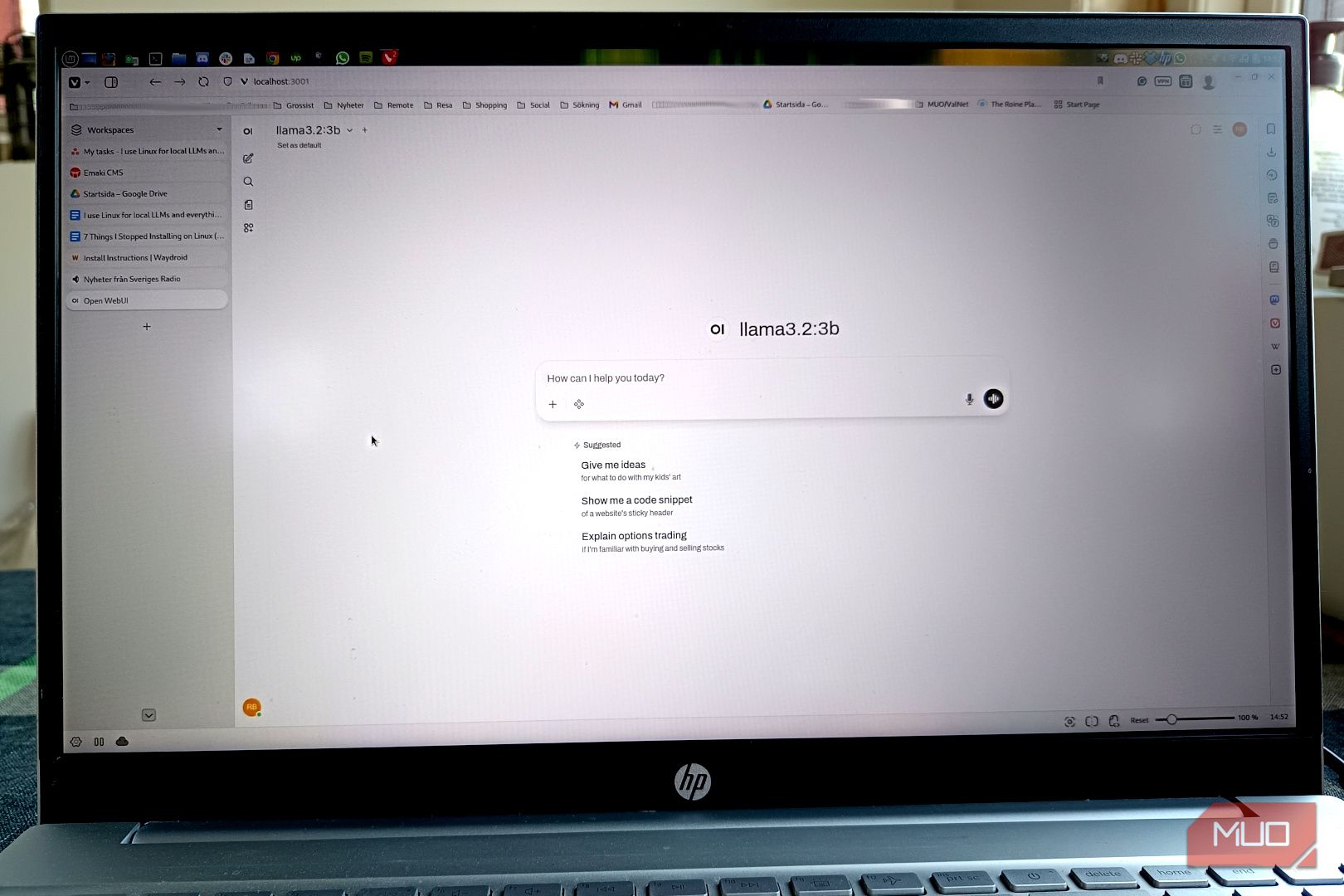
Even when nothing seems out of place, it can still fail; in those cases, you may turn to WSL2. I tried Open WebUI via Docker, which makes Ollama feel like a local ChatGPT despite being a browser-based service. However, Docker runs most reliably on Windows from WSL2. This is a Linux environment running within Windows, and you have to configure it carefully to avoid any complications.
Of course, you will finally get it done right. The little problem, however, is that this process never feels like it’s really finished. It’s a cycle of fixing one thing, then another, then yet another. You can never predict how long it will take to get a working setup; it might be five minutes or five hours.
Related
5 Linux terminal commands that fix most of my system problems
Essential Linux troubleshooting commands every user should know.
What the Linux install actually looked like
One command, GPU active, and nothing left to configure
Installing a local LLM on Linux, in comparison, was uneventful. I went from one install command to model download, GPU detected, and that was it. When I generated my first response, I hung around just in case there was something to fix; there wasn’t.
This is not a question of which OS is better. It was simply the fact that the installation script for Ollama was first written for Linux and worked almost flawlessly, from installing the binaries and registering Ollama as a background service that starts with the system, to automatically detecting the GPU hardware. None of this requires a bridging layer or environment translation. As long as all drivers are in place before the installation, the whole process takes care of itself.
If GPU detection fails because you did the installation before the drivers were confirmed, simply reinstall Ollama to fix it.
From my experience, here is how the process compares in both OSes:
Step
Windows
Linux
Install Ollama
.exe installer (GPU use requires separate verification)
One command (GPU detected automatically)
GPU actually used on first run
Often falls back to CPU silently
Used immediately if drivers are in place
Open WebUI setup
Needs WSL2 installed and Docker configured inside it
Single Docker command
AMD GPU acceleration
Experimental (ROCm v6.1+, frequent CPU fallback reported)
Full support via ROCm v7
Ollama runs at startup
Requires manual configuration
Automatic via systemd
Windows is supported — Linux is where they were written
Once you stay in the ecosystem long enough, you discover that Ollama, Open WebUI, and Docker weren’t built for Windows, nor was the Python integration built around them. Windows support is laid on top of them, and it makes a significant difference.
The best example is Open WebUI, which is a single Docker command on Linux. This command will instantly start the container that connects to the local instance of Ollama while you open a browser. On Windows, you are configuring all these elements. It works, but more often it doesn’t on your first attempt, which generally leads to a long debugging process.
These problems are even more complicated for AMD GPU users. There is full Linux support for ROCm version 7, AMD’s compute platform for GPU inference. On Windows, official support stalls at version 6.1+ and remains experimental. Consequently, many Windows users of AMD GPUs still run Ollama on the CPU, regardless of their hardware capabilities. The underlying GPU stack just isn’t available.
Consider using LM Studio as a separate tool from Ollama. It’s GUI-first, runs cleanly on Windows and Linux, and lets you run models without a terminal. However, it only works if you want to chat with a local LLM without doing much more.
The time you save isn’t upfront
While I found the initial install very fluid, I came to appreciate how local LLMs work on Linux more with each subsequent use of my setup. The reason is that it’s not a one-time install that you keep using forever. You keep trying newer models as they become available. You are constantly trying smaller, quantized versions as a model becomes too slow.
These all require system-level changes. The initial complications on Windows can recur as you make changes, and will only make your experience with local LLMs very unpleasant.
If you are looking to try Linux just for the sake of a local LLM, I would advise you to use Linux Mint. It’s probably the best distro for anyone coming from the Windows ecosystem.
OS
Linux
Minimum CPU Specs
64-bit Single-core
Minimum RAM Specs
1.5 GB
Linux Mint is a popular, free, and open-source operating system for desktops and laptops. It is user-friendly, stable, and functional out of the box.
