

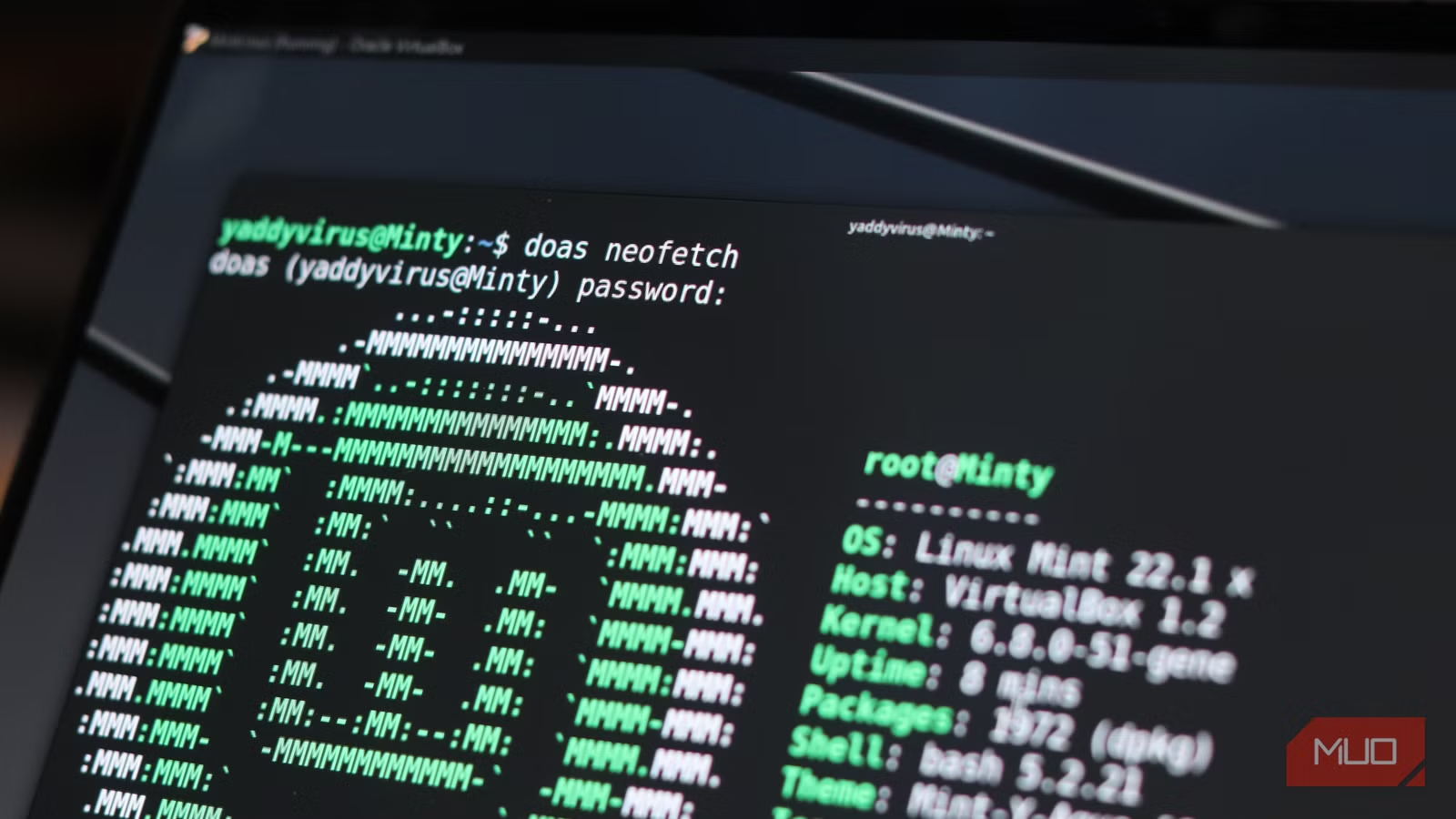
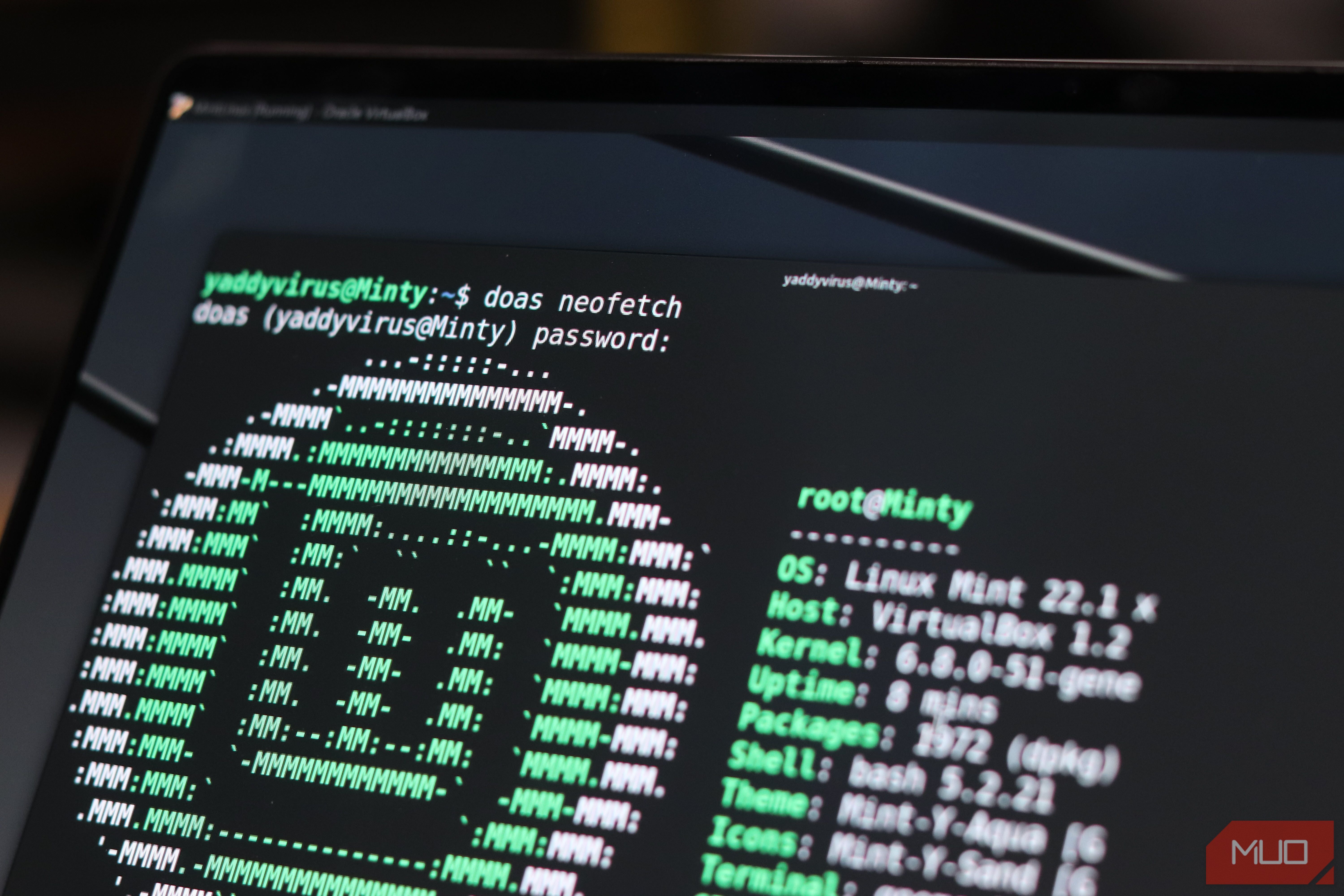
Sudo is a command that’s become muscle memory for just about every Linux user on the planet. Whenever you need to run something with elevated privileges, sudo just comes up automatically. But sudo is old, and there’s a better way to elevate privileges in the Linux terminal you might be ignoring.
Just like switching from a “daily driver” OS can improve your workflow instantly, switching from sudo to doas on Linux can do the same for your terminal workflow. I made the switch, and my permission rules finally make sense.
Sudo is powerful—but way too messy
Overcomplicated rules that most people barely understand
Screenshot taken by Yadullah Abidi | No attribution required.
Sudo is everywhere. It ships with Ubuntu, Fedora, Arch, and just about every major Linux distro you’ve ever heard of. For most Linux users, it’s the prefix you use before a command when your user account doesn’t have permission to run it, and that’s it. It’s one of those Linux terminal commands that fix most system problems.
However, the problem is sudo’s complexity. The sudo source code is approximately 160,000 lines of C. If you include configuration and support files, that number goes over 223,000. For a tool whose primary job is to run a given command as root, that’s a staggering amount of code running a privileged process.
Yadullah Abidi / MakeUseOfCredit: Yadullah Abidi / MakeUseOf
A larger codebase gives threat actors a bigger attack surface, and in case you didn’t know, sudo has had close calls with it in the past. For example, CVE-2021-3156, a heap-based buffer overflow vulnerability in sudo, allowed full privilege escalation to root, and it sat undetected in the codebase for nearly a decade.
If you look past security, configuration with sudo isn’t exactly great either. If you’ve ever tried to write a custom /etc/sudoers rule from scratch, the syntax probably left you scratching your head at some point. It isn’t exactly human-readable either. A simple command, like allowing a user to run any command as root, would be written as:
username ALL=(ALL:ALL) ALL
For anyone dealing with this syntax for the first time, it can be quite complex. That’s a line from a configuration format with decades of feature decisions that weren’t looking at simplicity.
Doas keeps it brutally simple
One job, minimal syntax, no mental gymnastics
Doas was written for OpenBSD after the OpenBSD project decided sudo was too large to ship in the system base. It was built from the ground up to fundamentally do the same job, without carrying along sudo’s bloat.
The result is a program with a source code of roughly 500 lines of C, and when installed, it only takes several kilobytes on disk. Less code means a smaller attack surface, fewer potential bugs, and a binary that’s auditable by a human being in a reasonable amount of time.
The configuration syntax also follows the same minimalist philosophy. Instead of making you fight sudoers grammar, doas uses plain English. You can read most of doas configuration aloud and understand exactly what it means. For example, the doas equivalent to the aforementioned sudoers configuration is:
permit username as root
That’s it. No need to work in random symbols and special characters into a command that should be easily readable and understandable.
Switching over takes minutes, not hours
A quick setup that replaces sudo without the headache
Now, doas is an OpenBSD-native tool, but you can use the OpenDoas port to use it on Linux. On Debian and Ubuntu, you can install it with the default package manager as well:
Screenshot by Yadullah Abidi | No attribution required.
apt install doas
And this approach works with other distros too. You can use pacman on Arch and dns on Fedora and install doas in a single command. You do have to create a configuration file at /etc/doas.conf as it’s not automatically created at install (unlike sudo). Believe it or not, it’s not a bug. It’s a feature that forces you to be more deliberate about exactly what you’re permitting. The configuration itself is a simple line:
Screenshot taken by Yadullah Abidi | No attribution required.
permit persist yourusername as root
This is a minimal config for a single-user system. You might want to change it according to how many users you have and particular use cases.
Once the configuration file is made, lock down its permissions properly. Setting ownership to root:root and permissions to 0400 keeps the file readable only by root, which doas requires even before running. Validate the configuration file by running doas -C /etc/doas.conf, and you’re good to go.
Because doas was designed for OpenBSD, it doesn’t automatically preserve Linux-specific environment variables like XAUTHORITY or LC_ALL. If you want to run graphical programs under X or maintain your locale settings, this can trip you up. Thankfully, the fix is a single extra line in the configuration file:
setenv { DISPLAY XAUTHORITY LANG LC_ALL }
Note that doas doesn’t break your GUI or locale settings; it just refuses to assume what should be trusted. It’s a mistake even experienced Linux users can make, as root won’t be able to see your X sessions and commands may suddenly switch language, sort text differently, or behave inconsistently.
OS
Linux
Developer
Ted Unangst
Price model
Free, Open-source
OpenDoas is a lightweight, portable implementation of the doas privilege escalation tool.
My workflow feels lighter now
Less friction, fewer surprises, same control
In my daily usage, using doas feels more deliberate. The configuration file is readable now, meaning I actually do come back to it to modify it further and fine-tune the control of my computer the way I like—something that never happened with sudoers.
Related
5 programs you need to know about as a Linux user
Linux is more than a backup OS, and these programs prove it.
Every rule is a conscious decision written in plain language, which means you’re less likely to accidentally grant permissions you didn’t intend. For anyone running a single-user desktop environment, doas gives you everything sudo provides without any of the complexity that’s not meant for you in the first place.
The switch isn’t for everyone. Large, multi-user server environments or setups that rely on sudo’s admittedly finer controls will likely stay with sudo. But for a personal Linux machine, whether you’re on Arch, Mint, Ubuntu, or anything else, doas provides a better, simpler, and cleaner way to manage permissions than sudo ever can.
