

Taylor Kerns / Android Authority
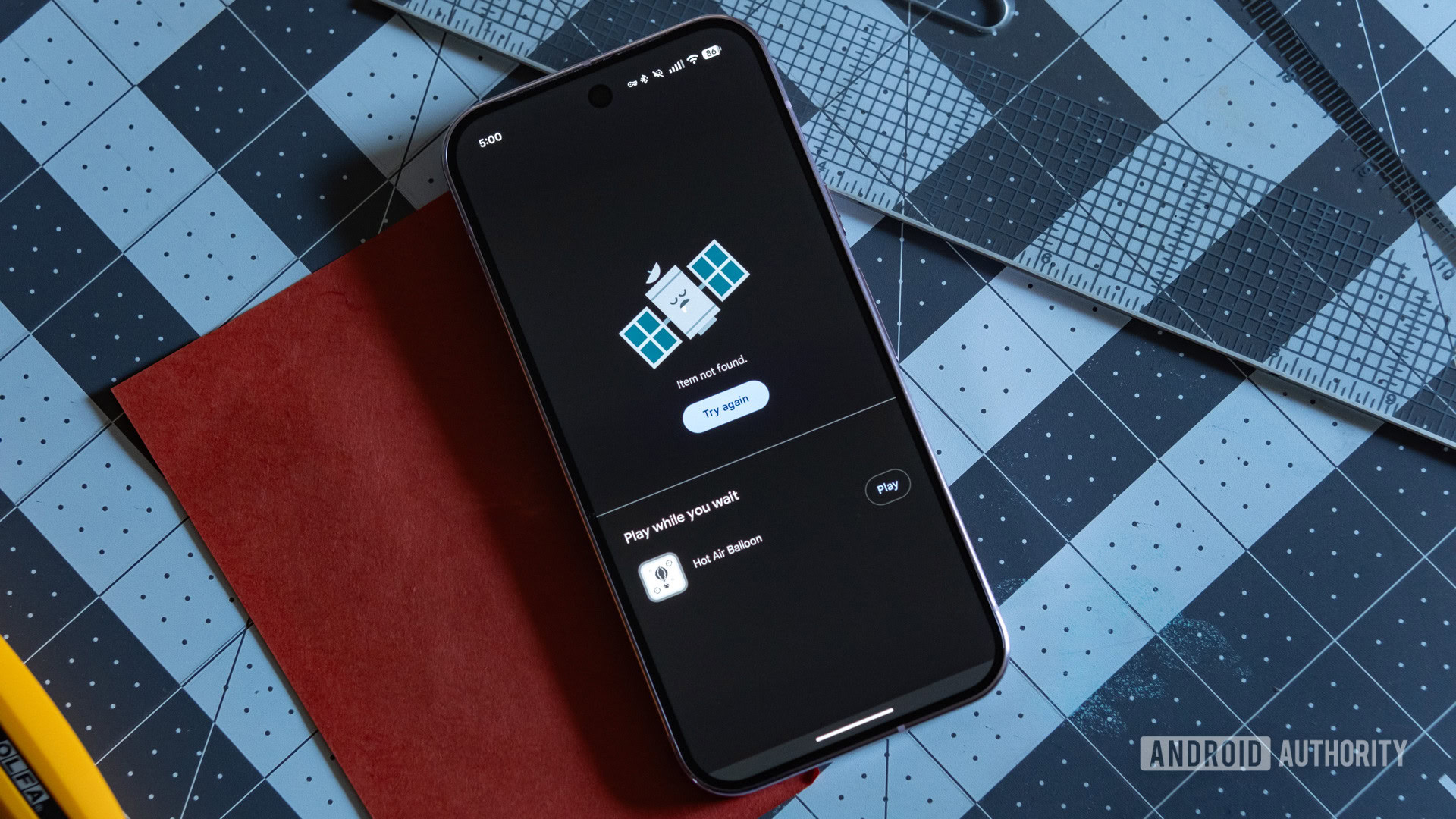
Android’s whole pitch has always been openness. You can sideload apps, get APKs from the web, and even switch to third-party app stores — Google doesn’t stop you from doing any of that (for now, at least). So, when I decided to spend a week without the Play Store, I wasn’t exactly nervous going in.
I did keep Google Play Services running because this wasn’t some full de-Googling mission. I simply wanted to see how far I could get sourcing and managing my daily apps after disabling the Play Store.
Spoiler: It wasn’t terrible, but it wasn’t exactly smooth sailing either.
Have you ever considered using your Android phone without the Play Store?
3 votes
Yes, and I’ve actually done it
67%
Crossed my mind once or twice
0%
Never, not worth the hassle
33%
Ditching the Play Store is possible if you don’t mind the extra hassle
Andy Walker / Android Authority
Before ditching the Play Store, I obviously needed a replacement. I ended up installing three or four different app stores just to see which one could cover everything I needed. Of them all, Aurora Store came the closest to being a like-for-like replacement for the Play Store. It’s essentially an open-source frontend for the Play Store, so I had access to virtually the same app library. The only difference was that Aurora Store didn’t force me to use a Google account, which was kind of the whole point of this experiment.
The big catch is that you can’t purchase apps and games without the Play Store.
Aurora Store also does a couple of things better than the Play Store itself. First, it lets you download older versions of an app, which means if a recent update broke something or removed a feature you liked, you can roll back directly from the Aurora Store. There’s also a Spoof Manager that lets you fake your device’s model so you can download apps that aren’t available on your phone. Of course, there’s no guarantee they’ll work, but at least you get to try. I didn’t need either of these features during my week, but they’re definitely useful.
The big catch, though, is that the Aurora Store doesn’t let you buy apps and games — not unless you sign in with a Google account. But the good thing was, the Aurora Store did let me update apps I’d already bought and installed via the Play Store.
Some of the best Android apps aren’t on the Play Store
Pankil Shah / Android Authority
As much of a trial and error as my week without the Play Store was, I’m glad I did it — because it made me realize just how many great apps exist outside of the Play Store. These are apps I probably would’ve never stumbled upon otherwise.
F-Droid deserves most of the credit here. Its entire library is built around free and open-source apps, and most of these are completely absent from the Play Store. So yes, browsing F-Droid felt quite refreshing because I was discovering Android apps I had no idea existed. GitHub Store is another source I leaned on since plenty of developers skip the Play Store entirely and just ship APKs directly on their repos.
The point is, stepping outside the Play Store led me to a few apps I now actually prefer over their Play Store equivalents. HeliBoard is one of them. It’s an open-source keyboard app that works entirely offline, which means I don’t have to worry about a big company logging everything I type. LibreTube is another good one. It’s an ad-free YouTube client that lets me watch videos, listen to songs, and check out podcasts without paying for YouTube Premium. These are just a couple of examples. I also came across Seal, Breezy Weather, Kvaesitso, Obtainium, and Shelter — and honestly, each could fill its own article.
I didn’t expect to miss the Play Store this much
Pankil Shah / Android Authority
I went into this experiment feeling pretty confident, but living without the Play Store was harder than I expected. The first thing I noticed is how many apps I couldn’t get. And no, I’m not just talking about paid apps and games, though I did miss those dearly. Banking apps were the first real wall I hit. Some of them either refused to open or got flagged the moment they detected something was off.
The bigger issue was keeping all my apps updated. Yes, Aurora Store does have an auto-update option, but calling it smooth would be a stretch. Even when I tried updating the apps manually, I still had to hit the install button individually for each app, every single time. To be fair, the Play Store isn’t exactly flawless about automatic app updates either, but at least it doesn’t make me babysit the whole process.
Another big headache was in-app purchases. Giving up paid apps is one thing, but most Android apps these days lock their best features behind some kind of paywall, and without the Play Store’s billing system underneath everything, that door was effectively shut.
The Play Store offers a lot more than just apps
Joe Hindy / Android Authority
My time without the Play Store made me realize just how much it offers beyond apps and games. Play Protect is the obvious one. It’s Google’s built-in malware scanner, and it scans every app installed on my phone — even those I’ve sideloaded. Beyond catching malware, Play Protect can flag apps that are trying to steal my data and even remove them on its own. That’s a pretty solid safety net to give up.
Automatic app archiving is another underrated feature. If my phone is ever running low on storage, the Play Store can automatically archive apps I haven’t touched in a while. It doesn’t remove any of the app data, so when I need that app again, I can simply restore it and pick up where I left off. Since my Pixel 10a only has 128GB of internal storage, this is quite handy.
Walking away from the Play Store means giving up a lot of conveniences.
Managing subscriptions is also quite smooth with the Play Store. I can just head to its “Subscriptions” tab and see every app I’m paying for. Obviously, it’s possible to track subscriptions without it, but it usually means digging through emails or relying on a third-party app.
And finally, there’s the stuff that’s not absolutely essential but does matter. Google Play Points offers rewards on app purchases. Google Play Pass gives me access to a library of premium apps and games for a flat monthly fee. Google Play Family Library lets me share paid apps and games with family members, so I don’t have to buy them twice. Walking away from the Play Store means giving up all these features.
This whole experiment taught me two things. First, Android’s openness is very much real. Second, convenience is a hell of a drug. Would you ever try ditching the Play Store — even just for a week? Tell us in the comments below.
Thank you for being part of our community. Read our Comment Policy before posting.
