

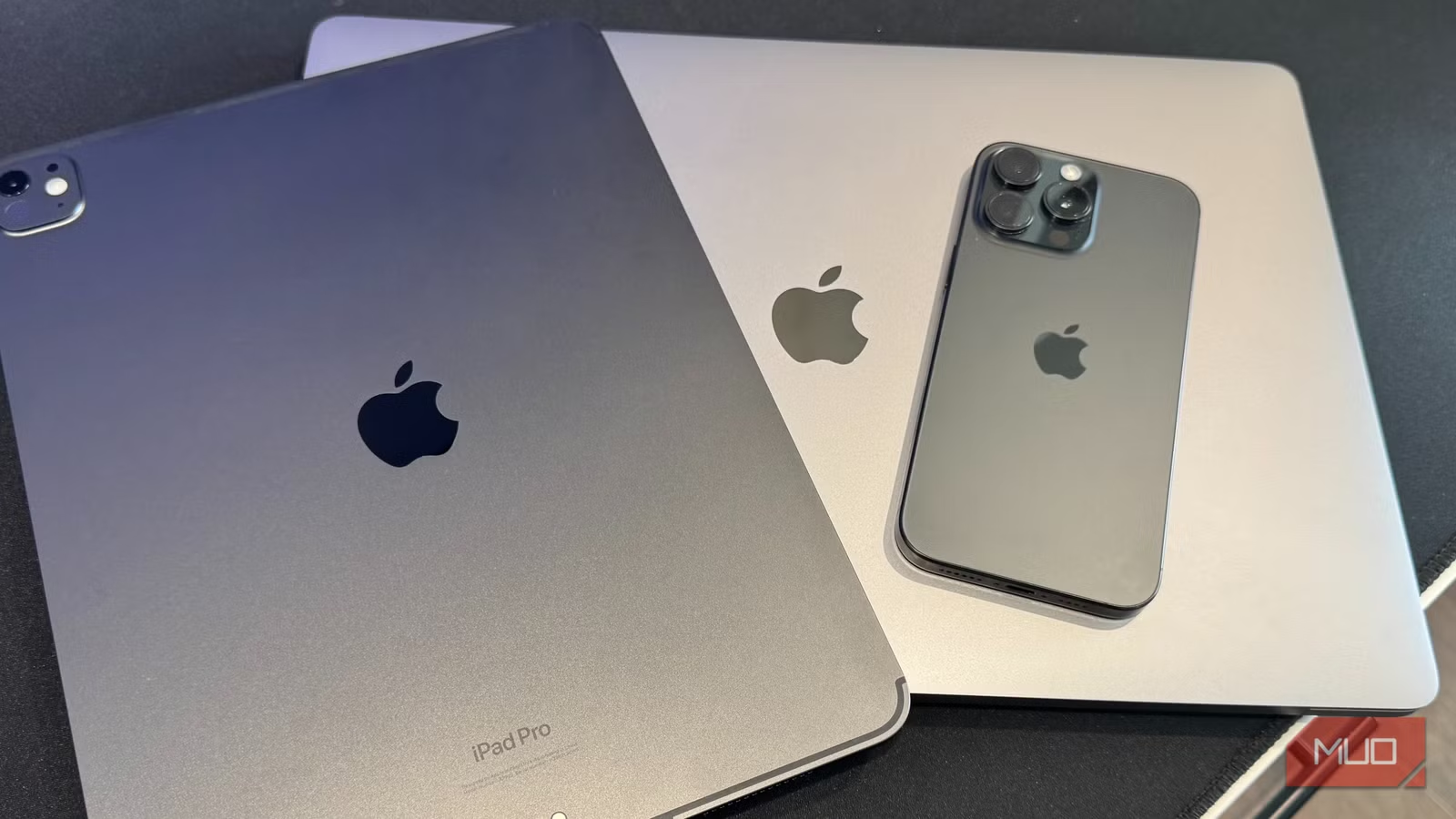
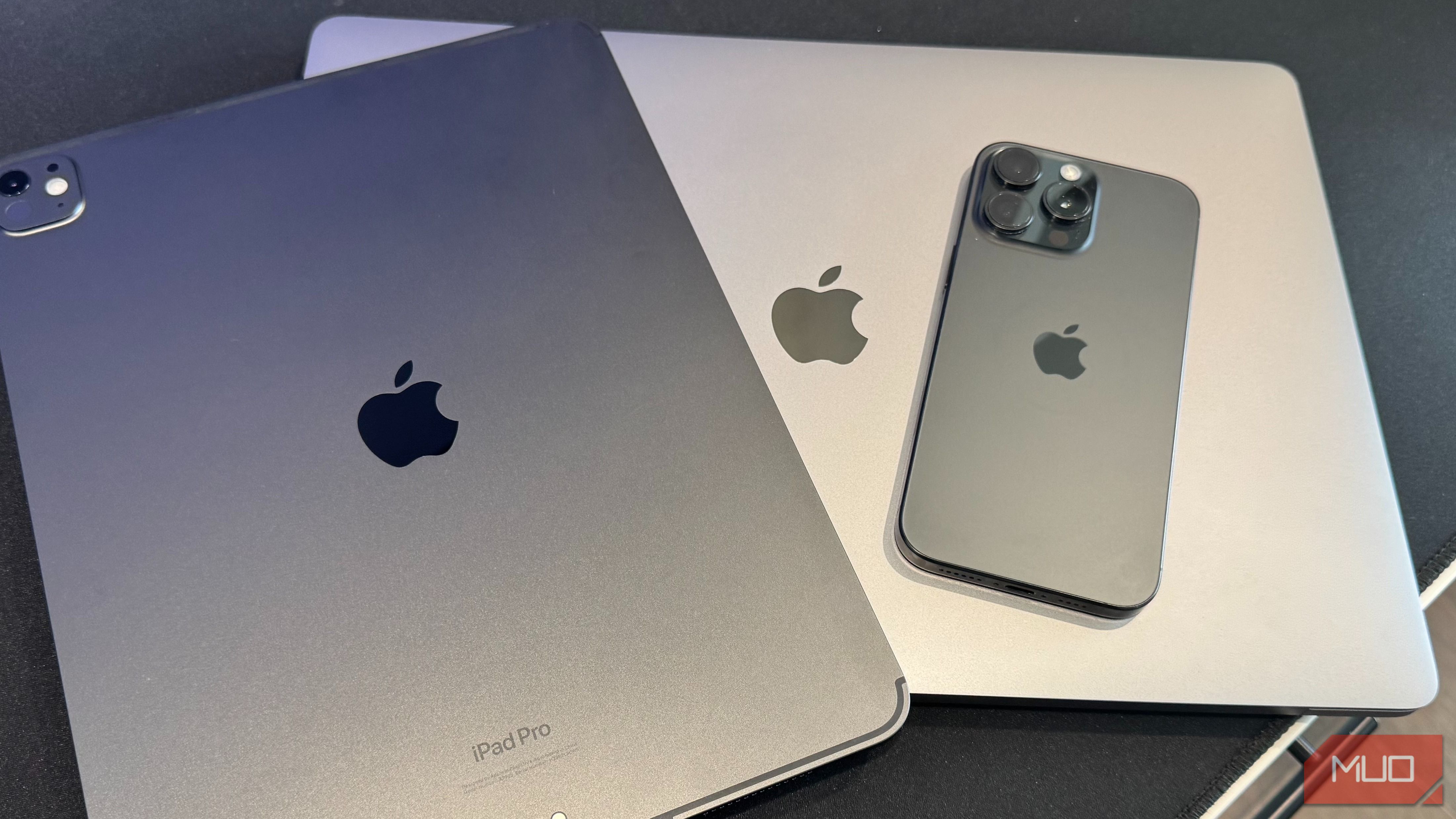
Apple hardware tends to stick around. The build quality is good enough that these devices don’t break — they just get slower, lose software support, and eventually end up in a desk drawer because something newer replaced them. I had four of them in exactly that situation: a first-gen iPad Pro, a 9th-generation iPad, a 7th-gen iPod Touch, and a 2017 MacBook Air. All functional. All ignored.
Rather than sell them for whatever eBay or Facebook Marketplace would offer — which isn’t much once the scratches and years of use are factored in — I found specific jobs for each one. Every device is still in active daily or weekly use, doing something genuinely useful. Here’s what each one does now.
iPad Pro (1st gen) — portable second display and smart home hub
Two jobs, one screen
This 12.9-inch iPad does two completely different jobs depending on where I am. When I’m traveling with my MacBook Pro, it comes along as a secondary display via Sidecar. Wired beats wireless here — the connection stays solid, and the cable charges the iPad while it’s in use. The screen size is the real advantage — 12.9 inches gives enough room to keep reference documents open, monitor communications, or sit in a video call while actually working on the laptop. At home, it lives on the kitchen counter as a dedicated smart home control panel.
The Alexa app runs permanently on the main screen, with device groups organized by room and zone. Ring cameras pull up fast. The myQ integration means garage door status is always visible — no more second-guessing at bedtime. Three HVAC zones sound manageable until you’re trying to adjust them from separate thermostats on different floors. One screen handles all of it. Two roles, one device — and selling it wouldn’t have covered much more than a decent dinner out.
Related
12 ways you can still use your old iPad
An old iPad can’t handle the latest games, but it can be your remote control, digital photo frame, dedicated ebook reader, and more.
iPad (9th gen) — dedicated baby monitor
Better than checking your phone at 2am
Credit: Jonathon Jachura / MUO
I already installed our Nanit baby cameras before I thought about what to do with the 9th-gen iPad. My wife and I had been checking feeds on our phones, which meant unlocking it, finding the app, and squinting at a small screen — every single time. Putting the iPad on a nightstand and leaving the Nanit app open full-time fixed all of that. The difference in screen real estate is significant. Phone screens show you that something is there.
The iPad actually shows you what’s happening — breathing motion tracking, sleep stats, the room temperature reading — all readable at a glance without picking anything up. The tablet stays plugged in overnight, so the battery is never a variable. During naps, it sits in whatever room I’m in. It replaced a dedicated Nanit display that would have cost over $100 for a screen smaller than what I already owned. The 9th-gen iPad isn’t fast by current standards, but the Nanit app doesn’t need it to be. It runs without complaint.
iPod Touch (7th gen) — dash cam
A free app and a $25 mount
Dedicated dash cams run $100–$250 before you get to the models worth actually buying. My iPod Touch repurposed as a dash cam cost $24.95 for the iOttie windshield mount — that was the entire out-of-pocket expense. The DashCam Recorder app is free, runs on older iOS without issues, and handles everything a basic dash cam needs to do: loop recording, GPS coordinates, speed data, and a crash sensor that flags and protects footage from being overwritten. 256GB of storage means weeks of footage before the loop starts cycling.
Daylight footage is sharp — license plates are legible at reasonable following distances. Low-light footage won’t match a dedicated unit with night vision, but it’s usable when you actually need it. The main trade-off is visibility — an iPod on a windshield mount is more conspicuous than a dedicated unit, so I pull it out every time I park. Five extra seconds. Six months of daily use later, it’s become automatic. No parking mode, and no rear camera. For the core use case — having footage if something happens — it delivers.
MacBook Air (2017) — ChromeOS Flex travel laptop
The OS swap that brought it back
The 2017 MacBook Air had a working processor, a working screen, and a 128GB SSD that macOS simply couldn’t update into anymore. Every storage trick I tried — clearing caches, removing accounts, offloading files — bought a little room but never enough. The machine worked. The OS just didn’t fit anymore. Installing ChromeOS Flex fixed that. The Chromebook Recovery Utility handles the USB imaging, the install takes around 20 minutes, and the result runs noticeably faster than macOS did toward the end — fewer background processes, lighter overhead. The browser-first workflow covers everything the machine needs to do — documents, email, video — without lag.
For a secondary travel machine, that’s the entire job description. The security model is a legitimate bonus for travel use. A nine-year-old laptop that gets lost or damaged on a trip isn’t the same kind of loss a newer machine would be. Google’s update support for ChromeOS Flex runs up to 10 years on certified hardware, so there’s no looming software cliff to deal with either.
Old hardware earns its keep when you match it to the right job
The instinct when a device gets replaced is to sell it fast, before the resale value drops further. But used Apple hardware — especially older models with limited storage — doesn’t command much. Before listing anything, it’s worth asking what task you’d pay to have handled elsewhere, because the device sitting in the drawer might already do it. A baby monitor display, a dash cam, a travel laptop, a smart home hub — these aren’t exotic use cases.
They’re things most people own that other hardware covers. Giving old devices a defined role keeps them out of a landfill and out of a drawer, and usually costs nothing beyond a mount or a stand.
