

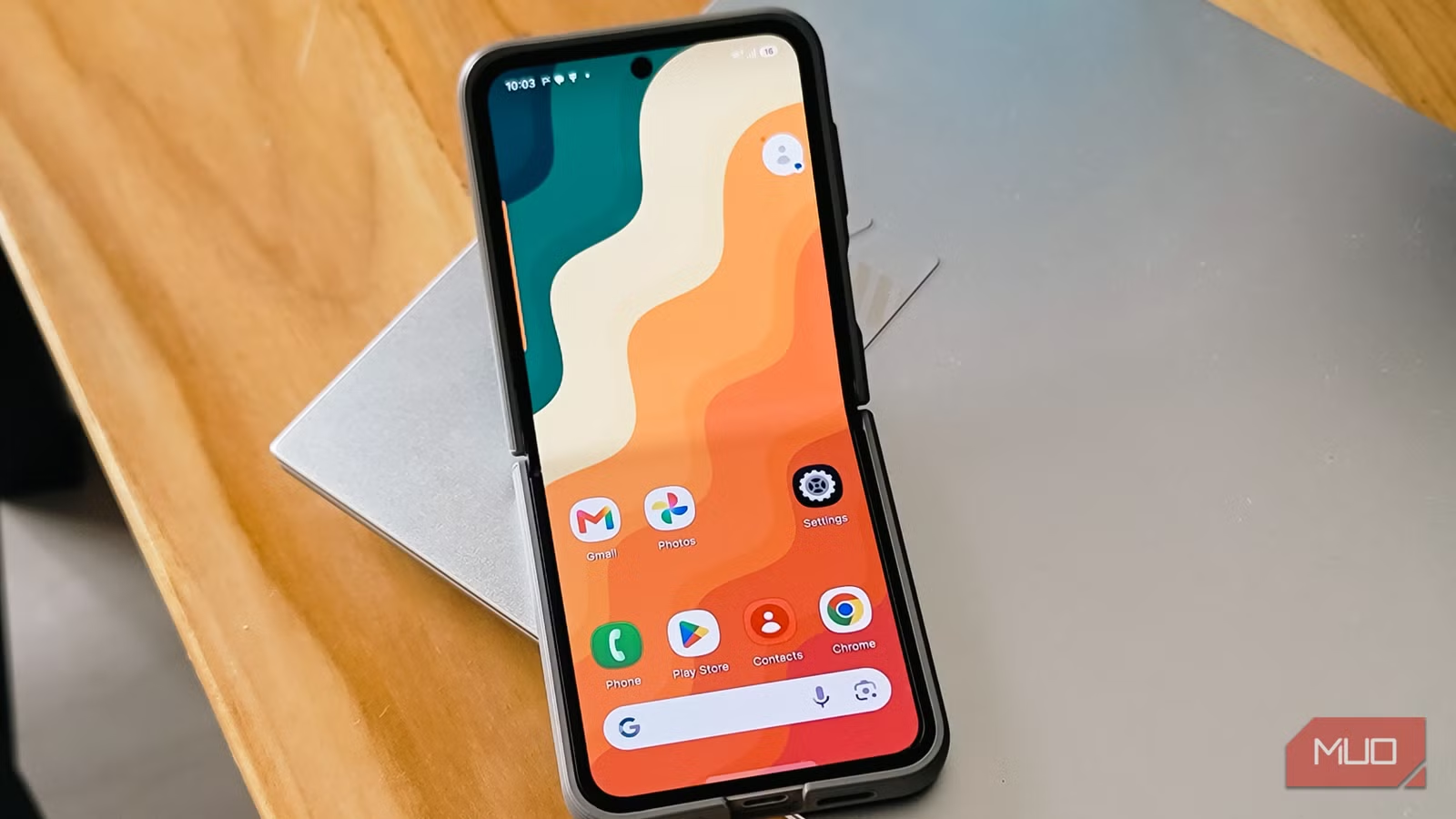
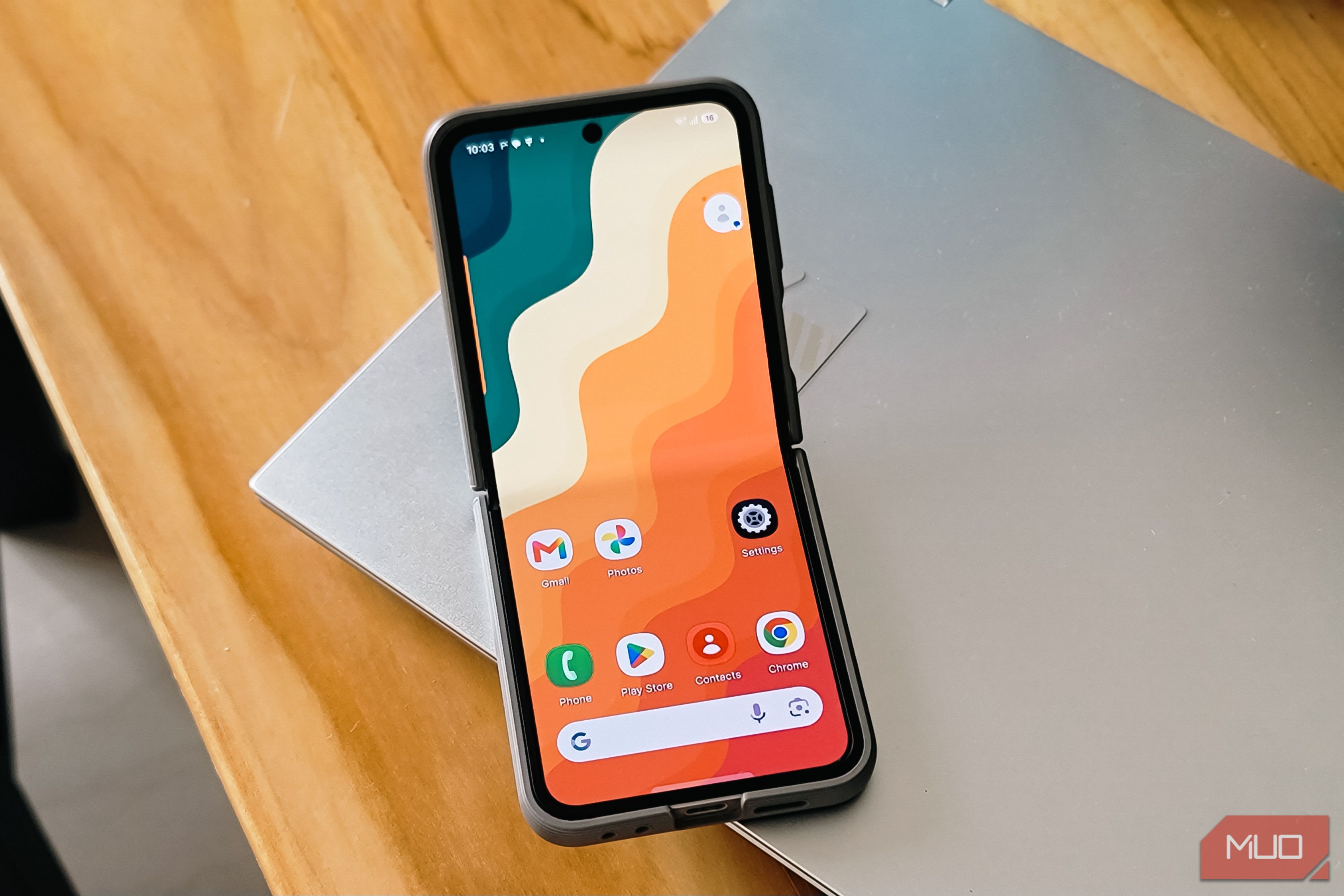
I love the One UI 8.5 on my newer Samsung phones. But my older Samsung devices, including the Note 20 Ultra, have stopped receiving updates, which means the One UI on these devices feels dated and sluggish.
So, I went looking for custom launchers to make my device look and feel fresh. With all the fiasco around Nova Launcher, I decided to look for an open-source alternative and stumbled upon Lawnchair, which is a Pixel-style launcher with deep customization baked in. A few weeks later, my aging Samsung feels like a different phone, and I have no plans to switch back.
Lawnchair is like Pixel Launcher, but better
An open-source take on Google’s clean home screen design
Credit: Brandon Miniman / MakeUseOf
If you’ve ever envied the clean, minimal look of a Pixel phone but didn’t want to give up your Samsung, Lawnchair is the closest you’ll get without spending hours trying to make your Android feel like a Pixel. It’s built to mirror the Pixel Launcher’s design language, with the familiar At a Glance widget up top, the Google Discover feed on the left, and the search bar pinned at the bottom.
The difference is that Lawnchair doesn’t stop there. Where Google locks down the Pixel Launcher with almost no user-facing settings, Lawnchair has more tricks to show. You can remove the At a Glance widget entirely, hide the search bar, swap in third-party icon packs, and resize your home screen grid to fit more or fewer icons. It gives you roughly 99% of the customization freedom you’d expect from something like Nova, while still keeping the Pixel aesthetic intact.
Despite all the advanced features, it feels extremely lightweight. On my Note 20 Ultra, the stock One UI home screen had started to feel noticeably slower, with small delays when swiping between pages or pulling up the app drawer. Lawnchair loaded faster, animations felt smoother, and the whole phone just responded quicker.
And since Lawnchair is completely open-source and free, there are no ads, no trackers, and no premium tier locking away features. Everything is available in the free version.
Related
This minimal Android launcher just added the one thing it was missing — your personal touch
If you avoided Niagara Launcher before, it might be worth another look
Lawnchair is feature-rich
The customization tools that set it apart from stock launchers
While the Pixel Launcher feels barebones by comparison, Lawnchair packs in features that power users will appreciate without overwhelming casual users.
My favorite so far has been Smartspacer integration. It’s a separate add-on that replaces the standard At a Glance widget with a far more capable version. Once set up, it can surface data from Google Keep, Finance, Wallet loyalty cards, Health Connect, and even third-party apps like Uber, Amazon, and Yahoo Sports. You can enable multiple plugins, swipe horizontally to cycle through them, and configure them separately for the lock screen.
Then there’s the global search that does more than just finding apps. You can search Android system settings, contacts, locally stored files, and even the web through a built-in Startpage integration, which doesn’t track your queries. If you’ve ever wished your phone had something like macOS Spotlight or Windows PowerToys Run, this gets close.
What’s more, you can change fonts across the launcher UI and even upload custom OTF or TTF files. There’s gesture support with configurable actions, notification badge customization, status bar hiding for a cleaner look, and an expanded set of grid size options for your home screen layout. Lawnchair 15 also added the ability to place folders directly in the app drawer and a beta feature called Caddy that auto-groups similar apps into categories, making app discovery easier without relying on search alone.
If you want the Pixel look but with the depth of customization that Samsung’s Good Lock offers for One UI, Lawnchair sits right in that sweet spot.
Download and set up Lawnchair
Getting started takes just a few minutes
Tashreef Shareef / MakeUseOfCredit: Tashreef Shareef / MakeUseOf
Lawnchair is currently available on both the Play Store and GitHub, which means you can install it the standard way or grab the latest beta directly from the developers. If you go the GitHub route, you can use Obtainium to automatically update your non-Play Store apps so you don’t have to manually check for new releases.
Once installed, open Lawnchair and set it as your default launcher. If you want notification badges to work properly, you’ll need to allow restricted settings in your phone’s app permissions.
For the Smartspacer integration, you’ll need to download its APK separately from the developer’s site, grant the requested permissions, and then configure the plugins you want to see on your At a Glance widget.
One thing worth noting is that Lawnchair works well on most phones, but foldable support is still a work in progress. On a Pixel Fold, the cover screen scales well, and the inner display works almost perfectly, though the inner layout mirrors the cover screen rather than offering a separate configuration. On Samsung’s Z Fold series, the narrow cover screen and shared layout make it a poor fit for now. The developers have acknowledged they don’t own a foldable to test with, but foldable and tablet support is planned for Lawnchair 16.
Lawnchair made my old Samsung feel new again
With the few weeks I’ve spent with Lawnchair on my secondary Samsung devices, I’m impressed by how much it has changed my daily experience. My Note 20 Ultra feels noticeably smoother, the home screen looks cleaner than it has in years, and I’ve customized things like icon packs, grid sizes, and gesture shortcuts to the point where the phone feels personal again rather than neglected.
Lawnchair is still in beta (15v3), and it shows in small ways. There are occasional animation hiccups, the recent menu is a fraction slower than stock, and dark mode text colors can look off with certain wallpapers. But none of them is a deal breaker. If your older Android phone is starting to feel its age and you’re not ready to replace it, swapping the launcher is the single most effective change you can make.
