


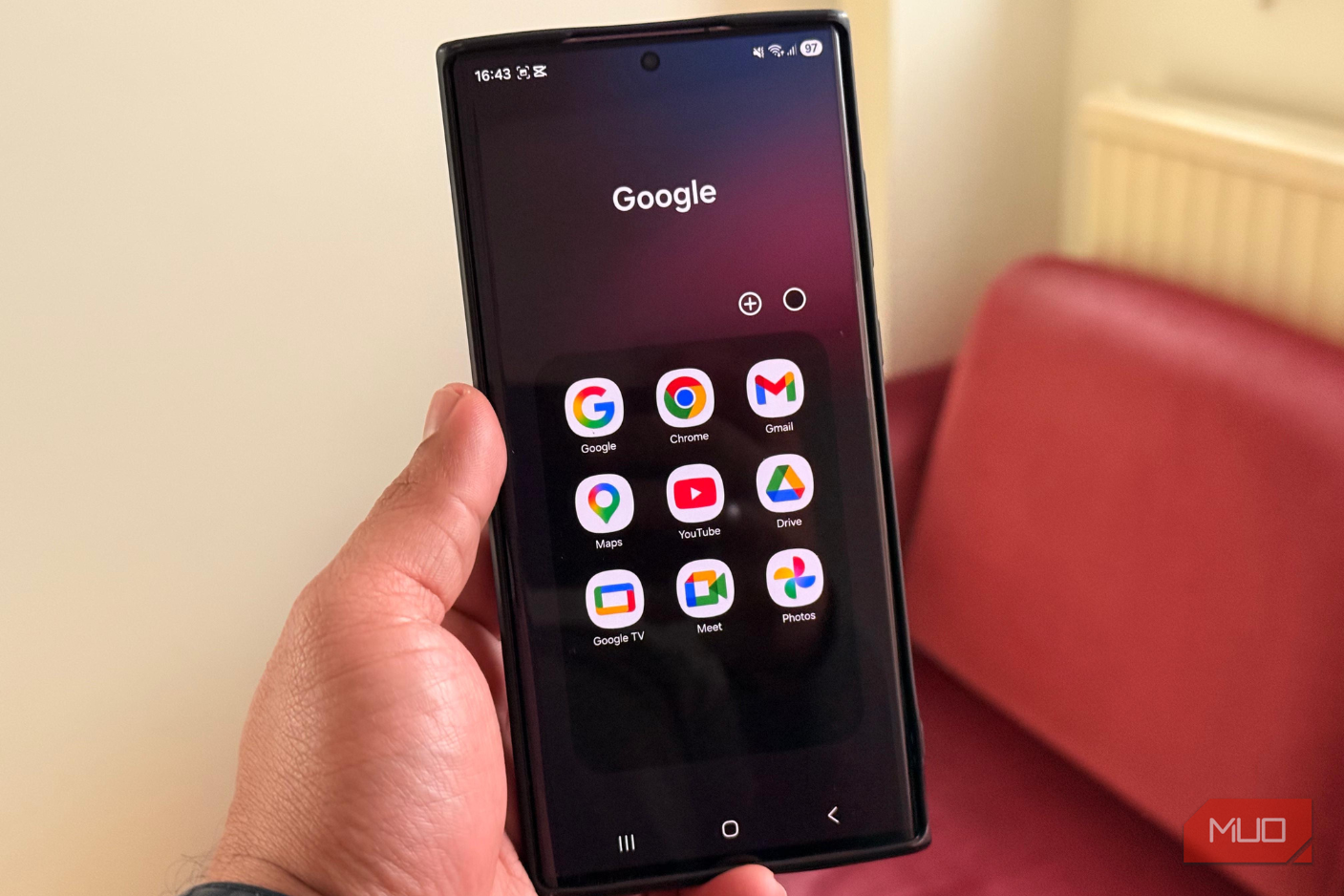
I did not start this experiment out of ideology. I have a Google account; I use a stock Android phone, and I have no interest in removing Google from my life entirely. I still want Android to feel like Android. But after years of using the official apps simply because they were already there, I couldn’t bear how much they expected from me in return. I’m talking about account sign-ins, cloud habits, ecosystem nudges, and features built around what a company would prefer me to use next.
So I started replacing them one by one with open-source alternatives that had active communities and enough real-world credibility to survive daily use. Some swaps faded out after a week or two because they were too awkward, too limited, or too much effort to justify. These six stayed, though.
Related
5 open-source Android apps that replace expensive subscriptions
Subscription fatigue is real, and these apps are the cure.
Gboard for Heliboard
Gboard knows too much about you, and it doesn’t need to
Gboard is one of the best examples of Google making an official app that is really hard to beat. It is fast to type with, quite accurate, multilingual, and excellent at glide typing. Its voice typing is also still better than most alternatives (whether open- or closed-source), especially if you dictate messages often.
The problem is that a keyboard is not just another app. It sits under almost everything I type, including passwords, private messages, searches, notes, and half-finished thoughts I delete before sending. Google has done a lot to make Gboard’s intelligence privacy-conscious, but I still prefer my keyboard to be boring by design.
Standing out as the best Android keyboard for privacy, HeliBoard gives me that. It is based on AOSP and OpenBoard, has a clean layout, supports themes, gestures, clipboard tools, and multilingual typing, and does not try to turn the keyboard into a content hub. The biggest win is psychological as much as technical, which is that it has no internet permission, so I do not have to think about what my keyboard could be doing.
The trade-off is obvious. I lose Google’s best-in-class voice typing, GIF search, and some prediction magic. I am fine with that because I mostly want a keyboard that types, corrects, and stays out of the way.
OS
Android
Price model
Free
HeliBoard is a Android keyboard app that combines customizable themes, advanced gesture controls, clipboard management, and powerful shortcuts, enabling users to enhance typing speed, efficiency, and personalization on mobile devices
Chrome for Firefox
Firefox gave it some competition
Sagar Naresh/MakeUseOf
Chrome on Android is a competent browser. It syncs tabs across devices, handles most sites without complaint, and benefits from years of performance work. It also ties every browsing session to a Google account by default, sends browsing data to Google’s servers to power “enhanced” features, and gives you no real control over what leaves your device.
Firefox respects the same web standards, runs uBlock Origin properly (Chrome on Android still doesn’t), and lets me control DNS-over-HTTPS settings directly in the app. The tab syncing works fine through a Mozilla account, which is optional rather than assumed. I’d be lying if I said Chrome’s cross-device integration wasn’t slightly tighter, but Firefox’s extension support on Android is the kind of thing I use every day, and Chrome just doesn’t have it.
OS
Windows, macOS, Linux, Android, iOS
Price model
Free
Firefox is a free, open-source web browser developed by Mozilla, focused on speed, privacy, and security for users on all major platforms. It includes advanced features like tabbed browsing, a built-in password manager, private browsing mode, strong tracker blocking, and customization through thousands of extensions and themes.
Google Photos for Ente
Ente treats my camera roll with more respect
Google Photos is probably the hardest app on this list to replace. Its search is excellent, its editing tools are useful, and its automatic memories are often clever enough to make me forget how much data I am handing over. It is one of the few Google apps that can still make a strong practical case for itself.
That also makes it one of the apps I most wanted to move away from. My photo library is not just a pile of images. It is receipts, documents, family pictures, location history, screenshots, travel, work, and private moments that say a lot about my life.
Ente is the replacement that makes the most sense for me because it keeps the cloud backup model while changing the trust model. It is cross-platform and end-to-end encrypted, which matters when the app handles years of personal photos. For daily use, it gives me the part of Google Photos I actually need, which includes backup, organization, albums, sharing, and access from other devices.
The downside is that I give up some of Google’s AI-driven convenience. Search is not as uncanny, editing is not as rich, and moving a large library out of Google Photos can be annoying. Ente also has paid storage beyond its free tier. I still prefer it because my photo app should not make me wonder what else my pictures are being used to understand.
OS
Windows, Mac, Android, IOS, Web
Price model
Free (paid plans available)
Ente is a browser-based photo gallery with a companion app that is similar in function and appearance to Google Photos. It is privacy-focused, making it a good alternative to many online photo galleries.
Google Keep for Joplin
Joplin made it look too small for serious notes
Sagar Naresh/MUO
I can relate to why people love Google. I open it, type a note, pin it, color it, add a reminder, and it appears everywhere my Google account exists. For shopping lists and throwaway thoughts, it is hard to complain. However, my problem is that Keep starts to strain once notes become actual reference material. Everything lives in a grid of cards; organization depends heavily on labels and search; and exporting to a more durable workflow is not exactly pleasant. It is a sticky-note app that keeps trying to pass as a notebook.
As a polished open-source note-taking app, Joplin is heavier, but in a useful way. It gives me notebooks, Markdown, attachments, tags, search, desktop apps, and sync options that are not limited to one company’s ecosystem. I can use Joplin Cloud, Dropbox, OneDrive, Nextcloud, or WebDAV, and I can enable end-to-end encryption to protect my notes before they leave my device.
It is not as instantly friendly as Keep. The interface is denser, setup takes more thought, and shared household notes are easier in Google’s world. But for notes I want to keep, search, move, backup, and own, Joplin is the better tool.
OS
Windows, macOS, Linux, Android, iOS, FreeBSD, Terminal
Developer
Laurent Cozic (and community)
Price model
Free (open-source); Paid subscription for cloud storage
Joplin is a cross-platform, privacy-focused note-taking and task-management app. It supports rich features like Markdown notes, notebooks and tags, end-to-end encryption, a web clipper, self-hosted sync (via WebDAV/Nextcloud/Dropbox) or managed cloud sync with Joplin Cloud. It works offline, allows importing from Evernote, supports plugins and themes, and gives full control over your data.
Google Calendar for Fossify Calendar
Fossify Calendar stops trying to run my life
Yadullah Abidi / MakeUseOf
Google Calendar is excellent if your life already runs through Gmail, Meet, Tasks, and shared Google accounts. It pulls events from emails, handles invites well, and makes multiple calendars easy to manage. I would not tell someone with a work-heavy Google setup to abandon it casually.
On my personal phone, though, I do not need my calendar to be another Google command center. I want dates, reminders, recurring events, widgets, and a clean monthly view. So I replaced Google Calendar with Fossify Calendar, which does that without making the app feel tied to a wider productivity machine. It opens quickly, looks clean, supports local calendars, reminders, recurring events, widgets, and color coding, and gives me enough customization for scheduling. It also pairs nicely with CalDAV sync if I want a more open setup across devices.
OS
Android
Price model
Free, Open-source
A clean, open-source calendar app that keeps your events local and free from tracking.
Files by Google for Material Files
Material Files is what it should have grown into
Files by Google is good at what Google wants it to be good at. It finds junk, suggests cleanup actions, highlights downloads, and makes file management less scary for casual users. I understand why it exists.
I also find it too opinionated. I do not always want cleanup cards, category views, and suggestions. Sometimes I want to browse actual folders, move files properly, inspect storage, work with archives, or connect to a server without feeling as if the app is protecting me from the file system.
Serving as a criminally underrated open-source Android file manager, Material Files is much closer to what I want from a file manager. It has a clean Material Design interface, breadcrumbs, archive support, root support for devices that need it, and network storage support through FTP, SFTP, SMB, and WebDAV.
OS
Android
Price model
Free, Open-source
An open source Material Design file manager.
You don’t have to do all six at once
These swaps do not ask you to rebuild your entire relationship with your phone. Each one addresses a specific frustration I had with the official version, and each one delivers on its core function without the overhead I was trying to avoid. Start with the one that bothers you most. The open-source Android ecosystem is in a stronger state than it’s ever been, and the apps in it have stopped asking you to make apologies for using them.
