

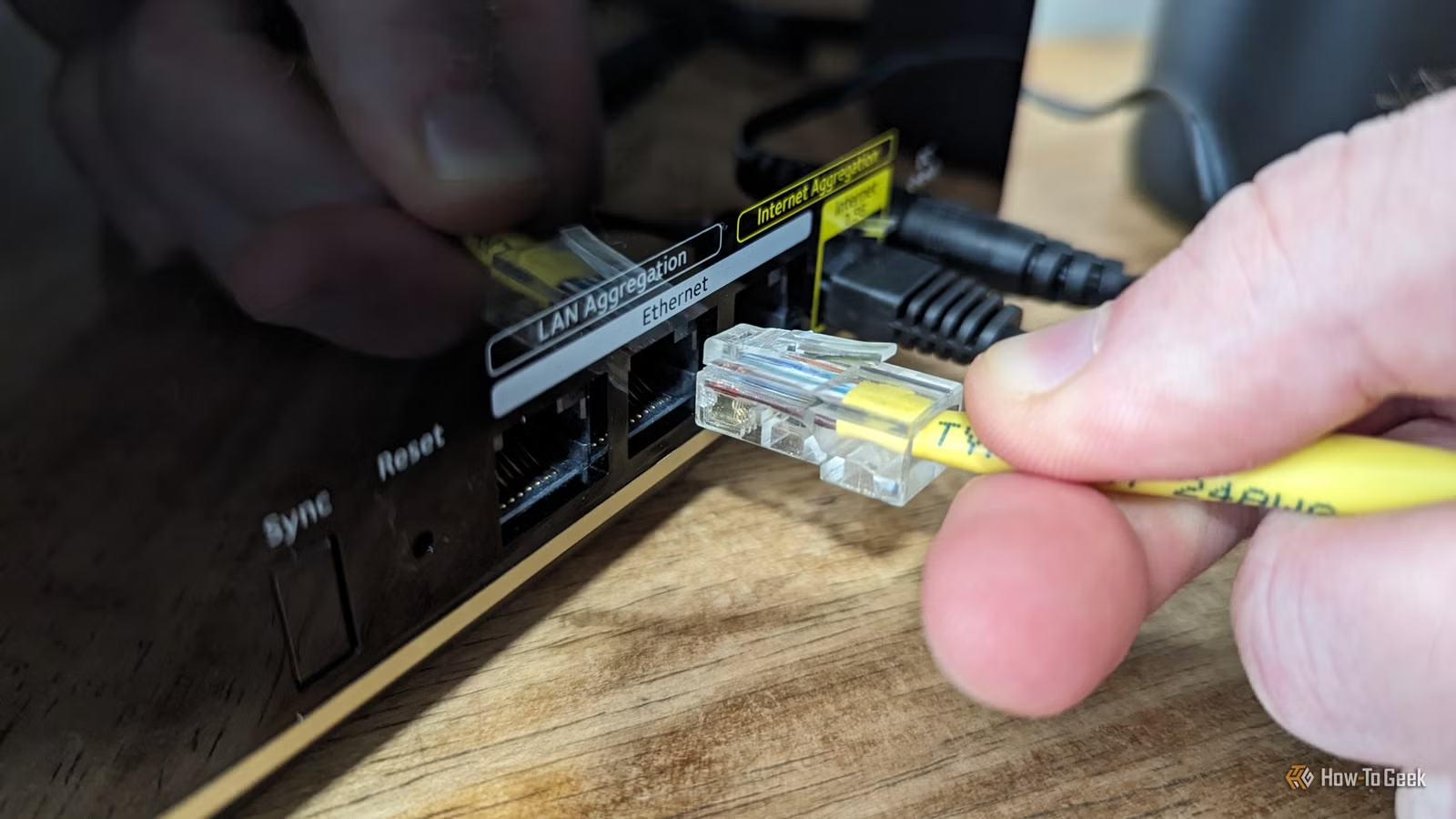
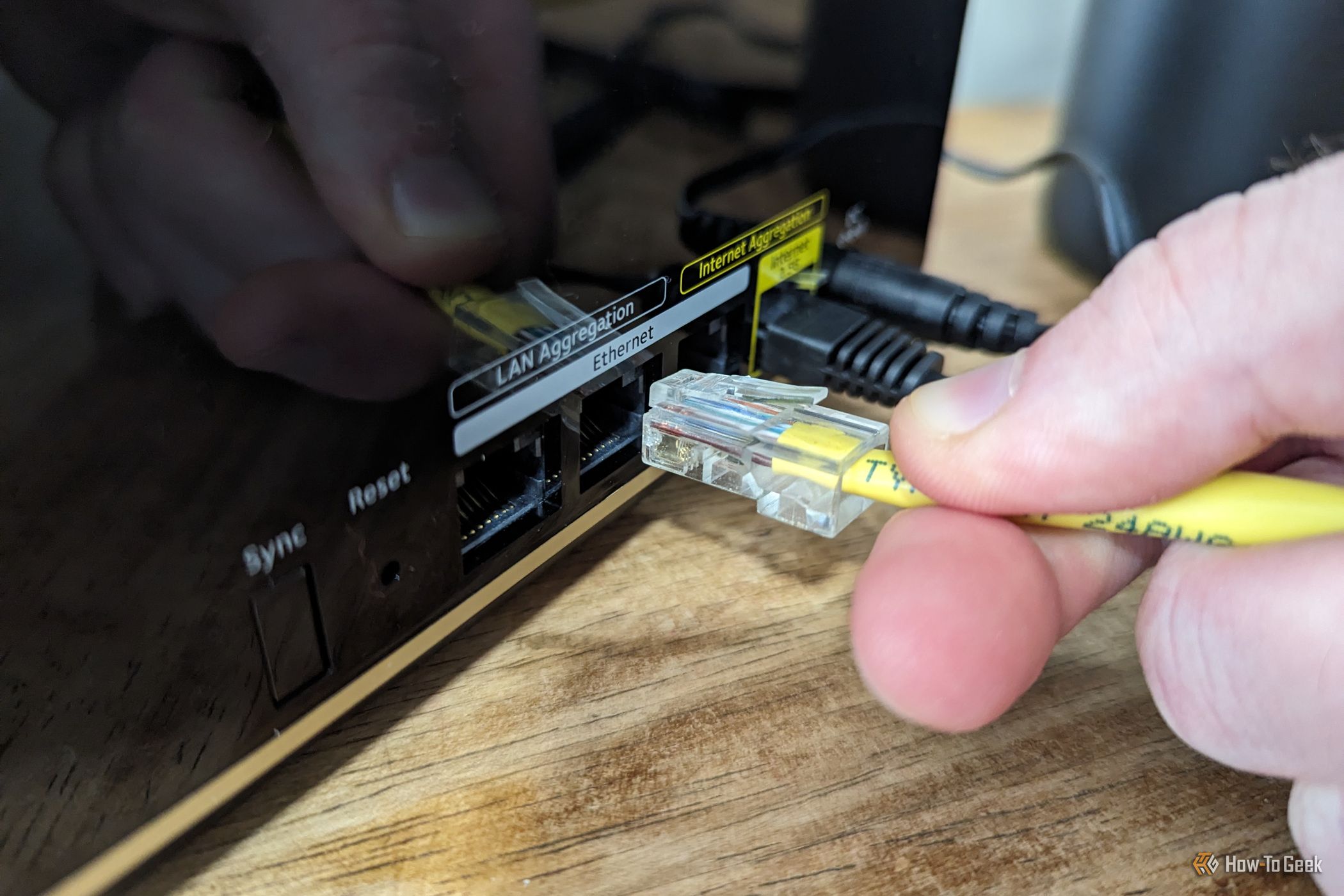
One of the reasons why I use Home Assistant to run my smart home is that it is focused on offering local control. I’d always wondered just how much of my smart home was truly local, so I decided to test it out. I disabled internet access for my smart home, but kept my local network up and running, and this is what stopped working.
Related
Offline Is the New Smart: Why Local Control Matters More Than Ever
Have you tried turning AWS off and back on again? AWS’ recent outage highlights the need for local control.
Smart speaker notifications died
My spoken alerts are reliant on the cloud
Credit: Adam Davidson / How-To Geek
This was the first thing that I noticed, as I use spoken announcements a lot in my smart home. I have an automation that nags me to get out of my office chair once I’ve been sitting in it for more than 30 minutes, as measured by an mmWave presence sensor. If I don’t get up, the automation nags me at increasingly short intervals.
It soon became very clear that this automation was no longer working when I wasn’t getting nagged to get up. The announcement comes from an Amazon Echo smart speaker, and without internet access, the announcement failed.
Even with a jailbroken Echo Show, which I can use as a local media player, the announcements still failed as they used cloud-based text-to-speech (TTS) to generate the spoken text. If I used a local TTS model, however, then it should be possible to get the spoken announcements to work locally.
Mobile notifications stopped working
Enable local push to keep them alive
Spoken notifications weren’t the only notifications that died. I also wasn’t receiving any notifications on my iPhone via the Home Assistant companion app. I’d deliberately left local push disabled, as without it, notifications are processed in the cloud, and I wanted to confirm that they would break.
Since Home Assistant’s access to the internet had gone, the notifications couldn’t be processed, so nothing ended up on my phone. This quickly became very obvious, as I use phone notifications a lot, for everything from medication reminders to getting important alerts from my wife.
However, once I enabled local push in the companion app settings, the notifications started working again as long as I was connected to my local network. This included critical notifications that play specific sounds depending on what the notification is for. It’s comforting to know that if the internet does go down, my notifications will continue working at home, at least.
My robot vacuum became dumb again
Key commands rely on the cloud
Credit: Adam Davidson / How-To Geek
This one made me sad. I spent a lot of time setting up automations to make my fairly dumb robot vacuum smarter. Since it doesn’t have mapping capabilities, I even set up an IR blaster to send a pattern of directional signals that can drive it out of the living room and into the rest of the house.
It’s also set up to start cleaning whenever the house is empty, and to return to its base when someone is detected as approaching home. With the internet down, however, the robot vacuum just sat there and did nothing all day.
It is possible to self-host an implementation of the server that’s used to control Ecovacs robot vacuums. In theory, this is something that I could make fully local, so that my robot vacuum would keep working even when the internet is down.
My energy tracking broke
I couldn’t access my own energy usage
Credit: Adam Davidson / How-To Geek
I have an energy tariff in which the price of electricity changes every half hour based on supply and demand. When there is a lot of spare capacity in the grid, the energy prices drop, and when demand is high, the prices rise. I have automations set up so that I can run energy-hungry appliances at the cheapest times.
I knew that this was going to break before I’d even disabled the internet. The device lets me see my live usage connects to my smart meter over Zigbee, but then sends the information to my energy supplier over the internet. I can then access that data via their API.
With the internet down, the device couldn’t upload the data, and I couldn’t download the current prices, so all of my automations fell apart.
I was surprised by what kept working
More things kept working than broke
Credit: Adam Davidson/How-To Geek
While several things stopped working, I was pleased by how much continued to work as expected. All my Zigbee devices carried on working, and I could control my Philips Hue light bulbs without any problems.
My smart plugs also worked without issue. Even the Tuya plugs that usually require a cloud connection continued to work, as I had set them up using the Tuya Local integration in Home Assistant, which allows for local control.
The thing that surprised me the most was the remote control that I set up to replace my Logitech Harmony remote. It uses multiple different integrations to control different aspects, such as the LG webOS TV integration in Home Assistant to control and navigate my smart TV, and the Harmony Hub to send out the IR signals to control my surround sound system and turn the TV on and off. I was convinced that the Harmony Hub would rely on some kind of cloud connection to work, or that at least one part of the setup would fail without an internet connection, but much to my satisfaction, the remote still worked as normal.
I was very pleasantly surprised by how much of my smart home kept working without the internet. I’d made some conscious choices that helped, such as ditching my Ring video doorbell for a Reolink model that I run completely locally. That’s the beauty of Home Assistant; it prioritizes local control so that when the internet goes down, your entire smart home doesn’t have to go down with it.
