

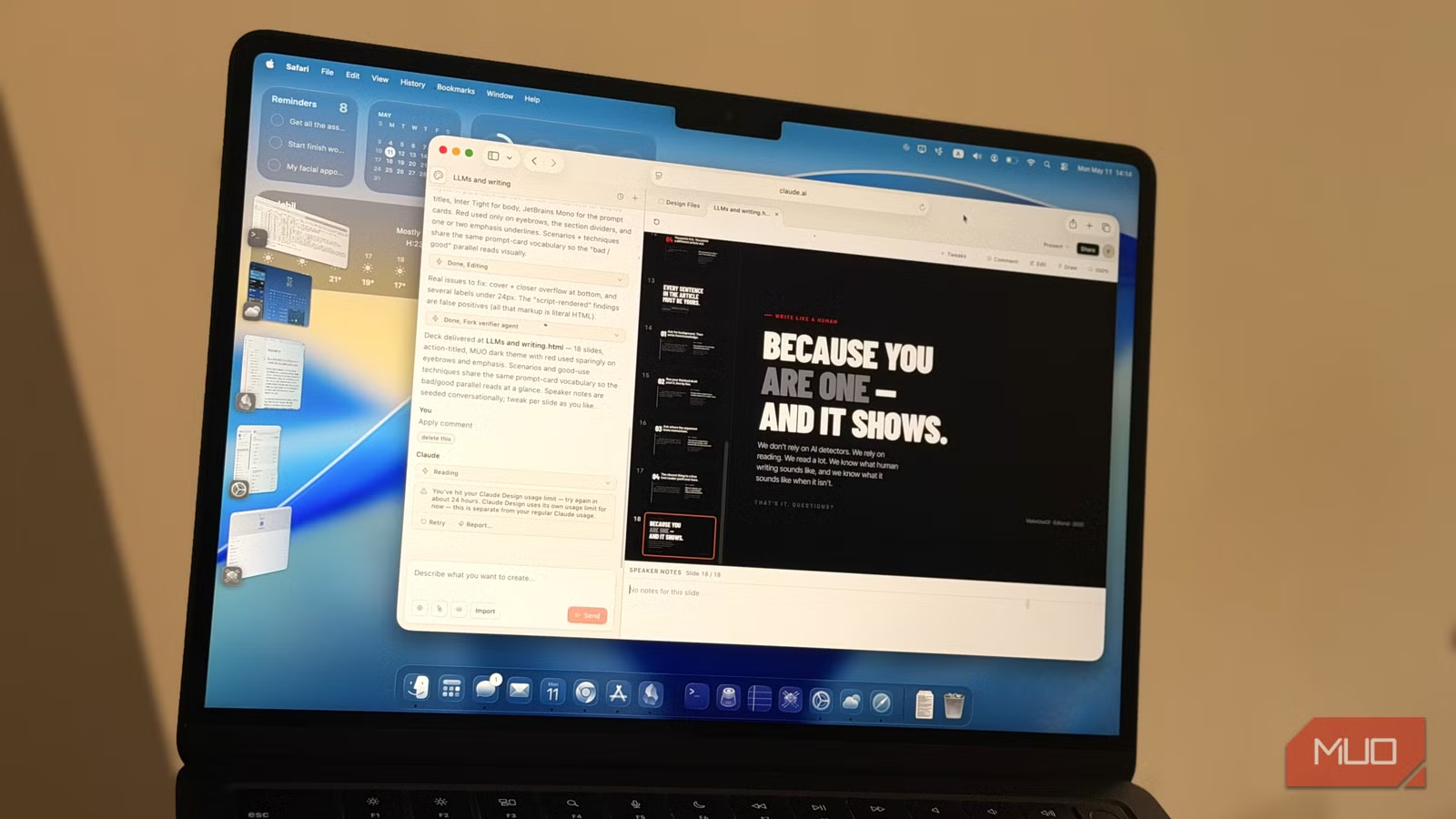
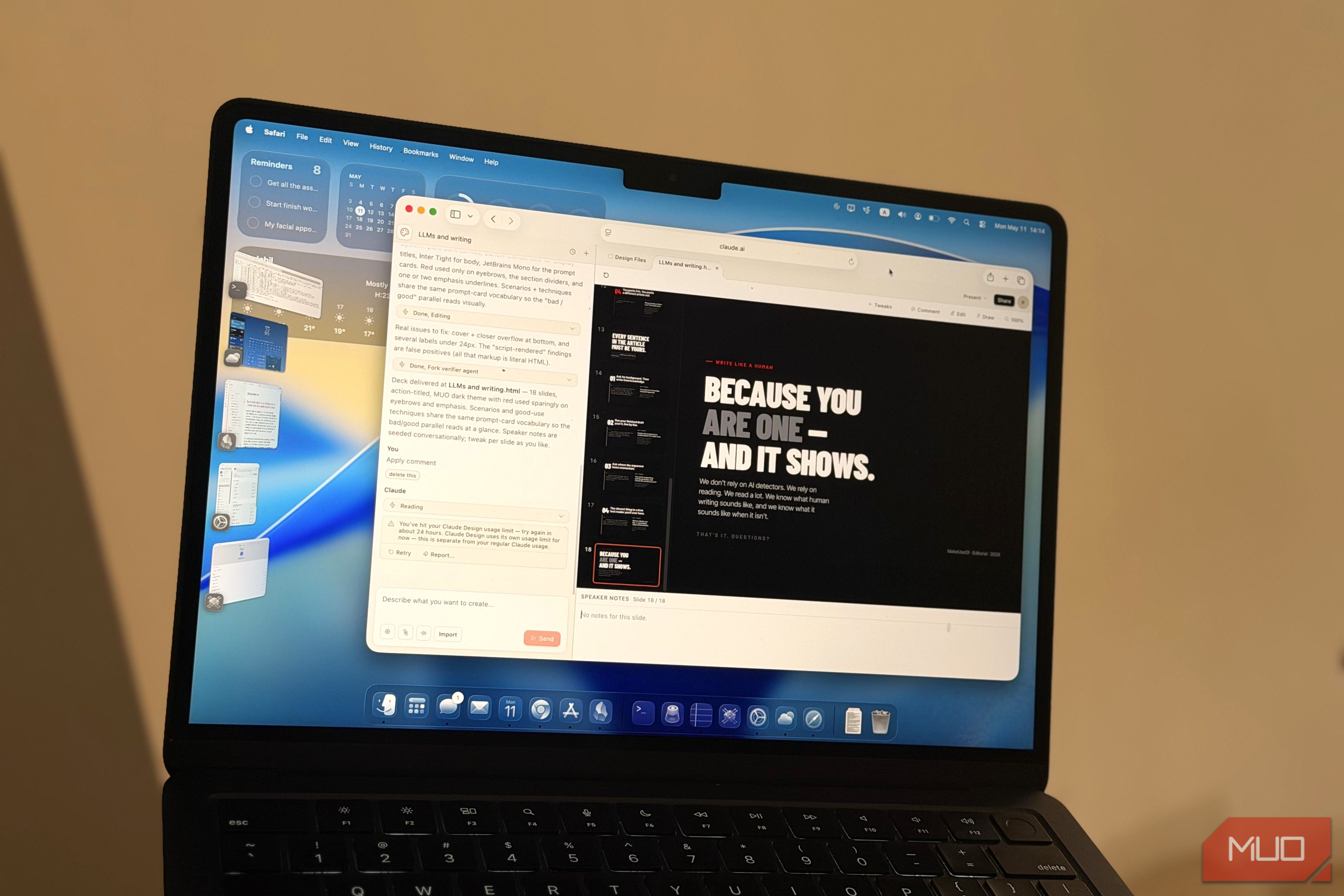
Claude was already impressive, but now there’s Claude Design, which apparently can design anything you want. Claude Design has a slide deck mode and can make slide decks.
Making slides is something you either love or hate — I’m a mix. Regardless, slides are a means. The end is to get the idea there, and to present it. I’ve used Markdown to make slides before, and it was fast, but it was basic.
Making slideshows that are anything beyond basic requires a lot of time and effort. Google Slides has Gemini now, but it’s limited to designing only one slide at a time, and you can’t replicate the theme across your deck. Claude Design has impressed many, and based on how it’s engineered, it should be able to make great slide decks. Well, I tried it, and yes. Claude Design might be the best presentation tool out there.
Related
I asked Claude, ChatGPT, and Gemini to build a simulation, and one winner was obvious
The LLM race stopped being a close contest pretty quickly.
Claude Design works best when you set it up properly
Design Systems
Claude Design’s standout feature is Design Systems. This is what makes it much better than other tools for any kind of design, including slides. In short, this is where you upload bits and pieces of visuals from what you already have. For example, you give it your personal blog. Or, you send it the company logo — the more the merrier.
When you generate a Design System, Claude pulls from what you uploaded, searches the brand online for additional assets, and builds a cohesive system. This includes logos, color palettes, fonts, and more. You get a preview, and you can provide feedback to fine‑tune it.
This preparation is critical. Once you set this up, all of your designs will automatically look much better, and importantly, they will look uqniue. They won’t look like the same AI-generated slop as everyone else’s.
It takes a bit to prepare it, but you won’t have to do it every time. In the case of a personal presentation, if you have a presentation you’ve made before that you’re proud of, you can feed bits and pieces of that. Claude will use it to create a style for you.
Of course, you can also skip this step entirely, but then you’re leaving the style to chance. It’s worth the initial investment.
Making a presentation with Claude Design
Sleek, fast, and easy
With an AI tool that accepts virtually any file format, like Claude Design, the possibilities are endless. I can’t claim this is the single “best” method, nor can I give you a perfect prompt, but I didn’t bother with any prompt engineering.
I planned to use it for a slide deck I had drafted weeks ago but hadn’t polished. My speaker notes and outline were ready. If you don’t have these, step back. Don’t start with Claude Design yet. Do your research, write your outline first.
I opened Claude Design, went to the Slide Deck tab, selected the Design System I had built, and fed it my notes with a simple prompt:
“I’ve uploaded the speaker notes for a presentation on how to (not) use LLMs and AI in writing. Create the slides for it.”
Claude Design will ask a few clarifying questions, which is a big advantage. It’s worth remembering that it relies on Anthropic’s expensive Oppus 4.7 model — best to measure twice and cut once. Instead of assuming, it will ask questions about the design beforehand. Once I answered those, it got to work.
In under five minutes, with the tab minimized, I had a fantastic slideshow containing exactly the content I wanted. Better than Gemini in Google Slides, far superior to the image-based slides NotebookLM produces. It wasn’t perfect though.
You can export the output in various formats; images, PDF, HTML, and of course, PPTX. When you’re exporting as PPTX, my recommendation is to set it to use custom fonts, otherwise the arrangement will break. Use custom fonts, and before you open the slideshow on your computer or import it to Google Slides, install the fonts.
Claude Design’s output will not be perfect
Slightly disappointing, but not unexpected
Don’t expect perfection. In my case, it got the text and content correct, but it did have some flaws in the design. The most eye-catching one was the page I’ve attached above, where the “yes” and “no” panels weren’t aligned at all.
Fortunately, Claude Design has an edit mode. You can enable Edit, then click any box or element in the design to change it. You can change the font, change the text, whatever. Once you submit the edit, Claude absorbs it and applies it to similar elements for consistency.
When you make a change in Claude Design, the AI will work to implement that change. This will cost you credits. For small changes, I suggest exporting the design and making the changes manually.
Claude Design can take whatever you (can afford to) throw at it
Claude Design has proven to be worthy of the surrounding hype. I was very happy with the slides. With some tweaks, change of words here and there and some elements removed, and the deck was good to go.
As impressive as Claude Design’s output is, and as much as I would like to use it more for this kind of work, it will not be practical. Unless you’re on an expensive high-tier plan, Claude Design’s weekly tokens are really restrictive. Generating a Design System, creating a presentation, and making even a single change burned through all my credits, leaving me locked out for a full week. This was a challenge when I first switched from ChatGPT to Claude, and it remains a limitation. Use your credits carefully. It’s powerful, but costly.
Because when you can afford it, and with a proper request that’s well-supported by the assets you’ve uploaded, it works great. There’s just no room for trial and error.
Related
I had Claude Design, NotebookLM, and ChatGPT design the same infographic, and only one got it right
Three tools, one infographic prompt, and one surprisingly clear winner.
