


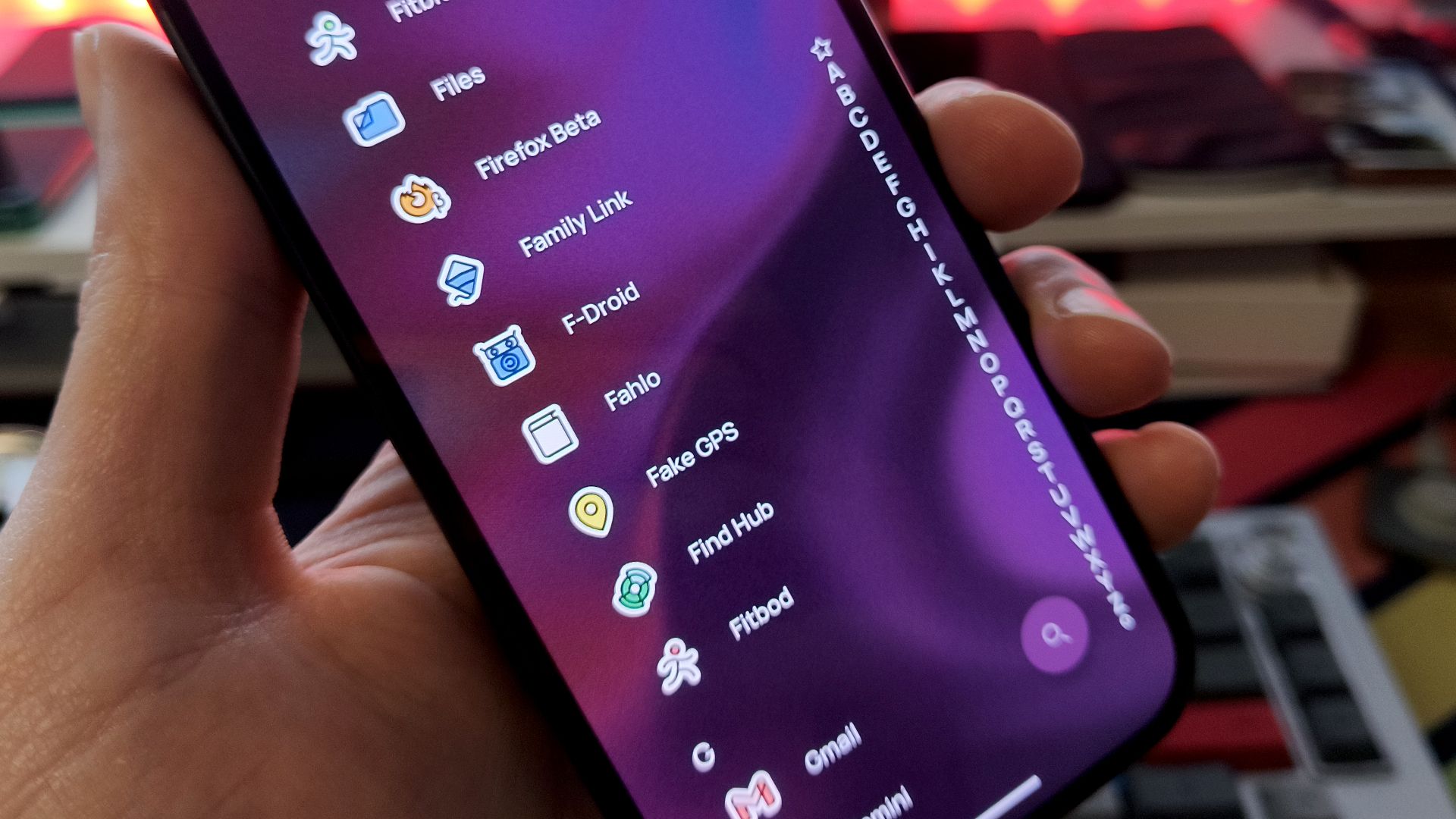
One of the first apps I install on a new Android device isn’t from the Play Store; it’s an alternative to the Play Store. F-Droid is an open-source app store packed with useful apps that often have no ads, tracking, or subscriptions. It’s perfect as a companion to the Play Store, and what’s more, it works on just about any Android device.
Why F-Droid has become essential for me
It’s a simpler, less commercial Android experience
F-Droid is the go-to app store for de-Googled phones or phones running a custom ROM. If you can’t, or don’t want, to use the Play Store, it’s a great source for high-quality apps, including some excellent replacements for the built-in Google apps. But I install it on devices that have the Play Store, too.
It has a far smaller selection of apps, but that’s part of the appeal. The Play Store is very crowded, and once you move away from the established names, it can be difficult to find what you’re after, or even something that’s trusted.
The apps on F-Droid tend to be smaller, utility-focused apps that are actually useful, rather than those designed to drive engagement and steal your attention. Having fewer choices makes it easier to choose. Instead of finding 50 file managers in the Play Store with no way to tell them apart, F-Droid might only give you a handful.
If that’s not enough, you can expand F-Droid using Linux-style repositories. These offer additional apps that aren’t in the store, but which you can install and update through the store app. It’s like a more convenient version of sideloading. The apps might be those that don’t meet F-Droid’s strict inclusion policies, beta versions, or updates that haven’t yet hit the store. The repos on offer range from large ones like IzzyOnDroid, which has over a thousand apps not on F-Droid, to those for single apps like the password manager Bitwarden.
Being on F-Droid isn’t a guaranteed mark of quality for an app, but all the apps there are open-source, which brings its own level of trustworthiness. I always feel more comfortable installing a random app from F-Droid than I do for one from the Play Store. Although Android security has improved considerably over the years, there are too many famous stories of dodgy apps to be totally comfortable.
Free apps on the Play Store are often packed with ads and trackers. F-Droid apps may have some, but these and any other questionable features are clearly marked. You know what you’re getting when you download.
F-Droid isn’t just full of obscurities. Many famous apps are on it, including the excellent podcast app AntennaPod, the Firefox fork Fennec, and several Google Maps alternatives.
It also has apps that you won’t find on the Play Store, either because the developer doesn’t want to go down the Google route, or because the app doesn’t conform to Google’s policies. These include the privacy-conscious Gboard replacement HeliBoard and the alternative Google-free YouTube client NewPipe.
It’s useful beyond phones, too
Install it on your tablet or TV
Beyond phones, one of the extra benefits of F-Droid is that you can install it on your other Android devices, too. I’ve got it installed on my Android-powered Amazon Fire TV Stick—you can’t use it on the newer VegaOS-based models—which makes it easy to load apps that aren’t on Amazon’s store.
It’s opened my device up to media apps like Kodi and SmartTube, and Jellyfin clients. Unlike normal sideloading, where it’s a pain to install updates, going through F-Droid means that the apps are managed just like they are on a regular store.
As well as that and my Pixel phone, I’ve also got it on my de-Googled Motorola. If you’ve picked up a budget or non-Google-authorized tablet that doesn’t have the Play Store, it would be perfect there, too.
Operating System
Fire OS
Resolution
4K
For just a little more money than the Fire Stick TV Lite, you can get the Fire Stick TV 4K, which offers a Dolby Vision upgrade and TV controls on the Alexa remote. With 4K streaming, it’s much more futureproof.
Setting it up is easier than most people expect
Install once, then let it handle updates
To get set up, you need to sideload F-Droid, and then it functions just like any other app store. You can browse and install apps, and it’ll handle updates as well.
We’ve got a guide on installing F-Droid, but it’s pretty straightforward. Download the APK from the official website and then run it. You might be prompted to allow installs from your browser if you haven’t already. Once you’ve done that, you can browse the app collection.
Installation is a two-step process. First, F-Droid downloads the app, then Android installs it. The first time you do it, you’ll be prompted to allow installs from F-Droid.
Tap the Updates button to see the latest versions of your installed apps, and go to Settings > Repositories to install extra app stores.
The F-Droid interface lacks a lot of the bells and whistles you get on the Play Store, which is often a blessing. You won’t see ads, and there are no sponsored search results to bump the actual results down the page. It’s a pleasingly old-school experience, and you’ll get used to it quickly.
F-Droid is a must-have app store
I still rely on the Play Store for a lot of apps, but F-Droid works as a great companion to it. It helps me find smaller apps that get lost among the noise of Google’s store, and it is my first choice when looking for open-source tools.
Interestingly, it isn’t the only open-source app store you can get on Android. The little-known GitHub store turns the whole of GitHub into an app marketplace and is also worth checking out.
