

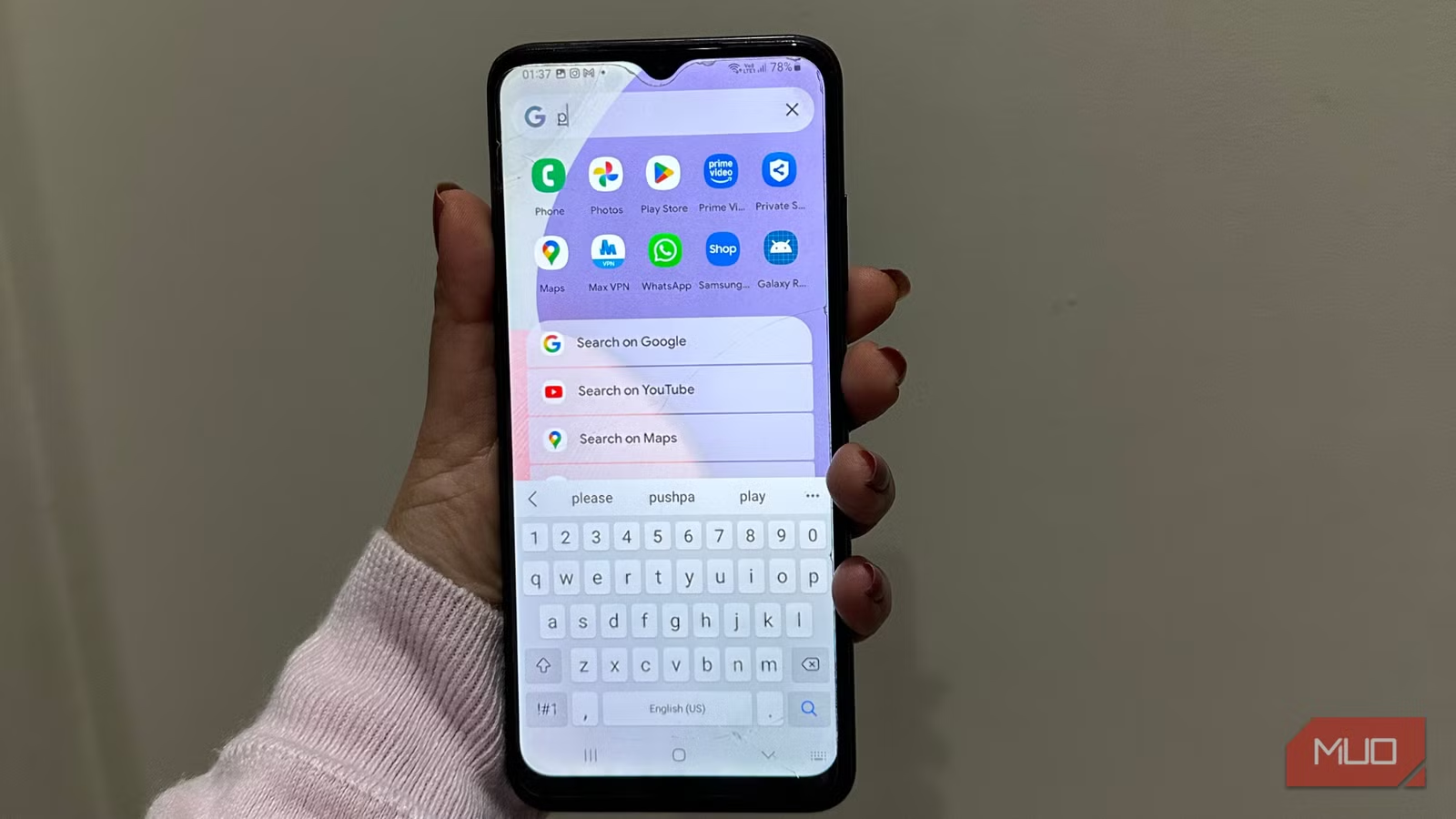
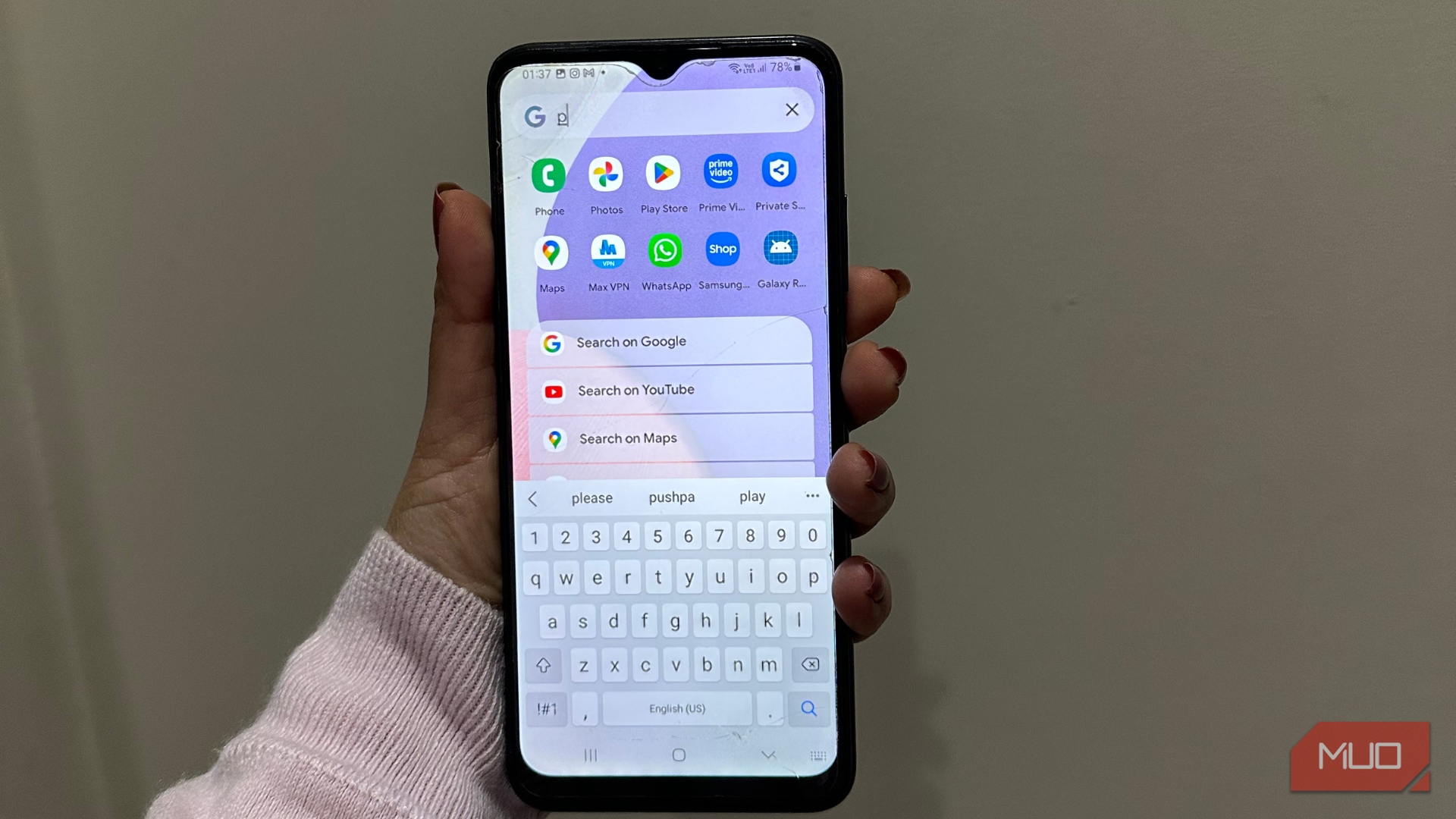
Android is packed with a ton of useful features. However, there’s one area that has always felt unfinished: search. Of course, you can swipe up and type the name of the app or dig around the Files app to search for your folders. That said, Android falls short on universal search. Google’s own search bar feels limited. It’s primarily focused on web results, AI suggestions, and ads. This is great when you’re looking for some answers, but it doesn’t offer much help when you’re trying to find a PDF or quickly open a rarely used app.
When you search on an Android phone, you often have to jump between menus, apps, and folders. And, this feels clunky in 2026. Due to this frustration, I started looking for some useful alternatives. Thankfully, I’ve found a useful app that has made my life easier.
Meet Pixel Search
A true universal search app
Pixel Search is a lightweight app that brings the native integrated search experience from Pixel phones to Android smartphones. Once you install this app, you can search for apps, contacts, files, web, and settings from a single search bar. You can think of it as Android’s closest equivalent to iOS system-wide search or macOS Spotlight Search.
The app features a minimal, clean, and very Pixel-like interface, which justifies its name. It adapts to your system colors, so it doesn’t feel like a third-party app add-on. One of its most useful features is the home screen widget, which provides instant access to search without opening the app drawer or a launcher first. You can type, tap, and you’ll get the results right away. No fuss, no extra steps.
Unlike Google’s default search, the Pixel Search focuses on the local results first. If you’re searching for a contact, files, or an app, it doesn’t always annoy you by guessing that you want to Google them instead.
Why Pixel Search feels faster
It’s focused!
It won’t be fair to say that Pixel Search is way more powerful than Google’s built-in tools, but it feels significantly faster and more useful. And that’s what matters. The prime reason why Pixel Search feels faster is focus. This app is optimized for local searches, so it doesn’t always take time to load web results, ads, or AI suggestions. When you start typing something, Pixel Search shows results almost instantly because it fetches everything directly from your device’s indexed data.
When you’re using Android’s built-in search options, you’re required to scroll past several non-organic or web results before finding what you actually need. On the other hand, Pixel Search keeps everything in one compact list. Your apps, contacts, files, and everything are listed side by side.
Also, Pixel Search doesn’t cause mental overload. I don’t have to wonder whether this will open in Chrome or why it is showing me shopping results, which is pretty common with Android’s built-in method. Pixel Search gives you exactly what you want, and that’s why it feels quicker, even if the difference is only in milliseconds.
My experience with Pixel Search
What I love and where it falls short
If you ask me, one thing I like most about Pixel Search is file discovery. I’m constantly downloading PDFs, documents, and random images on my phone, and Pixel Search helps me find them better than the Android Files app. I don’t have to remember any file paths or folder names. As soon as I enter a keyword, it’s right there.
App launching also feels pretty smooth in Pixel Search. I have been using it so much that it has almost replaced my app drawer entirely. Now, I open my apps by typing a few letters in Pixel Search, and the results are usually accurate most of the time. I also appreciate how user-friendly Pixel Search is. You don’t need to create any account, deal with aggressive prompts, or grant unnecessary app permissions apart from what’s actually needed for the search. Also, I can choose to exclude web suggestions in my search results, and it feels amazing. Overall, Pixel Search feels like a utility, not just another service trying to lock me in.
That being said, Pixel Search isn’t perfect. The search matching isn’t as flawless as I’d like. If you enter any misspellings or vague terms, it can give you fewer results than expected. That means it works best when you know what you’re searching for. Also, Pixel Search doesn’t integrate deeply with system settings the way built-in tools or some OEM search tools do. So, I can’t search for obscure system toggles or hidden Android menus with Pixel Search. While the app works reliably and faster, it isn’t updated frequently. This might not be a dealbreaker for everyone, but it certainly means you’ll get your hands on new features more slowly than in apps backed by big developers.
Related
I Finally Found an Android Launcher Worth Switching To
Stock feels outdated next to this launcher.
A better way to search your Android phone
The Pixel Search app won’t magically replace Android’s built-in tools forever, but it will definitely bring convenience. If you’re someone like me who regularly searches for files, apps, documents, and contacts, Pixel Search is worth giving a try. This app feels faster, cleaner, and less frustrating. I’ve always felt that Android’s built-in option tries to do too much, and that’s the key reason Pixel Search impresses me with its functionality. It tries to do less but in a much better way. It prioritizes your phone’s content, and this changes the entire game.
When I installed Pixel Search, I didn’t expect this tiny app to change the way I use my Android phone. But after a few weeks, it absolutely has. Now that I’m used to finding files this fast, I’m spoiled. And, going back to Android’s default option isn’t on my head, at least for now.
