

Rita El Khoury / Android Authority
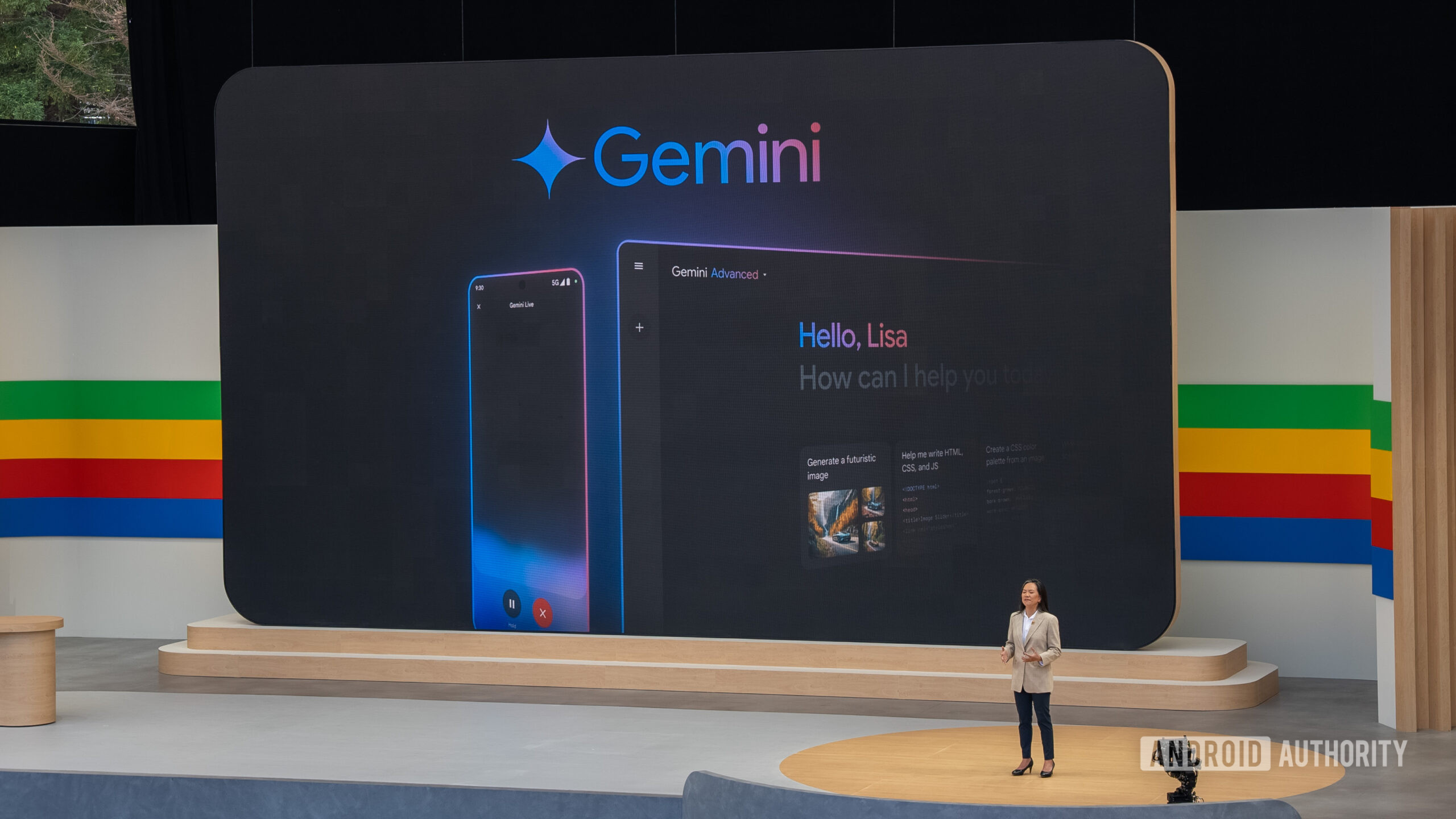
Gemini arrived late to the party where ChatGPT was already a star. Even up until recently, the Gemini app, both on the desktop and mobile, was pretty basic. It simply lets you create new chats and talk about the subject matter — without any memory of your past chats or a way to organize any of it. ChatGPT, on the other hand, felt much more advanced and well thought out, as if it had its act together.
Thankfully, Google heard our feedback — and how. Google has gone full throttle with Gemini’s app and has been adding new features at such a rapid pace that it has left ChatGPT far, far behind. The chat organization feature that I have been eagerly waiting to see on Gemini has landed in such a sophisticated form that it truly shows the strong grip that Google has on its cross-platform apps.
What matters more to you in an AI tool?
188 votes
Better answers
55%
Organized workflow
14%
Integrations like NotebookLM
20%
I just use whatever’s easiest
11%
The right spirit of one-upmanship
Karandeep Singh / Android Authority
ChatGPT helps you organize your chats under folders that it calls projects. I have a bunch of projects in there for things like personal growth, my creative writing, health, home improvement, and whatnot. While it does help organize the chats in a single folder rather than having to scroll through hundreds of them and find the right one when you are in a hurry, these folders aren’t as segregated as they look.
You can give specific instructions for each of these projects to let ChatGPT know how to answer across chats within that project. However, it doesn’t have a project-specific memory and uses all your chats within ChatGPT as a reference to answer your query, rather than focusing primarily on that very project to get you the answers. That’s the very problem Gemini has fixed with its own alternative.
All these trinkets create a project-wise bubble for you to operate within, which is particularly crucial for segregating work stuff.
Gemini’s version is called Notebooks (I know it rings a bell, but more on that later), and it does a couple of things better than ChatGPT, making it much more intuitive to use. For starters, much like ChatGPT, you can create custom instructions for that particular notebook, and on top of that, Gemini lets you enable an option that considers all chats in that notebook’s memory to give you an answer.
But more importantly, Gemini lets you add your custom sources for each notebook. They could range from files that you upload from your computer or pull from Google Drive, some text that you can paste, or any external website. It refers to all this information when responding to you in a chat inside a notebook. All these trinkets create a project-wise bubble for you to operate within, which is particularly crucial for segregating work stuff.
The NotebookLM layer
I might not have been this impressed had Google stopped right here. But I am because it didn’t.
The name notebooks inside Gemini wasn’t surely a fluke. Google was very intentional about it because the feature has integration for its standout product, NotebookLM. NotebookLM is a hidden but incredibly powerful feature that, if I were to put it simply, contains a lot of features with varied utility packed into one. If you knew how to make the best of it, it has the potential to become the best productivity tool in your setup.
I use Gemini to figure out a bunch of aspects of setting up a DIY NAS over a pre-built one like those from Synology. I have always been on the branded NAS side, so the DIY setup was a bit new and even a bit intimidating for me, so I needed all the help.
One of the chats I had with Gemini was to decide whether going DIY was a sane choice over the convenience and ease of Synology. I had another one to pick the right parts available in the local market, which also included budget planning. The most intimidating part is the setup process itself because it involves a lot of moving parts, and I didn’t feel confident enough with everything on my own. I even discussed with Gemini in a separate chat the kind of apps I could run on a home server of my own, and if the operating system of my choice would support those apps.
Those chats were scattered across the system, so I handpicked them and used Gemini notebooks to bring them all together.
Those chats were scattered across the system, so I handpicked them and pulled them together in a Gemini notebook when the feature arrived. To complete the setup, I added additional sources like the final part list, their respective Amazon links, and even third-party resources or counterpoints that I found online through expert websites, forums, Reddit, and YouTube videos. The notebook helped pull everything together, and the best part happened when I moved everything over to NotebookLM.
Don’t want to miss the best from Android Authority?
The integrated genius
Dhruv Bhutani / Android Authority
NotebookLM is where these scattered, isolated chats come together to form a shared, structured knowledge base with a lot of personal context that I had added along the way. With all that information fed into NotebookLM, it helped me summarize everything that I had finalized without having to jump into individual chats and scroll through lengthy text to find any important piece of information. I could simply query it inside NotebookLM.
When every NAS part arrived at my door, NotebookLM helped me create a step-by-step, detailed guide with all the asterisks in place. When I got tired of reading thousands of words on the topic (because let’s agree on it, it gets grueling), it created a podcast-style recap for me to skim through quickly without having to lay my eyes on it. I even created a presentation with it to document everything, just in case I needed to write a story out of this later on.
For someone like me who tends to get overwhelmed after seeing a lot of, especially scattered, information in one place, this flow helps make sense of things more easily. Neither of these tools — Gemini and NotebookLM — could have delivered this complete experience on their own. The handshake between these two Google tools is what made the entire process so seamless and complete that it has made ChatGPT feel incomplete for the kind of work I do.
Thank you for being part of our community. Read our Comment Policy before posting.
