

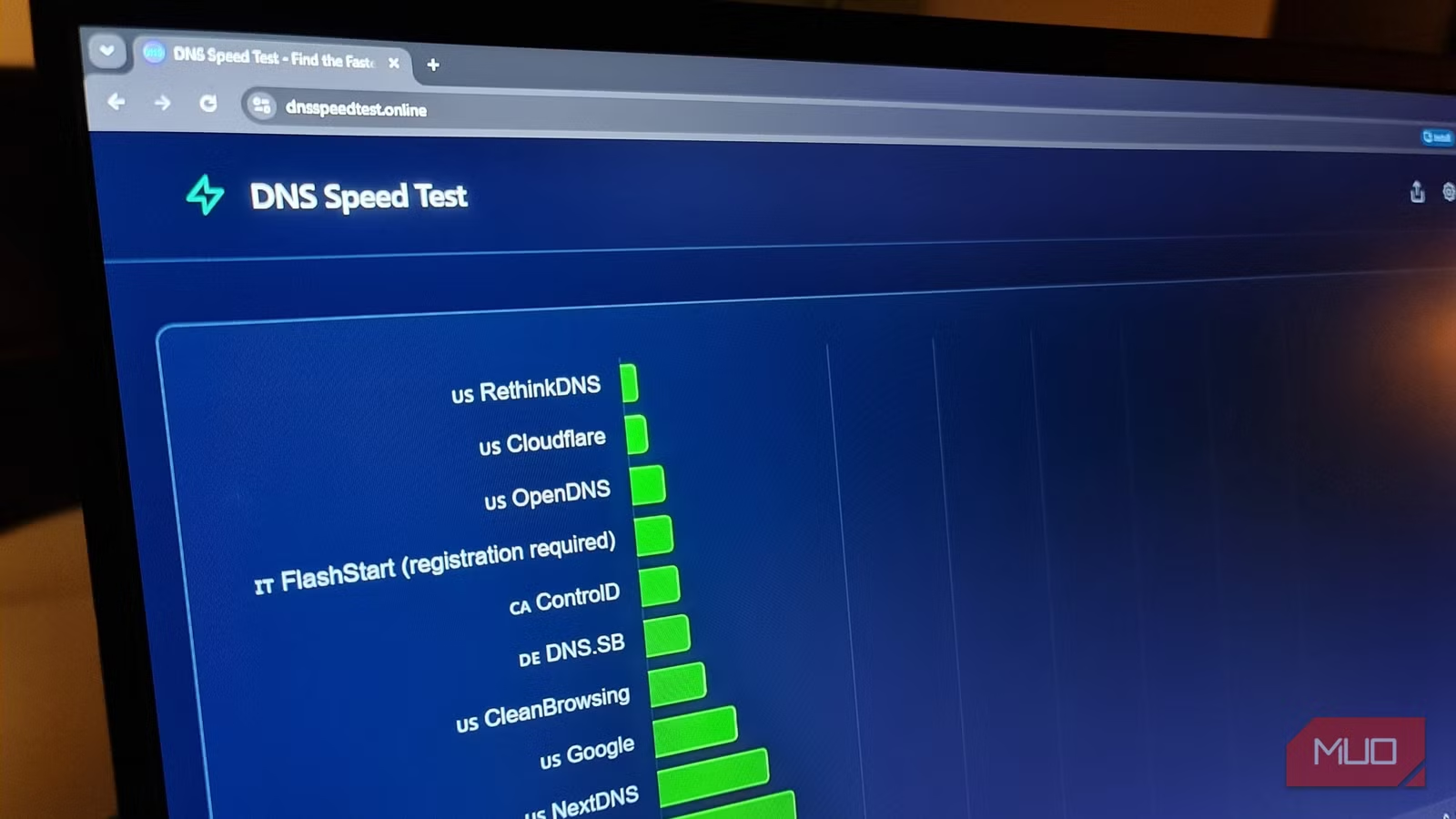
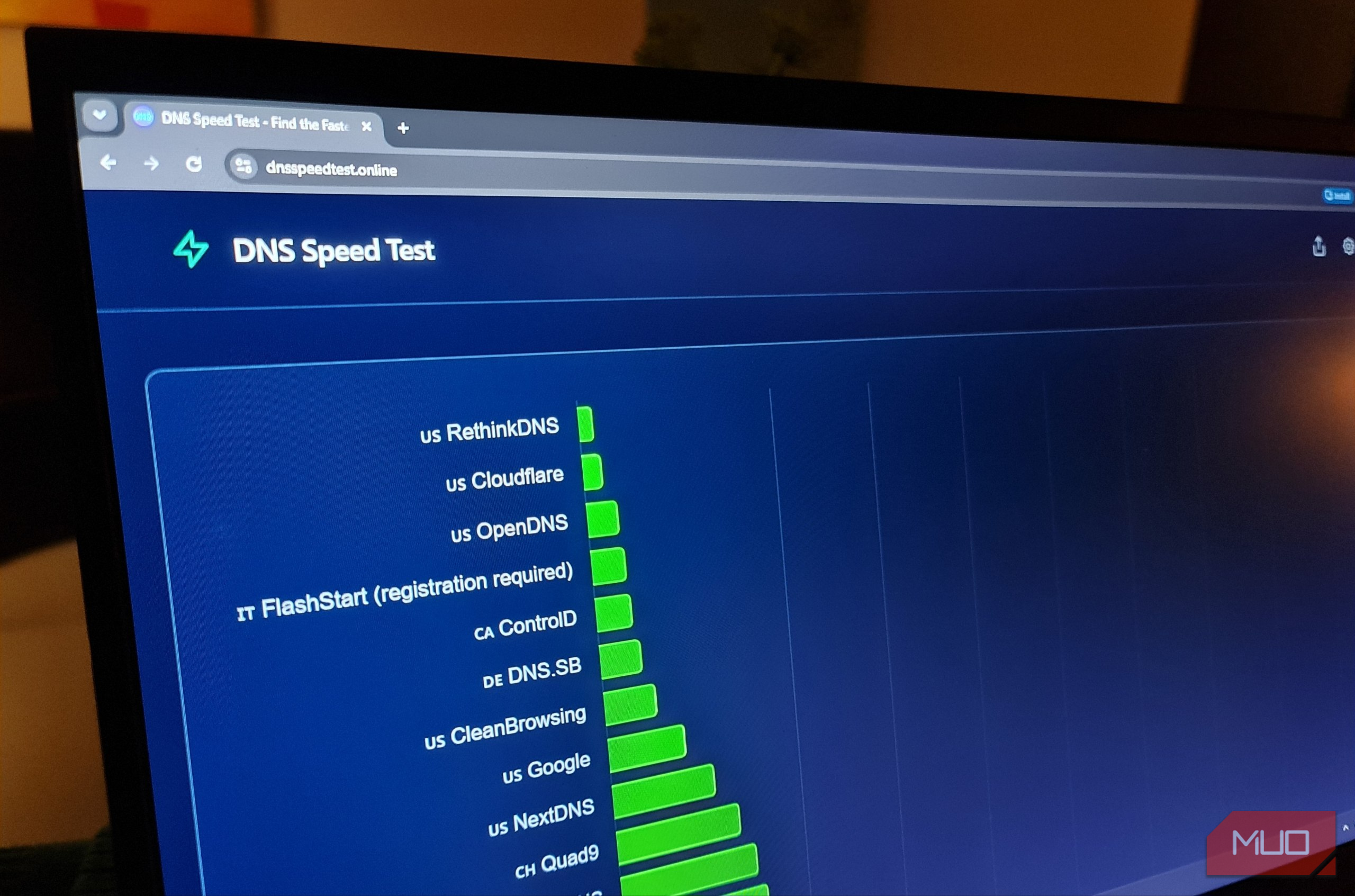
I’ve been using encrypted DNS for a while because I prefer keeping my ordinary DNS requests away from the prying eyes of my ISP. I always assumed it was slowing down my queries, but I’d never actually measured it properly.
Rather than waste precious milliseconds on a browser-based DNS speed test, I wrote my own PowerShell script that ran uncached lookups and recorded the results with a good level of accuracy.
That little moment of curiosity quickly turned into a comparison between my ISP’s automatic DNS, Cloudflare over HTTPS, and Mullvad over HTTPS, with a sprinkle of Wireshark packet analysis for good measure.
My ISP was (unsurprisingly) the fastest. Cloudflare was slower, but absolutely usable. Mullvad averaged more than a second because it kept routing my Australian connection through London. In the end, I still chose privacy, but it was clear that routing played a significant role in the overall DNS speed test results.
Related
I benchmarked Quad9, NextDNS, and Cloudflare, and the winner wasn’t the big name
Multiple testing locations and it still wasn’t completely clear.
I only wanted to change one Windows setting
Then I started measuring every DNS lookup
Originally, I started by swapping DNS servers in Windows Network settings and just browsing as usual to see if anything felt slower. That test lasted all of five minutes. That’s because browsers and Windows itself cache DNS responses, so repeatedly loading the same sites told me very little.
Internet speed tests were also of no help. DNS only handles the initial step of turning a hostname like makeuseof.com into an IP address. So, once that connection is established, it doesn’t actually affect the download speed.
I used two commands at the center of my testing:
Clear-DnsClientCache
Resolve-DnsName makeuseof.com -Type A -DnsOnly
The first command cleared my DNS cache, so only new requests were being made. The second command forced Windows to look up the address using only the currently assigned resolver. I built my script around this basic sequence, making it suitably controlled and fussy enough to yield accurate speed test results.
I tested 10 geographically diverse domains over five rounds:
$domains = @(
“makeuseof.com”,
“abc.net.au”,
“wikipedia.org”,
“github.com”,
“microsoft.com”,
“archive.org”,
“cloudflare.com”,
“mullvad.net”,
“amazon.com.au”,
“mozilla.org”
)
$rounds = 5
That gave each resolver 50 uncached lookups. The domain order was also randomized, so the same site didn’t always benefit from being the first to run:
$results = foreach ($round in 1..$rounds) {
$testOrder = $domains | Sort-Object
Out-Null
$success = $true
foreach ($domain in $testOrder) {
Clear-DnsClientCache
Start-Sleep -Milliseconds 150
$timer = [System.Diagnostics.Stopwatch]::StartNew()
try
Resolve-DnsName `
-Name $domain `
-Type A `
-DnsOnly `
-ErrorAction Stop
catch {
$success = $false
}
Before each query, the script cleared the cache, started a timer, recorded whether the request succeeded, and saved the result. It also calculated the average, median, fastest, and slowest requests, then piped them all to a CSV file for later analysis:
$results |
Export-Csv “.\dns-$safeName-raw.csv” -NoTypeInformation
$summary |
Export-Csv “.\dns-comparison.csv” `
-NoTypeInformation `
-Append
My ISP won, but the average almost hid how badly
The median told a much clearer story than the fastest and slowest results
My ISP’s unencrypted resolver won, and it wasn’t even particularly close:
Resolver
Average
Median
Fastest
Slowest
Failed
ISP
42.1ms
7.4ms
3.8ms
777.6ms
Cloudflare DoH
136.8ms
118.8ms
102.4ms
482.6ms
Mullvad DoH
1159.1ms
1157.8ms
1017.2ms
1613.0ms
The ISP’s unencrypted 42.1ms average made it look way slower than it actually was. Its median was only 7.4ms, and the fastest lookup took 3.8ms. After sorting through all the results, the median is the middle value. I included this because one awful result can’t distort the median value as much as the average. In my testing, there was one ugly 777.6ms lookup that dragged the ISP’s average up.
The ISP’s results were the fastest, but this comes with an important caveat. Windows was sending plain text DNS requests to the resolver that was supplied by my network. Looking at the Wireshark network analysis below, you can clearly see “iana.org” is visible in plain text in the request.
Cloudflare and Mallvad were both using DNS over HTTPS, so it was important for me to understand that this wasn’t a comparison between three identical services. Cloudflare DoH was slower but more stable and predictable. Its 118.8ms median was noticeably higher than the ISP’s results, though we’re still talking about tenths of a second.
Mullvad DoH was completely different. Its average and median were both around 1.16 seconds (not milliseconds), while its fastest lookup still took over a full second. So it wasn’t just one or two bad results that ruined the stats. Nearly every single lookup was painfully slow. That’s because Mullvad has free DNS servers located in regions nowhere near where I live:
- Dallas, United States
- London, United Kingdom
- Frankfurt, Germany
- Stockholm, Sweden
- Singapore, Singapore
The problem is also routing. Mullvad uses anycast, where several DNS servers share the same address, and the internet decides which location should receive the request. That should have sent my requests to a nearby server. However, the route depends more on the Border Gateway Protocol (BGP), which is how system networks advertise and select paths across the internet.
Despite testing from Australia, Mullvad sent my DNS requests across the other side of the world to London rather than the closer Singapore location. I confirmed this using Mullvad’s own testing page, which confirmed I was using the gb-lon-dns server. That little detour almost certainly explains the poor results. Users with shorter paths and better peering in the USA will likely have a better experience.
I kept encrypted DNS, but I stopped treating privacy as a binary choice
Cloudflare was slower than my ISP without making every new connection painful
My ISPs’ unencrypted DNS testing results were unquestionably faster, but that didn’t mean I had any intention of switching back to them. Packet analysis using Wireshark made the reason why I accepted the trade-off obvious.
With the ordinary DNS my router and network provided, I could see the requested hostname directly inside the packet capture, in plain text, where anyone could intercept and read it. After enabling DNS over HTTPS, I could see the encrypted traffic heading to the resolver over port 443, but the DNS request itself was unreadable.
So, Cloudflare DoH became the sensible compromise. It was considerably slower than my ISP in the benchmark, but far quicker than Mullvad due to the BGP routing issue. Windows encrypted the requests at the system level, and Cloudflare completed every single lookup with a single failure.
Because it just moves trust away from my ISP and places it with the resolver, DoH doesn’t automatically make DNS 100% anonymous. Websites can still see my connections, and Cloudflare still handles the DNS requests. Still, I’d much prefer that provider deliberately than leave ordinary DNS visible to both my ISP and the local network. And if I’m honest, regular browsing doesn’t seem to be affected whatsoever by the tiny delay caused by using Cloudflare’s DoH servers.
I don’t regret choosing privacy over the fastest possible DNS. But I did learn that the most privacy-focused options aren’t automatically the best choice.
Related
I replaced NextDNS with a DIY solution and discovered why the subscription was worth it all along
The filtering worked, the encrypted DNS worked, and then I had to stop everyone else from using it.
