

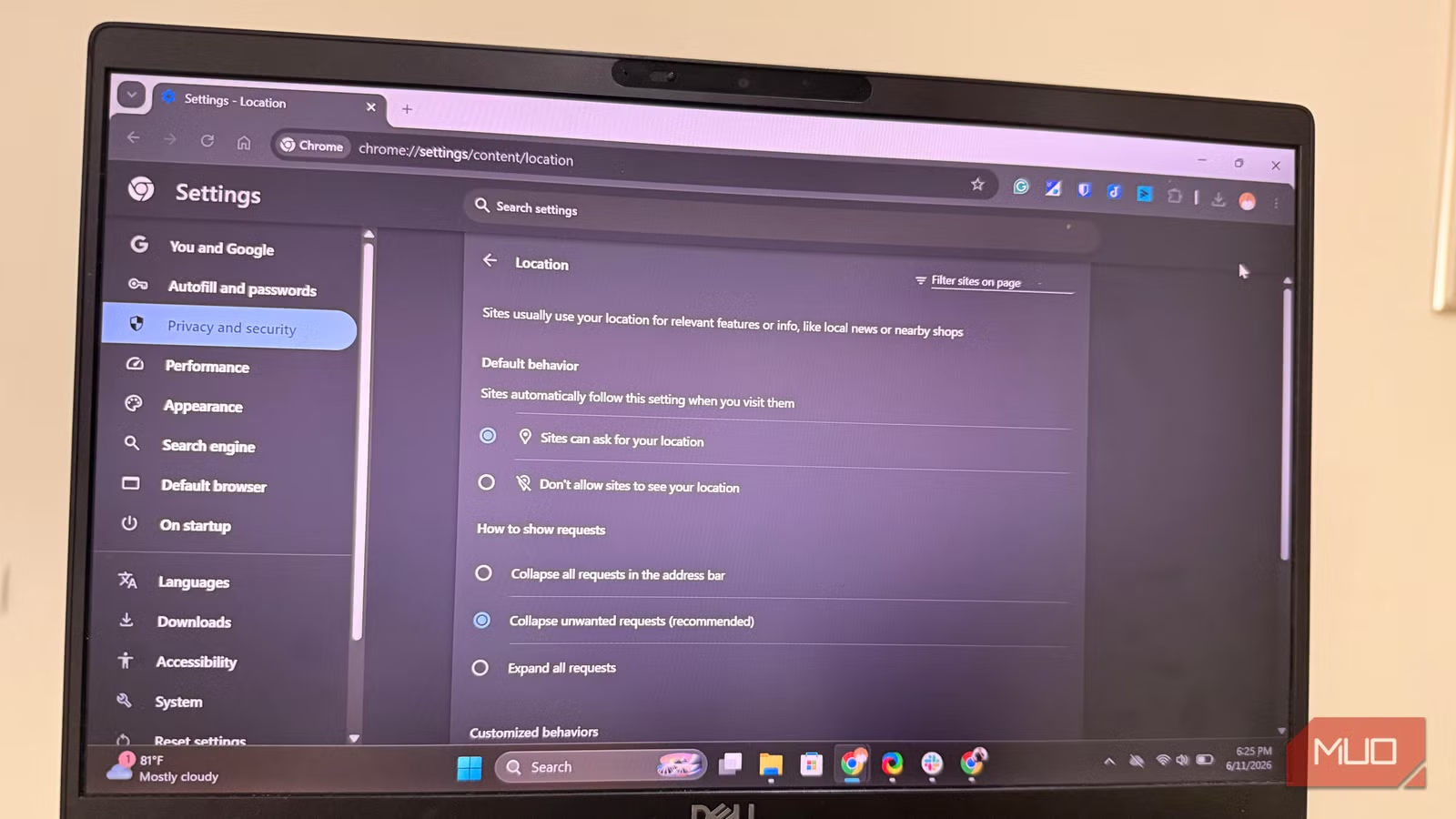
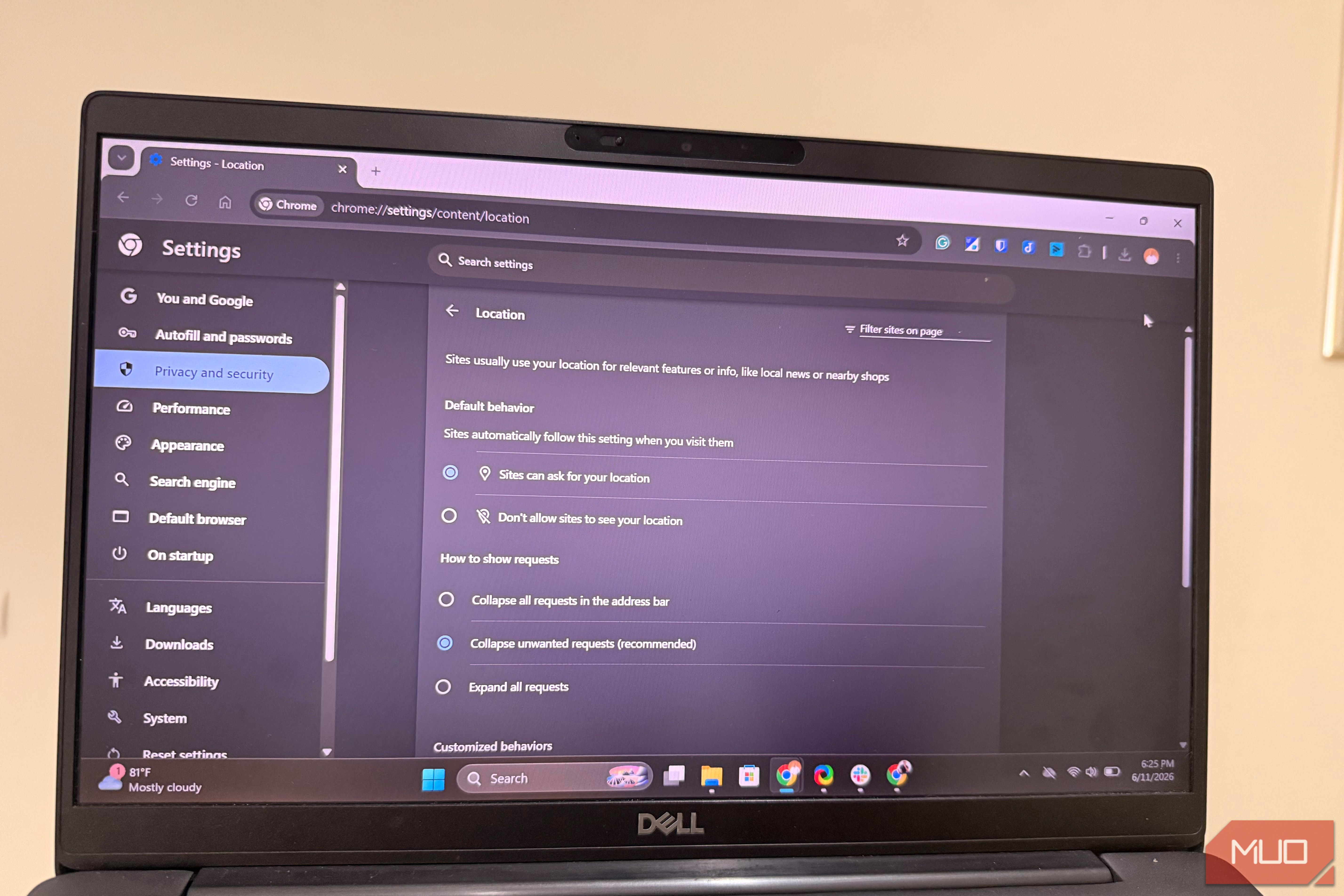
You’ll be so wrong to think that you’re invisible just because you clicked the “Don’t Allow” button on a website’s location prompt. It helps, but it’s just one of the many sneaky signals that browsers use to track you across the web.
I found a few signals that reveal more about you than you realize. They may seem like innocent attributes, but in practice, they are weaponized to turn your browser into a tracking beacon for advertisers, data brokers, and analytics companies. Here are the other signals you haven’t considered.
My timezone was exposed
No permission required
Afam Onyimadu / MUO
For the sites that I regularly visit across all the main browsers I use — Brave, Firefox, and Chrome — I turned off location access. I felt it was the appropriate step to stop these websites from tracking me. I was quite disappointed when I ran the fingerprinting test on EFF’s Cover Your Tracks and saw that the HTTP headers my device sent still contained my time zone information.
Without prompts, warnings, or permission, the browser hands over this information just as it does the screen resolution or preferred language. Time zone is a data point that scheduling tools, calendar apps, and event pages require to work correctly. Since there is a legitimate reason for websites to access this information, they get it without any interaction from you.
However, this is a very revealing piece of data. Even if a browser simply reports West Africa Time without specifying the city, that greatly narrows down possible locations. When that information is combined with your browser’s language and a rough IP-based region, it makes it surprisingly easy for the browser to narrow down your location.
In Firefox, the Resist Fingerprinting feature lets the browser report a generic time zone, masking your real one. On Tor, time zones are standardized. Yet you face real tradeoffs from any attempt to mask this information. Most notably, scheduling services may become unpredictable, and calendar apps may display incorrect times.
When I blocked the location, the browsers stopped asking where I was, but they still offered a rough answer.
Related
I stopped using “Incognito Mode” for privacy after learning about fingerprinting
It’s just not doing what you think it is.
My browser drew a fingerprint
It survived incognito mode
Afam Onyimadu / MUO
When I discovered how my time zone was still being shared, I took further steps to clear my cookies and use incognito or private browsing modes. With this new setup, I reloaded the Cover Your Tracks test, hoping I could get a different result.
There was barely any change. Even with JavaScript disabled, the site was still able to generate a canvas fingerprint. This short identifier is derived from how the browser renders graphics. It did not matter how many times I ran the test; the results were constant.
The mechanism is subtle. Websites that use canvas fingerprinting require your browser to draw an invisible image in the background. The output of the request is directly a product of your device’s graphics hardware, installed drivers, operating system, and browser version. This would typically produce a unique image for every user. There are also similar techniques used for audio processing, where a comparable identifier is created from tiny differences in how your hardware handles sound.
None of these techniques requires the browser to directly send your GPU model; however, they expose enough rendering characteristics that ensure the results are unique to you. These results are tied to your hardware, which makes clearing cookies or even switching tabs ineffective at stopping them.
Some browsers take extra steps to reduce this fingerprint. Brave, for instance, adds noise to the results to render them less consistent, and Firefox does the same with the Resist Fingerprinting feature. However, this can make certain sites serve more aggressive CAPTCHA challenges, and a few web apps may become unpredictable.
While I always knew websites would recognize my account, it was more surprising to know they would also recognize my device.
My fonts completed the puzzle
They were surprisingly unique
Of all the elements that Cover Your Tracks pointed out, fonts felt like the most inconsequential on the surface. It seemed they were cosmetic and more useful in design tools and documents.
However, as I researched, the reality hit me: fonts were just as important as the other fingerprinting signals I had observed. The fonts individually did not mean much, but they are potent tracking material when combined. Fingerprinting tools are not searching for a rare font; rather, they are looking for patterns unique to you. The pattern becomes more unique the more fonts the system has.
The fonts revealed in the fingerprint tests were the same across all browsers on my device, and when I ran the same test with the same browsers on a newly installed device, I got far fewer fonts. This is because the browser queries the OS for installed fonts. These elements are often distinct for each device, depending on the tools you have used on it.
Individually, the signals are telling — collectively, they are quite accurate
All three signals combine effectively to tell a lot about a user. Time zone effectively places data within a region, hardware fingerprinting identifies the device, and font data makes it even harder to mistake that device for another.
Just by daily browsing, we have put so much data in the hands of advertisers, data brokers, and analytics companies.
While this shouldn’t make you paranoid, it’s good to know what you’re giving up every day when you log on to that computer. I blocked location permissions on every site, but apparently, so much is still handed over during these sessions.
