Close Menu
Tech Nova Mindset – Empower Innovation and Forward Thinking

    Subscribe to Updates

    Get the latest creative news from FooBar about art, design and business.

    What's Hot

    Epic Games Details How It’s Embracing Generative AI In Unreal Engine

    June 17, 2026

    Novig CFTC approval, crypto bill, today in prediction market news LIVE

    June 17, 2026

    Cricketer Pat Cummins backs longevity startup Everlab’s $65 million Series A

    June 17, 2026
    Facebook X (Twitter) Instagram
    Trending
    • Epic Games Details How It’s Embracing Generative AI In Unreal Engine
    • Novig CFTC approval, crypto bill, today in prediction market news LIVE
    • Cricketer Pat Cummins backs longevity startup Everlab’s $65 million Series A
    • Does your phone charge as fast as advertised? I measured the latest iPhone, Samsung, OnePlus
    • ‘AI traffic is fundamentally changing how the Internet operates’: New report claims bot traffic is growing 6.5 times faster than human users — is this the end of the useful internet as we know it?
    • Tech Interview Prep: How Scoring Really Works
    • Epic wants to let you bring your Fortnite skins to other games
    • Smart glasses could be facing some unexpected driving restrictions
    Tech Nova Mindset – Empower Innovation and Forward Thinking
    • Home
    • Gadgets
    • Reviews
    • Tech News
    • Future Tech
    • AI & Robotics
    • How-To Guides
    • More
      • Cybersecurity
      • Startups & Innovation
    Tech Nova Mindset – Empower Innovation and Forward Thinking
    Home»Reviews»How To Stop Netflix From Asking ‘Are You Still Watching?’
    Reviews

    How To Stop Netflix From Asking ‘Are You Still Watching?’

    kirklandc008@gmail.comBy kirklandc008@gmail.comJune 17, 2026No Comments3 Mins Read
    Facebook Twitter Pinterest LinkedIn Tumblr Email
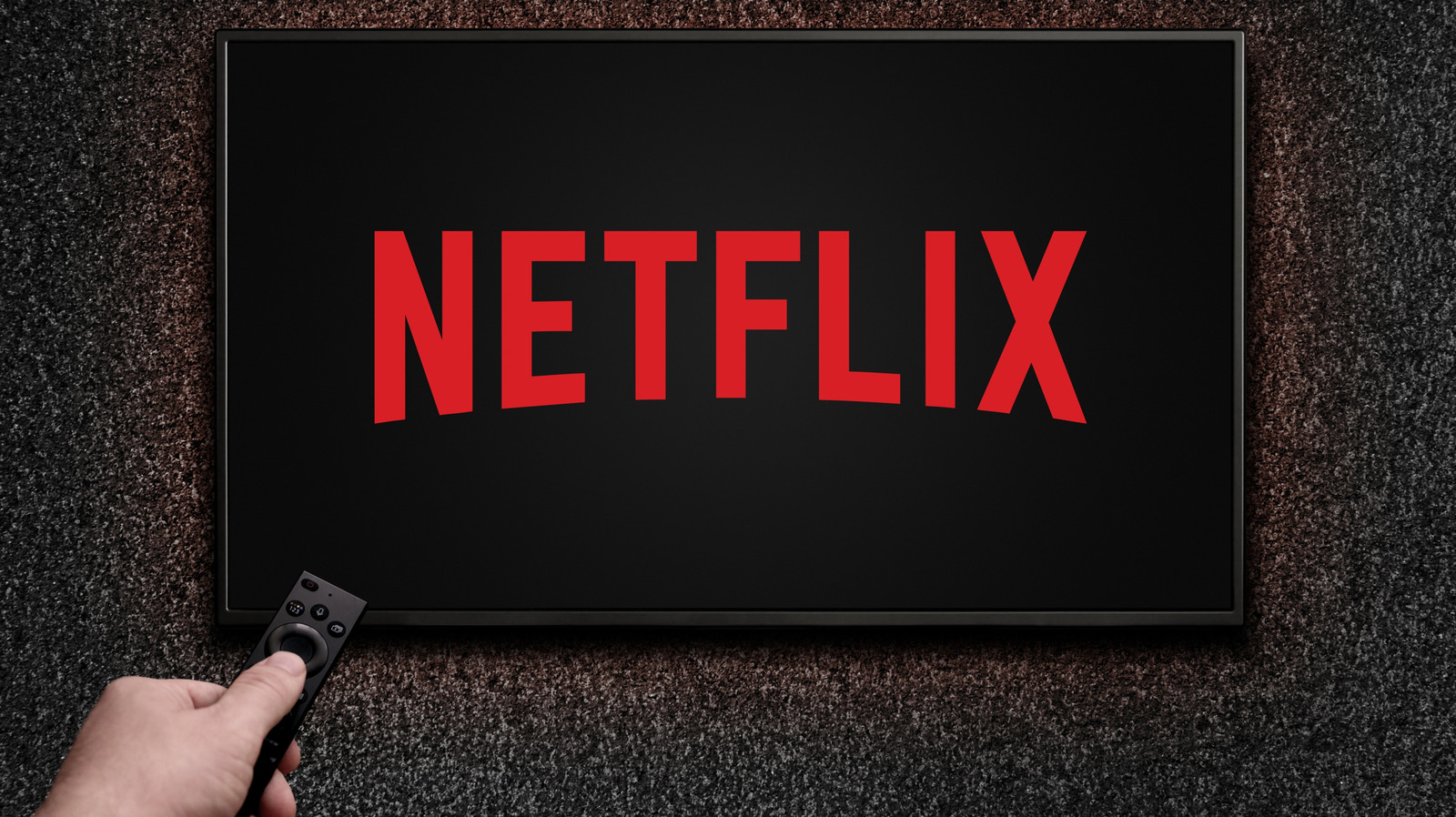
    How To Stop Netflix From Asking 'Are You Still Watching?'
    Share
    Facebook Twitter LinkedIn Pinterest Email

    Nothing is more humiliating than being ridiculed by an inanimate object. One moment, you’re crying (again) over Love On The Spectrum, ruining your third t-shirt in four seasons, and the next you’re being berated by your television screen as everyone’s favorite streaming service asks, “Are you still watching?”

    The pop up is a callous reminder of the mountain of undone tasks upon that morning’s horizon. But how can I do anything productive unless I know whether Connor and Georgie found neurodivergent bliss?

    What I jokingly call a passive-aggressive message is simply something Netflix sends automatically after three episodes, or 90 minutes, of uninterrupted television. If you’re watching on something other than a television, the dreaded question will appear after three episodes if a viewer hasn’t used “any video player controls.” Of course, sometimes it just feels like the message intuitively appears at the peak of my Sunday night depression binge-watch sessions.

    Netflix, for its part, isn’t shaming its subscribers out of some perverse sense of schadenfreude. Instead, the California-based streamer puts forth two reasons behind those prompts. The first is that Netflix doesn’t want you to lose your place in its programming, as few entertainment experiences are more frustrating than waking up during the series finale and getting spoiled. 

    The second might come as a surprise to some viewers. According to Netflix’s support page, the company doesn’t want its subscribers to “use internet data when you’re not actually watching a TV show or movie.” Translation: Netflix likely doesn’t want its viewers to waste precious bandwidth while they’re counting sheep. 

    The problem has plagued the company since its early days, and even saw it get in hot water for throttling stream quality. It’s a by-product of Netflix’s massive subscriber base, and ensuring people don’t run The Great British Bakeoff on a perpetual loop is just one of several fixes.

    Luckily, ending the “Are you still watching?” cycle is easy. According to the company’s help page, you can put a stop to the message by disabling your account’s autoplay feature. To do so, simply go to your account page, select your profile, and go to the “Playback settings” tab under “Preferences.” From there, toggle off the “Autoplay next episode” setting. 

    If you’re using Netflix’s phone or tablet app, visit the “My Netflix” tab in the bottom righthand corner. From there, select “manage profiles” and follow the same procedure to your profile settings. Disable the “autoplay next episode” setting, click “done,” and voilà, you’ll never be accosted with your reckless viewing habits again. Now you’ll only have yourself to blame if you snore through the latest season of Squid Game. 

    Netflix Stop watching
    Share. Facebook Twitter Pinterest LinkedIn Tumblr Email
    kirklandc008@gmail.com
    • Website

    Related Posts

    Epic Games Details How It’s Embracing Generative AI In Unreal Engine

    June 17, 2026

    Google Calendar finally expands event colors with a full RGB picker

    June 17, 2026

    I Found 22 Early Prime Day Deals That Are Worth Shopping Now

    June 17, 2026
    Leave A Reply Cancel Reply

    Top Posts

    Google DeepMind Plans to Track AGI Progress With These 10 Traits of General Intelligence

    March 21, 20263 Views

    The AirPods 4 and Lego’s brick-ified Grogu are our favorite deals this week

    October 12, 20253 Views

    Nothing CEO says phone prices are going to keep going up

    June 12, 20262 Views
    Stay In Touch
    • Facebook
    • YouTube
    • TikTok
    • WhatsApp
    • Twitter
    • Instagram
    Latest Reviews

    Subscribe to Updates

    Get the latest tech news from FooBar about tech, design and biz.

    Recent Posts
    • Epic Games Details How It’s Embracing Generative AI In Unreal Engine
    • Novig CFTC approval, crypto bill, today in prediction market news LIVE
    • Cricketer Pat Cummins backs longevity startup Everlab’s $65 million Series A
    • Does your phone charge as fast as advertised? I measured the latest iPhone, Samsung, OnePlus
    • ‘AI traffic is fundamentally changing how the Internet operates’: New report claims bot traffic is growing 6.5 times faster than human users — is this the end of the useful internet as we know it?

    Epic Games Details How It’s Embracing Generative AI In Unreal Engine

    June 17, 2026

    Novig CFTC approval, crypto bill, today in prediction market news LIVE

    June 17, 2026

    Cricketer Pat Cummins backs longevity startup Everlab’s $65 million Series A

    June 17, 2026

    Does your phone charge as fast as advertised? I measured the latest iPhone, Samsung, OnePlus

    June 17, 2026
    Facebook X (Twitter) Instagram Pinterest
    • About Us
    • Contact Us
    • Privacy Policy
    • Terms and Conditions
    • Disclaimer
    © 2026 TechNovaMindset. Designed by By Pro.

    Type above and press Enter to search. Press Esc to cancel.