

Smart speakers aren’t the only speakers in your home that you can connect to Home Assistant. You should be able to connect most speakers on your home network, and even dumb speakers can be connected with a little help.
Native Home Assistant integrations
There’s support for major brands and standards
Credit: Tyler Hayes / How-To Geek
One of the most powerful features of Home Assistant is the huge number of integrations that allow you to connect a staggering number of devices and services. Many of these integrations have been contributed by the community. There are multiple dedicated integrations that you can use to connect and control speakers.
For example, there are integrations for speakers from Sonos, Denon, Bose, Bang & Olufsen, and more. You can use these integrations to play music on these devices, with some integrations allowing for local control without the need to connect via cloud services.
There are also some more generic integrations that allow you to connect speakers that support different streaming protocols. There’s a Google Cast integration for smart speakers and Chromecast devices, and the SlimProto integration lets you control Squeezebox music players from Home Assistant.
Related
How to Add a Smart Speaker to Your Home Assistant Setup
Apple and Google speakers play nice, while Amazon is left by the wayside.
Use Music Assistant
Connect using a wide range of options
Credit: Adam Davidson/How-To Geek
Perhaps the easiest way to add almost any network-connected speaker to Home Assistant is to use the Music Assistant app (the new name for add-ons). This is a powerful music hub application that integrates with Home Assistant and allows you to unify your music streaming services and local audio files into a single music interface. You can play a playlist where one song is from Apple Music, the next from your local audio files, and the next from Spotify as if they were all from the same service.
Music Assistant also allows you to connect speakers using multiple integrations. These are called player providers and offer support for Sonos, AirPlay, Snapcast, Squeezelite, DLNA/UPnP, MusicCast, Bluesound, and more. Using the player providers, you can connect a huge array of different speakers and stream music to them directly from Music Assistant.
If you want the most seamless way to play music to different types of speakers around your home, Music Assistant is probably the best solution. You can even create synced speaker groups for whole-home audio, although the sync works best when all the speakers use the same ecosystem.
DLNA and AirPlay
Network streaming old and new
Credit: Jason Montoya / How-To Geek
Many modern speakers support AirPlay, and the easiest way to add AirPlay speakers is in Music Assistant. Even if you don’t use the Music Assistant app itself for playback, adding an AirPlay speaker exposes that speaker to the rest of Home Assistant, too. There are other options, but they’re often more complicated; you can connect AirPlay speakers via Music Assistant in just a few clicks.
If you have older speakers, AirPlay may not be an option without an additional adapter. In that case, you may be able to fall back on an older network streaming protocol. DLNA/UPnP was a common standard in the early 2000s before proprietary systems such as AirPlay and Google Cast came along.
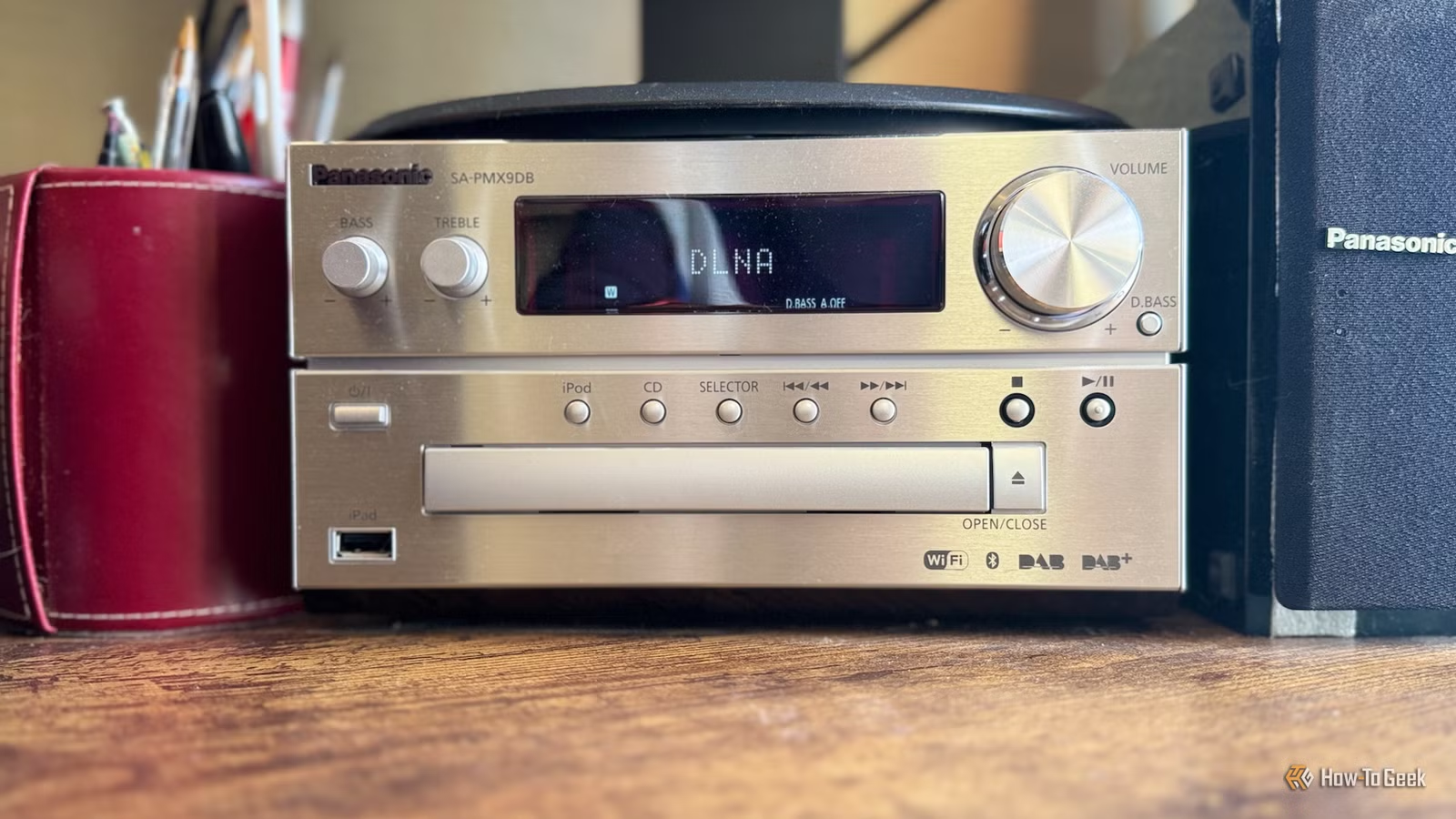
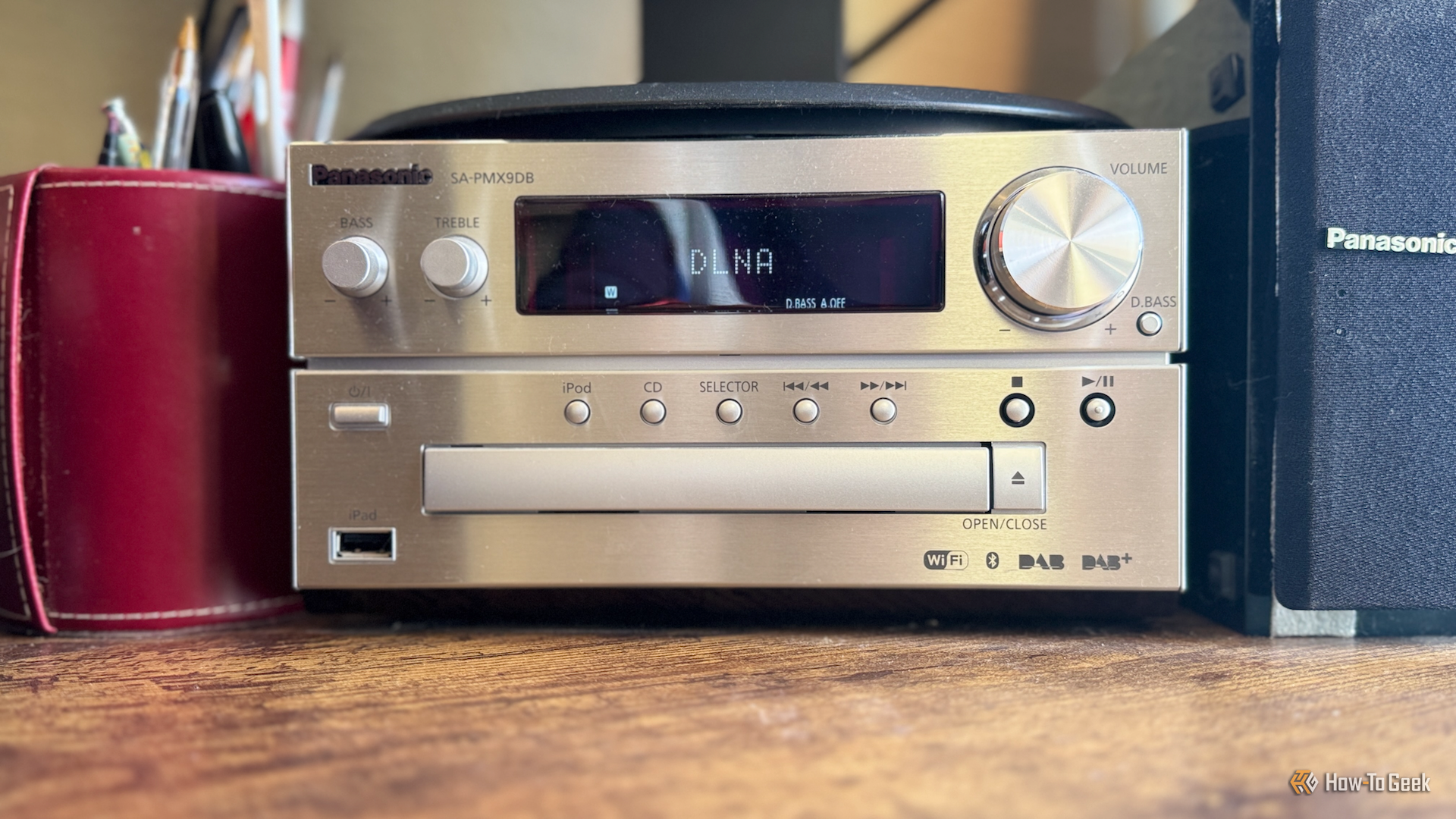
If your speaker supports DLNA, you should be able to connect it to Home Assistant, meaning you can use older equipment such as Hi-Fi systems and enjoy the high-quality sound that they can provide, rather than relying on small smart speakers. There’s a dedicated DLNA Digital Media Renderer integration you can use, or (are you spotting the pattern yet?) you can add DLNA speakers using Music Assistant, which has a dedicated DLNA/UPnP player provider. I have the old micro Hi-Fi system my dad passed on to me connected via DLNA, and it sounds stunning.
Connect dumb speakers
A streamer makes a dumb speaker smart
Credit: Vizbara / Shutterstock.com
Not every speaker in your house may be able to connect to your home network, especially if you have older speakers. That doesn’t mean you can’t still connect them to Home Assistant, however.
All you need to do is connect a small streaming device to your speakers via the available inputs, such as RCA, AUX, or optical. You can then stream audio to the streaming device, which will play through the connected speakers.
There are plenty of options for streaming devices. You can use a Raspberry Pi with a DAC HAT or buy a dedicated streaming device such as a WiiM Mini. You can build your own ESP32-based streamer, or purchase one ready-made, such as the HiFi-ESP32. You could even use an old Android phone and install a Snapcast or Squeezelite app, and stream directly to the phone.
Smart speakers have their place, but if you’re listening to music, they’re not always the best option. The good news is that you can connect almost any speaker in your home to Home Assistant, giving you great sound quality as well as convenience.
