

Mishaal Rahman / Android Authority
Arc had such a cult following that I, too, fell for it back in the day — and happily so. I came for the hype but stayed for all the handy features that actually improved my productivity. It became such an ingrained part of my workflow that I couldn’t even think about switching to another browser, which I knew would slow me down. I was so bummed when I heard Arc was being sunset in favor of a new browser, but I stuck with it.
However, given how the browser scene has transformed in the last year with deep AI integration, it’s time for me to get back to Google Chrome. And the reason for my comeback is none other than Gemini.
Is Gemini enough to make you switch to Chrome?
101 votes
Yes, already did
31%
Thinking about it
16%
Not convinced yet
18%
No, I prefer my current browser
36%
Back to home with Google Chrome
Arc had a handful of AI features tastefully integrated, like where you could use the Cmd+F shortcut to type in your query about the webpage and have AI summarize it or answer your queries. But the feature was removed one day without notice. I’ve since been itching for such a feature — and I didn’t want to settle for a half-baked extension as a patch job.
When Google announced that it’s expanding the Gemini sidebar in Chrome to India, I got excited to switch (yeah, I get excited about browsers). And I instantly felt glad that I made the switch. I may not use Gemini on every tab I open, but wherever I’ve needed to use the sidebar, I felt pleased that I went back to Chrome and had help by my side always.
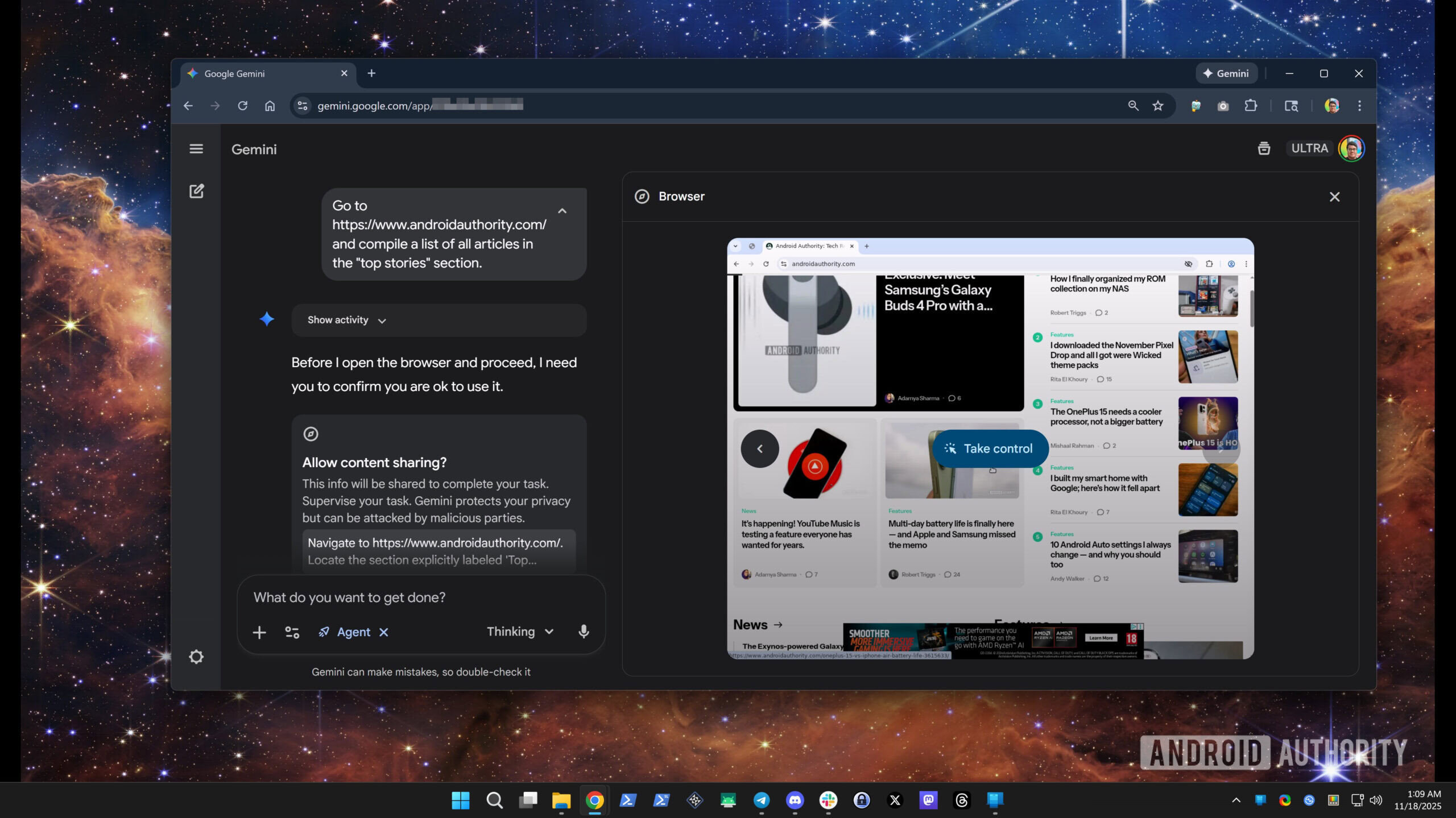
Gemini in Chrome is this elevated form of AI that can pull context from open tabs instead of relying on me for every little detail.
I’ve used Gemini to do everything from multi-tab research and decoding long threads and PDFs to generating images and seeking help with multi-step workflows. And it’s been fantastic for the task — exactly what I wanted from an AI assistant. It is this elevated form of AI that can pull context from open tabs instead of relying on me for every little detail.
Its biggest strength is that it can see exactly what you’re seeing. It may sound obvious, but that superpower enables Gemini to get so much context that would be next to impossible to give manually. For instance, I recalibrated my investments with assistance from Gemini, and it got everything done in three hours flat. My previous similar exercises spanned entire weekends, even though I was up to date with my own portfolio.
I can’t even imagine manually sharing my entire portfolio, its comparisons with market standards, alternative investment options, and all the little financial nitty-gritty that is unique to every user. Without screen awareness, it would be as good as feeding all that info into ChatGPT one by one — in that case, I’d rather skip AI’s help altogether and get it done manually.
Gemini in Chrome hasn’t got a single comprehensive alternative
Karandeep Singh / Android Authority
It’s not like I decided to jump straight from Arc to Chrome. Dia was the closest alternative to Arc, with most of its smarts — and an AI-enabled sidebar. However, it has AI usage limits in place and wants you to spend another $20 a month for it. When Gemini is already included in my Google One plan, I didn’t see a point in adding another AI subscription to the mix. And the Gemini integration in Chrome is anyway richer, with things like Gemini Live.
Another option was Perplexity’s Comet, and honestly, it left me quite impressed with its advanced implementation. I was blown away by its agentic capabilities of taking action on your behalf — even though it just added groceries to my Amazon cart based on a recipe it looked up. But Comet, being a Perplexity product, relied a bit too much on Perplexity alone, with fewer ways to use a traditional search engine that lets you visit links. That’s the reason I prefer AI Mode now, which balances AI and regular searches well.
I still miss Arc, though
Andy Walker / Android Authority
It’s really sad that Arc’s maker had to deprecate such a solid product, but here we are. I do value Gemini integration more than any other feature from Arc, considering how our browsing habits have evolved since the addition of AI. But Arc did certain things so well that I miss a bunch of organizational features that are hard to replicate elsewhere.
Arc had quite a few keyboard shortcuts, and the ones I used the most were Cmd+S to hide the sidebar and Cmd+Shift+C to copy the URL. The latter was particularly useful for someone like me who needs to copy URLs like it’s their main job. It was quite a shocker for me that Chrome still doesn’t natively let you customize keyboard shortcuts, which should’ve ideally been standard across all Chromium browsers.
Arc did certain things so well that I miss a bunch of organizational features that are hard to replicate elsewhere.
Secondly, I really miss the left tab bar. I know Chrome is coming up with its own version, but Arc’s implementation is so goated that Chrome would need a few iterations to keep up. It has incredible tab organization tools, like auto-grouping and labeling. But it’s the little things that make it so handy, such as how a new tab affects an open group or where a temporary tab would open.
Don’t want to miss the best from Android Authority?
Google Chrome has been a surprise
Joe Maring / Android Authority
Arc had become so bloated after a point (the reason its makers decided to ditch it for Dia) that it would stutter even under slightly heavy loads (like Google Meet) and would eat into the battery like a hungry wolf. Honestly, Google Chrome didn’t have a very different perception — it even had memes made out of its RAM inefficiency.
But to my surprise, after the switch, Google Chrome is not only efficient RAM-wise, but it’s also just sipping battery power. And that’s not with a couple of tabs, but with multiple tabs open and while interacting with the Gemini sidebar for hours. Such an intensive workload would easily take a toll on any AI browser.
I was happy having Gemini by my side, but now I have a browser that’s far more efficient, too.
That was the cherry on the cake — something I hadn’t expected at all. I was happy having Gemini by my side, but now I have a browser that’s far more efficient, too. I couldn’t have asked for more when coming back home.
Thank you for being part of our community. Read our Comment Policy before posting.
