

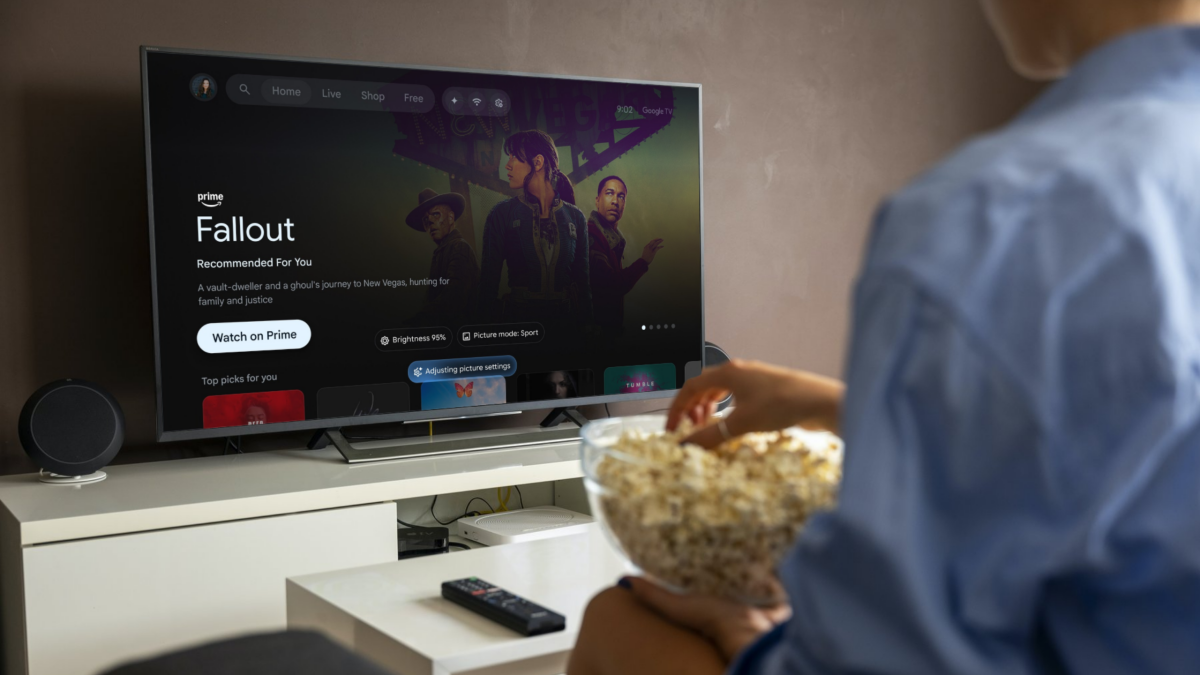
Gemini-powered voice controls are rolling out on certain TCL Google TVs in the US, giving users a faster way to adjust picture, audio, and accessibility settings without navigating menus. The update lets you say things like “the screen is too dark” or “I can’t hear the dialogue,” which Gemini translates into immediate tweaks, such as brightening the display or adjusting the volume.
This feature is currently limited to select 2025 and 2026 TCL Google TV sets that run Android TV OS 14. Per 9to5Google, these models include the M9K, QM7L, RM7L, X11L, QM9L, QM8L, and RM9L.
To use Gemini for TV, you’ll need to link a Google account on your TV, add the TV to the Google Home app, and select Gemini as the voice assistant under Accounts & Profiles in settings. On models with a hands‑free microphone, you can enable an option in the same menu that lets you say “Hey Google” to activate Gemini while the TV is on standby.
While Gemini can’t yet manage every TV or app setting, Google says it plans to expand the assistant’s controls—as well as add support in new regions and languages—through 2026.
After TCL’s 60‑day exclusivity window ends, we can expect other Google TV brands to offer support for Gemini-adjusted settings.
