

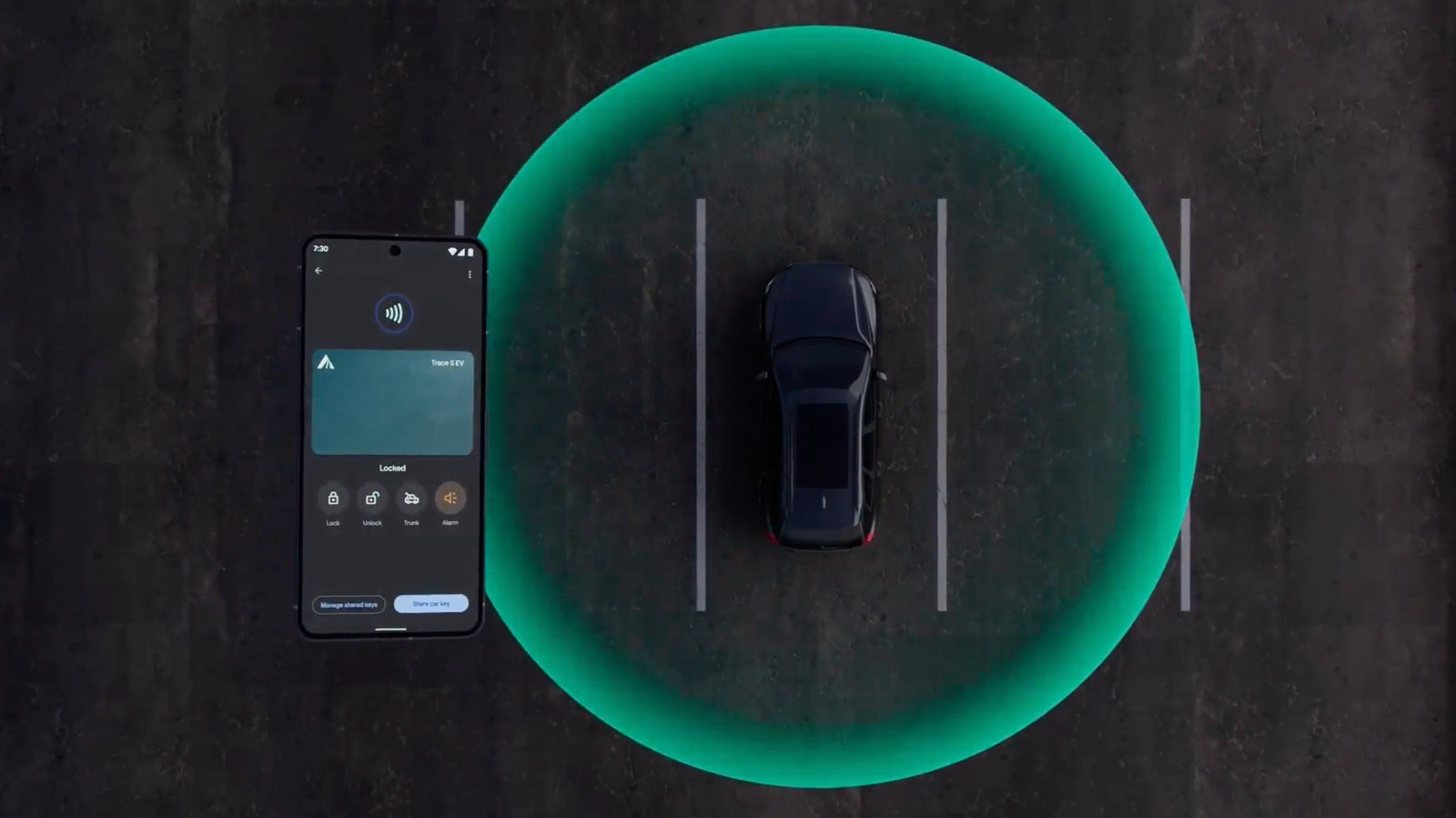
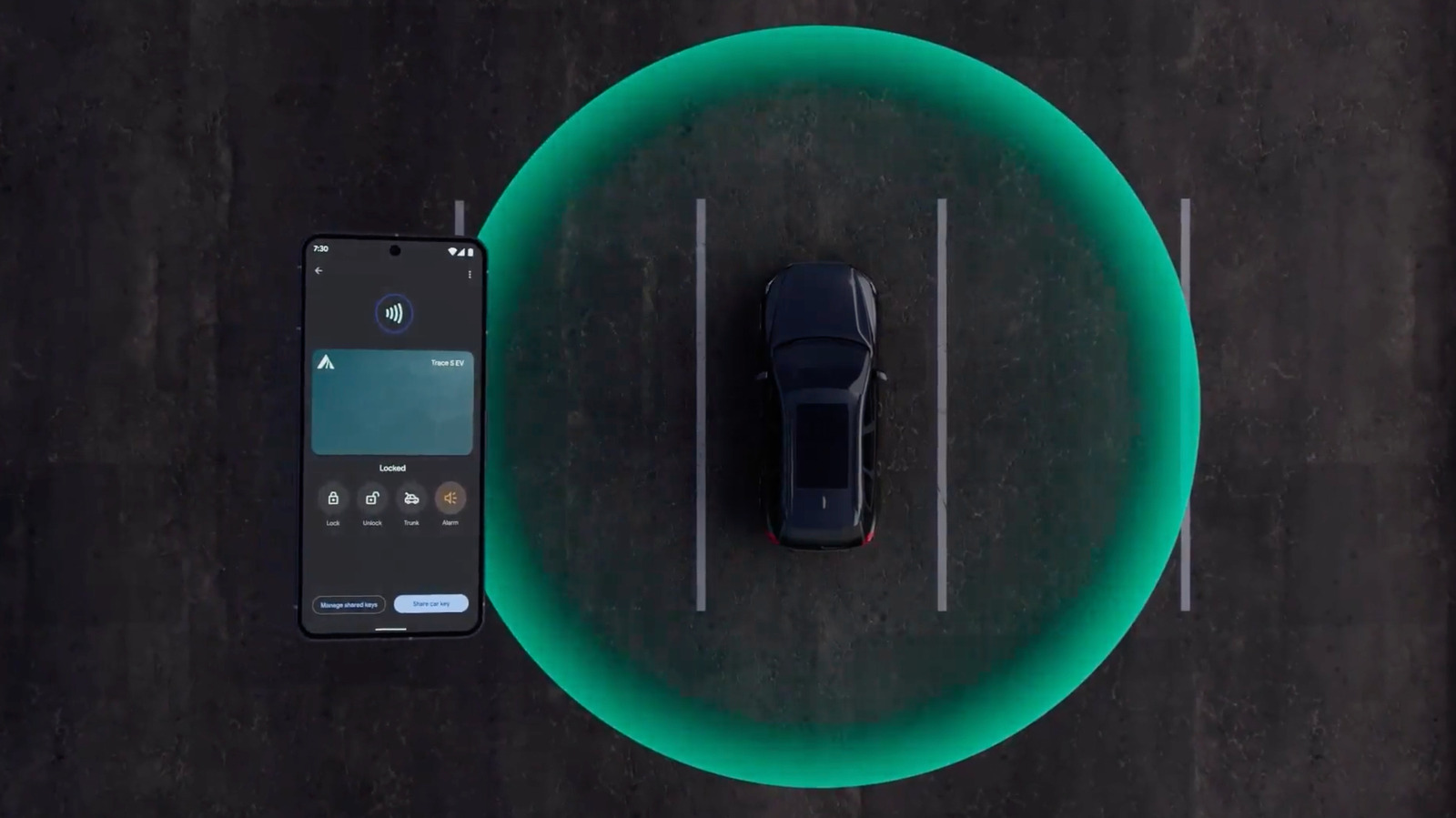
Google’s approach to digital car keys is designed to be secure and shareable.
Smartphones are a common replacement for credit and debit cards thanks to features like Google Pay and Apple Pay. As more car makers update their tech, your smartphone might just be a replacement for your keys, too. Android’s support for digital car keys means that if your phone and car are compatible, you can use Google Wallet to unlock your vehicle, and, in some cases, even start it remotely. Knowing how the feature works and which smartphones support it will not only make the feature easier to set up, but it could keep you and your car safer in the long run.
What is Android’s digital car key feature?
Google added support for digital car keys with the release of Android 12 in 2021, one year after Apple brought its version of the same idea, CarKey, to iOS. Both let you store a digital copy of your car key in your default wallet app (Google Wallet, for Android devices) and control your car over a secure wireless connection. What extra functions are available to you depends on each vehicle’s maker, but the ability to unlock your car comes at a minimum. Because this smartphone key is entirely digital, and basically a representation of data associated with your car, it can also be shared with other phones via a simple text message. That’s even including iOS devices.
While digital car keys are a relatively recent addition in the grand scheme of smartphone features, the concept was in the works for several years before even Apple and Google hopped on board. The Car Connectivity Consortium, an industry group representing car and electronics companies, introduced its first “Digital Key” standard all the way back in 2018. The version of digital car keys available on smartphones today is built on an updated version of that same standard.
How do digital car keys work on Android?
On Android, once you’ve added your key to Google Wallet, your smartphone connects to your vehicle over Bluetooth and Ultra-wideband (UWB). The latter is the radio technology used in by things like Google’s Find Hub and Apple’s AirTags. Digital car keys can also fall back on an NFC (or Near Field Communication) connection if your Android device doesn’t have one of those other radios. Your car may also use NFC to authenticate your phone when you first add your key to Google Wallet.
These methods may actually be more secure than your car’s wireless fob. According to Google, “digital car keys offer enhanced security compared to key fobs, which are vulnerable to relay attacks.” Relay attacks amplify the signal from a key fob so that a car can be unlocked without you or the key needing to be nearby.
Since one of the main features of UWB is the ability to determine something’s precise position relative to its radio, your digital car key won’t unlock anything unless your phone is physically near your car. Because the information associated with your car is stored securely on your phone, it also benefits from the same security methods that protect everything else you keep on your device, like photos or messages.
How do you add a digital car key to your Android phone?
How you actually go about adding your car key to Google Wallet will vary depending on your car. Some companies let you add the key directly through their app, while others send you an email with an “Add to Android” button. Some even let you set up the key through your in-car display. Whichever method your vehicle requires, you’ll need an up-to-date Android phone with the Google Wallet app installed and a Google Account to get started.
All three methods require logging in with your Google Account, agreeing to the terms of service and authenticating your smartphone, either over NFC through your car’s NFC reader (often housed in a built-in wireless charger), via an authentication code or both.
Which phones and cars support digital car keys?
Android’s digital car key feature requires you to have a smartphone running Android 12 or later to work. For example, that means you could use digital car keys on a Pixel 6 or later, a smartphone from Samsung’s Galaxy S26 series, a Motorola Razr or Razr Plus or a OnePlus 15. Google maintains a full list of compatible devices on its website, but any smartphone running the latest version of Android and that supports Bluetooth, UWB and NFC should fit the bill. To be clear, though, only Bluetooth and NFC are mandatory for the basic functions of digital car key to work. UWB enables additional features.
In terms of cars, support for digital car keys is mostly limited to premium and luxury brands and newer electric vehicles, but that could change over time. Kia’s EV3, EV4, EV5, EV6 Facelift and EV9 all support digital car keys. So does the Hyundai IONIQ 5 and IONIQ 5N. If you drive a Volvo EX90, a BMW X5 or a Rivian released after 2025, you’re also in luck.
If your car isn’t in that short list, your car brand might still support digital car keys on Android. Here are the main US and European brands that support the feature, according to Google’s website:
Audi
BMW
Genesis
Hyundai
Kia
LEXUS
Mercedes-Benz
MINI
Polestar
Porsche
RAM
Toyota
Volvo
Are there any risks to using digital car keys?
While UWB and NFC might make a digital car key on your phone more secure in some ways than a simple fob, that doesn’t mean using your smartphone as a key is free from risk. In fact, adding your car keys to your phone makes losing it even riskier. If you don’t have adequate security measures set up (like using a weak passcode, for example) it’s that much easier for someone to access your car if they steal your phone. Relying on your smartphone over physical keys might also cause problems if a software issue prevents you from using Google Wallet or, God forbid, you lose your phone.
The simple solution is to always carry your key as a backup in the same way you carry your wallet if you use Google Pay. You can always fall back on a physical key or card when your phone fails you. You might also consider enabling biometric authentication and disabling passive entry — Google’s method for automatically unlocking cars — to make sure you have to be intentionally unlocking your car to get inside it. If your phone is stolen, you can also delete or suspend your digital key from another device so it can’t be used until you get your phone back.
