

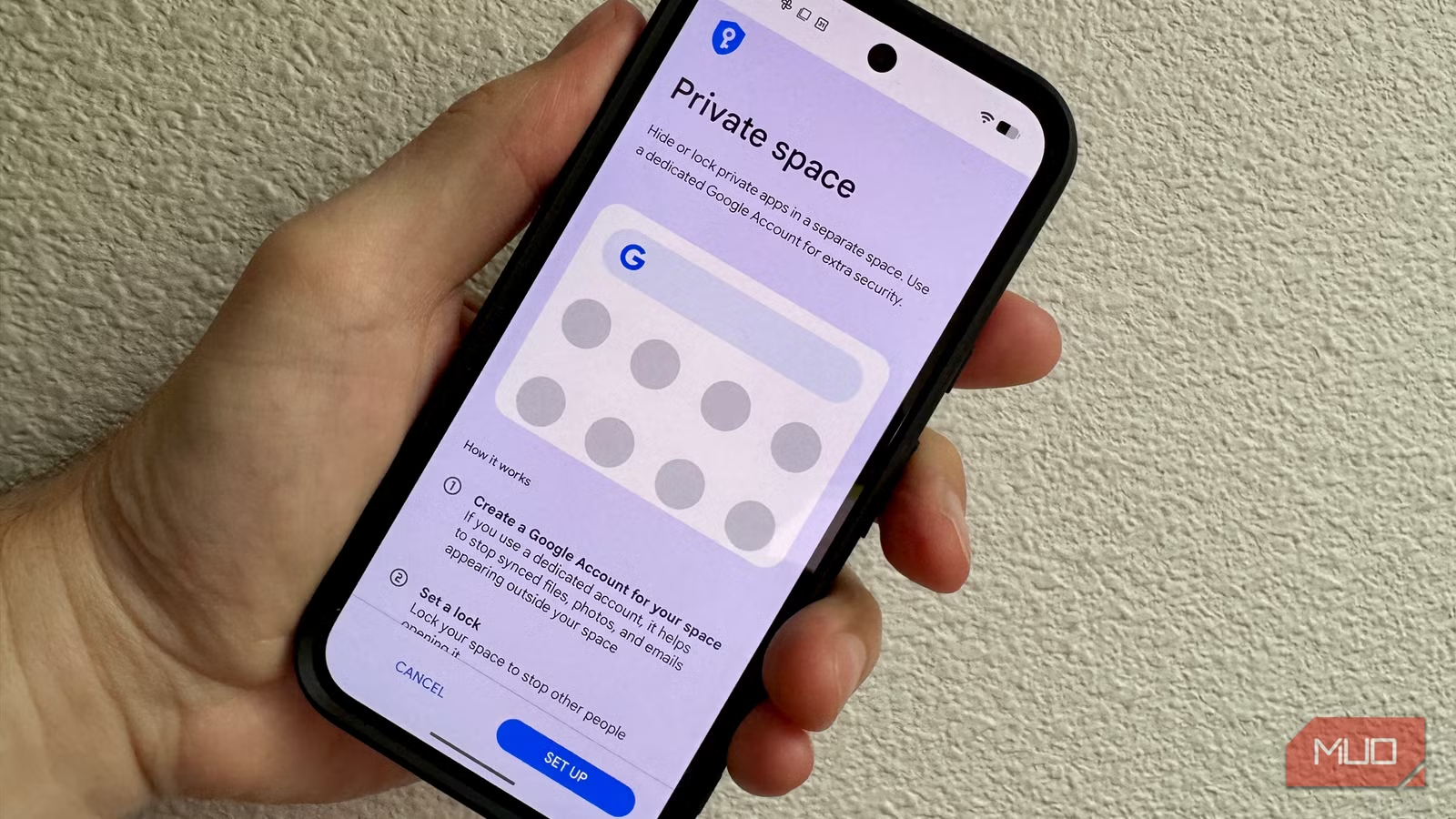
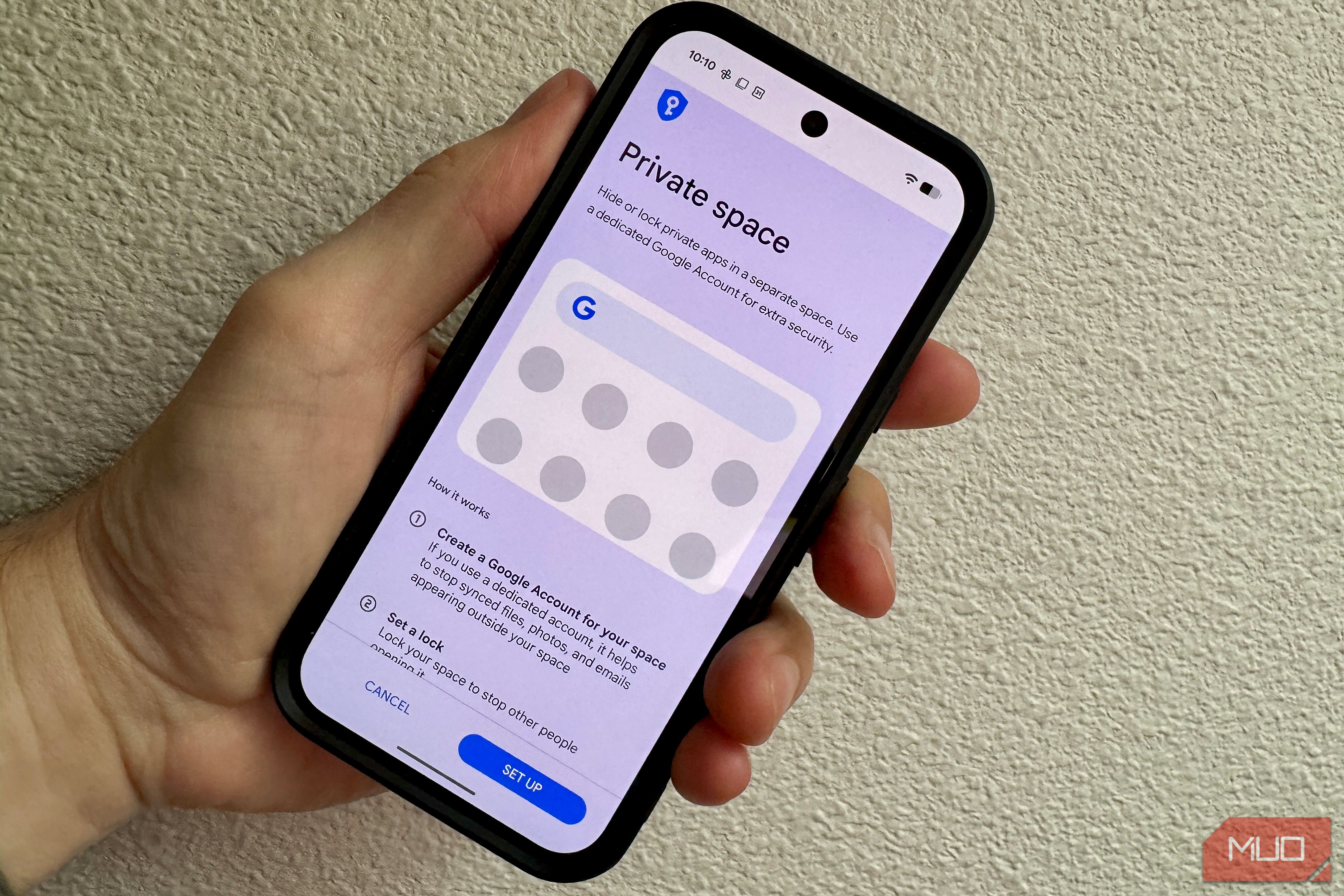
If you’re like me, you lock your phone and call that good enough. Still, if someone picks up your unlocked phone, every app you use is right there, along with your health data, private messages, and more. Back in Android 15, Google added a feature to combat this called Private space, though it ships disabled. Setting it up takes about two minutes and gives your most sensitive apps their own locked, hidden section on your phyone that vanishes completely when you’re not using it.
Here’s what it does, why it matters, and how to make it work for you.
Related
I found 3 Android features so useful I’m confused why they ship disabled
Why aren’t these already on?
What Private Space actually does
A separate locked drawer for sensitive apps
Private Space creates a sandboxed section at the bottom of your app drawer that’s protected with biometric or PIN security that you set separately from your main lock screen. When locked, the apps inside it disappear completely from your app list, your recent apps view, your notifications, and your Settings. To anyone snooping on your phone, these apps just don’t exist.
Android manages this with a separate user profile, which disallows the apps in that profile can’t share data with your main profile. A banking app in Private Space and a banking app on your main profile can’t connect to each other; they aren’t even aware of the other’s existence. You can sign in with a different Google account in Private Space, too, which keeps your Play Store history, search suggestions, and app data fully isolated from your main account.
Even better, Private Space also lets you run two instances of the same app simultaneously, each with separate accounts and no data crossover.
What Private Space is good for
More than just hiding apps
The most direct use case is keeping sensitive apps out of reach when you hand your phone to someone, like your child. But it’s even more flexible than that.
If you use your phone for both work and personal reasons (and who doesn’t these days?), Private Space can keep all your work data under a separate Google account, making sure you know which account you’re working in. If you regularly share a phone with a family member, you can do the same thing: one account for you, one for them. And, as mentioned above, if you need more than one WhatsApp or Instagram account, Private Space is a clean solution since both instances are completely isolated.
For apps that need even more discretion, like medical apps, financial planning tools, or anything involving personal health data, Private Space means that even if someone has your main unlock code, they can’t even see that those apps exist, let alone open them.
Private Space isn’t just for apps, either. You can move sensitive files, photos and documents in there too, keeping them behind the same lock. If you’re moving files like photos or documents into Private Space, you can choose to Copy them or Move them. Choose the latter for maximum security.
How to set up Private Space
Settings > Security & privacy > Private Space
Private Space requires Android 15 and up and more than 6GB of RAM. On my Pixel 9, setup took a couple of quick minutes. Settings > Security & privacy and tap Private Space. You’ll be prompted to authenticate with your current screen lock, then tap Set up. You’ll be prompted to sign in with a Google account, and you can use your main account if you like, though Google encourages a different account. I used my work Google account to keep my private apps from showing up in the main Play Store history or feeding into my main Google account’s data. Once that’s set up, you’ll choose a lock method for Private Space, which can be the same as your main lock or a completely different PIN, pattern, or biometric. I added a new pattern and a different finger to unlock Private Space.
Once you’re all set up, you can scroll to the bottom of the app drawer to see the Private Space section. Tap the lock icon to unlock it, then tap the plus icon to install apps directly into Private Space from the Play store.
Private Space comes with a handful of preinstalled apps (Camera, Chrome, Contacts, Files, Photos, and Play Store). Any additional apps you install here exist only in Private Space and won’t appear in your main app drawer.
To move files like photos or documents into Private Space, tap the Add files button from inside the space, select what you want from your main storage, then choose Copy (original stays put) or Move (original is deleted). For sensitive files, Move is the right call.
To lock it up again, just tap the Lock button on the right side of the Private Space label in the app drawer; the section will collapse and only show the Private bar.
Hide Private Space itself
Now, by default, Private Space shows a visible label at the bottom of the app drawer, even when locked. That means someone can scroll down there and see you have private apps. If you’d like to hide even the fact that you have Private Space enabled, head into Settings > Security & privacy > Private Space > Hide Private Space and toggle it on. Now the label at the bottom of your app drawer is hidden, and no one can see that you have anything there at all. To get back in, search “private space” in your app drawer search bar and your phone will let you authenticate from there.
You can also control how and when Private Space locks itself. In Settings > Security & privacy > Private Space, tap Lock private space automatically. The options are: every time the device locks, five minutes after screen timeout, or Only after device restarts. If you’re going to be using Private Space for a few minutes, choose one of the latter two options. The first option is probably the most secure.
Tradeoffs worth knowing
There are a few limitations here with Private Space, of course. Apps running inside it can’t operate in the background while the space is locked, so if you rely on notifications from these apps, they’ll go silent when Private Space locks up. Notifications only appear from these apps when Private Space is unlocked.
Anything in Private Space won’t back up to your device backup, either. If you need to Factory Reset or restore from a backup, anything in your Private Space is gone. Anything stored there will need a cloud backup or treated as local-only.
If you’re on a non-Pixel device, the path and availability of this feature may vary. OnePlus has its own version called Hidden Space in OxygenOS, and Samsung has Secure Folder, though neither works identically to Google’s implementation.
For most of us with a Pixel running Android 15 or later, Private Space is worth the two minutes it takes to set up. Sensitive apps shouldn’t be visible to anyone who picks up your phone, and now it doesn’t have to be. Check your Android privacy settings while you’re at it, too: there can always be more things to lock down than just apps and sensitive files.
SoC
Google Tensor G4
Display
6.3-inch Actua pOLED display, 1080 x 2424 resolution, 60-120Hz, 3000 nits peak brightness
RAM
8GB
Storage
128GB, 256GB
Battery
5,100 mAh
Ports
USB-C
The Google Pixel 10a is a budget-oriented smartphone with a flat back and long battery life. It’s powered by the same Tensor G4 chip as its predecessor, and many key specs are identical to the Pixel 9a. However, you do get a brighter screen, better modem, new software features, and Android 16 with seven years of software support.
