

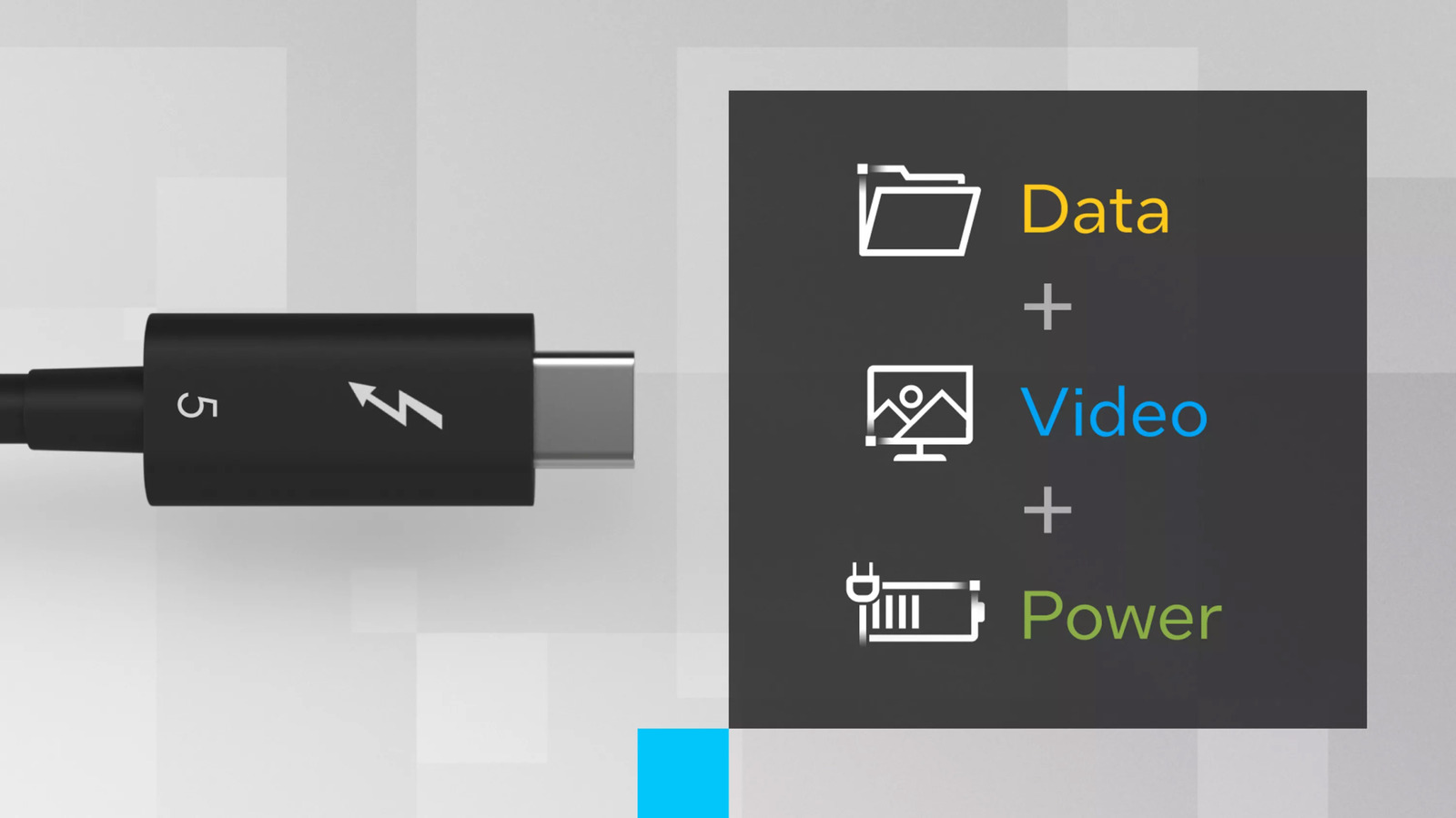
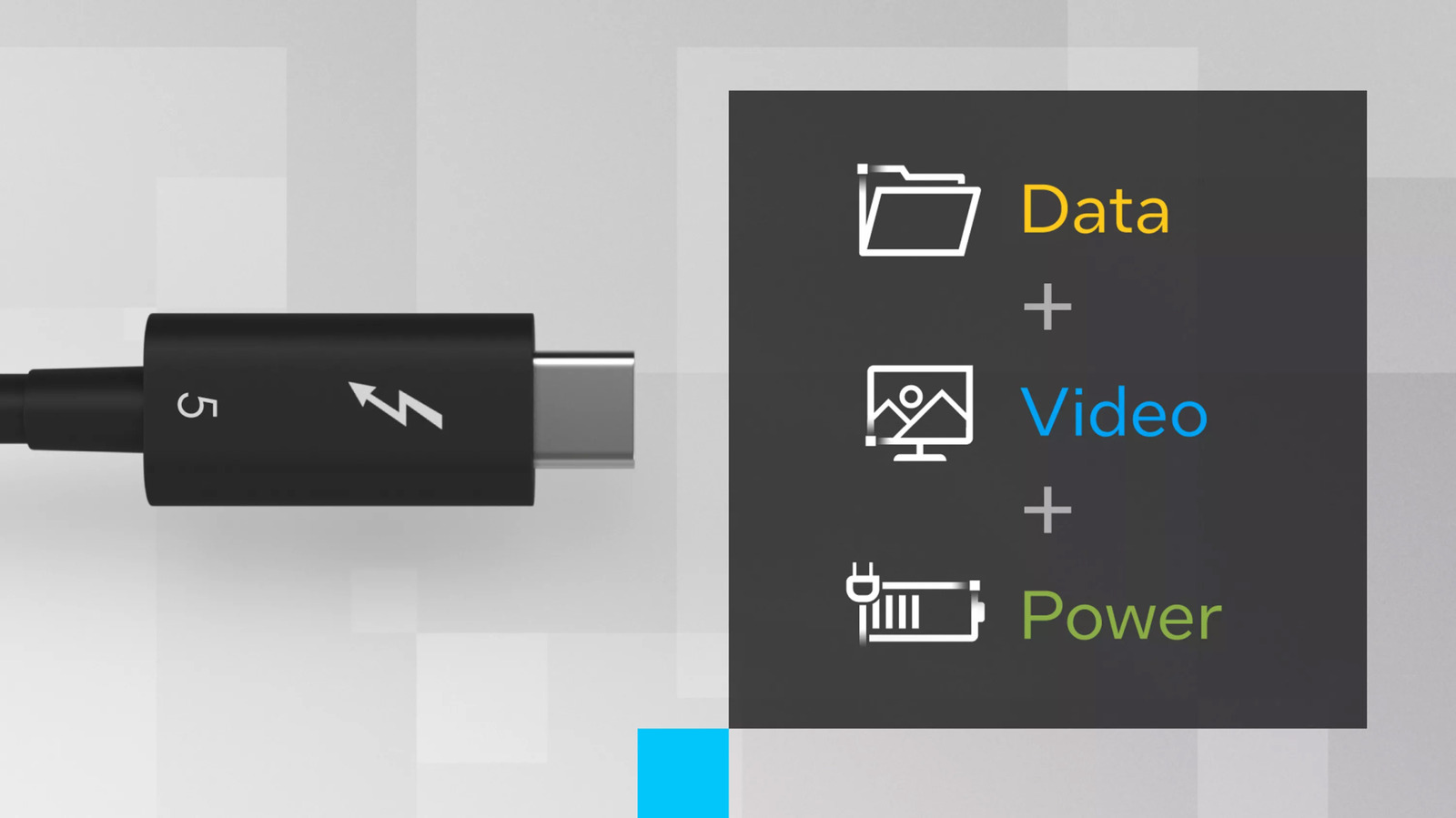
Thunderbolt looks like USB-C, but there’s a lot more inside.
Intel
Thunderbolt cables are fast and versatile, but they also come at a premium. The newest standard, Thunderbolt 5, can cost several times as much as a basic USB-C cable. Given that they share the same port, you might be confused about why there’s such an extreme price discrepancy. Here’s a quick breakdown.
The hidden tech inside
Intel
There’s a lot of advanced tech inside each cable. For example, Thunderbolt 5 supports up to 80 Gbps of bidirectional data transfer — and can transmit up to 120 Gbps (while receiving at 40 Gbps) in boost mode. That’s fast enough to move 1TB of data in just a few minutes. (With USB 2.0, that same process could take several hours.) Meanwhile, the older Thunderbolt 4 standard supports a (still zippy) 40 Gbps in either direction.
Certified Thunderbolt 5 cables can support 140W charging, with some supporting up to 240W via USB Power Delivery. And Thunderbolt 4 cables commonly support up to 100W of charging.
If you need one cable to handle all your data and power needs, Thunderbolt is the way to go. But at those speeds, even minor interference can mess with the signal. So, longer cables are often “active.” (That means they have IC chips to maintain the integrity of the signal over distances.) That includes retimer chips that clean up and refresh the signal as it travels, so it can arrive clearly at the other end.
The cable itself isn’t doing all of this. (Thunderbolt controllers in the connected computer and accessories handle the heavy lifting.) But the cable has to be engineered to carry those signals without errors.
Relatively speaking, the USB-C cables you have lying around the house are dinosaurs. Many of those only support USB 2.0 speeds. Even USB 3.2 Gen 2 tops out at 10Gbps. That’s plenty for, say, moving some documents, music files or photos, or running a lower-resolution display. But Thunderbolt is data transfer (and overall connectivity) on steroids.
Thunderbolt 5 can output to multiple 8K displays or extremely high-refresh gaming monitors (up to 540Hz). It supports DisplayPort 2.1 and PCI Express Gen 4 — the latter ideal for external GPUs (eGPUs). They’re great for high-speed SSDs, too. And unlike basic cables, you can link multiple Thunderbolt devices in a daisy chain. Part of what you’re paying for is the advanced tech that enables all of that.
Somewhat confusing the matter is USB4, which is partially based on Thunderbolt 3 technology. USB4 can reach 40 Gbps, the same as Thunderbolt 4. And USB4 V2 hits 80 Gbps, matching Thunderbolt 5. The main difference? Well, that brings us to the next point.
Certification costs
Thunderbolt is governed and controlled by Intel. The company developed the standard alongside Apple, with the first consumer cable arriving in 2011. Under Intel’s rules, a cable can’t carry the Thunderbolt name or logo (yes, it’s a lightning bolt) unless it passes a rigorous certification process. Those costs factor into retail prices.
The certification is essentially Intel verifying that the cables will hit their advertised speeds, charge safely at the proper wattage and work reliably with backward compatibility.
On that note, you can buy unofficial Thunderbolt-adjacent cables that might perform just as well as the certified ones. But without Intel’s testing, the unofficial ones aren’t guaranteed to live up to the billing. If you don’t need the full Thunderbolt feature set and are looking to save some money, a USB4 cable from a reputable brand will likely offer the fast charging and high-speed data transfers you’re looking for.
The numbers game
Most people only need simple USB-C cables. Despite what the geekier corners of the internet suggest, your average person doesn’t need to drive multiple high-res displays or connect eGPUs to beef up their gaming laptops. So, naturally, the market is flooded with the slower, simpler kind designed for charging and basic data transfers. The larger market and manufacturing scale combine to drive down costs.
When you add that Economics 101 lesson to the Thunderbolt’s more advanced technology and certification costs, things become a little clearer. Now, at least you know what you’re getting into if you decide to pay several times more for the fast and versatile cable with a lightning logo on it.
