

Andy Walker / Android Authority
No, it’s not your browser; it’s YouTube.
This week, the company confirmed that it’s cracking down on background playback for non-Premium subscribers. Apps that previously and reliably supported YouTube background playback in the past, including Brave, Vivaldi, and Microsoft Edge, now unceremoniously halt video playback when minimized.
This isn’t a bug, but rather a concerted effort by YouTube to keep the value-adds offered by Premium sacred. However, where there’s a will, there’s usually a way.
If you use an Android browser that supports extensions, you might be able to continue enjoying background playback for a little while longer.
Have you been affected by YouTube’s background playback crackdown?
0 votes
Yes, as I mostly use browsers to watch YouTube.
NaN%
Yes, but I’m now using a workaround, another app, or alternative solution.
NaN%
No, I pay for YouTube Premium.
NaN%
No, I don’t use YouTube’s background playback.
NaN%
YouTube background playback still works (with some encouragement)
Andy Walker / Android Authority
Unfortunately, only a few Chromium-based browsers support extensions, but Microsoft Edge Canary is a good shout. It’s quick and supports many add-ons out of the box.
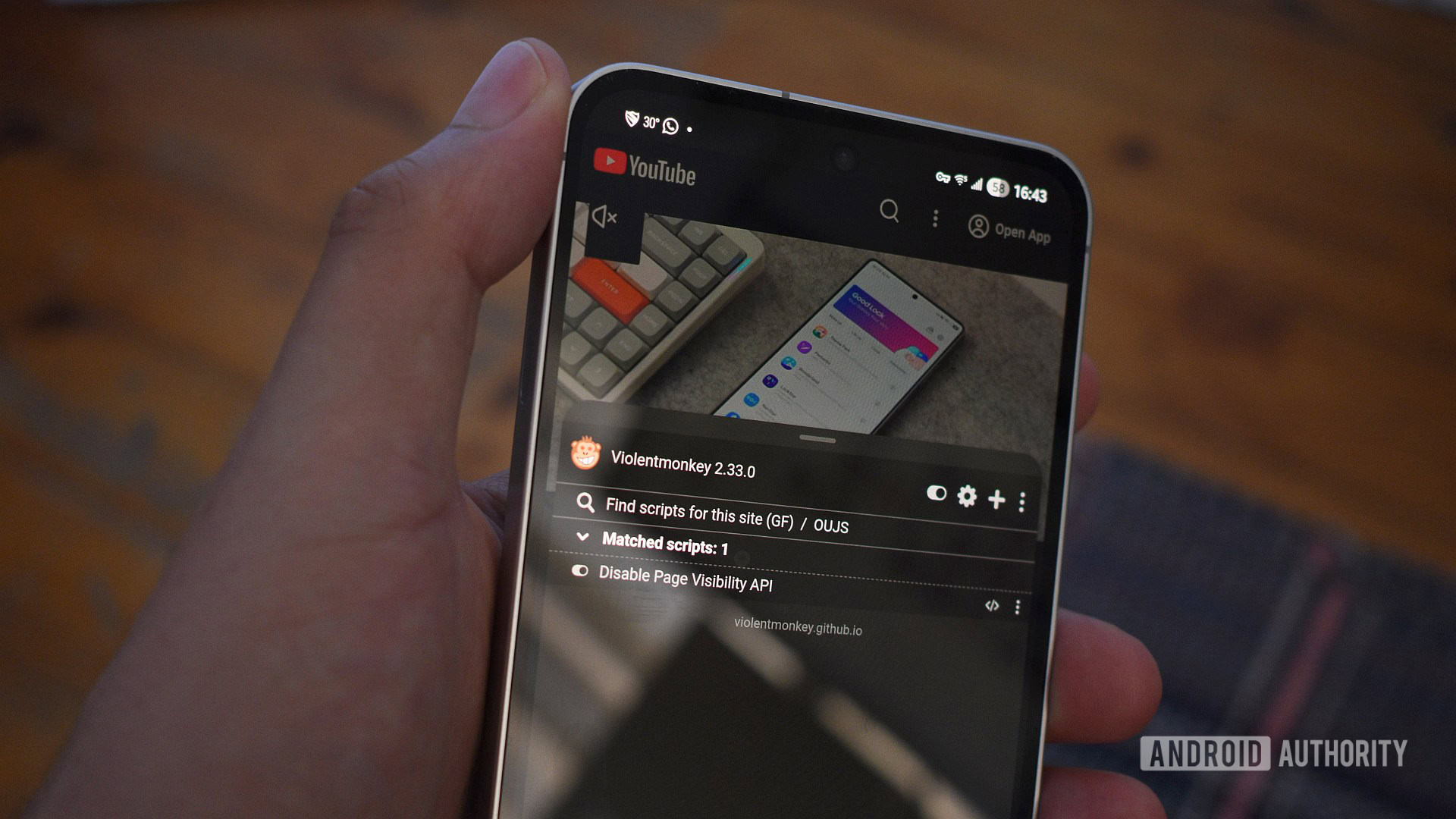
You’ll also want to install the extension called Violentmonkey. It’s a userscript manager that I often install before any other add-on, as it lets me modify the visual and functional aspects of my browsing experience.
Next, a userscript is required — and this is where things get a little tricky. I must remind you that there are bad actors out there, and installing userscripts carries risks. I used a script called Disable Page Visibility API, which consists of just 16 lines and works a treat; you can give it a look yourself before you install it. To install it in Violentmonkey, hit the Install this script button on its Greasy Fork page. It’s worth noting that I opted for a userscript only because Edge Canary’s extension support is limited.
Finally, you’ll need to check your work. At this point, it’s a good idea to restart the browser. Next, open YouTube, tap a video, then switch to another app. The video will pause after switching, but you should be able to restart it using the Play button in the media player control notification or the Live notification on your phone. After this, the video should continue playing in the background until you pause it in the browser. Notably, it’ll also continue playing while switching tabs.
So, how does this work?
The Page Visibility API allows sites to determine whether they’re the active page in your browser or relegated to the background. It effectively allows services like YouTube to detect whether you’re watching videos. The userscript obfuscates this. It isn’t just useful for YouTube either — this trick should work for Facebook, Instagram, and videos on numerous other sites, too.
Of course, this workaround isn’t exactly a quick solution, especially if you aren’t used to Edge Canary’s awkward extensions feature or installing userscripts.
Do you play YouTube in the background using browser hacks like Brave, Samsung Internet, and Edge?
768 votes
Yes, I have for a while now.
22%
I just learned about this and I’ll start using it.
14%
No, I have another hack/workaround for YouTube.
13%
No, I have a Premium subcription.
39%
No, I have no need for this feature.
12%
It’s also worth noting that YouTube background playback still works on some browsers. This includes good ol’ Mozilla Firefox without any extensions. Perhaps my phone is blessed. If you find that Firefox on your phone refuses to play content behind the curtains, you can try the Disable Page Visibility API extension. Firefox also supports other YouTube extensions that achieve a similar goal and allow for even more customization.
Finally, this workaround isn’t possible in browsers that don’t support extensions. This includes Google Chrome, Brave, and Vivaldi. And while Samsung Internet supports add-ons, none provide a workaround.
With YouTube actively cracking down on background playback, it’s unclear how long this workaround will remain effective. Expect this to be patched in some way in the coming weeks. If you are tired of hunting for workarounds or want a healthy helping of additional features, subscribing to YouTube Premium may well be worth it.
Don’t want to miss the best from Android Authority?
Thank you for being part of our community. Read our Comment Policy before posting.
