

You know that feeling when you find a Windows utility so good that you wonder why it wasn’t built in from the start? Well, what if it was?
Microsoft has been on a streak of listening to users lately, but even before that, its PowerToys project (bless the team behind it) has been quietly adding the features Windows always felt like it should have. Some of them solve problems we’ve complained about for years. Others are features we didn’t even know we wanted until PowerToys put them in front of us.
If you’re not familiar with it, PowerToys is a Microsoft-made app for Windows that bundles dozens of useful utilities. And because it comes from Microsoft, it usually plays nicely with Windows instead of fighting it like some third-party tools do.
That doesn’t make those older tools bad. Many of them got there first, and some still do things PowerToys doesn’t. But for most people, PowerToys is becoming the simpler, cleaner answer. Regardless, here are some apps PowerToys is slowly making obsolete.
TwinkleTray
Power Display
Amir Bohlooli, MUO
TwinkleTray has been a must-have tool for anyone with external monitors, because Windows has never offered a clean way to adjust monitor brightness without physically reaching for the buttons on the display. It reads DDC/CI signals over the display cable to let you control brightness, contrast, and volume from the system tray.
PowerToys 0.99 changed that with Power Display, which does exactly the same thing: sits in your system tray, talks to your monitors over DDC/CI, and gives you a clean flyout to adjust brightness, contrast, volume, input source, and color temperature.
As with all the other programs in this list, TwinkleTray isn’t doing anything wrong. It’s still a great app for its purpose, but now Microsoft has caught up and implemented the exact same thing in PowerToys.
Flow Launcher and Listary
Command Palette
The Windows Start menu is bad. So bad, in fact, that it gave birth to an entire category of apps: quick launchers. Tools like Flow Launcher and Listary filled that gap beautifully. They’re fast, extensible, keyboard-driven, and much better at getting you where you want to go than the Start menu has been for years.
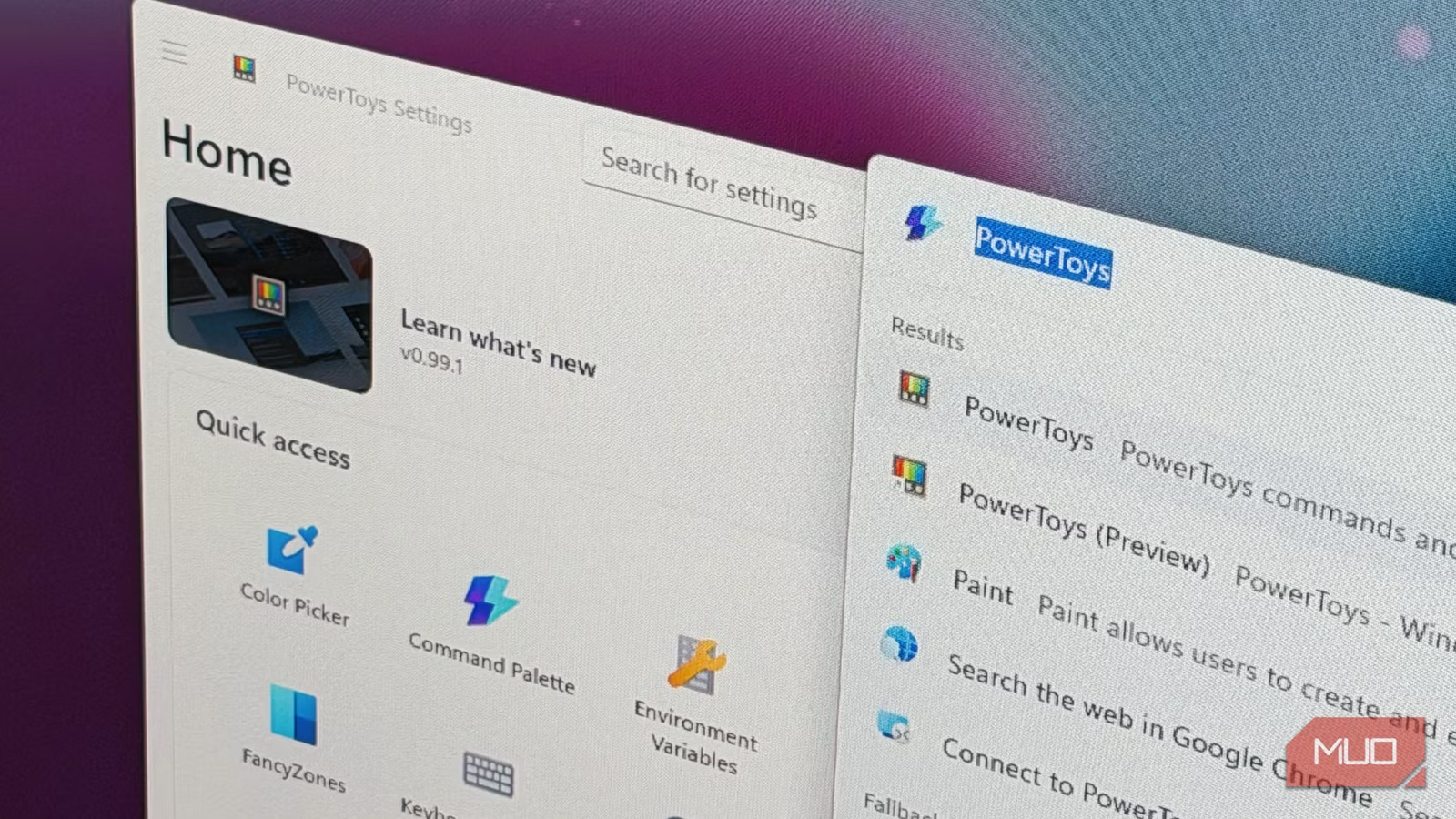
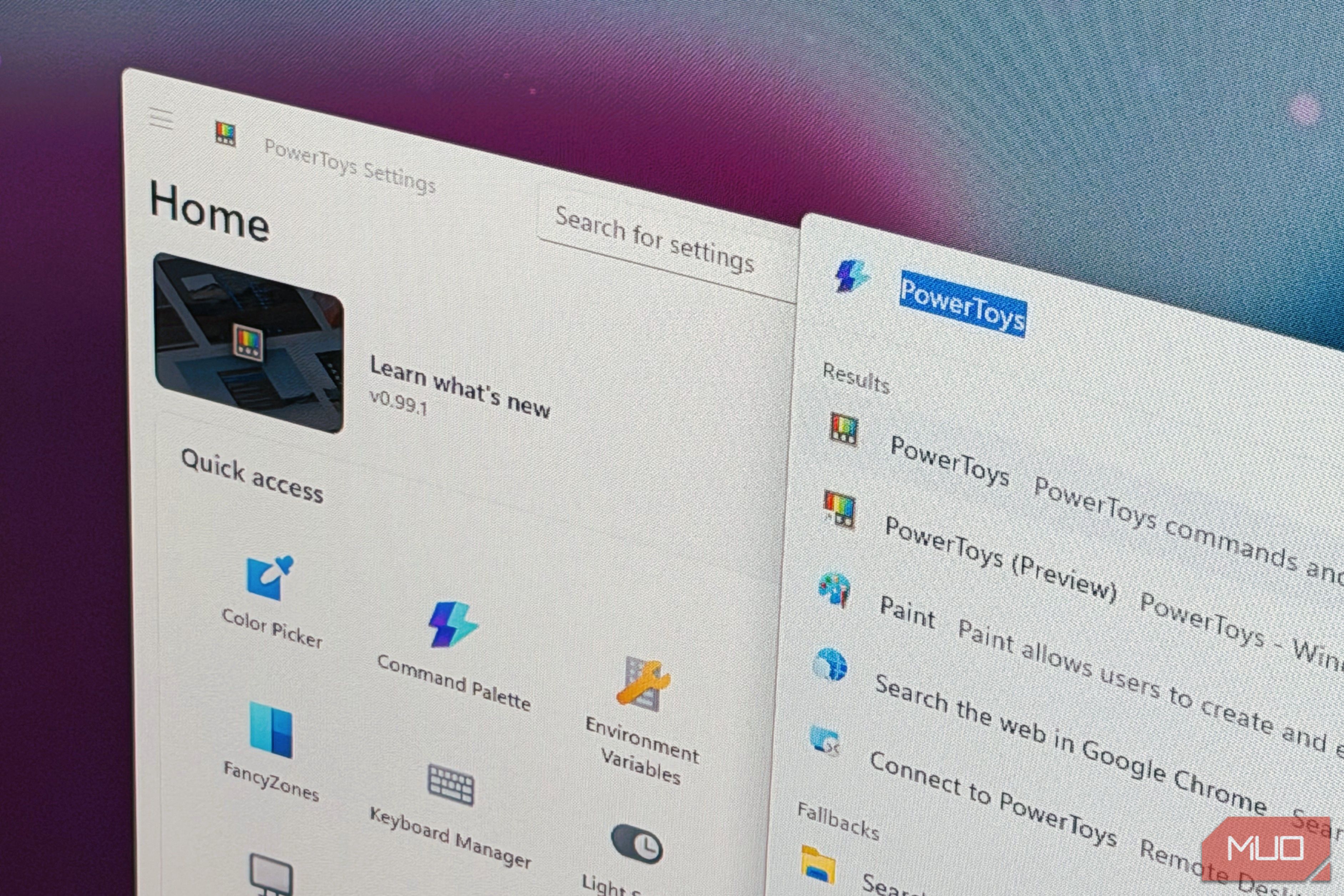
Microsoft seems to know this too, because PowerToys now has Command Palette.
Command Palette is really good, too. It handles app launching, file search, web queries, system commands, calculator, whatever. Kind of like Spotlight in Apple devices. On top of all of that, Command Palette supports extensions and you can download these straight from Microsoft Store.
Flow Launcher still has a deeper plugin system for now, but for the majority of users who just want a good search, the better default comes from Microsoft as Command Palette.
AltDrag
Grab and Move
Amir Bohlooli, MUO
AltDrag has one job: let you drag a window from anywhere, not just the title bar. Hold Alt, click anywhere on the window, and move it around. It’s one of those obviously useful desktop features that Linux environments have had for years, while Windows users had to install a separate app to get the same behavior.
PowerToys 0.99 changed that with Grab and Move, which does exactly this.
It sounds niche until you actually use it. Reaching for the title bar every time you want to move a window gets annoying fast, especially if you like multitasking in Windows
AltDrag isn’t suddenly bad. It did the job well for a long time. But its entire reason for existing is now basically a checkbox in PowerToys settings.
QuickLook
Peek
Amir Bohlooli, MUO
Speaking of missing Windows features that other operating systems have had for years, here’s one from macOS: spacebar preview. Mac users have had quick look forever, while Windows users had to install QuickLook to get the same basic behavior.
PowerToys’ Peek now does the same thing. Select a file, press the shortcut, and you get a fast preview without opening the full app. Since it comes from Microsoft, it also feels more naturally integrated into Windows.
QuickLook still supports a wider range of formats out of the box, but you can install extension for Peek to get it to match. And for most uses, Peek is already sufficient. You don’t need to install QuickLook anymore.
SharpKeys
Keyboard Manager
Amir Bohlooli, MUO
SharpKeys remaps keys at the registry level. It’s useful, it’s free, and it requires a reboot to apply changes. But now, PowerToys can do that for you, and do it better. PowerToys’ Keybaord Manager remaps keys and shortcuts without touching the registry, applies changes instantly, and handles both single-key remapping and shortcuts in the same interface.
Keyboard Manager doesn’t go as deep as AutoHotkey scripting, but if you just want to swap Caps Lock with Ctrl, it handles it without a reboot.
Ditto
Advanced Paste
Ditto is a powerful clipboard manager with a long history behind it. But with Clipboard History already built into Windows 11, and PowerToys’ Advanced Paste now sitting on top of it, it’s facing a much stronger default rival.
Advanced Paste builds on Windows’ clipboard history and adds several useful options, including pasting as plain text, Markdown, or JSON. It can even use a local LLM to transform copied text before you paste it.
To be clear, PowerToys still doesn’t fully replace Ditto. Ditto has deeper search, better clipboard management, and more history-focused features. But if you were mainly using Ditto for basic clipboard recall and text manipulation, Advanced Paste is probably enough to replace it.
YASB
Dock
YASB — Yet Another Status Bar — is a customizable Windows status bar that lets you build a taskbar-like strip showing whatever you want: CPU usage, active window titles, workspaces, custom widgets, and more. It’s popular with ricers like me because it makes Windows look considerably less like Windows (which is sometimes the entire point).
PowerToys’ Dock, part of the Command Palette suite, is still in active development, but it’s starting to look like Microsoft’s version of the same broad idea: a customizable, pinnable launcher bar that sits at the top of your screen.
To be clear, Dock is not at feature parity with YASB yet. It’s nowhere near as customizable, and if you use YASB for a full riced desktop setup, PowerToys is not replacing it today. But as Dock matures, the case for maintaining a community-built status bar alongside PowerToys is going to get harder to justify.
Don’t delete just yet
None of this is a reason to uninstall anything. If these apps are working for you, keep them. The point isn’t that they’re bad — it’s that if you hit a problem tomorrow and go looking for a solution, check PowerToys before you go hunting for a third-party utility. Chances are there’s already something there.
PowerToys does have one consistent edge over most of these tools: it’s backed by Microsoft, tested against Windows directly, and far less likely to break after an OS update or conflict with something else on your system. When a Microsoft-backed team comes in with the budget, access, and polish to build those same features directly into the Windows experience, it’s naturally hard for smaller teams, and often solo developers, to compete.
I feel like it’s necessary to make this clear: the apps on this list served us well, and many of them still do. The developers behind them — most of whom built and maintained these tools for free, in their spare time, for years — deserve credit. The PowerToys team gets a salary. The person who built TwinkleTray, or AltDrag, or SharpKeys did not. For a long time, before Microsoft paid anyone to care about this stuff, those developers were the ones who actually answered the call. We owe them that acknowledgment.
OS
Windows 10, 11
Price model
Free
