

Most of my day is spent working inside the browser. I’m either juggling research, writing, note-taking, or client workflows. However, it’s impossible to be productive relying on a browser’s built-in features to complete most tasks. So over the years, I’ve built a stack of browser extensions that I install on any computer I use. These are primarily Chrome extensions, but they work great on Brave, which is the only Chromium browser that I still trust.
If you use browsers as much as I do, you’ll become more efficient and productive at several tasks by using these extensions.
SingleFile
How I keep pages I might need forever
Afa Onyimadu / MUO
The internet updates faster than we expect. I’ve gone back to a website to look for a tutorial that I had seen in the past, and it was unavailable. These kinds of occurrences make tools that can save entire webpages extremely important. This is where an archiving extension like SingleFile becomes vital.
Archiving is different from bookmarking, where you lose access if the website removes that particular content. SingleFile ensures that even if you open the webpage offline, it appears exactly as if you’re connected to the internet, with CSS, images, and layout intact.
It’s the perfect tool if you frequently reference web resources. I can open archived pages several months later, and they look exactly how they looked online. To save a page, you only have to click the extension icon, wait a few seconds, and choose Save.
Vimium C
Browsing at keyboard speed
I can’t keep count of the number of times I reach for my mouse during every browsing session to scroll, click links, or switch tabs. It’s one of the simplest — and nearly unavoidable — ways to break focus. Vimium C fixes this problem, eliminating the friction and allowing your hands to remain on the keyboard for fast navigation.
Pressing “f” gives all clickable elements on the web page a two-letter code. You click the link by typing this code and hitting Enter. You use “j/k” for scrolling, “T” for tab switching, and “https://www.makeuseof.com/” for searching the page. It feels strange initially, but by the third week, you become far faster than you were using the mouse.
It doesn’t work well with some web pages like Figma and Notion, but for more than 95% of the websites I visit daily, it works seamlessly. It’s hard to imagine navigating my browser without it.
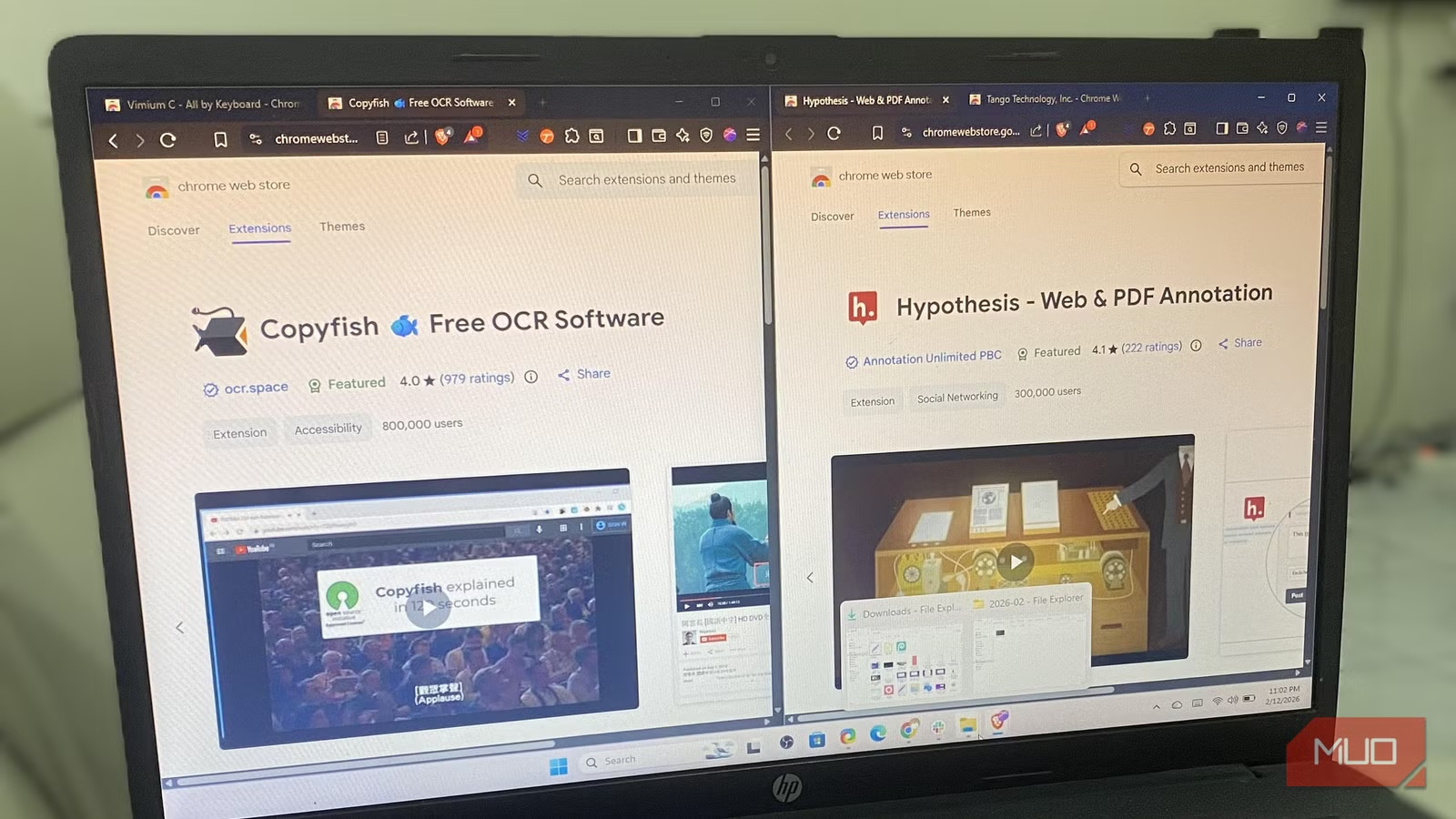
Copyfish
Grabbing text from places I can’t normally copy
Afam Onyimadu / MUO
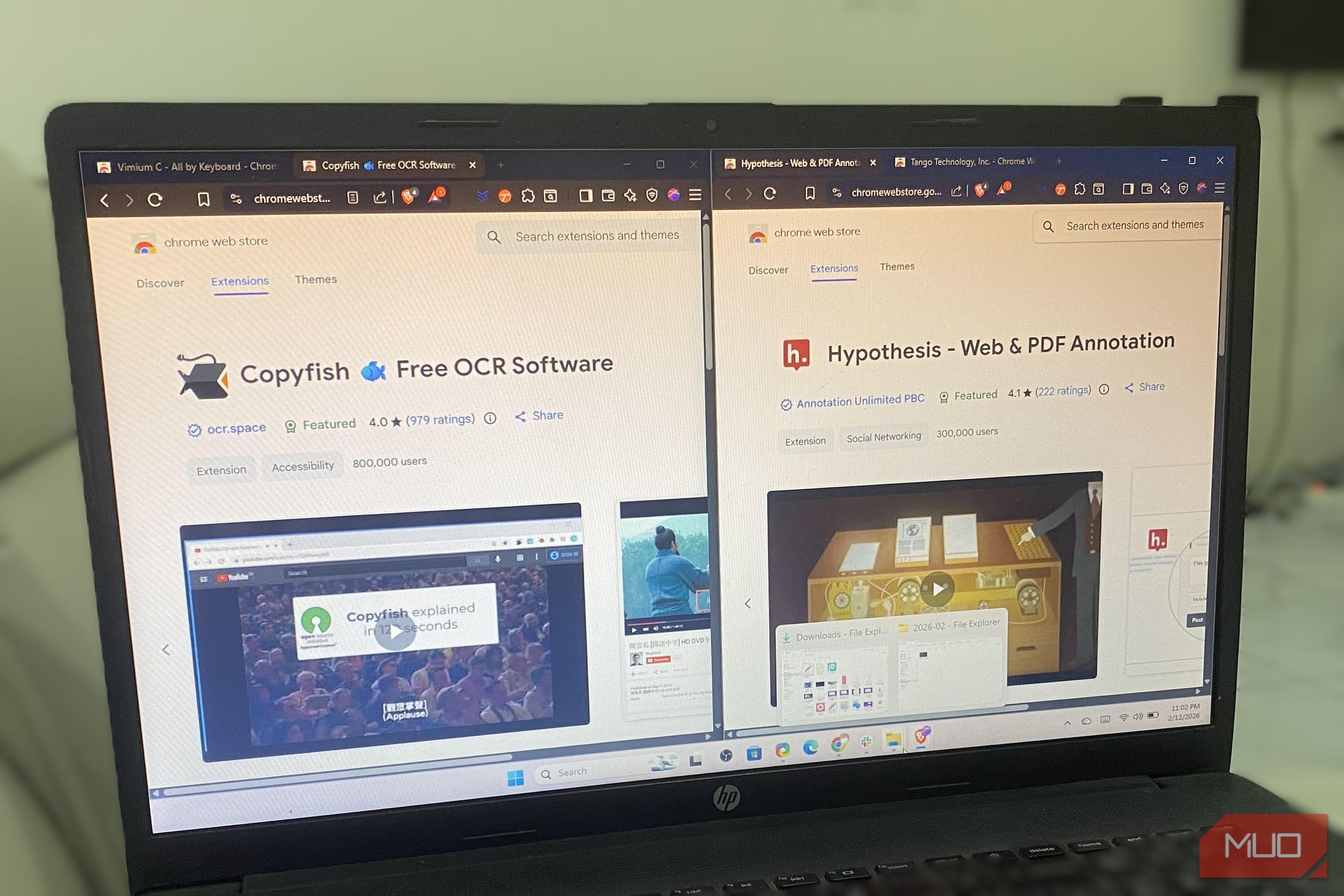
I started using Copyfish several years ago while working on a project. A competitor shared pricing data on Facebook, and I didn’t want to type it out because it was bulky. Copyfish allowed me to select the region and, in a few seconds, extracted the text. It has since become my go-to extension for when information is locked inside images.
The old process used to be clumsy: uploading to Google Drive, opening with Google Docs, and copying the extracted text. These multiple steps only caused unnecessary delays. Copyfish makes your browser work like a professional OCR tool. I use it for screenshots, infographics, video frames, scanned PDFs, code snippets, and receipts.
It’s very accurate on clean images, but the output quality drops on handwritten text or heavily compressed images. It’s not a robust standalone OCR tool, but it’s a must-have for me because I do research-heavy work, and the small bits of time it saves add up fast.
Raindrop.io
Finally making sense of my saved links
Afam Onyimadu / MUO
I use browser bookmarks a lot. But I don’t seem to use them consistently, and my bookmarks typically end up being a dumping ground. I create folders within folders and have several buried links that are hard to locate. Raindrop.io’s browser extension makes my bookmarks a structured, searchable library.
Using the free tier of this tool, I enjoy unlimited bookmarks, unlimited collections, unlimited highlights, unlimited devices, and more than 2,600 integrations. The Pro yearly tier is priced at $28 per year and offers full-text search inside saved pages, a duplicate and broken links finder, permanent backup copies, and nested collections.
A recent search for “semantic search limitations” turned up a quote from an article I saved eight months earlier. This is something that is impossible using the browser’s native bookmark feature. The only time I will no longer need this extension is if I stop saving references weekly. You must create an account on Raindrop.io to use the extension.
Hypothesis
Highlighting and annotating without losing track
Afam Onyimadu / MUO
I read a research article a couple of months ago. I remembered it was useful but couldn’t remember exactly why. Interestingly, this happens to me more often than I would like to admit. Without notes or highlights, after a while, I’m left with a vague impression.
Using the Hypothesis extension, annotations live directly on the page. It requires you to create an account, but after that, I only have to highlight any text on a website and add a note that saves to my account. Before I discovered this extension, I was regularly clipping quotes into Notion.
My annotations are private by default, but there is an option to make them public. It’s one of the extensions I use the most when reading long-form content.
Tango
Capturing how I actually do things
Afam Onymadu / MUO
Creating SOPs (Standard Operating Procedures) takes a lot of time. A workflow with 40 screenshots, cropping, annotations, and writing captions takes me about two hours to document. However, the Tango extension makes this a seamless process. You turn on recording, perform the task (a set of actions) in your browser, then stop the recording. Tango then generates numbered steps for the task, including screenshots.
You need an account to use Tango. However, you still get unlimited guides and basic export options with the free tier. Paid versions include sensitive data blurring, branding, and deeper integrations. Some standalone screenshot tools offer more robust features, but Tango integrates perfectly with your browser and simplifies the capture process. This makes it an invaluable part of my extension stack.
Related
5 Chrome extensions I always keep installed
If you are using Google Chrome, these are the extensions you should install permanently.
What didn’t make the cut
There are several other extensions that I use, but these six are non-negotiable for a wide range of activities I perform daily. OneTab, for instance, is one I like, but most browsers now have robust tab grouping.
Extensions like Honey or Rakuten are great for shopping, but I don’t use them daily, and unless the need arises, I’m not in a hurry to install them on new devices. My most essential extensions are productivity tools that fill a very important gap in daily workflows.
