

Megan Ellis / Android Authority
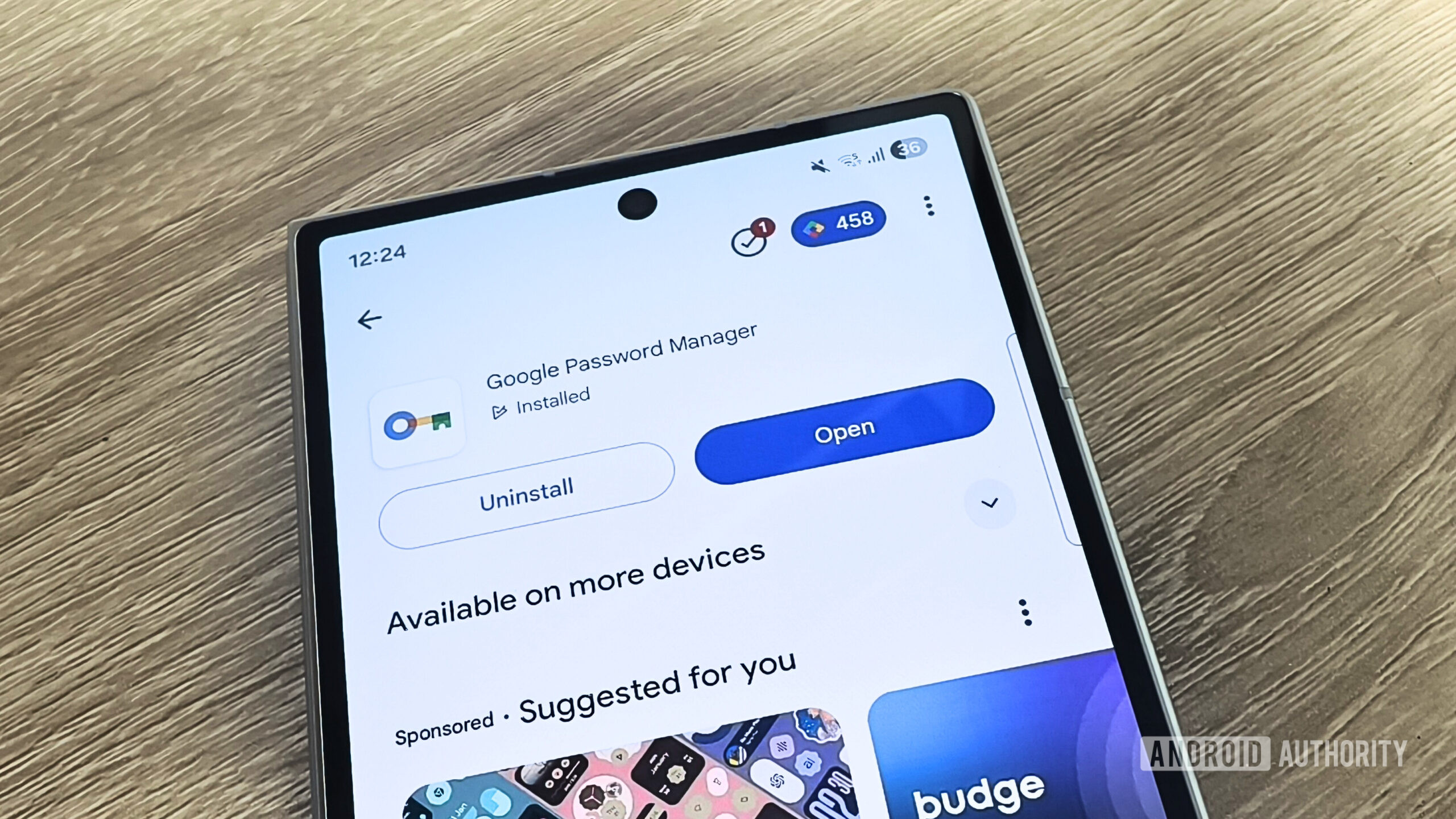
Google Password Manager — and many other first-party password managers — are sold as the epitome of convenience. They reduce the friction of getting started, but that convenience often comes at the cost of ecosystem lock-in. Sharing vaults, exporting data, and switching platforms become trickier than they need to be.
That’s why many users prefer dedicated third-party password managers. Beyond working across platforms, they tend to offer more control over your data, stronger sharing features, and extras like secure file and ID storage.
So, while Google Password Manager is better than nothing, there are also plenty of better options out there. If you’re looking for an alternative to Google Password Manager, these are my top five choices.
What’s the biggest reason you’d ditch Google Password Manager?
128 votes
Better cross-platform support
18%
More privacy and security
34%
Advanced features
10%
Better sharing options
2%
More control over my data
18%
I wouldn’t switch
19%
Bitwarden
At this point, Bitwarden is my go-to, default recommendation for anyone who wants to start using a password manager or is looking to switch to a new one. The biggest advantage of Bitwarden is that it’s completely open source and independently audited, offering industry-leading transparency and security and giving you the utmost peace of mind.
To get started, you don’t even have to pay a fee, as it offers a very generous free tier with no restrictions on the number of devices or passwords you can store, while also supporting passkeys. If you want even more features, like built-in TOTP support for two-factor authentication and file attachments, the premium plan costs just under $20 a year. There is also a family plan available for a similarly nominal annual fee.
1Password
A lot of us prefer a more polished experience without having to deal with hiccups while autofilling passwords. We want a clean interface that adds a touch of richness to the entire experience, and wouldn’t mind paying a premium for that elegance. If you fall into that category, I cannot think of a better option than 1Password.
It comes with every feature you could ask for from a password manager and then some. There is a Watchtower tool that continuously monitors your vault for compromised passwords, while Travel Mode helps remove sensitive vaults from your device while traveling. 1Password also makes it particularly easy to share passwords and vaults with your family.
While not open source, 1Password is routinely audited by independent testers, and the company publishes those reports on its website for anyone to verify. Unfortunately, 1Password doesn’t offer a free tier, but you can give it a go with a 14-day free trial before subscribing to its individual plan, which costs $48 a year.
Proton Pass
Proton Pass’s free tier is among the most generous, but that still isn’t its best feature. Instead, it’s the strong privacy reputation it inherits from its parent company. All of Proton’s products are trusted across the industry and known to meet high privacy standards, and Proton Pass is no exception.
While it is one of the newer offerings on the market, Proton Pass has quickly evolved into a modern password manager with a clean interface, and the company continues to add new features at a rapid pace.
Its free tier has no restrictions on the number of passwords, connected devices, or passkeys you can use. However, if you pay for the Pass Plus plan, which costs $3 a month, you get access to a unique feature called email aliases that lets you avoid sharing your personal email address with every random app or service.
The Plus plan unlocks a bunch of other features, including dark web monitoring and vault sharing. It becomes one of the best value offerings if you’re already subscribed to Proton Unlimited, as Proton Pass is bundled in that tier alongside a suite of other Proton services.
NordPass
Password managers can feel intimidating if you’ve never used one before, but NordPass makes getting started almost as easy as using a built-in option like Google Password Manager. Users often vouch for its clean, easy-to-understand interface, and it also makes it simple to migrate from your browser’s password manager.
You can get started with a free tier that covers the basics. Compared to other options, however, the free plan is a bit restrictive, allowing only one active device at a time. Having said that, the premium plan isn’t all that expensive and is actually priced closer to Bitwarden, starting at around $2 per month for individuals and $3.69 per month for the family plan when you commit to an annual subscription.
KeePassXC
While Google Password Manager sits at one end of the spectrum, KeePassXC sits at the other, giving you full control over your data, including where your encrypted vault is stored and how it syncs across devices. It is an FOSS tool, meaning it is open source and completely free to use, with no subscription required.
For those of us who like to have more control over how our software works and where our data is stored, KeePassXC offers exactly that. You can store your data locally so it never touches the cloud. That combination makes it one of the most bulletproof password managers available — and you can easily access it on Android using a widely trusted companion app, KeePassDX.
It is designed for enthusiasts who enjoy tinkering with their devices and software. Given its steep learning curve, however, it’s not recommended for everyone who simply wants an easy password manager to keep their account credentials safe.
Google Password Manager makes it easy to get started, and for many people, that may work. But password managers are a commitment for the long run, which is why cross-platform availability matters.
If, like many of us, you use multiple platforms — whether that’s an Android phone and a Mac laptop or any other combination — a dedicated password manager usually makes more sense. Beyond better interoperability, many of these options offer additional features such as file storage and vault sharing, along with the added confidence of open-source development and independent audits.
Did we miss any of your favorite password managers? Feel free to mention them in the comments below.
Thank you for being part of our community. Read our Comment Policy before posting.
