

Breaking my own server came with a sinking feeling as I saw my network suddenly drop, and my dashboard go dark. I self-host using Docker, and it’s been incredibly easy. However, with the slightest oversight, you can accidentally weaponize a container against your hardware. I learned the hard way when I choked my device with unconstrained memory limits and rogue logs.
This is just one of the many Docker mistakes I’ve made over the years. Here are the ones I regret the most and how I fixed them.
I ignored memory limits
One container ate everything
Afam Onyimadu / MUO
I’m used to having operating systems manage memory use. For instance, when I open several browser tabs, the browser freezes idle background tabs to free up RAM. I assumed that’s how Docker worked, but I was wrong.
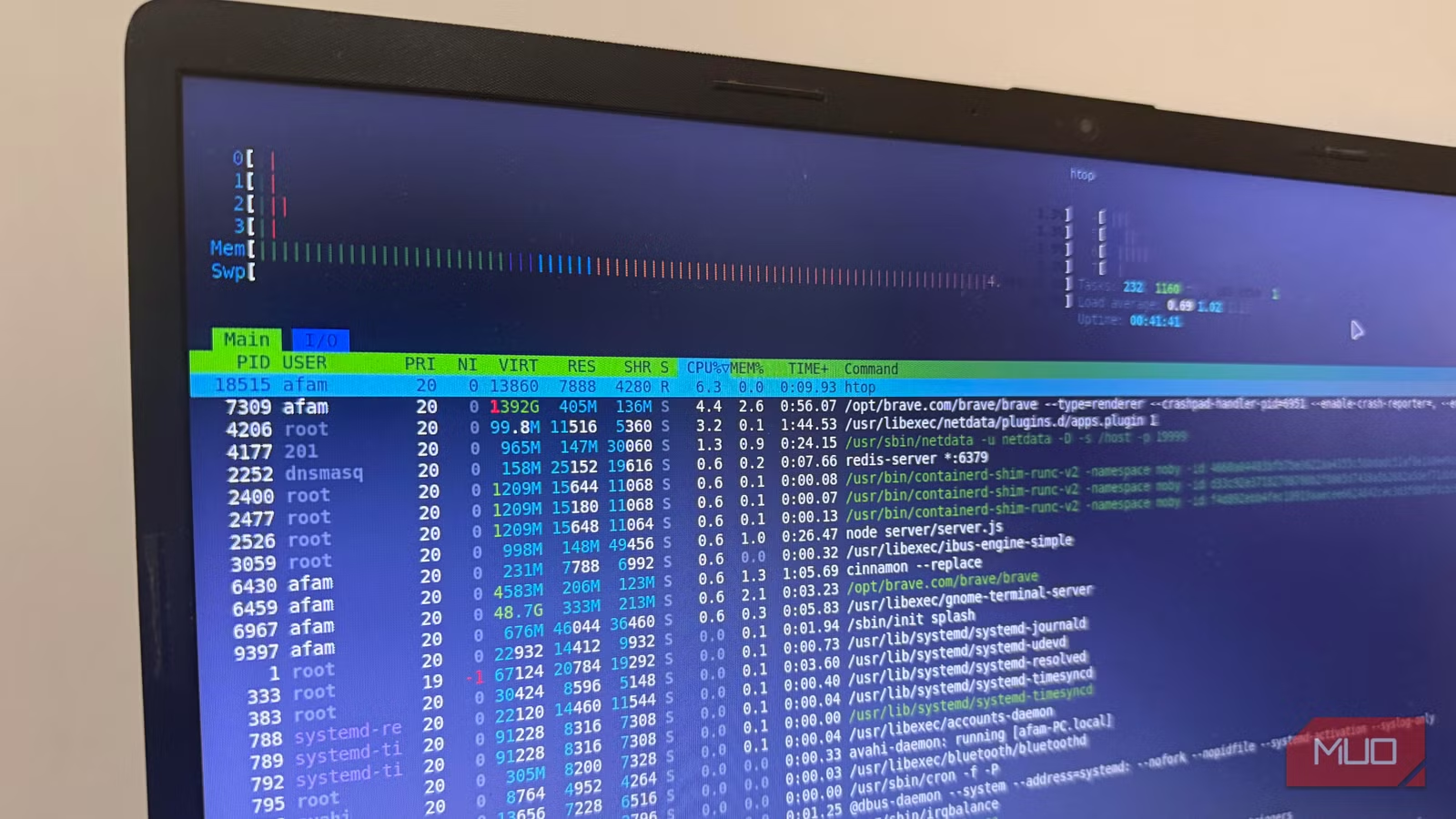
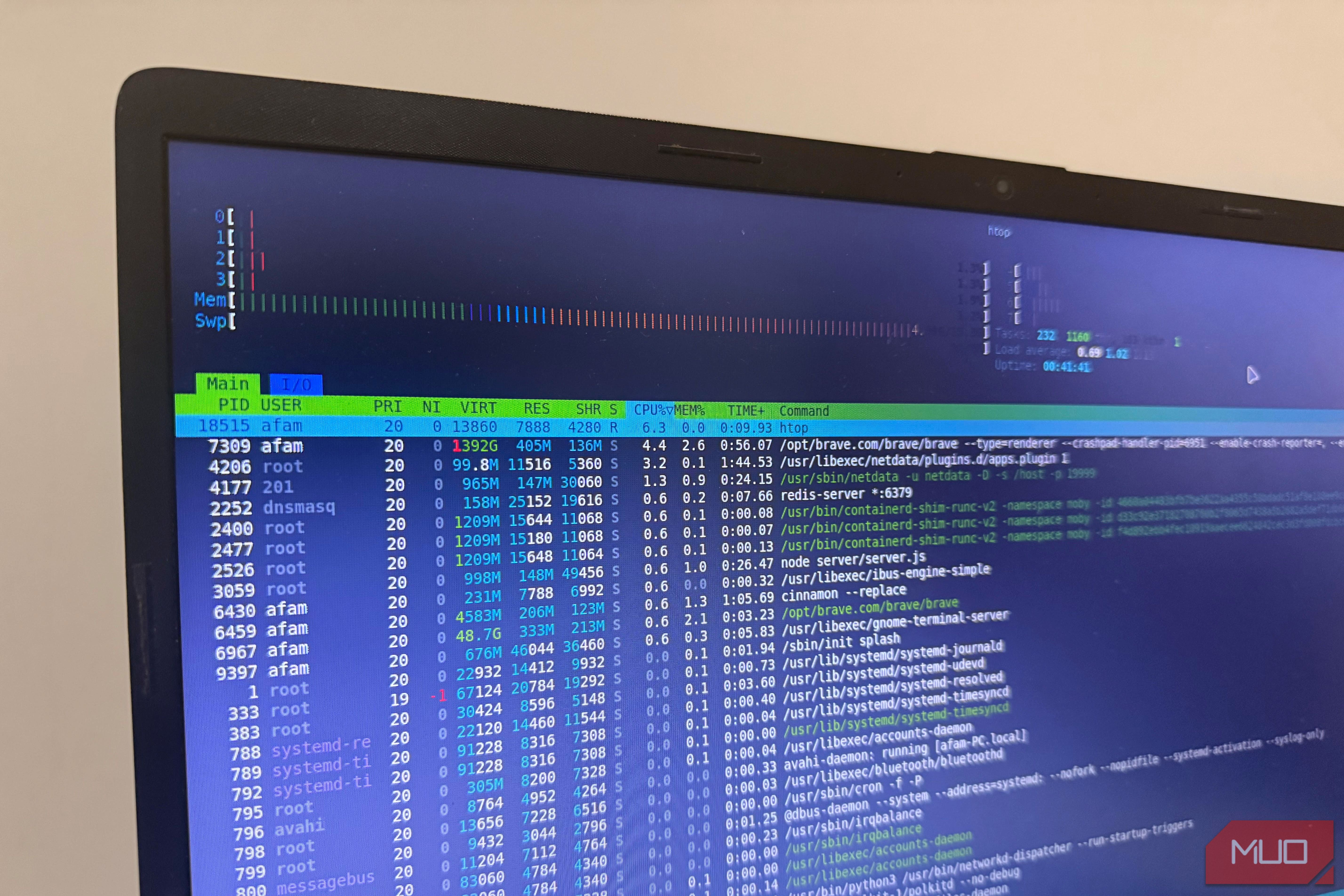
It was one afternoon, after my server ground to a halt with timed-out SSH connections and an unresponsive dashboard, that I learned the lesson. I initially thought it was a failing hardware component, but it turned out to be a single container hogging too much memory.
By default, Docker doesn’t impose memory limits on containers. Without asking for permission, Linux’s OOM killer terminates processes to recover memory when the system runs out of RAM. Even important processes may be terminated.
The OOM killer prioritizes processes by a score it calculates automatically, which means your most memory-hungry container could survive while a smaller but critical service gets terminated instead.
You need to recognize the problem before it develops, and running the command below shows real-time memory usage per container:
docker stats
If there is a problem, it becomes instantly obvious. You can proceed to set limits for the heaviest containers by opening their docker-compose.yml. For a standalone Docker Compose, add this under the service:
services:
your-service-name:
mem_limit: 512m
Here is a modern syntax for a newer setup using Docker Swarm or a recent Compose version:
services:
your-service-name:
deploy:
resources:
limits:
memory: 512m
Logs filled my drive
Storage vanished overnight
I always felt logs were a backend concern that only really mattered in a production environment. I didn’t think they should affect my small home server setup, which had just a handful of containers. This was a false assumption that cost me much more than I’d like to admit in troubleshooting time.
When services started failing, I didn’t recognize how or why. I saw strange errors, and some containers stopped writing data entirely. I kept going down the wrong path, assuming it was corrupted installs or failing hardware.
I didn’t know that there was no size cap for Docker logs. With a single container that is chatty, you could fill up several gigabytes over a few weeks, and Docker doesn’t warn when the drive fills up.
Run df -h / and watch the Use% column to check your available disk space.
To avoid such a situation, run this command to install ncdu: sudo apt install ncdu. Then run this command to see what’s taking up space: sudo ncdu /var/lib/docker. The next step is adding log rotation in the docker-compose.yml file. To do this, update or add the following under the service:
services:
your-service-name:
logging:
driver: json-file
options:
max-size: “10m”
max-file: “3”
These simple steps may take just a few seconds, but they’ll save you a lot of pain.
Related
Linux Mint was throttling my modern hardware by default — 3 changes fixed it completely
Free RAM sitting idle while apps stutter is a configuration problem.
I trusted latest
One update broke everything
Afam Onyimadu / MUO
The latest tag was the common denominator in all the guides I read. It meant I was always on the newest version, and it looked clean and didn’t need maintenance. It was only when the latest update broke a service I heavily relied on that I understood what the newest version meant in practice.
After running a new update, there were no errors from my container. However, between versions, the app within had changed. This ruined my earlier configurations because they no longer applied to the new version. After hours of troubleshooting without success, I realized nothing was actually broken; it had just changed under the hood without any notifications.
It became even more stressful when I realized there wasn’t any direct rollback option, since latest doesn’t keep a record of what you were running before. I hadn’t written my configuration down, and Docker doesn’t keep that history.
The fix is version pinning, and it’s quite simple. Visit the image’s Docker Hub page, then select a version number, something like 1.2.3. Instead of using latest, replace it with 1.2.3. So, your-image:latest becomes your-image:1.2.3. Whenever there is a new version, run it on a different port to test it, and update your main setup after you’re convinced it works perfectly.
I skipped health checks
Everything looked online
As long as all the containers were up, and I saw green lights across my dashboard, there was no reason to second-guess my setup. Then, out of the blue, I couldn’t access a service that was “healthy” and running fine.
I spent the next twenty minutes checking my compose files, rereading documentation, and restarting the container. Eventually, I realized that Docker only knows that the container process is alive; it doesn’t really report whether the application within is functioning properly. So, for instance, even if a web page is only returning errors, as long as it’s running as a process, Docker reports it as up.
A good practice is to add a healthcheck to docker-compose.yml. With a simple curl command against a service’s local port, running every thirty seconds, you can catch failures quickly. Here is a simple example:
services:
your-service-name:
healthcheck:
test: [“CMD”, “curl”, “-f”, “http://localhost:8080”]
interval: 30s
timeout: 10s
retries: 3
However, Uptime Kuma was the tool that changed how I monitor my homelab. It can catch failures that Docker misses by checking the services from outside Docker. Once something stops responding, it notifies you instantly.
The mistake underneath all the mistakes
The root cause of all the errors I encountered was assuming things I had set up were fine. This can be partially attributed to how easy Docker makes setup. It’s tempting to just move on. The real lesson is that running is not the same as running well. It saves you a lot of troubleshooting if you spend an afternoon auditing your setup. The things to look out for include resource limits, exposed ports, and image tags. This way, you don’t end up making some of the mistakes I made.
OS
Linux, Windows, macOS
Individual pricing
Free (Personal)
Docker is a platform that packages software into lightweight, isolated units called containers. It bundles application code, libraries, and dependencies together, ensuring software runs identically on any machine. By sharing the host operating system, Docker eliminates compatibility issues, speeds up deployment times, and maximizes server efficiency compared to traditional virtual machines.
