



:max_bytes(150000):strip_icc():format(jpeg)/copilot-windows-11-4b6b94ecb1224baa80fbce43434c1284.png)

Byte-Sized Brief
- “Hey Copilot” voice command is now live in Windows 11.
- Copilot Vision expands worldwide for screen-based help.
- New file actions and app integrations are also on the way.
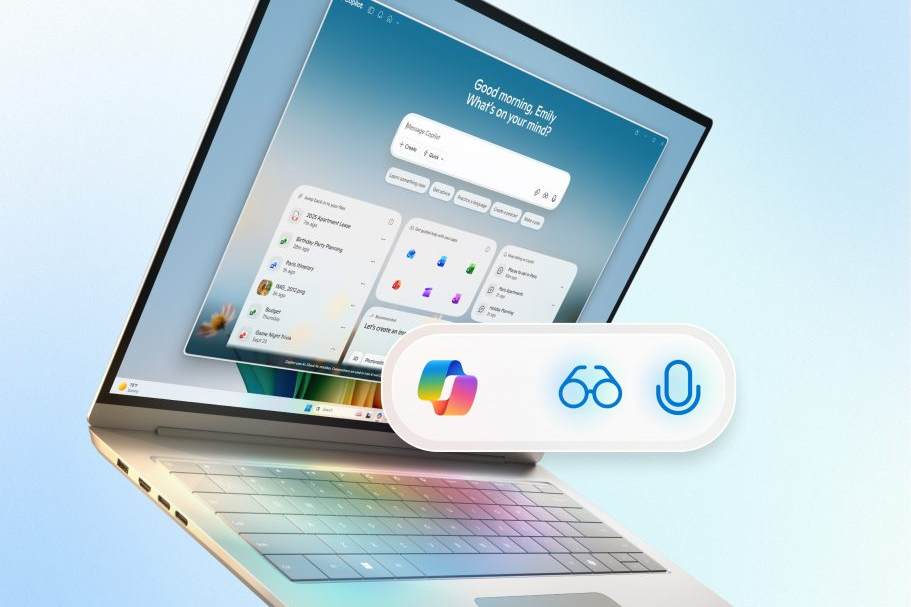
Microsoft is giving Windows 11 users a lot more to do with Copilot. You can now say “Hey, Copilot” to start talking to the assistant hands-free, and Copilot Vision, now available worldwide, can look at what’s on your screen to offer tips or guide you through a project. A new taskbar design with an “Ask Copilot” button is also rolling out soon for Windows Insiders, making it easier to pull up Copilot alongside your usual apps and files.
Microsoft
The company also announced Copilot Actions for local files, which let Copilot do things like pull details from PDFs or handle desktop tasks. Microsoft is also adding Copilot connectors that tie the assistant to your OneDrive and Google account so it can find what you need without jumping between apps. New AI actions will appear in File Explorer, too, including Manus, which can build a website from your local files, and a shortcut to edit with Filmora. Windows Insiders with Copilot+ PCs will also get a Zoom and Click to Do integration that sets up meetings instantly.
The Bottom Line
Windows 11 is getting smarter and more connected with voice access, worldwide Copilot Vision access, new taskbar tools, local file actions, and deeper integrations with apps and services.
Thanks for letting us know!
Subscribe
Tell us why!
Other
Not enough details
Hard to understand


