



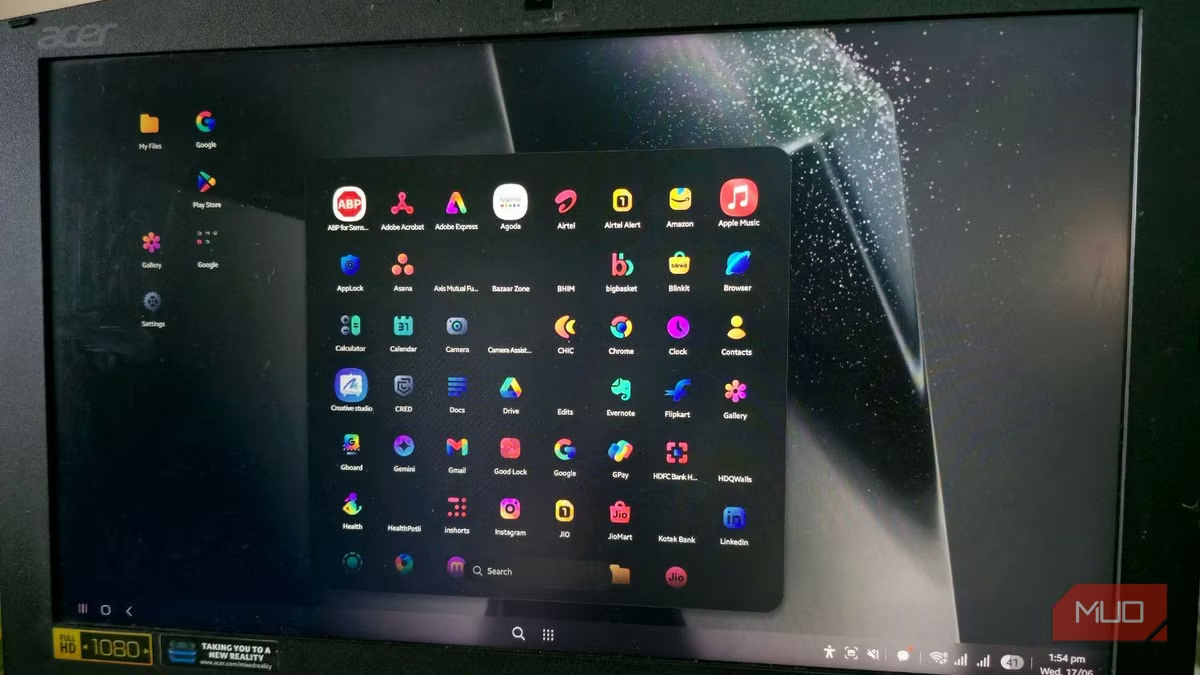
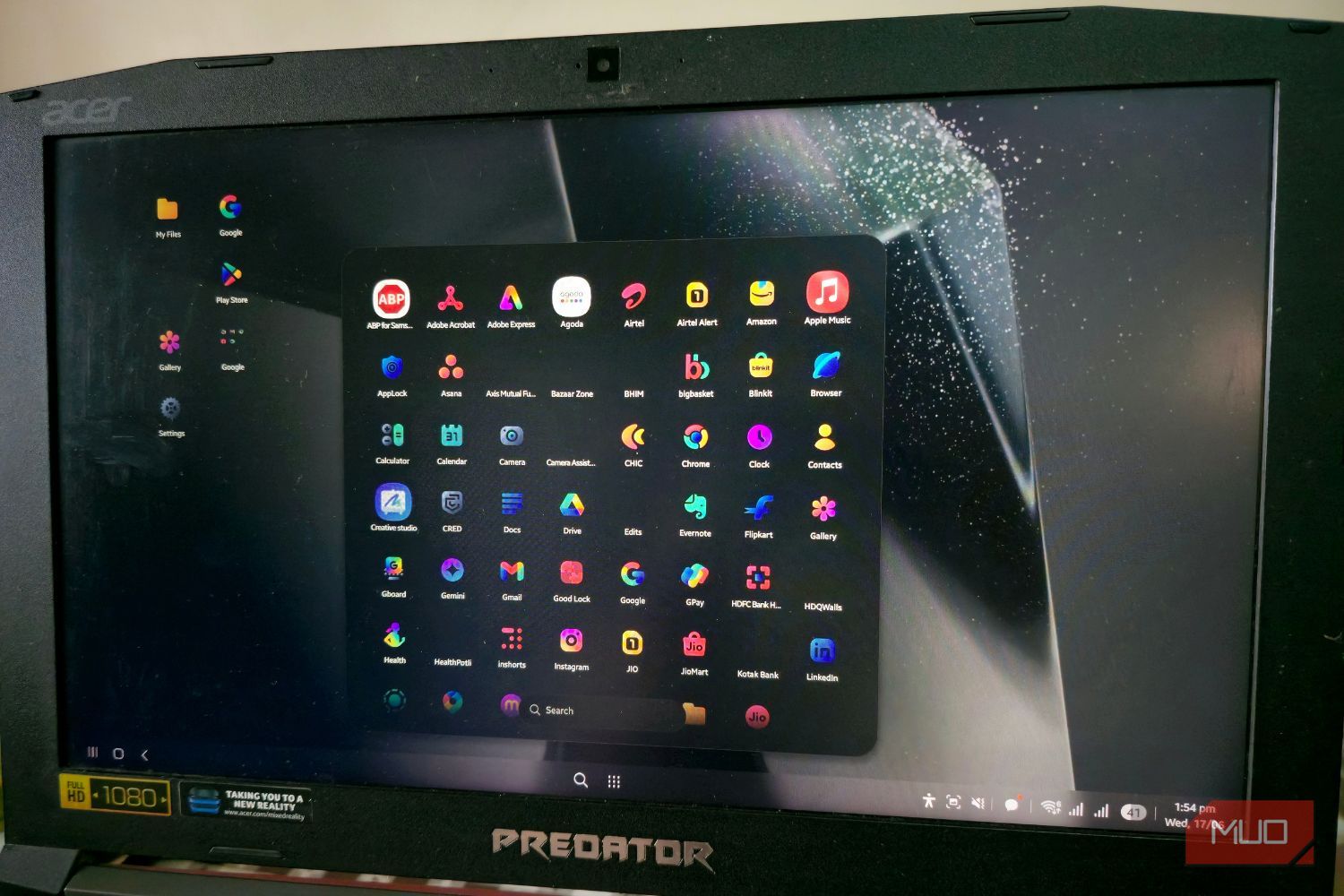

I used to treat Samsung DeX as a neat party trick. I’d mostly use it to show my vacation photos and videos, or occasionally impress friends by turning my Galaxy phone into a desktop when connected to a smart TV or monitor. Aside from this, there wasn’t any particular reason to use Samsung DeX. But recently, after updating my phone with the latest One UI 8.5 update, I could literally see how much DeX has changed from a mere feature into a productivity powerhouse.
Related
7 Clever Ways to Use a Monitor Without a Computer
You don’t need a computer to use your monitor.
Old DeX was just a feature
Plug in, rearrange everything, repeat
Tashreef Shareef / MakeUseOfCredit: Tashreef Shareef / MakeUseOf
Before the One UI 8.5 update, Samsung DeX felt like just another fancy feature. While it did provide a mobile desktop setup, anywhere, anytime, it wasn’t truly a complete desktop experience.
Every time I launched DeX, it forgot what I’d done last session — no remembered apps, no remembered window sizes. I had to rebuild my setup from scratch, every single time. It wasn’t a dealbreaker, but it was a recurring annoyance — the kind of small friction that adds up when you use a feature often.
That’s why DeX stayed a “nice to have” instead of a daily driver — until One UI 8.5.
I can see the changes when I connect my phone
Samsung DeX is quite close to a full desktop experience
A real desktop replacement has to handle multiple windows without making you want to pull your hair out. With One UI 8.5, DeX finally gets there.
One of the biggest changes I saw when I connected my Samsung Galaxy phone to my monitor was the introduction of virtual desktops. Just like on Windows and macOS, you can now run four separate instances of Samsung DeX environments at the same time.
This means you can have your work-related apps like Slack, Meet, Zoom, etc., in Desktop 1, while having your entertainment apps like YouTube and Instagram on Desktop 2. To switch between them, you can either tap the menu on the bottom bar or swipe three fingers across your phone’s display. Samsung DeX has also gained support for Command + Arrow shortcuts to move windows, something PC users will likely welcome.
Previously, DeX used to feel like a blank office wall, functional but lifeless. One UI 8.5 lets you add widgets straight to the DeX home screen now. You can add the weather, calendar, and any other widget that you would normally glance at on a phone.
I added a weather and calendar widget, which is what I usually pick up my phone for while working. Support for widgets in DeX cuts down on how often I open a separate app or pick up my phone to check something quick. You can add a widget by right-clicking anywhere on the home screen and selecting Widgets.
Related
8 Settings That Actually Make Your Samsung Phone Run Faster
Make your high-end phone actually feel high-end.
Screen recording is here
Samsung has also fixed a DeX controller bug
Credit: AppX/YouTube
Previously, screen recording was not supported in DeX, and all you could do was grab a screenshot. One UI 8.5 not only adds a screen recording feature, but it also lets you do partial screen recording. With this, you can choose exactly which region of the screen you want to capture before you press the record button, which is another small yet functional update to Samsung DeX.
I’ve tried gaming on Samsung DeX, and the experience has always been smooth. However, people who tried gaming with a controller experienced that the analog sticks would stop responding once the phone screen went dark. Because of this issue, people had to toggle on the option to keep the screen awake. Fortunately, with the One UI 8.5 update, the controller bug is now fixed. This means analog sticks and gamepads’ input will work properly even if the device’s screen goes to sleep.
One of the biggest updates with One UI 8.5 to Samsung DeX is that it now remembers window layouts. Now, after closing the app, when you reopen it, it will open in the same location and at the same size.
Samsung DeX has become impressive
To be clear: DeX still isn’t a full desktop replacement. Yes, the update has brought some quality-of-life improvements, but there are still stuff like a five-app limit per desktop, etc., that show Samsung still has multiple gaps to close. But if you have lighter usage needs, then DeX is the closest you can get to a desktop experience, especially when you’re on the move. So, if your phone has picked up the One UI 8.5 update, and you have a monitor and a USB-C cable lying around, you can give it a try and might eveb use it as a second desktop.
SoC
Snapdragon 8 Elite Gen 5
Display
6.3-inch Dynamic AMOLED 2x
RAM
12 GB
Storage
256 or 512 GB
Battery
4,300 mAh
Operating System
Android


