

If you’ve got an old laptop struggling to run Windows, there are several options available. However, if you want to continue using it as a primary or backup computer, an OS swap should be at the top of your list.
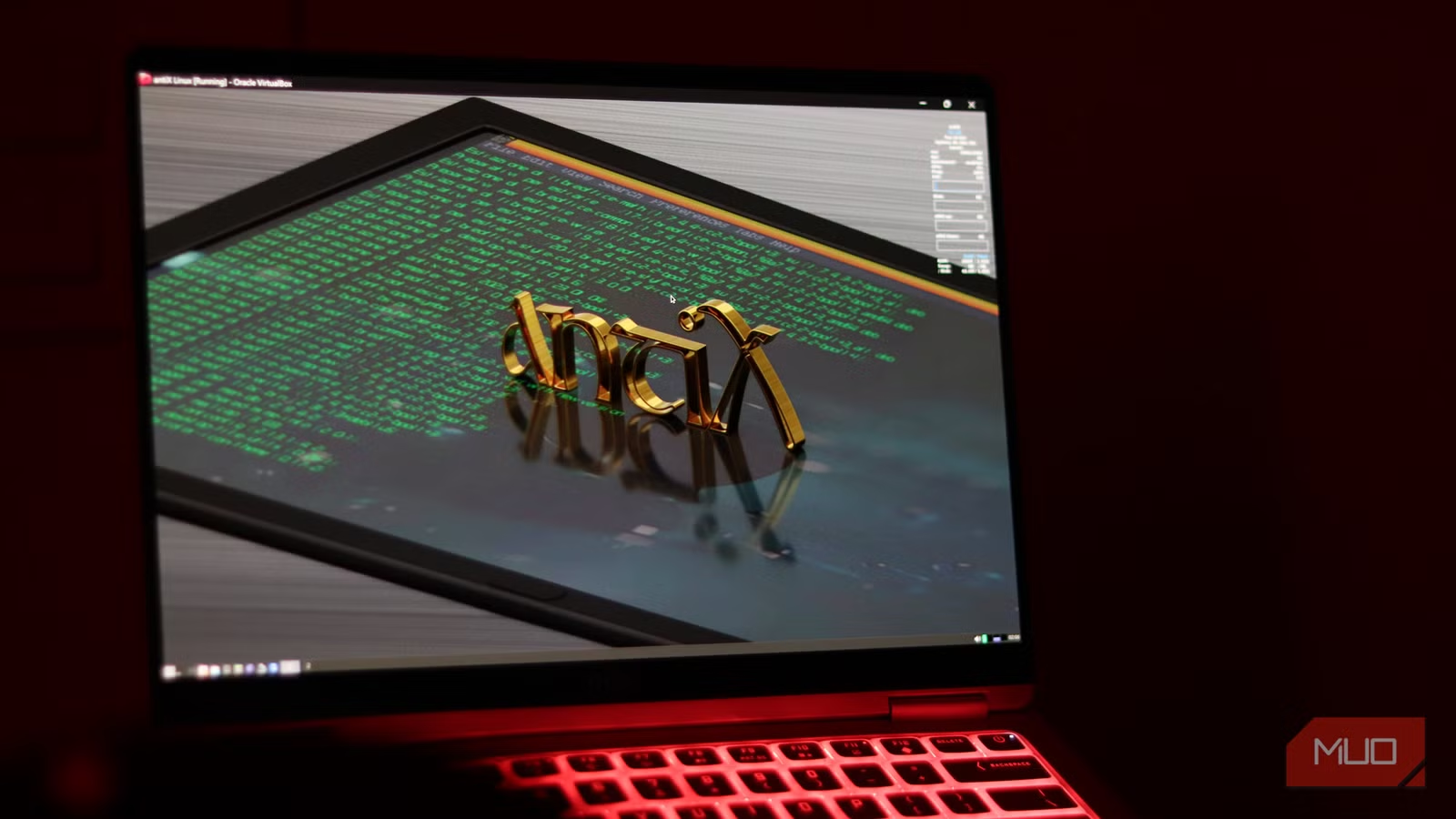
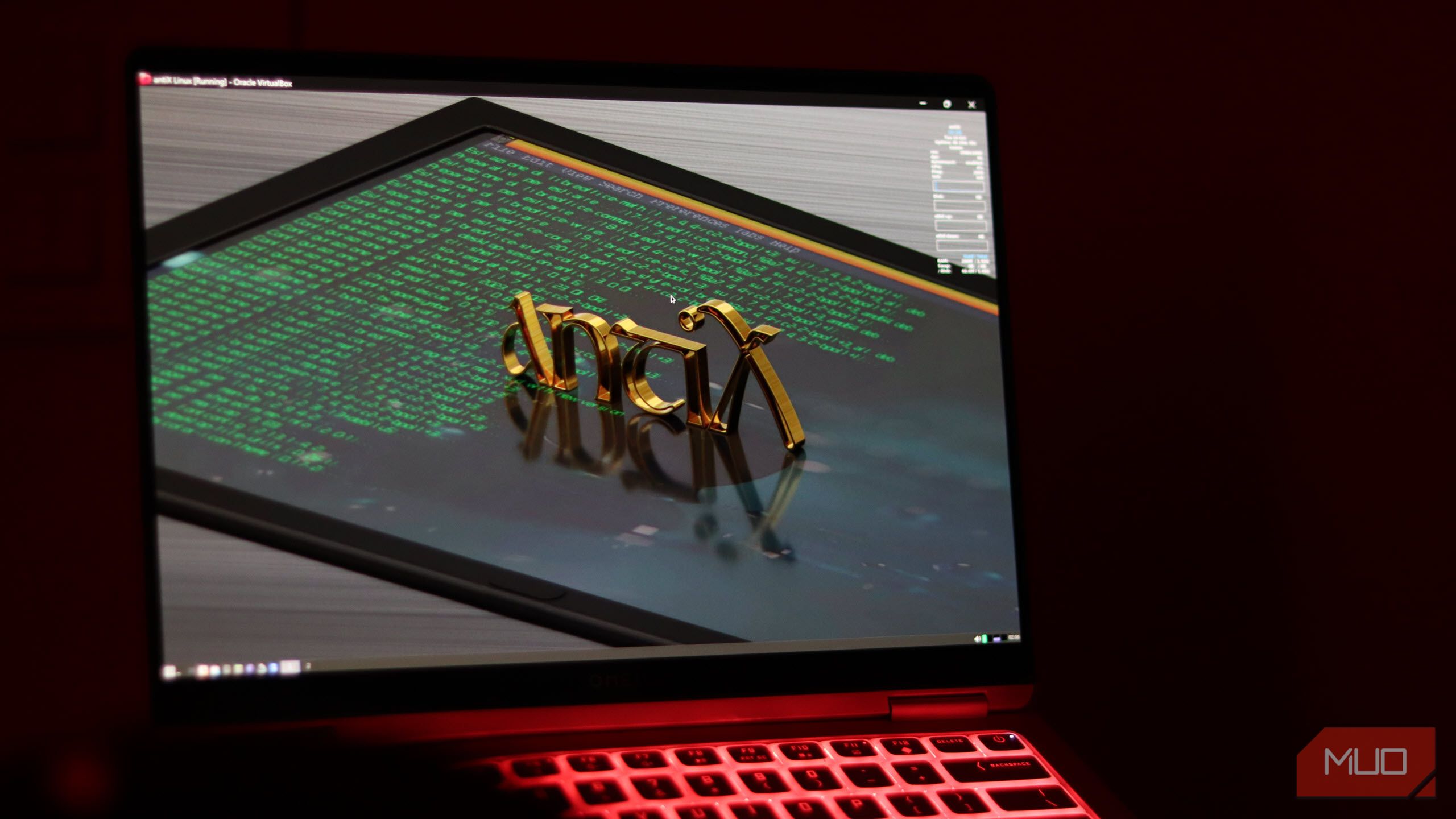
Thankfully, there are a good number of lightweight OSes that can make any slow PC fast. That’s exactly what I did on my old laptop as I bid farewell to Windows and switched to antiX Linux.
Why Windows laptops slow down
Bloatware, background tasks, and updates quietly kill performance over the years
Windows laptops tend to slow down more over time compared to their macOS or Linux counterparts. That’s mostly due to the OS evolving with time, adding more features, and hence, more background services. Windows also comes with a lot of bloatware and other pre-installed software you might not necessarily need, weighing it down.
Credit: Hannah Stryker / MakeUseOf
The system also accumulates all sorts of digital junk, like old files and caches that can slow down the performance of your laptop over time. I already have an annual ritual that keeps my Windows laptops running like new, but maintenance won’t make aging hardware perform faster. Eventually, you’re going to either buy a new, more powerful laptop or switch to another OS to maintain performance and, in severe cases, even usability.
Performance issues can also be attributed to bad usage habits that slow down your laptop. There are settings you can tweak to make your old Windows laptop feel faster, but there’s a limit to how much performance you can extract, and that might not be enough to run the latest version of Windows well enough. That’s where antiX comes in.
antiX brings your laptop back from the dead
This OS is tiny, fast, and runs smoothly on ancient hardware
AntiX is a fast, lightweight, and easy-to-install live Linux distro based on Debian. The antiX website claims that the OS should be able to run on any PC, only requiring a minimum of 512 MB RAM and 7 GB of storage space for a full install.
This means you can install antiX on PCs nearly two decades old, including Pentium-era machines, and still get them to a usable state. The extremely forgiving hardware requirement also makes it a great virtual machine OS. Since it’s based on Debian, you can add any features or apps you need later without much hassle as well.
It’s got the standard, clutter-free Linux interface that resembles Windows. antiX uses the lightweight IceWM window manager instead of heavy desktop environments like GNOME or KDE. It also boots without systemd and relies on the more traditional SysV init system instead, further reducing the memory overhead.
The distribution comes with a selection of lightweight Linux alternatives to popular programs to further reduce its digital footprint without necessarily compromising on usability. These include AbiWord instead of LibreOffice and Iceweasel instead of Firefox, among others.
However, antiX is offered in four different versions, which vary in their overall size and software selection. There’s a full edition (1.8 GB) with four window managers and LibreOffice, the base edition (1.2 GB) for those who want to start from scratch, a core edition (520 MB) with no GUI environment, and a net edition (220 MB) with advanced users.
It’s easier to use than it looks
You don’t need to be a Linux pro
The initial learning curve is relatively minimal if you’re familiar with Linux, but you don’t need to be a Linux pro to get started either. However, it’s not a Linux distro to switch to if you’re leaving Windows for the first time. In such cases, a more user-friendly distribution like Ubuntu or Linux Mint would be a better choice.
IceWM looks a bit dated compared to modern interfaces, but it’s functional and surprisingly customizable through antiX’s control panel. You can easily modify themes, configure the menu system, and adjust desktop behavior using a graphical interface.
In terms of performance, my old laptop can now handle basic web browsing and can even run several applications simultaneously. Installation took only about 15 minutes, and boot times dropped to well under 30 seconds.
Since your system isn’t under load just trying to run the OS, you’ll also experience better battery life and lower internal temperatures. Security updates also arrive regularly using Debian’s repositories, meaning you’re not exposed to risks simply for trying to repurpose an old machine.
What really works for antiX is its modular approach. You can start with a minimal base and add the tools and functionality you need. Software installation happens through APT, so you get access to a huge repository of Linux apps available via a single command. It can even run light Windows apps via Wine, although running more resource-intensive or modern programs will take some tweaking.
Give your old laptop a second life
A quick OS swap can save your old hardware from the recycle bin
The user experience can make it feel like antiX is making your old hardware perform any better than it already is. However, that’s not really the case. You’re still limited by your hardware—only less of it is being spent on running the OS and more on the tasks you’re doing. As long as you remember that and keep your expectations in check, you’ll be pleasantly surprised by how usable an old laptop can get with this OS.
It’s not going to be to everyone’s taste. antiX is specifically built to breathe life into old machines, and it proves that with the right software, old hardware can still provide a good computing experience.
